

Купить ResaleShop Simulator

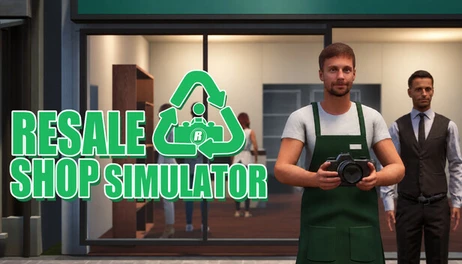
"Resale Shop Simulator" is the first-person perspective resale shop management sim. Inspect items, check sellers' IDs, research resale prices, and decide what to pay. Clean your purchases, set prices, stock shelves, and work the register as you turn a small shop into your own business.

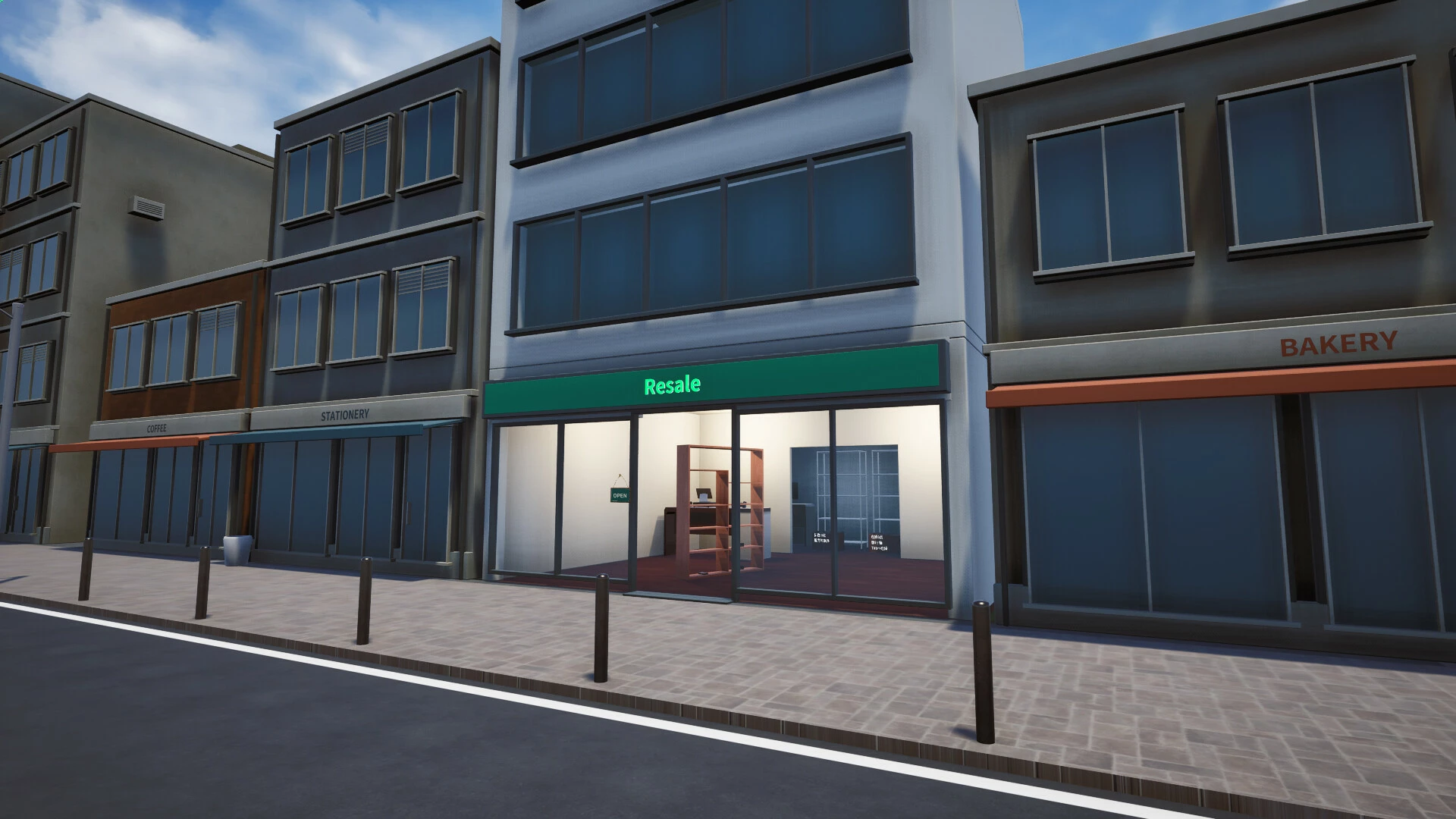
 What Is Resale Shop Simulator?
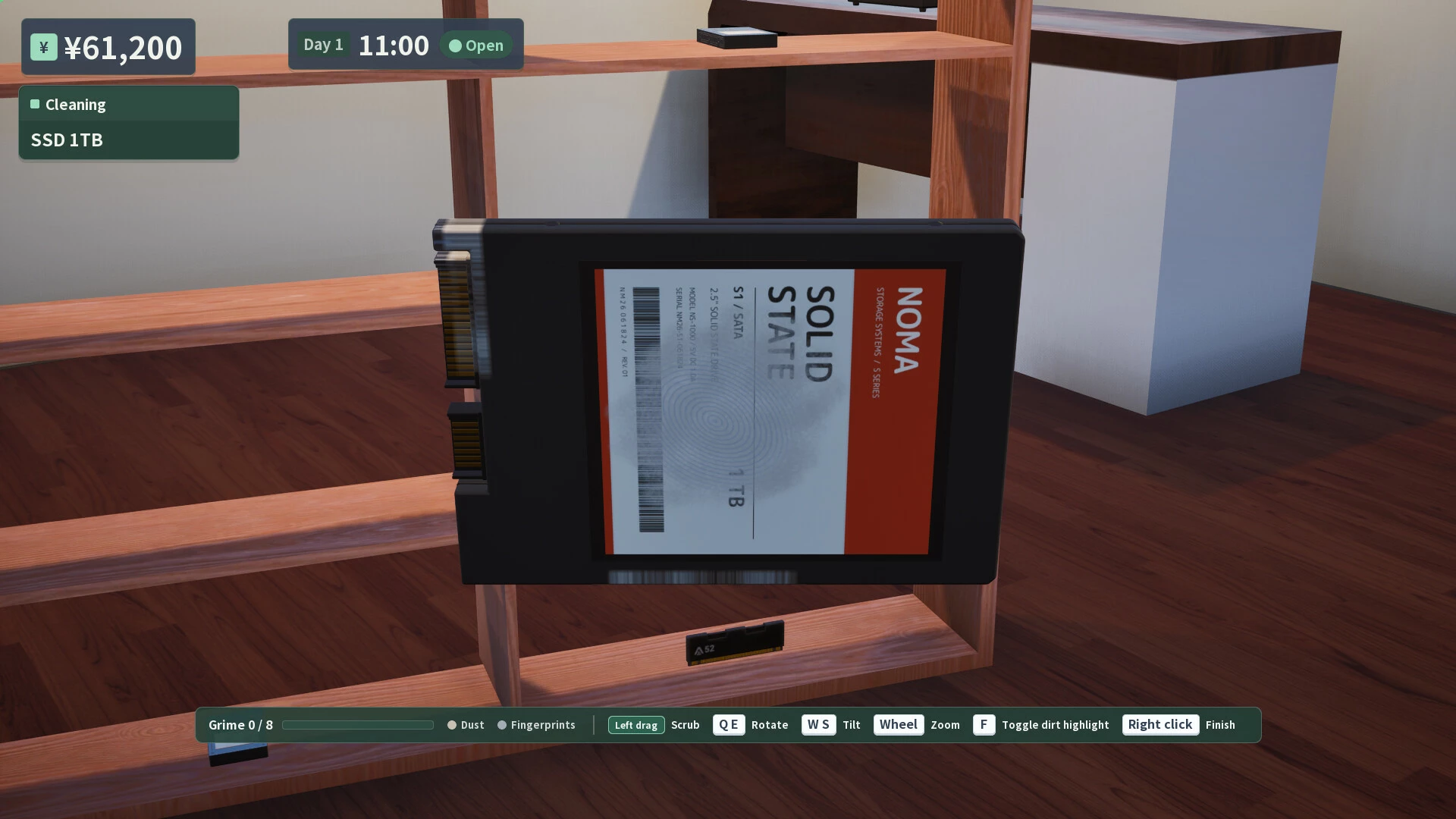
Resale Shop Simulator is a first-person simulation game where you run a small resale shop. You appraise and purchase items brought in by customers, clean them up, and put them on the sales floor. You handle everything yourself, from sourcing inventory to making sales.Inspect, compare, and make your offer
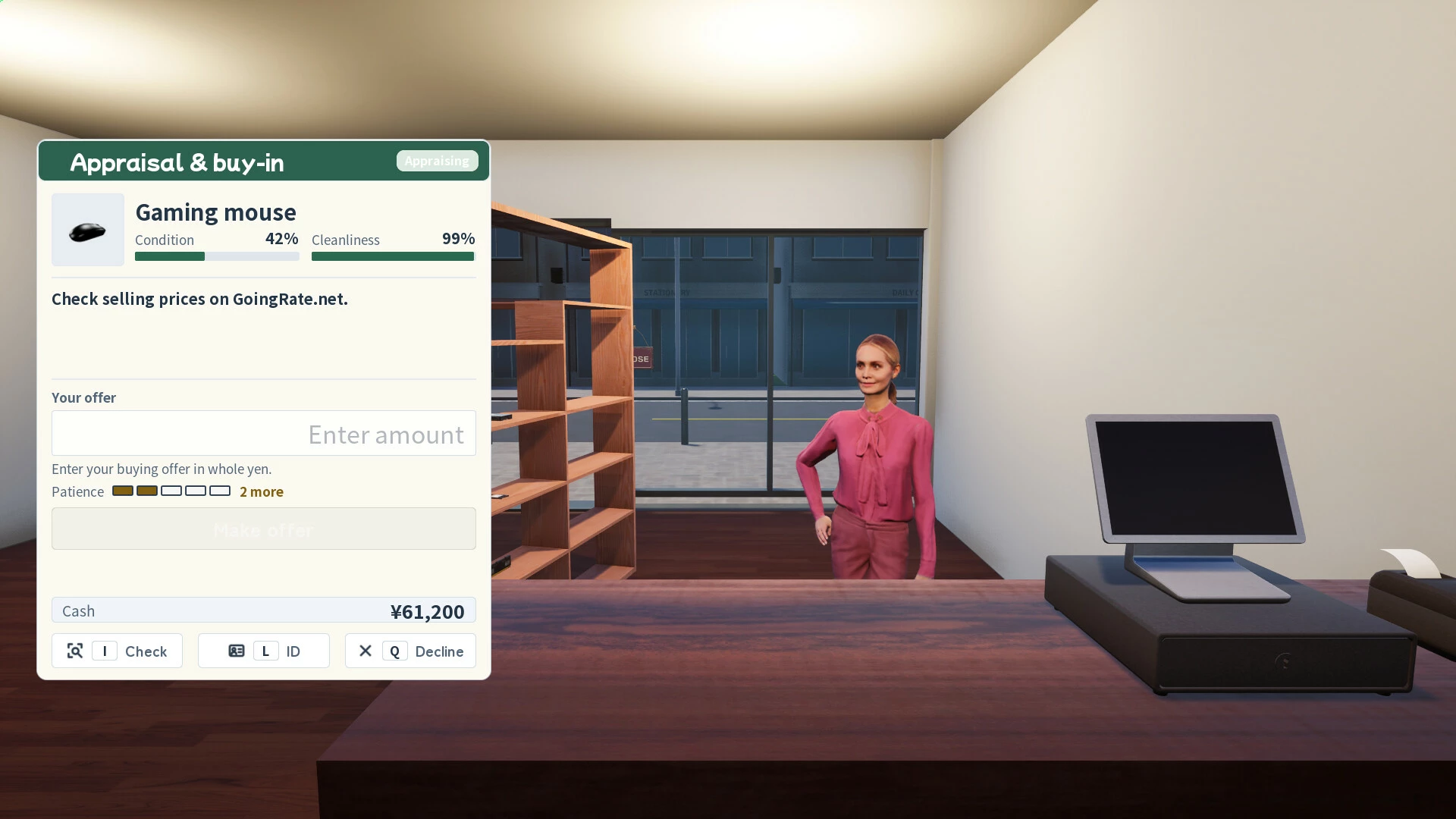
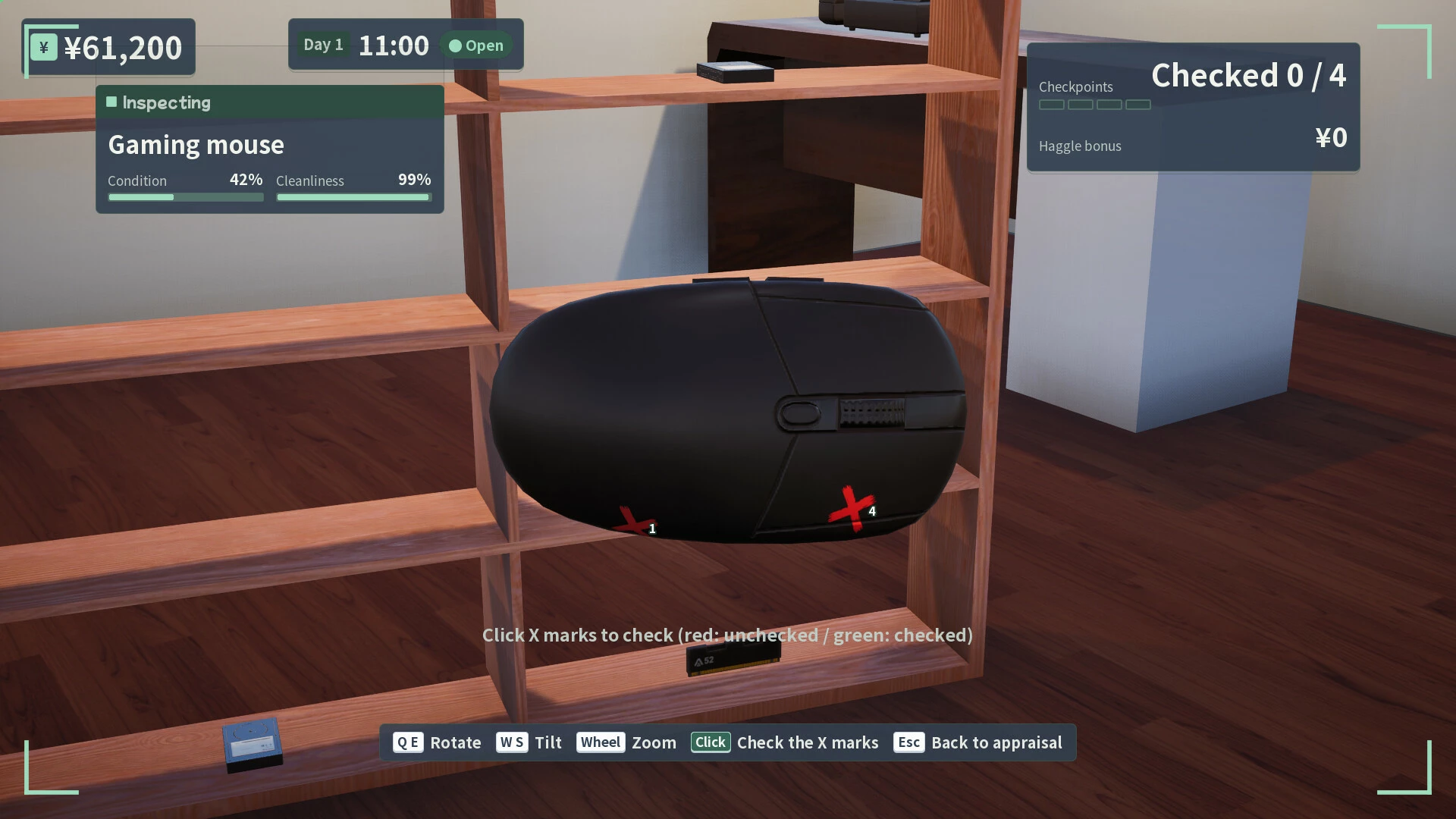
Rotate items and check their condition. Compare sellers' details and photos with their IDs and application forms. Use the shop PC to research resale prices for items in different conditions, then decide how much you can afford to pay. Make an offer or turn a purchase down—the decision is yours.
Check the item’s condition and current market price to determine the purchase price. Don’t forget to verify the customer’s ID.
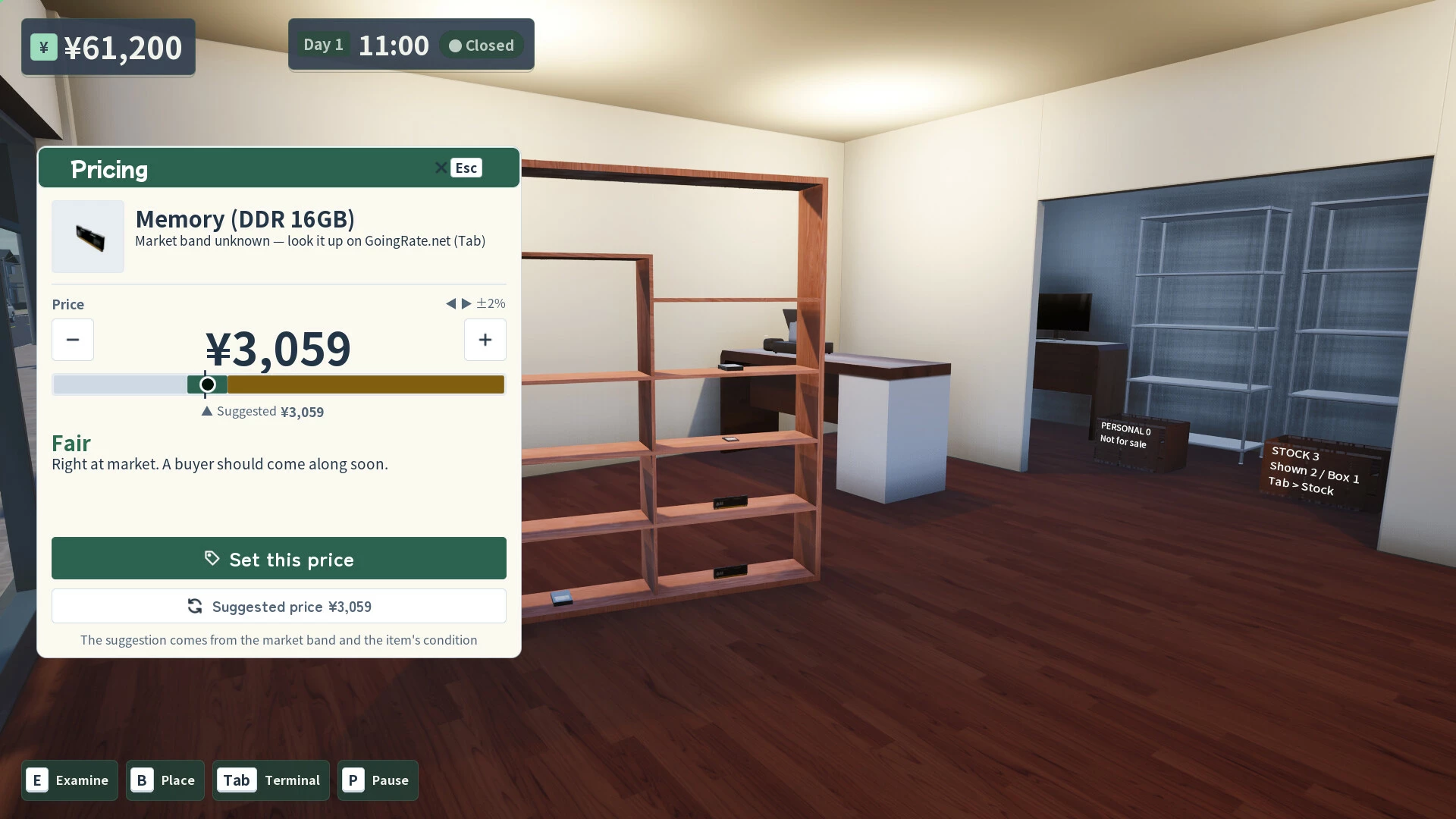
Rotate the items to check their condition. Compare the information on the application form and ID, including the photo. Checking market prices on the store’s computer will show you prices based on condition, which can help you make informed decisions.
How much should you pay to turn a profit? Should you buy the item or turn it down? The final decision is yours.
Clean and price the items, then move on to the next customer.
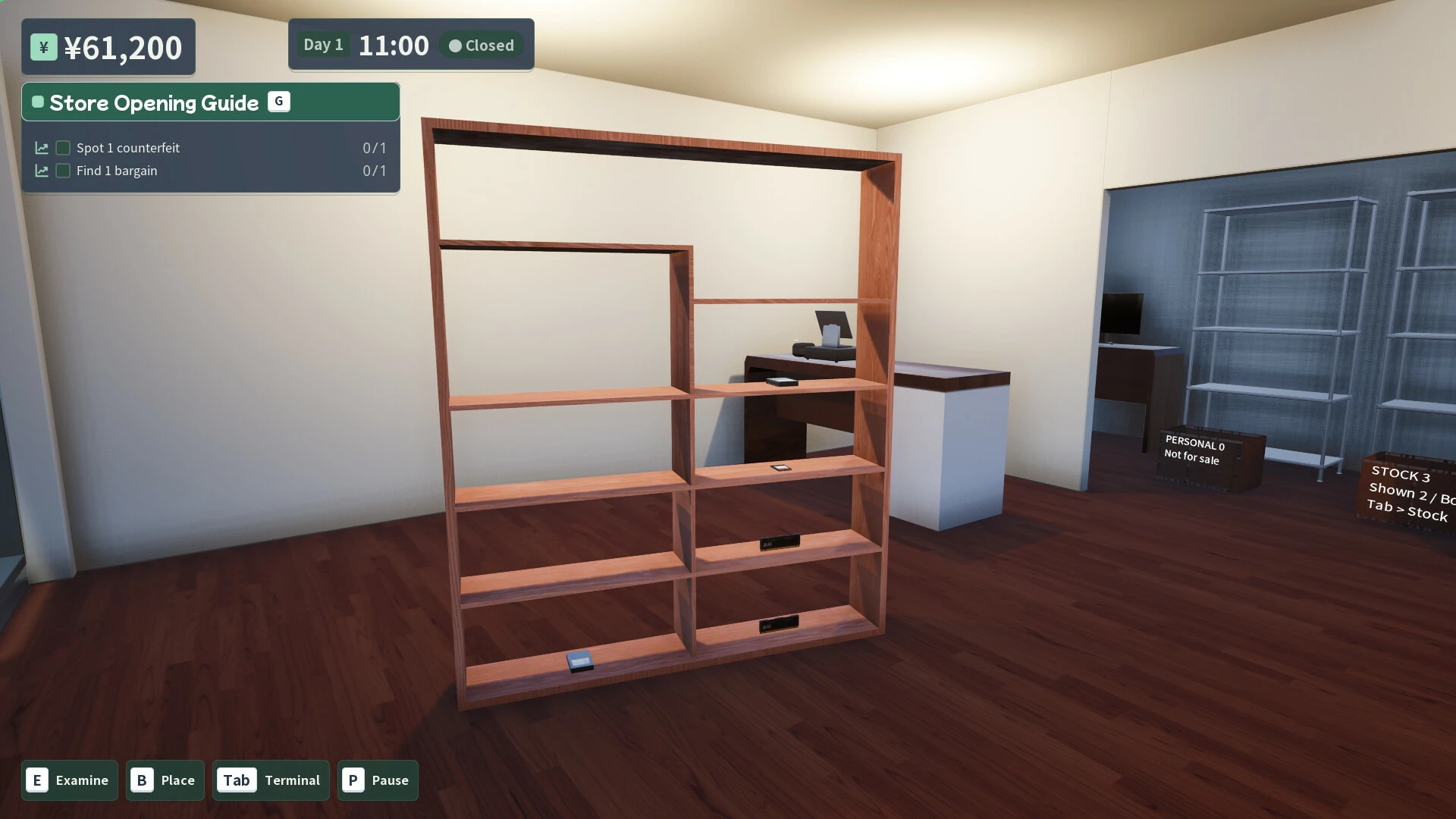
Once you’ve purchased an item, clean it and prepare it for sale. Set the selling price, display it on shelves or in glass cases, and welcome customers. Should you sell at a lower price to increase turnover, or set prices a bit higher to maximize profit? It’s part of a shop owner’s job to consider pricing and product selection while monitoring inventory and sales trends.
Run a Small Shop Your Way
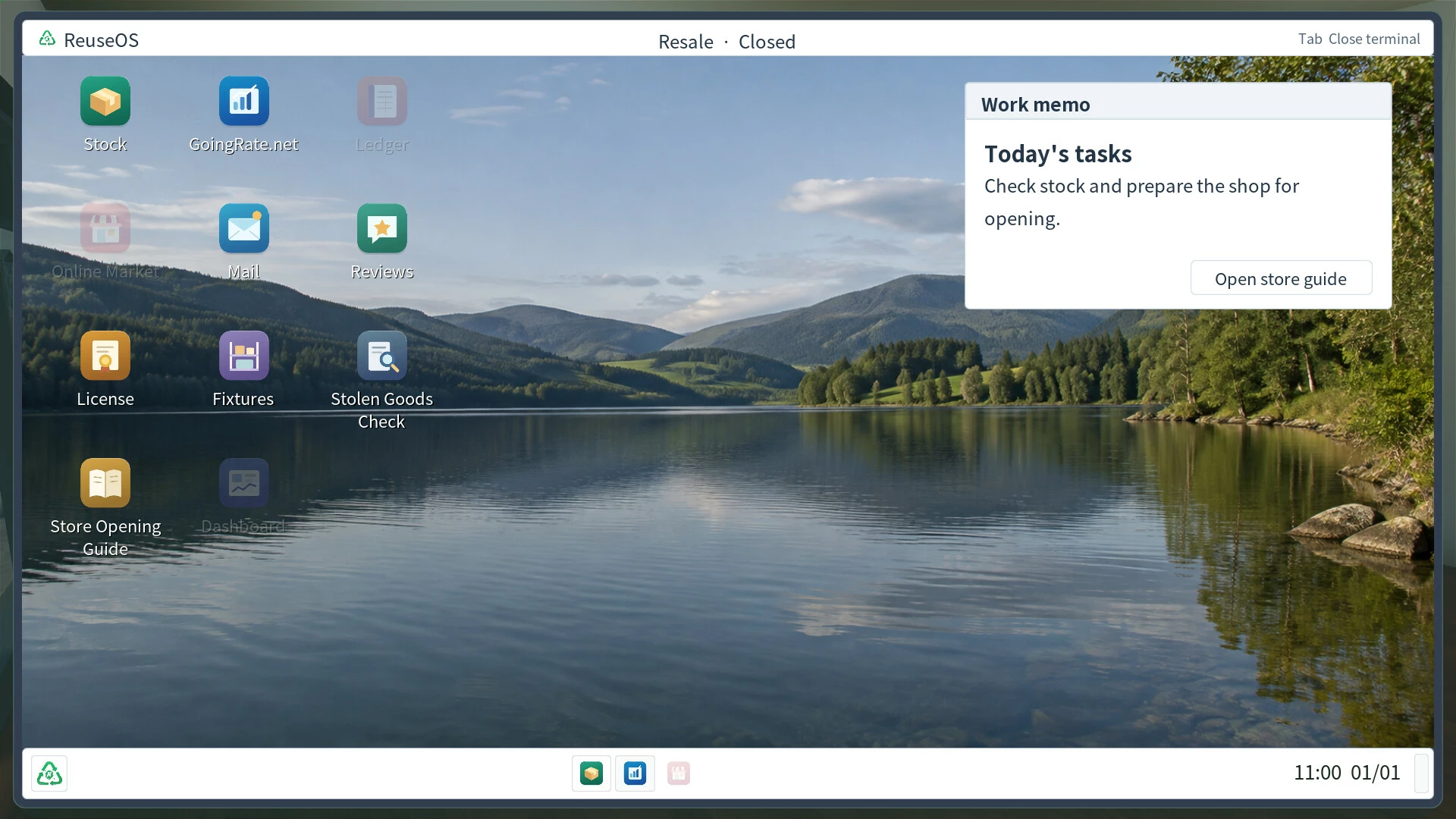
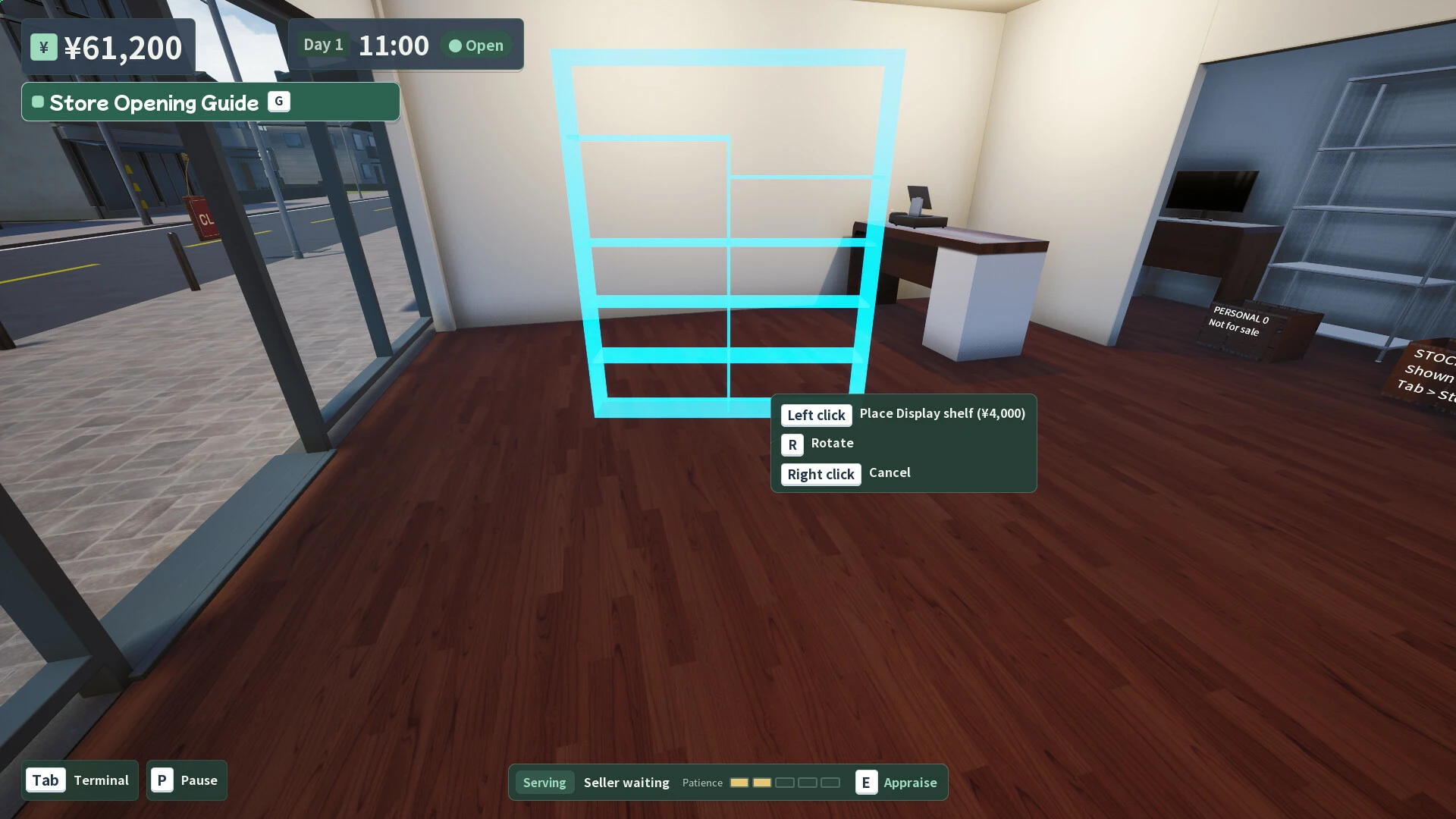
Set up shelves and other fixtures, arrange your merchandise, and process payments at the register. With ReuseOS on your PC, you can handle tasks such as market research, inventory management, and online sales. Review your daily sales report and use the insights to plan your next purchases and improve your store.
- Если не установлен Steam клиент, скачайте его для Windows (клиент также доступен на Mac и Linux) и установите.
- Запустите Steam, зайдите в свой аккаунт или зарегистрируйте новый, если у вас его еще нет.
- При оформлении заказа, предоставьте ссылку на свой профиль в Steam или ваш SteamID состоящий из 18 цифр (765***).
- Ожидайте приглашения от нашего бота (если у вас аккаунт с ограниченными правами) или добавьте бота в друзья (ссылка на бота будет предоставлена после успешной оплаты).
- После того, как вы добавите нашего бота в друзья, игра автоматически (время ожидания обычно составляет не более 5-30 секунд) будет отправлена вам в виде подарка (гифта).
- Примите подарок, добавьте в Библиотеку и нажмите «Играть».

















и мы вам напишем, если цена на этот товар снизится