
Купить STRANGER SAGA -流れ者バッチとイスキエルドの野望-

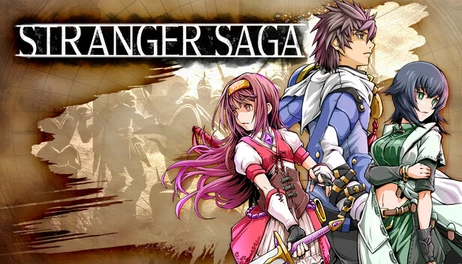
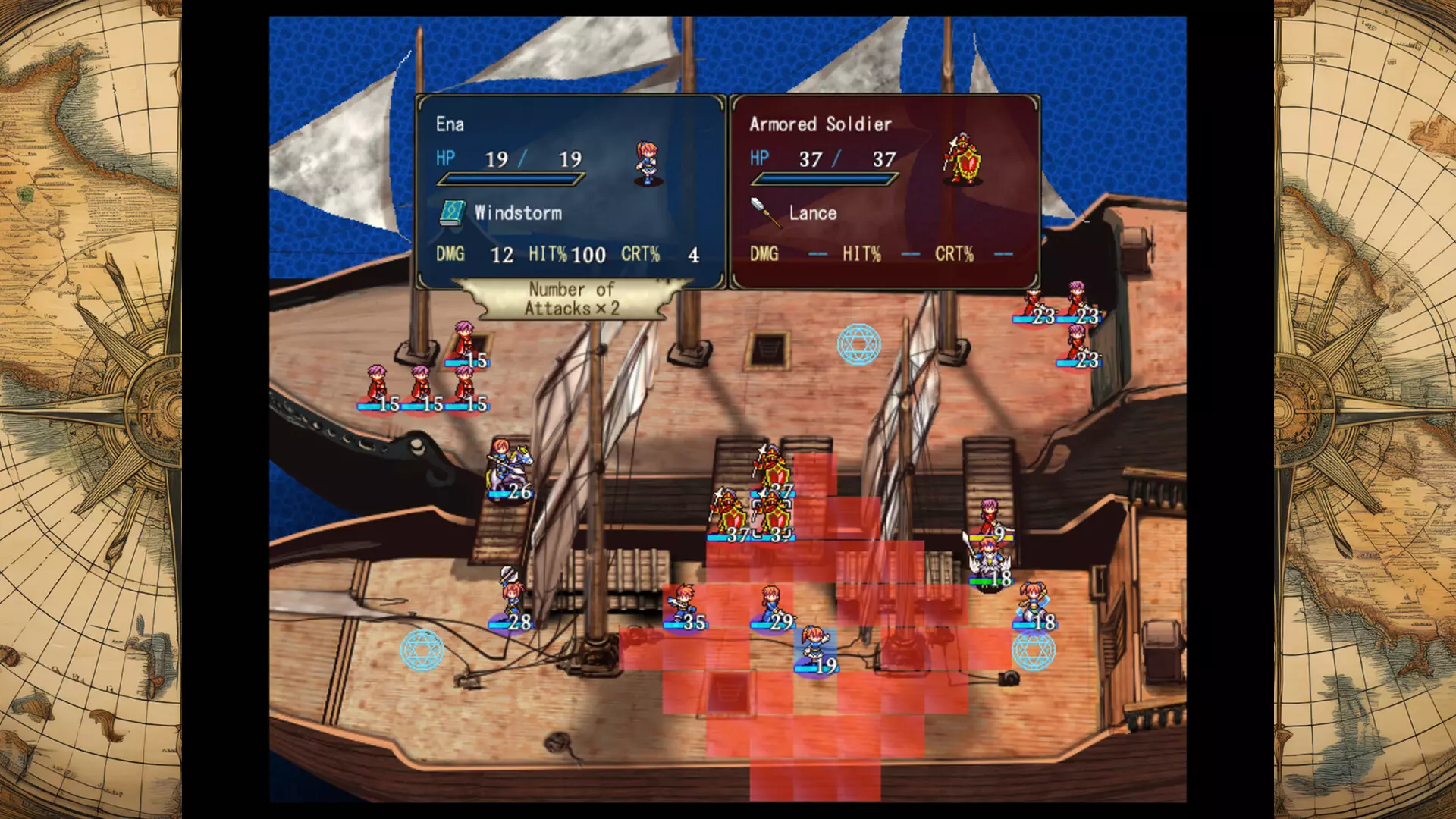
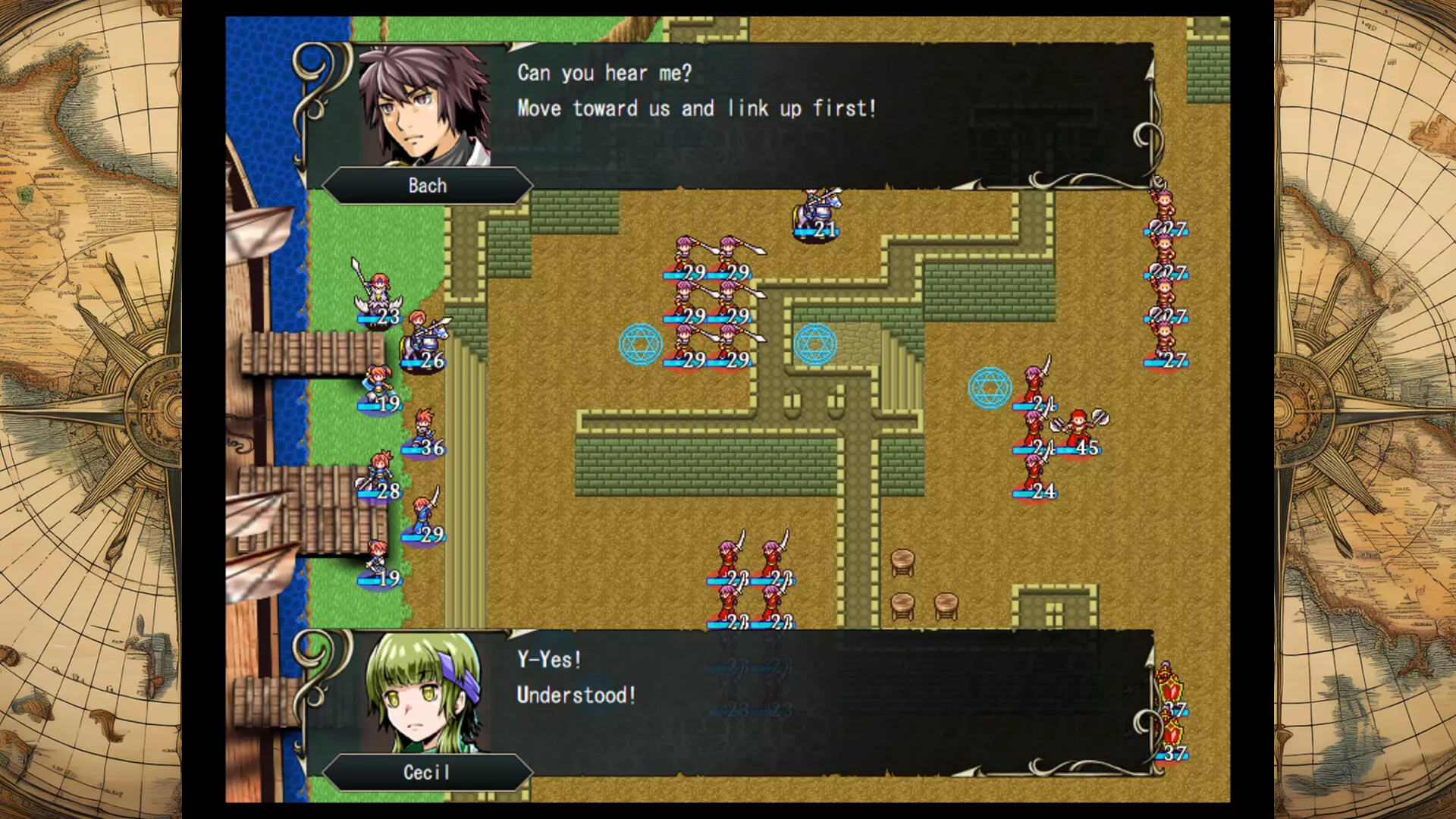
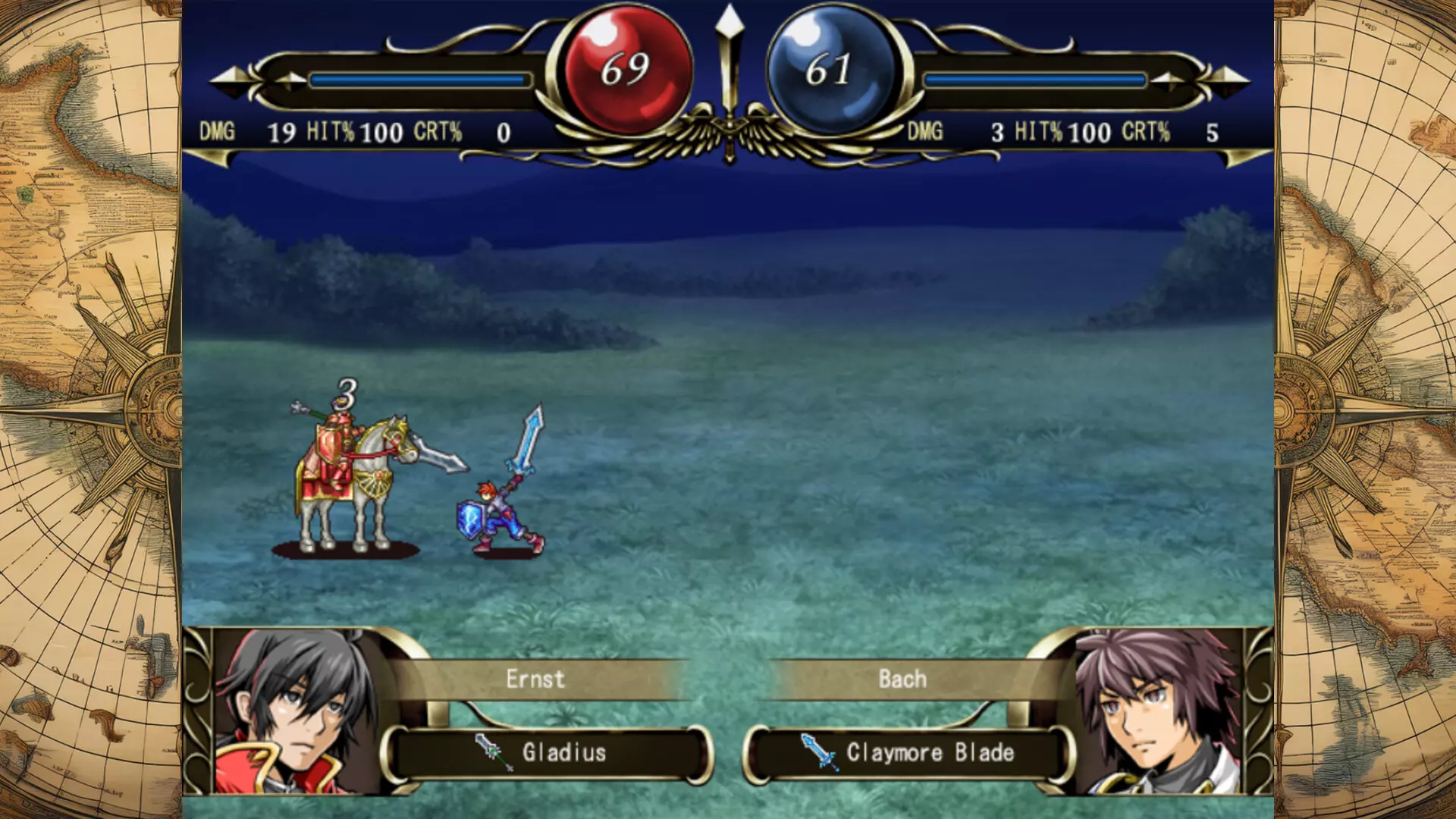
"STRANGER SAGA" is a turn-based SRPG where you lead a resistance army against a mighty enemy force. Raise citizens into elite warriors and conquer challenging strategy battles!

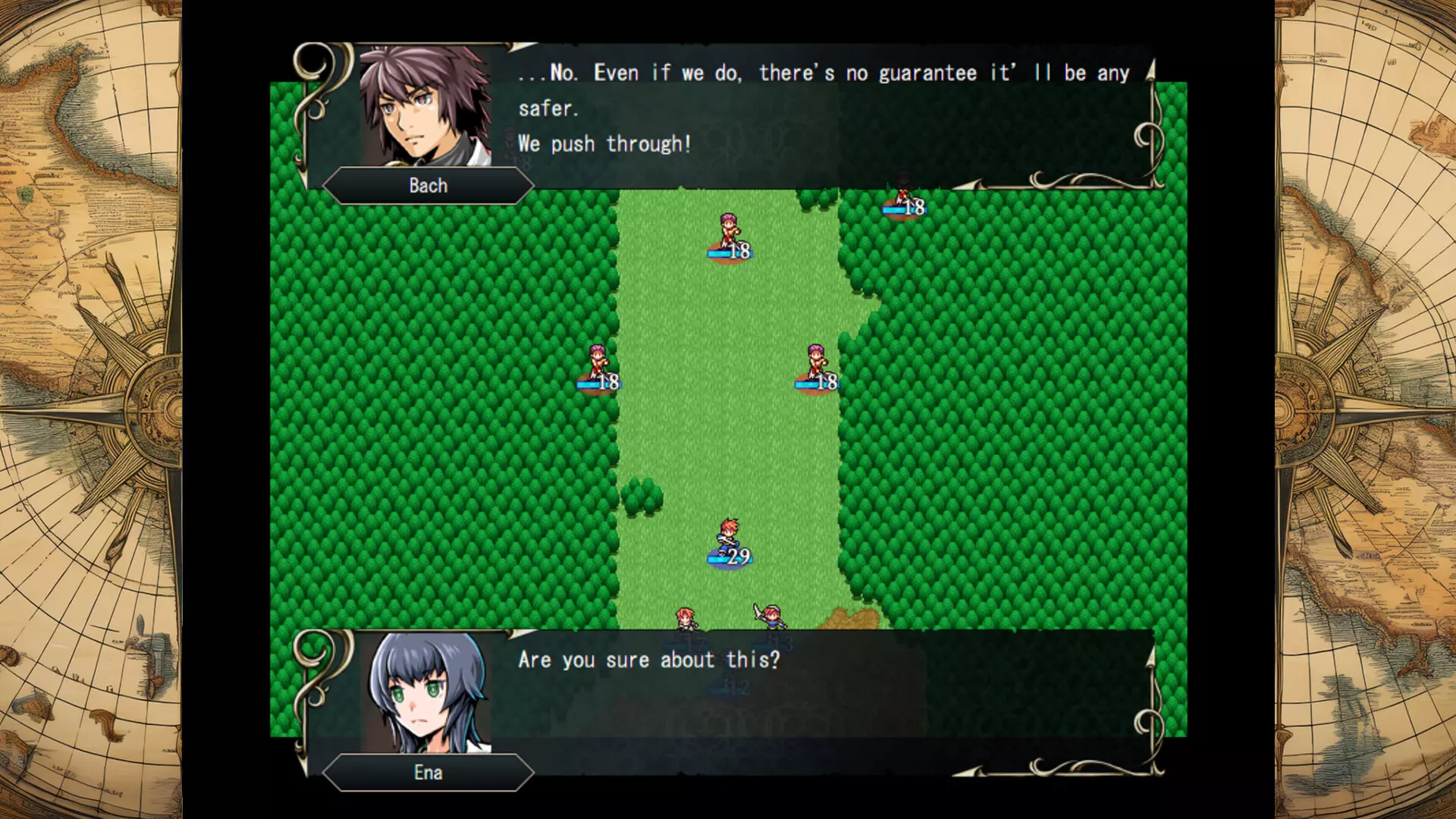
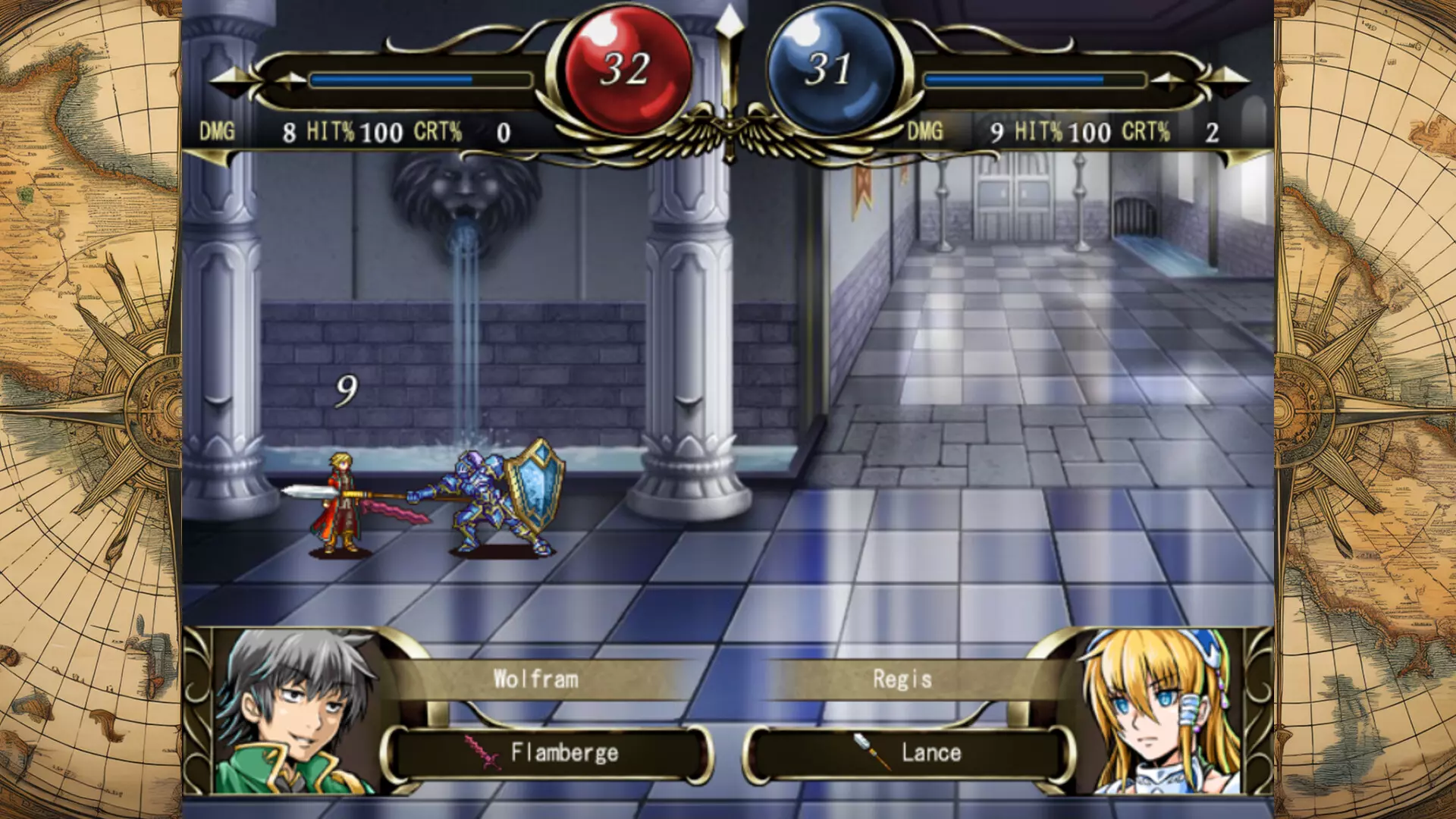
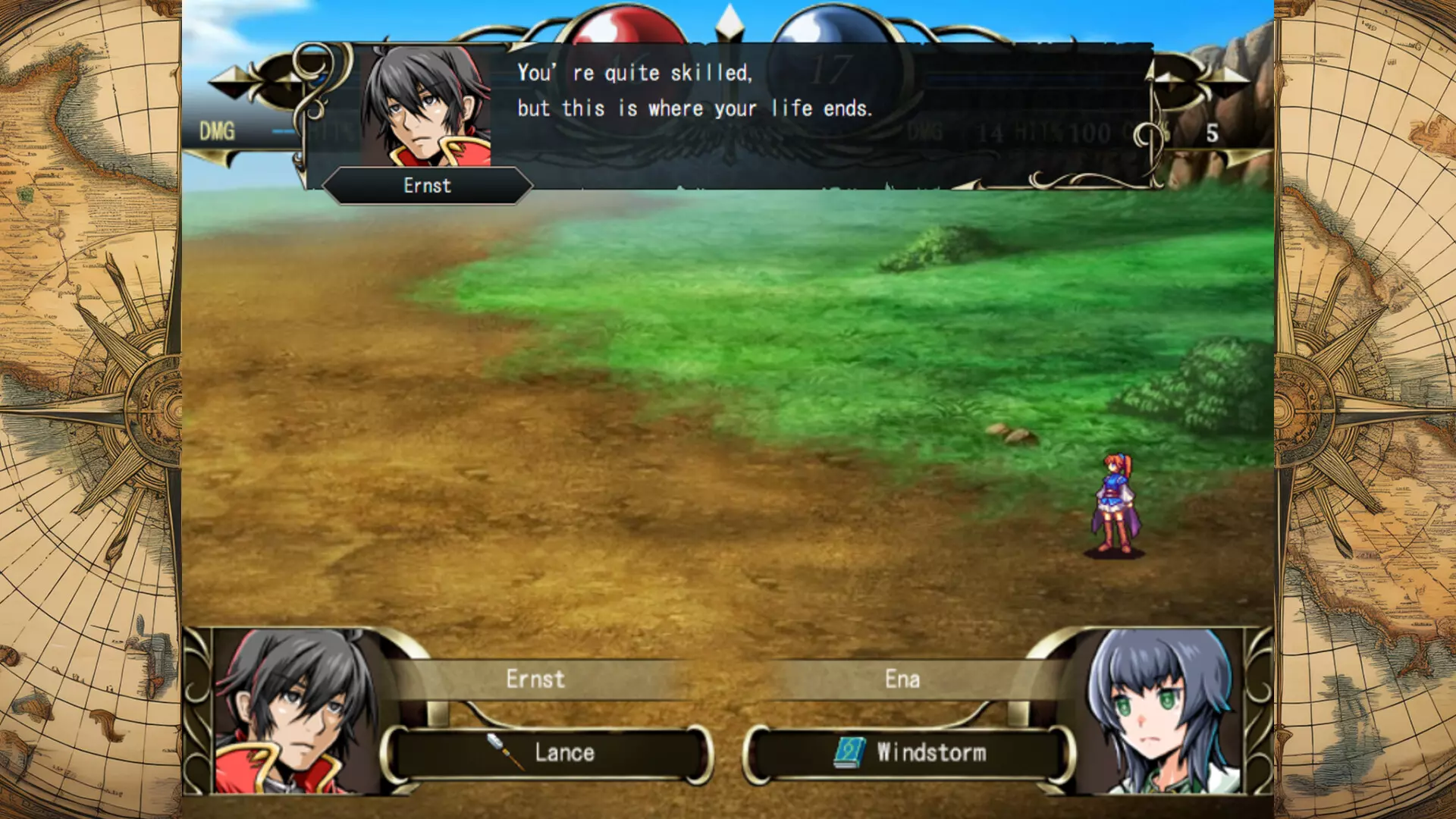
■The highly rated SRPG "STRANGER SAGA," which ranked high on Japanese distribution sites, is finally coming to Steam!
Train ordinary citizens into elite warriors and overcome fierce tactical battles!
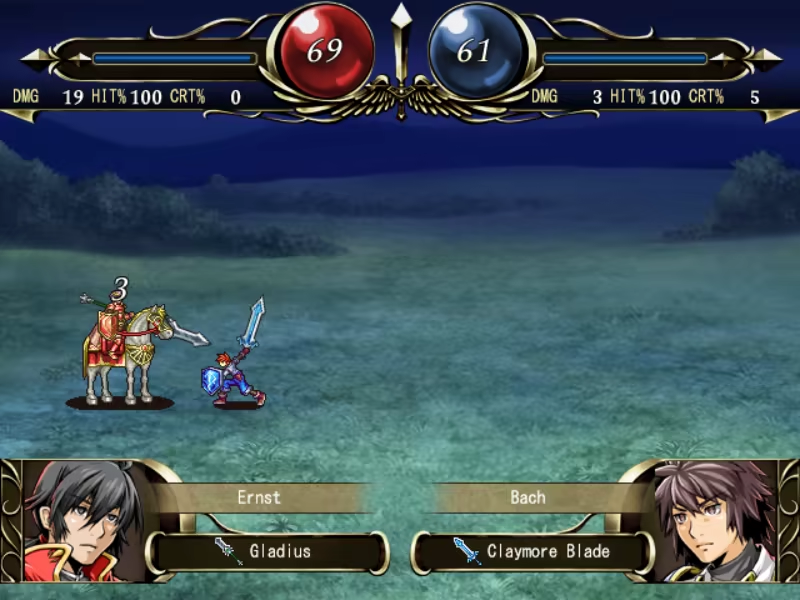
"STRANGER SAGA" is a turn-based SRPG where you lead a resistance army against a mighty enemy force.
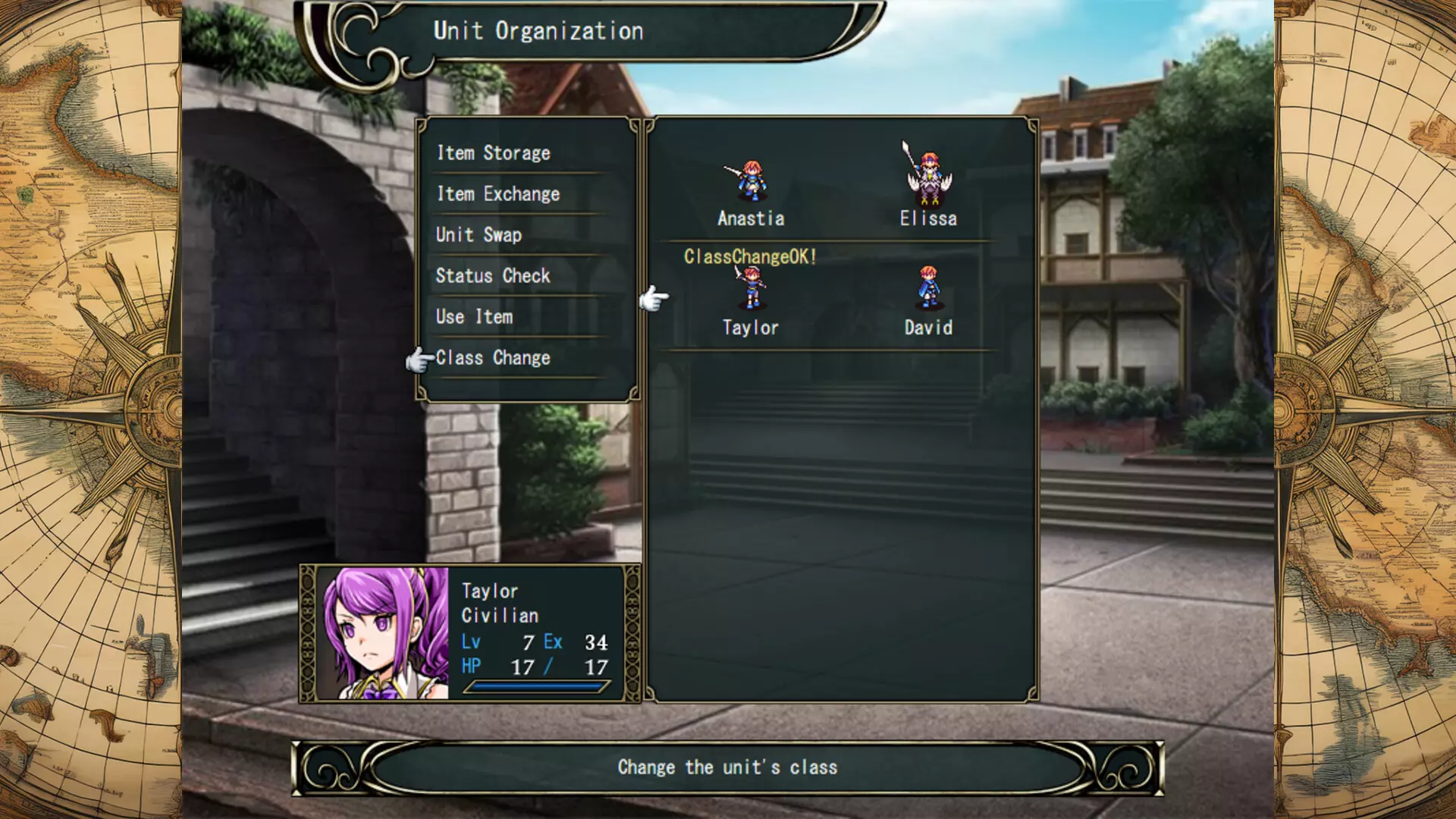
The key to victory lies with the "Civilians"—ordinary people with extraordinary potential.
Civilians start off weak but possess immense hidden abilities that unlock powerful combat skills as they grow.
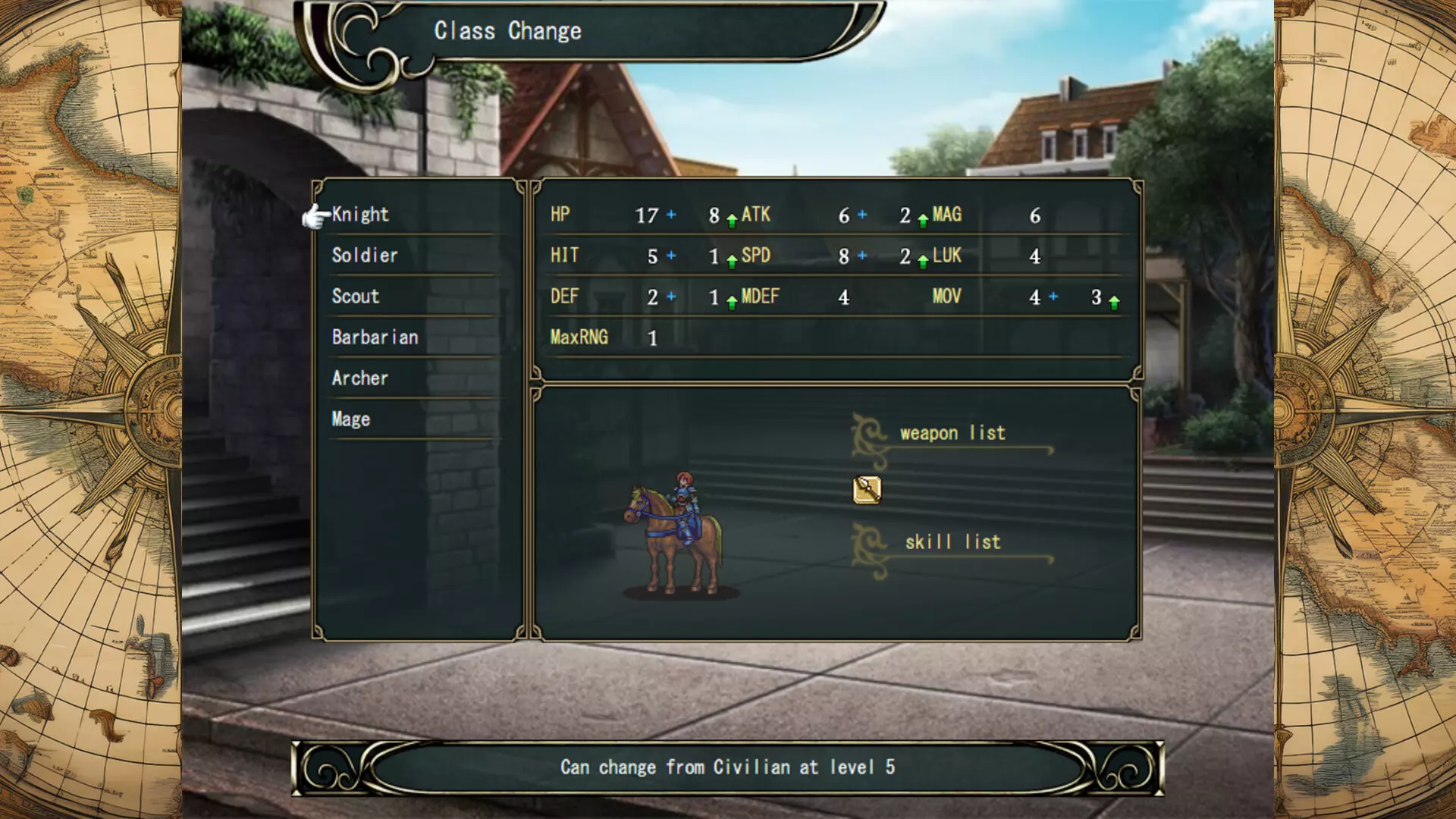
You are free to choose each Civilian's class path: Knight, Soldier, Scout, Barbarian, Archer, or Mage.
Build the ultimate team of your own design!
■A safe and beginner-friendly SRPG experience!
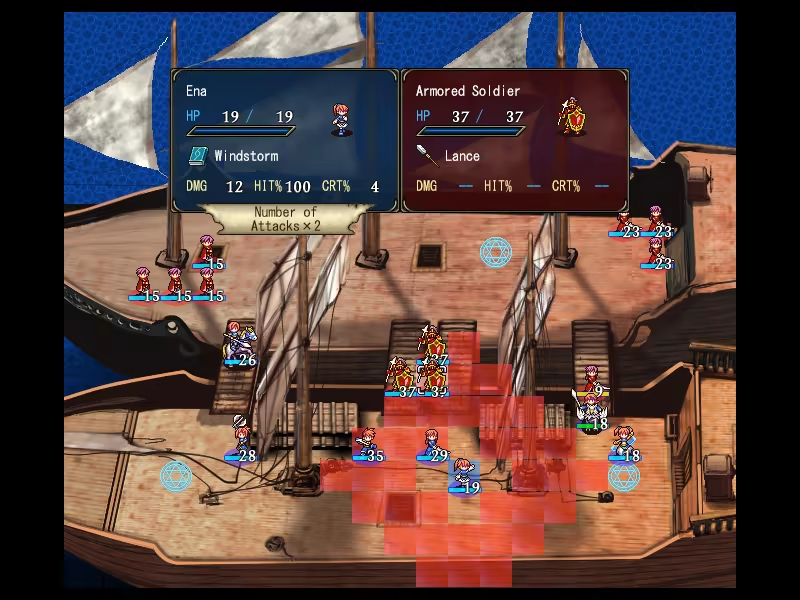
Reliable turn-by-turn saving system.
Units reduced to 0 HP in battle can return in the next stage without major penalties.
Even if you are defeated, you can carry over earned experience points and money, allowing you to retry and grow stronger after each attempt—victory is always possible.
No penalties for the number of continues.
However, your total turn count will be recorded. If you love optimizing for minimum turns, try challenging yourself!
(*Note: There are no unlockable features based on total turn counts.*)
■Jump into the action with an opening scene that ends in just 20 seconds!
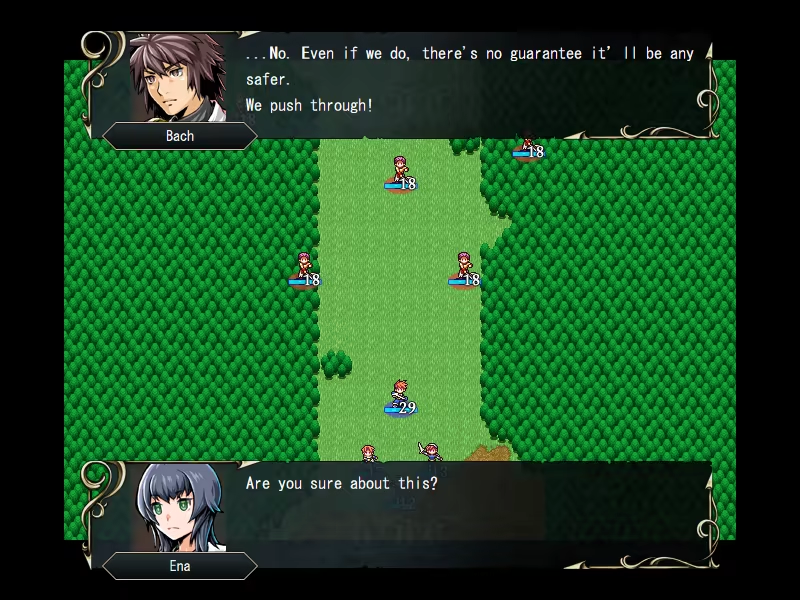
Perfect for players who want to dive into gameplay without long introductions!
6 chapters, 47 stages in total.
24 unique allies to recruit.
Each character gets an individual epilogue after the ending.
Expert Mode unlocks after clearing the main game!
■ Save Data Transfer Supported from Demo
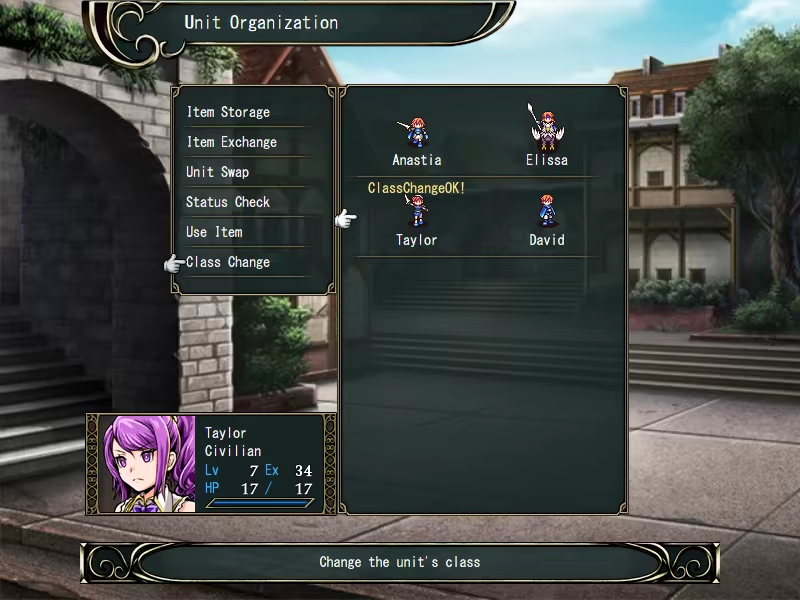
The demo lets you play up to Stage 15!
If you purchase the full version, you can continue with your save data from the demo.
■ How to Transfer Save Data
Simply copy the "Save" folder from the demo folder to the full version's game folder.
■ About Gameplay Videos
Feel free to share gameplay videos.
However, please refrain from using in-game assets or media on their own, such as playing only the BGM without gameplay.
- Controls -
Confirm …… Left Click / Enter / Z
Cancel …… Right Click / X
Quit Game …… Esc
Toggle Fullscreen Mode …… F4
- In-Stage Controls -
Move Cursor …… Mouse / Arrow Keys
Open Menu …… Left Click / Enter / Z on empty tile
Move/Attack …… Left Click / Enter / Z on unit tile
Toggle Enemy Range …… Right Click / X
Fast Forward …… X
■For those having trouble with a small window size
How to change the scaling settings in Windows:
Open the Settings app:
Click the Start menu, then click the Settings (gear icon).Select “System”:
In the left-hand menu of the Settings window, click System.Select “Display”:
In the System settings menu on the left, click Display.Adjust the scale:
Under Scale and layout, find the option "Change the size of text, apps, and other items", then use the slider or select a value from the dropdown menu.
Development Tool
SRPG STUDIO
- Если не установлен Steam клиент, скачайте его для Windows (клиент также доступен на Mac и Linux) и установите.
- Запустите Steam, зайдите в свой аккаунт или зарегистрируйте новый, если у вас его еще нет.
- При оформлении заказа, предоставьте ссылку на свой профиль в Steam или ваш SteamID состоящий из 18 цифр (765***).
- Ожидайте приглашения от нашего бота (если у вас аккаунт с ограниченными правами) или добавьте бота в друзья (ссылка на бота будет предоставлена после успешной оплаты).
- После того, как вы добавите нашего бота в друзья, игра автоматически (время ожидания обычно составляет не более 5-30 секунд) будет отправлена вам в виде подарка (гифта).
- Примите подарок, добавьте в Библиотеку и нажмите «Играть».







и мы вам напишем, если цена на этот товар снизится
Неожиданно хорошо.