

Купить Gyin

Transform your secondary screen into a smart PC dashboard. Gyin provides real-time hardware monitoring, customizable themes, and flexible layouts to display CPU, GPU, memory, temperatures, fan speeds, and network data. Create a personalized control center for your gaming and desktop setup.

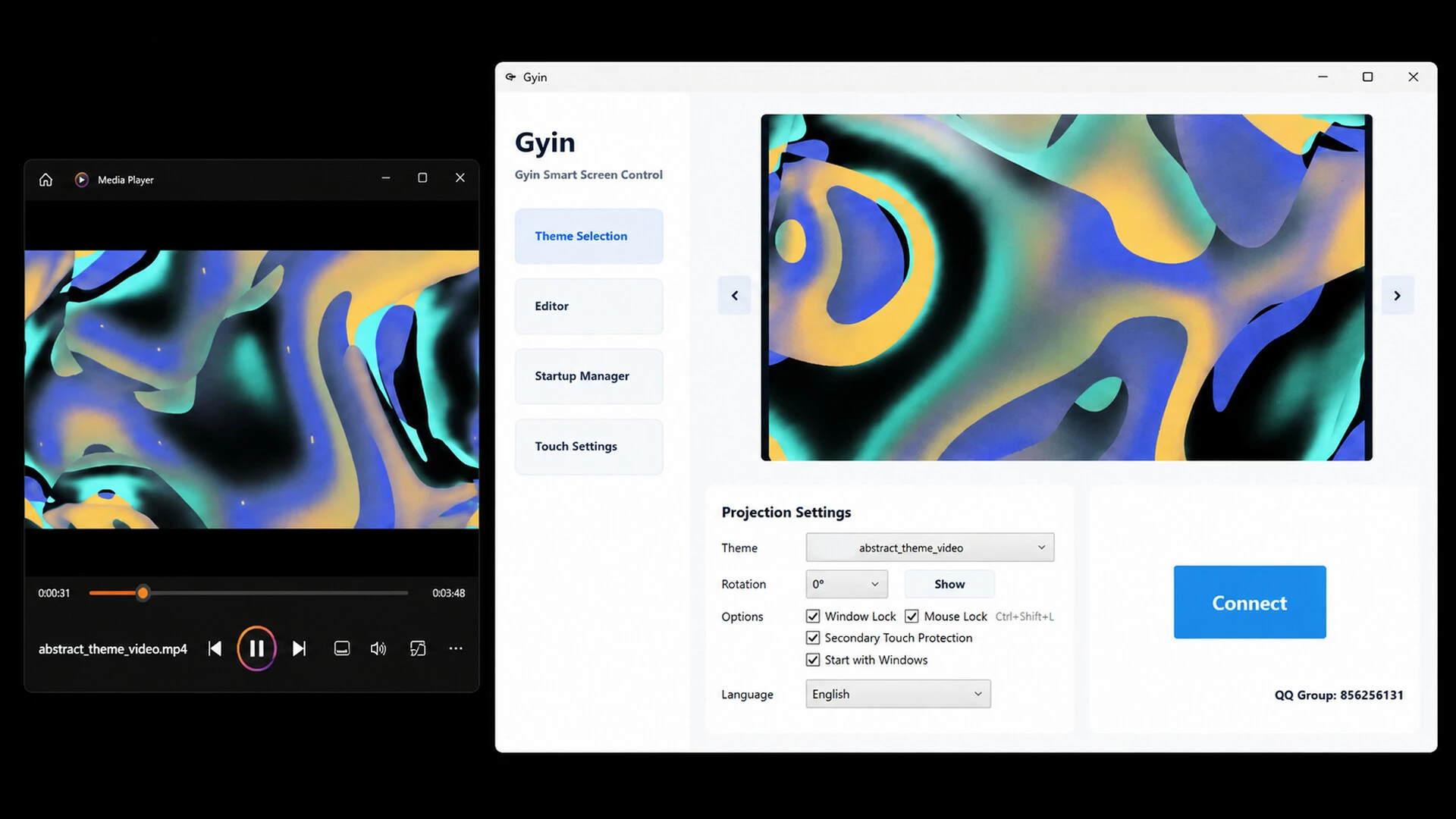
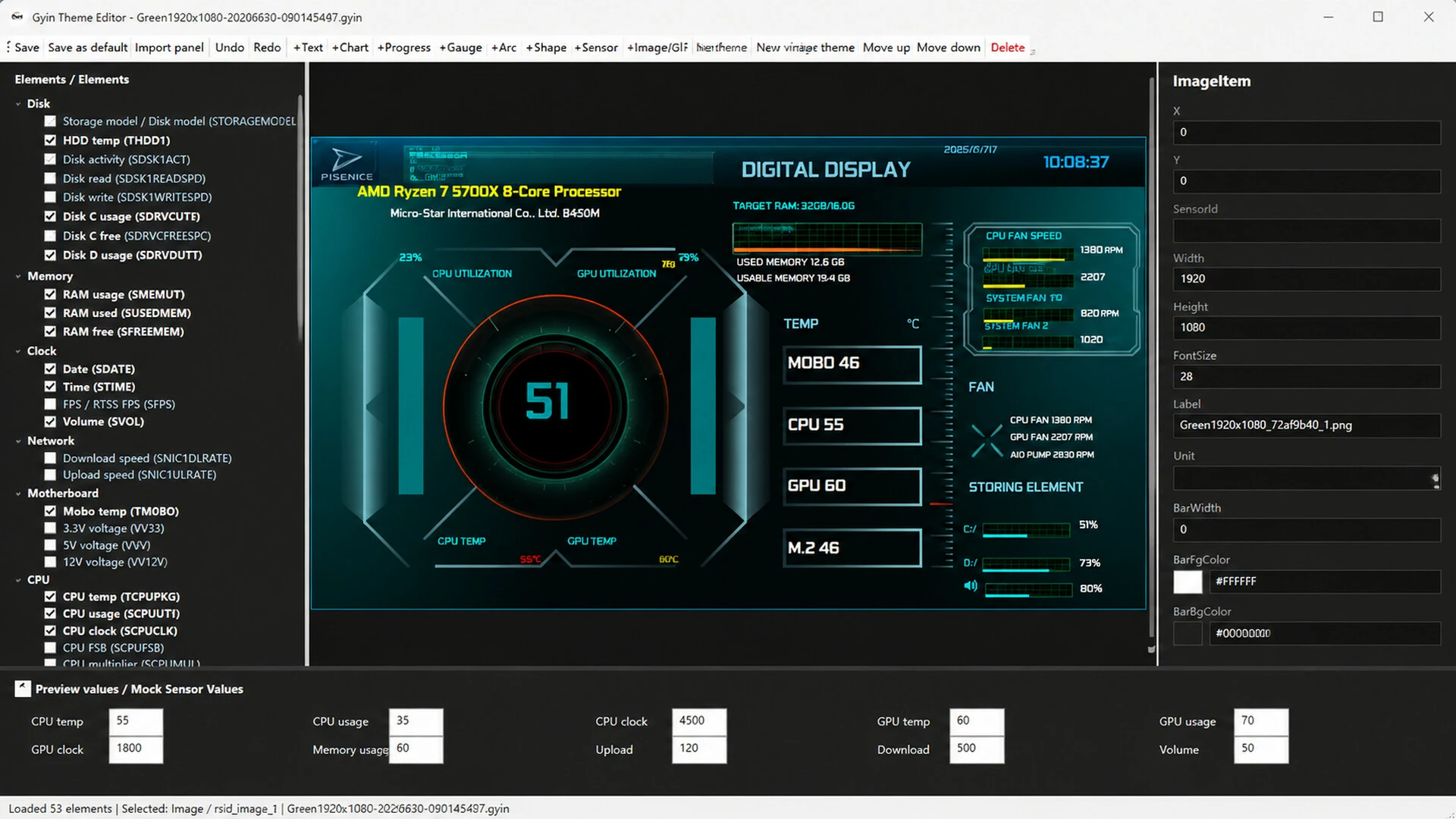
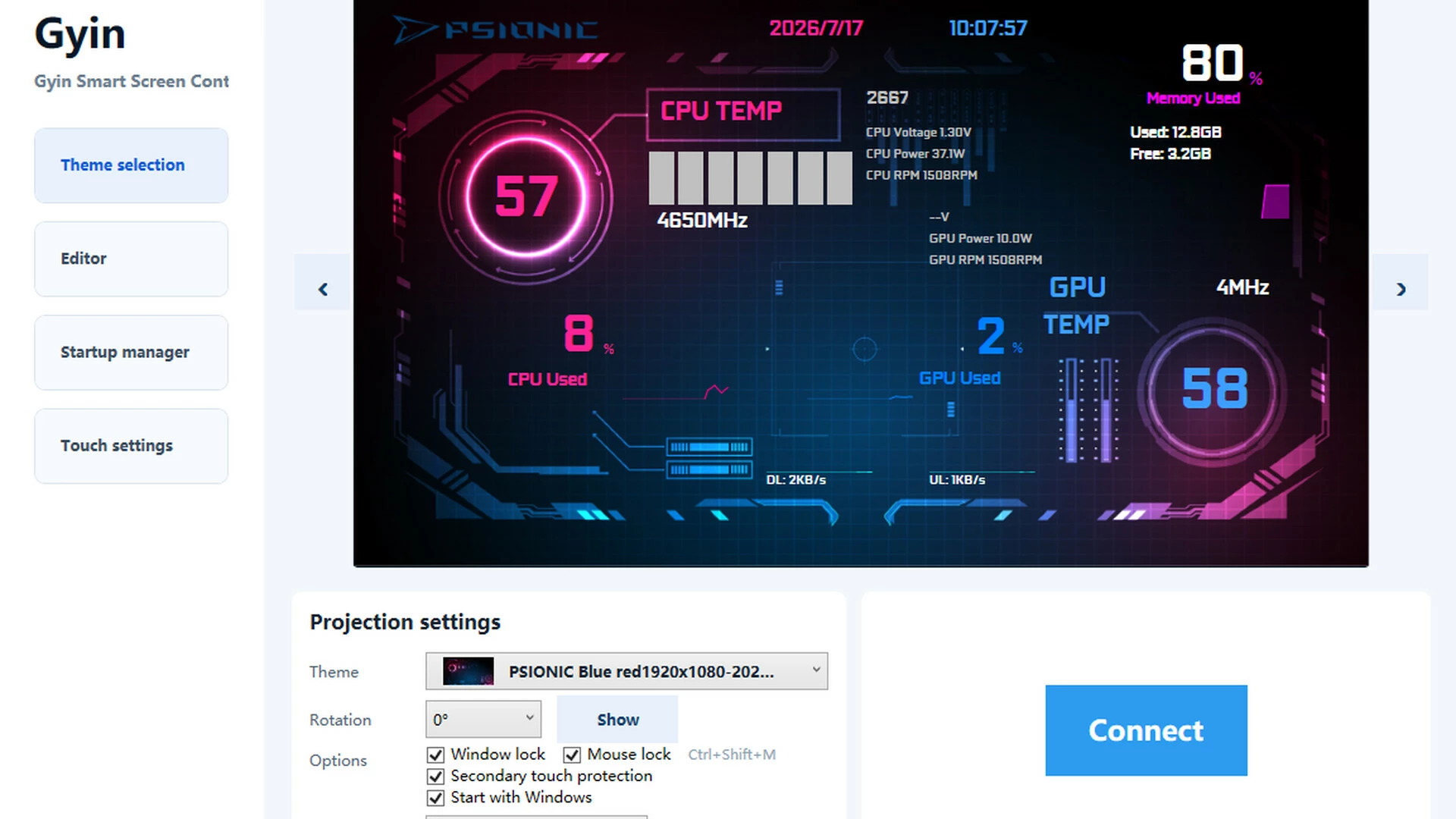
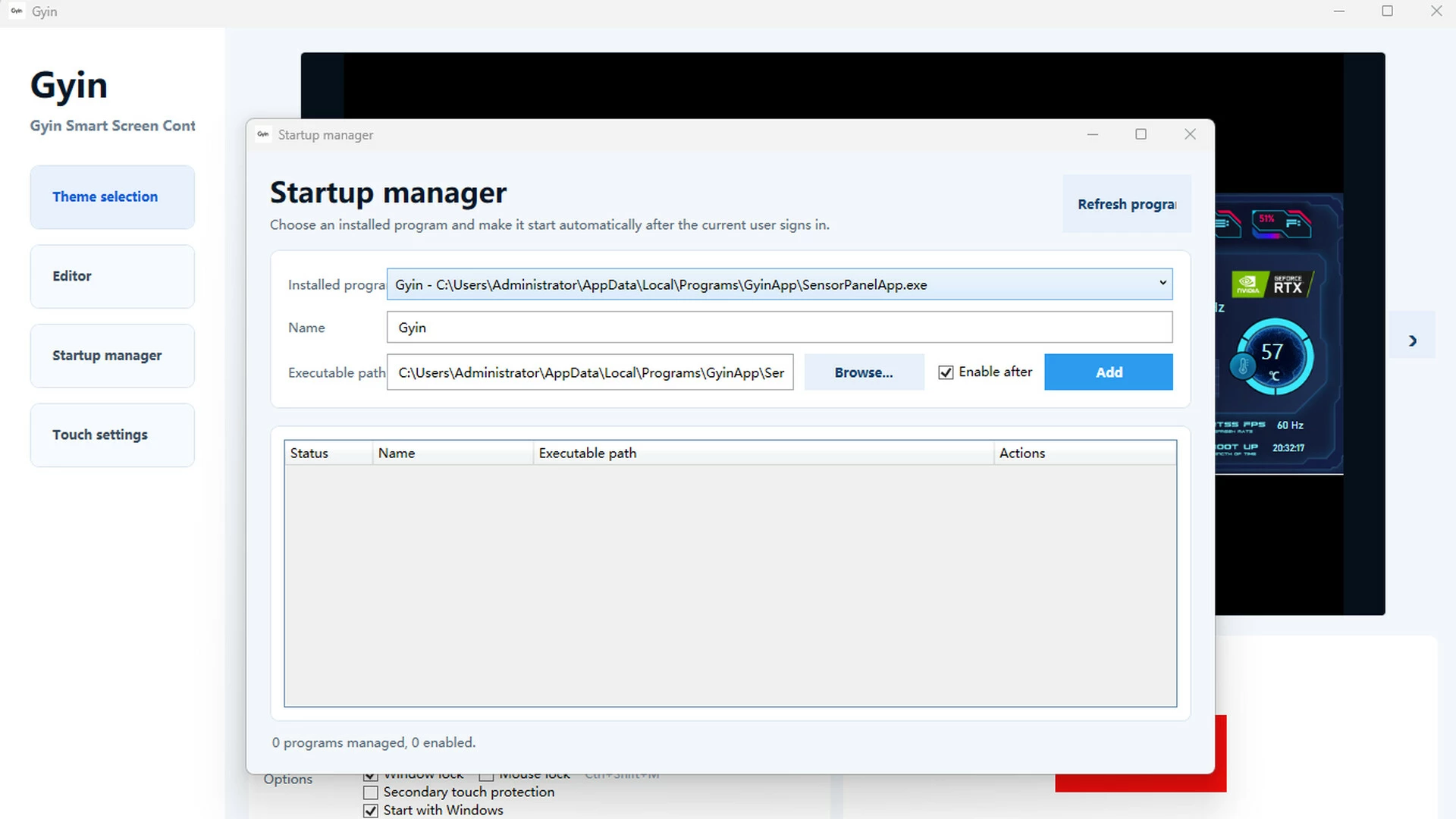
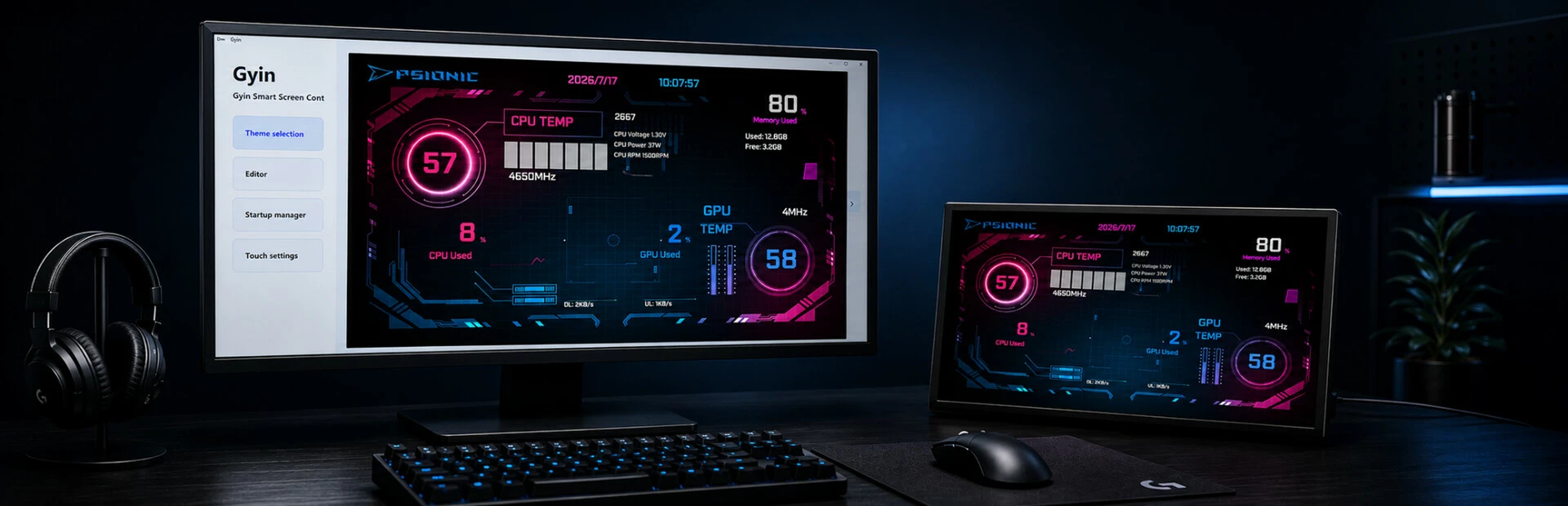
Gyin is a real-time hardware monitoring and customizable display application designed specifically for secondary PC screens. Transform your secondary display into a smart PC dashboard that shows essential system information, including CPU, GPU, memory, storage, temperatures, fan speeds, and network activity. With customizable themes, flexible layouts, and multi-display management features, Gyin brings more functionality and a unique visual experience to your desktop setup.
Whether you want to monitor your hardware performance while gaming or create a personalized PC setup, Gyin helps you make the most of every screen. Turn your secondary display from an extra monitor into an intelligent control center for your computer.
Features
Real-Time Hardware Monitoring
Display essential system information directly on your secondary screen, including CPU, GPU, memory, storage, temperatures, fan speeds, and upload/download speeds. Monitor your PC performance without leaving your game or switching between windows.
Smart Display Interface Designed for Secondary Screens
Gyin automatically adapts the interface to different screen sizes, resolutions, and aspect ratios. Support horizontal, vertical, and ultrawide secondary displays to deliver an optimized viewing experience across various setups.
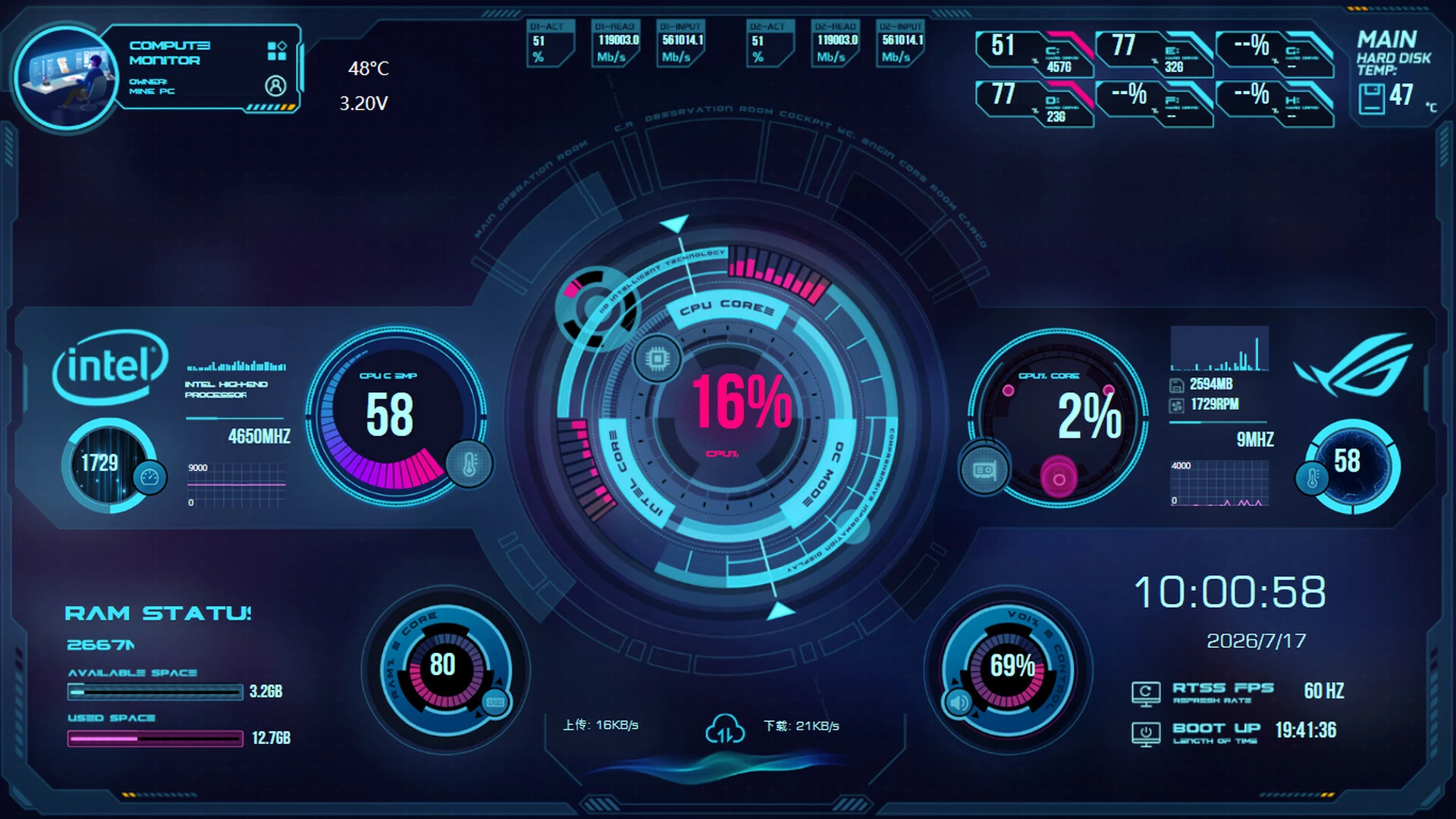
Multiple Visual Themes
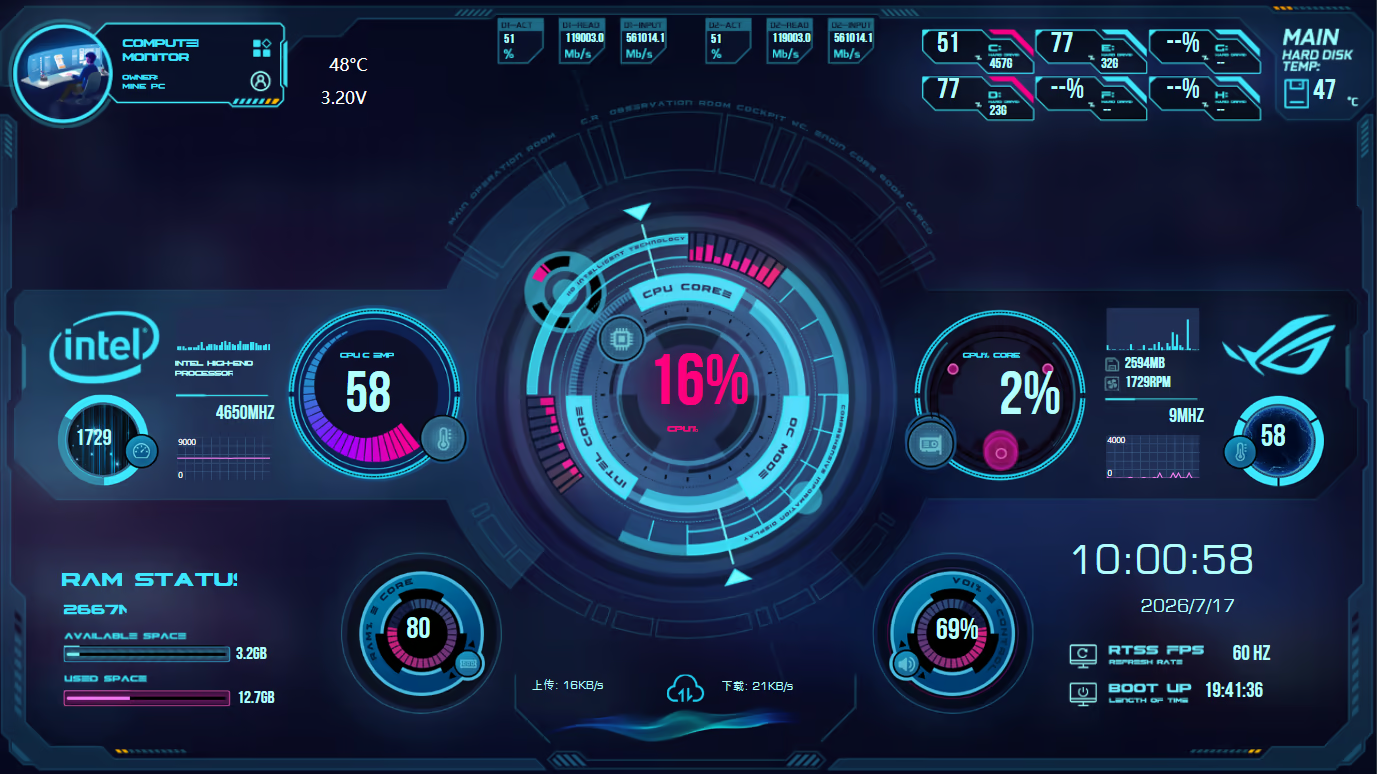
Choose from a variety of visual styles, including futuristic HUD designs, cyberpunk interfaces, and clean data-focused layouts. Customize your secondary display to match your personal desktop setup and style.
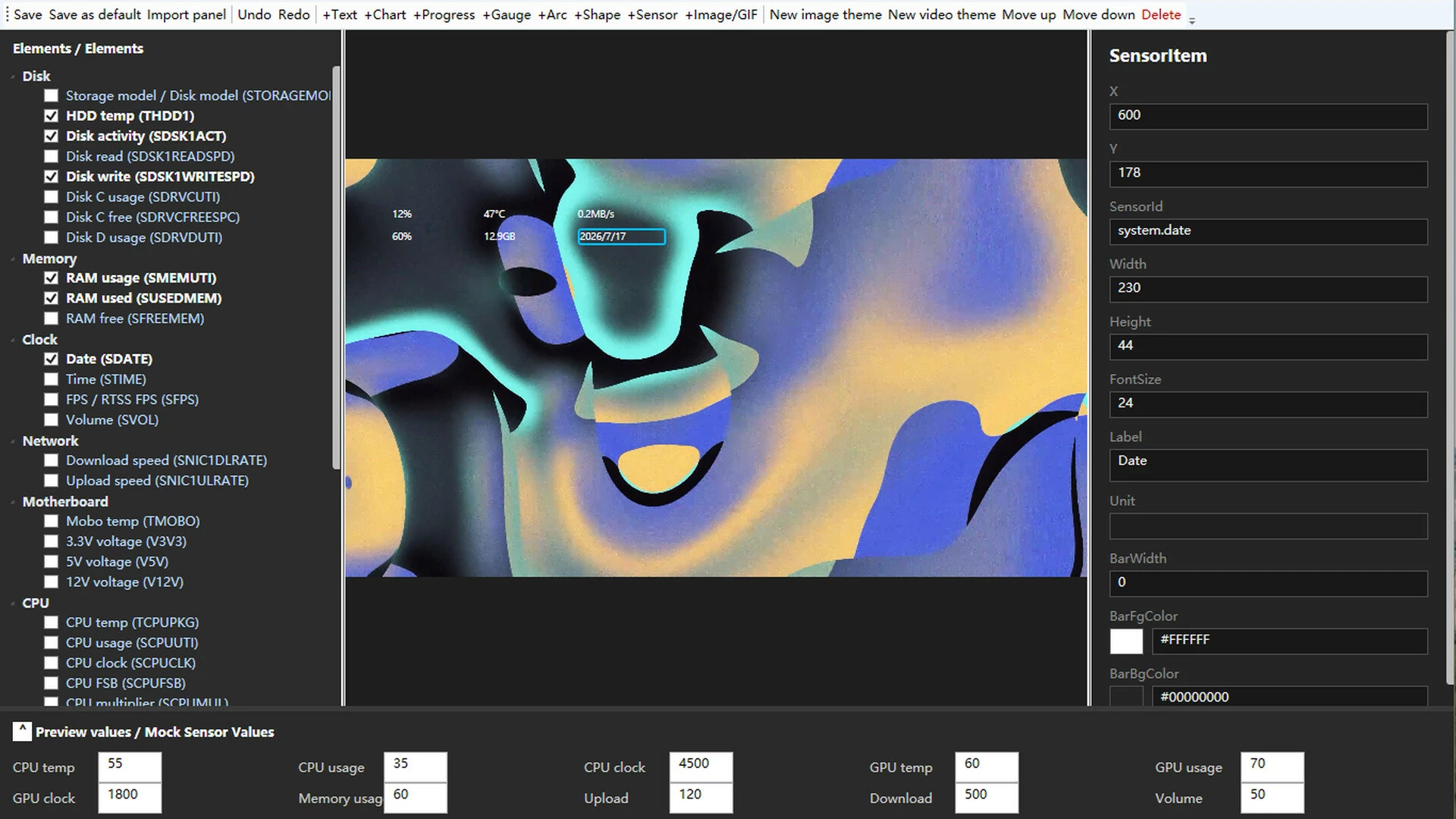
Custom Theme Editor
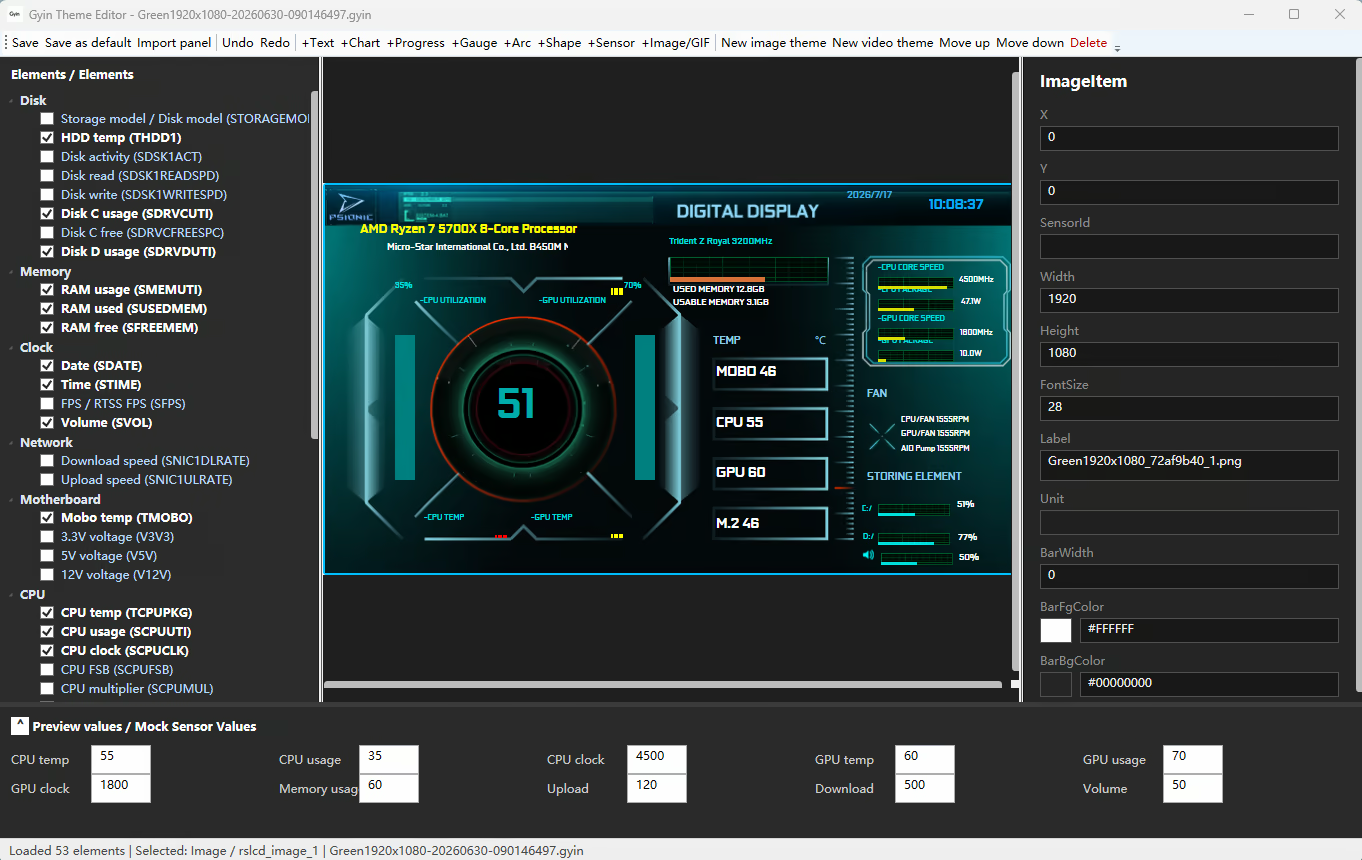
Use the visual editor to freely adjust the position, size, and layout of display elements. Upload your own images or videos and create a completely personalized secondary screen experience.
Personalized Hardware Data Display
Choose and arrange different data modules, including CPU, GPU, memory, storage, and network information. Design your own monitoring interface based on your needs and preferences.
Window Lock
Keep the Gyin display fixed in your selected area and prevent accidental window movement in multi-monitor environments, ensuring your hardware dashboard stays exactly where you want it.
Mouse Protection
Reduce accidental mouse movement and unwanted interactions between multiple displays, helping maintain a smooth gaming and working experience.
Multi-Display Optimization
Designed for multi-monitor setups, allowing your main display to handle gaming or productivity while your secondary screen focuses on real-time system monitoring.
Startup Manager
Manage applications that launch with Windows. Easily add, remove, and organize startup programs to control which applications run automatically when your PC starts.

- Если не установлен Steam клиент, скачайте его для Windows (клиент также доступен на Mac и Linux) и установите.
- Запустите Steam, зайдите в свой аккаунт или зарегистрируйте новый, если у вас его еще нет.
- При оформлении заказа, предоставьте ссылку на свой профиль в Steam или ваш SteamID состоящий из 18 цифр (765***).
- Ожидайте приглашения от нашего бота (если у вас аккаунт с ограниченными правами) или добавьте бота в друзья (ссылка на бота будет предоставлена после успешной оплаты).
- После того, как вы добавите нашего бота в друзья, игра автоматически (время ожидания обычно составляет не более 5-30 секунд) будет отправлена вам в виде подарка (гифта).
- Примите подарок, добавьте в Библиотеку и нажмите «Играть».












и мы вам напишем, если цена на этот товар снизится