
Купить VRX3D

Дата выхода: 6 ноября 2026
Регион:
Россия, Беларусь, Казахстан, Украина, Армения, Азербайджан, Грузия, Кыргизстан, Республика Молдова, Таджикистан, Туркменистан, Узбекистан, Аргентина, Турция
Язык:
Английский (Интерфейс)
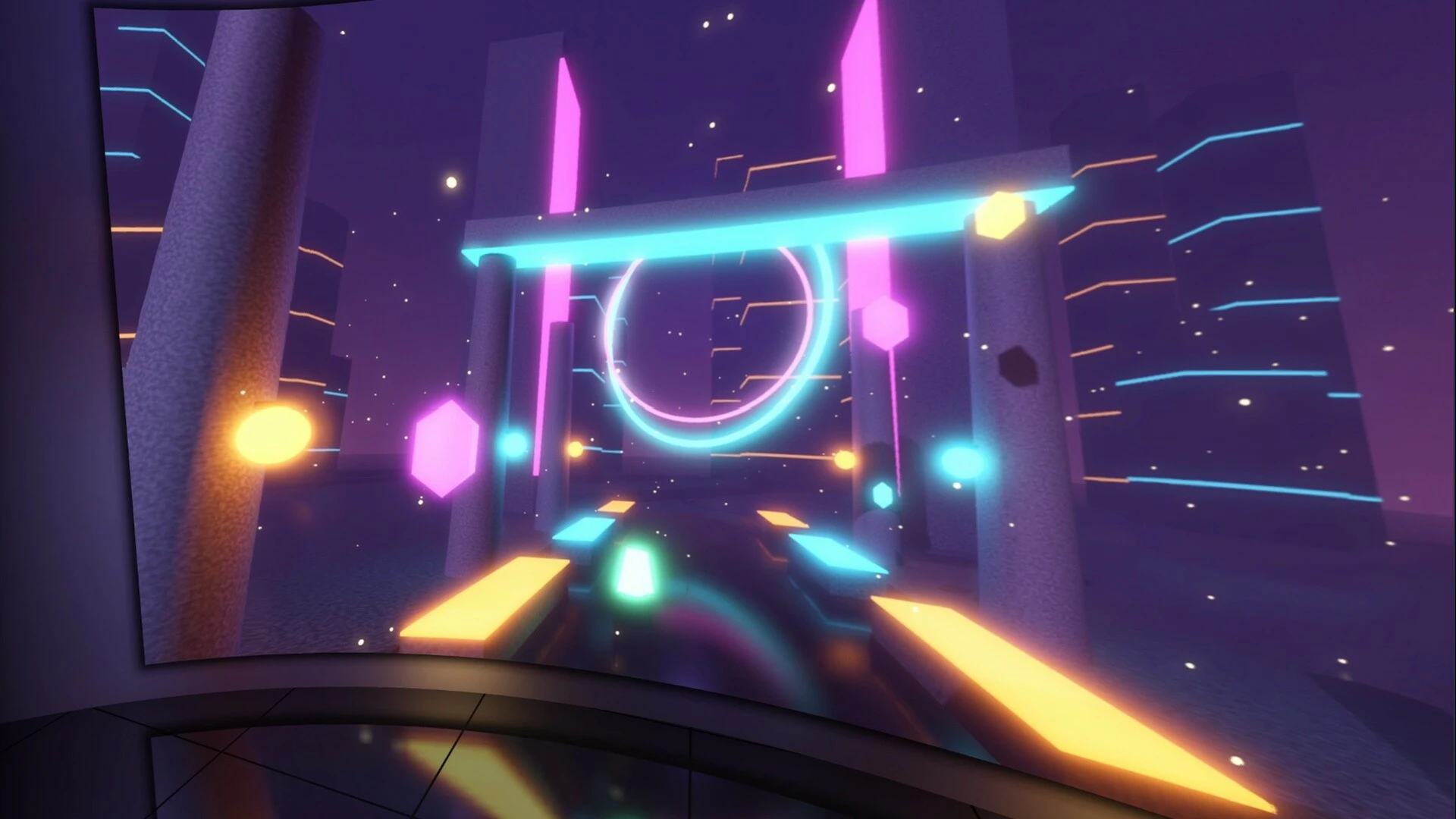
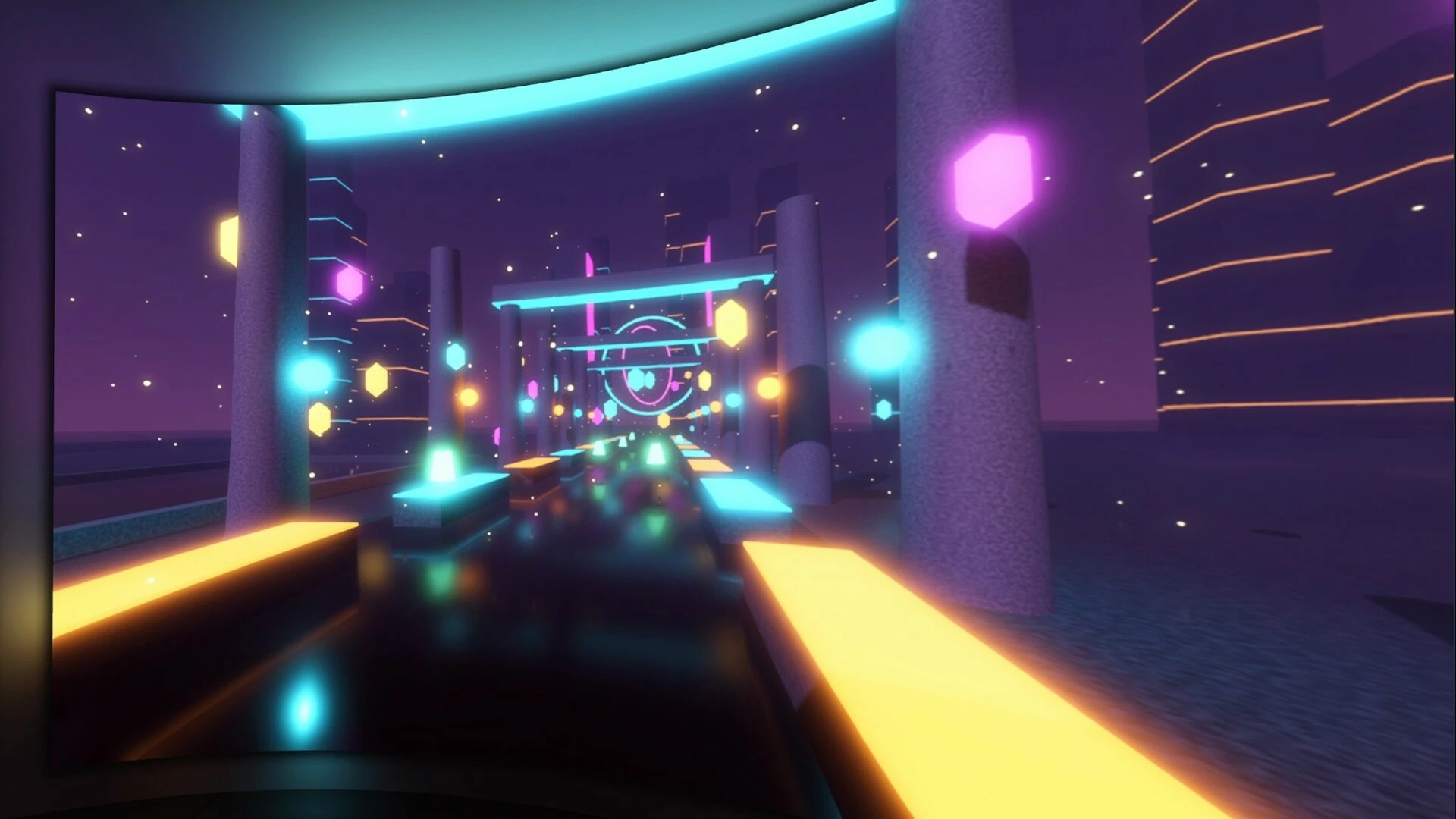
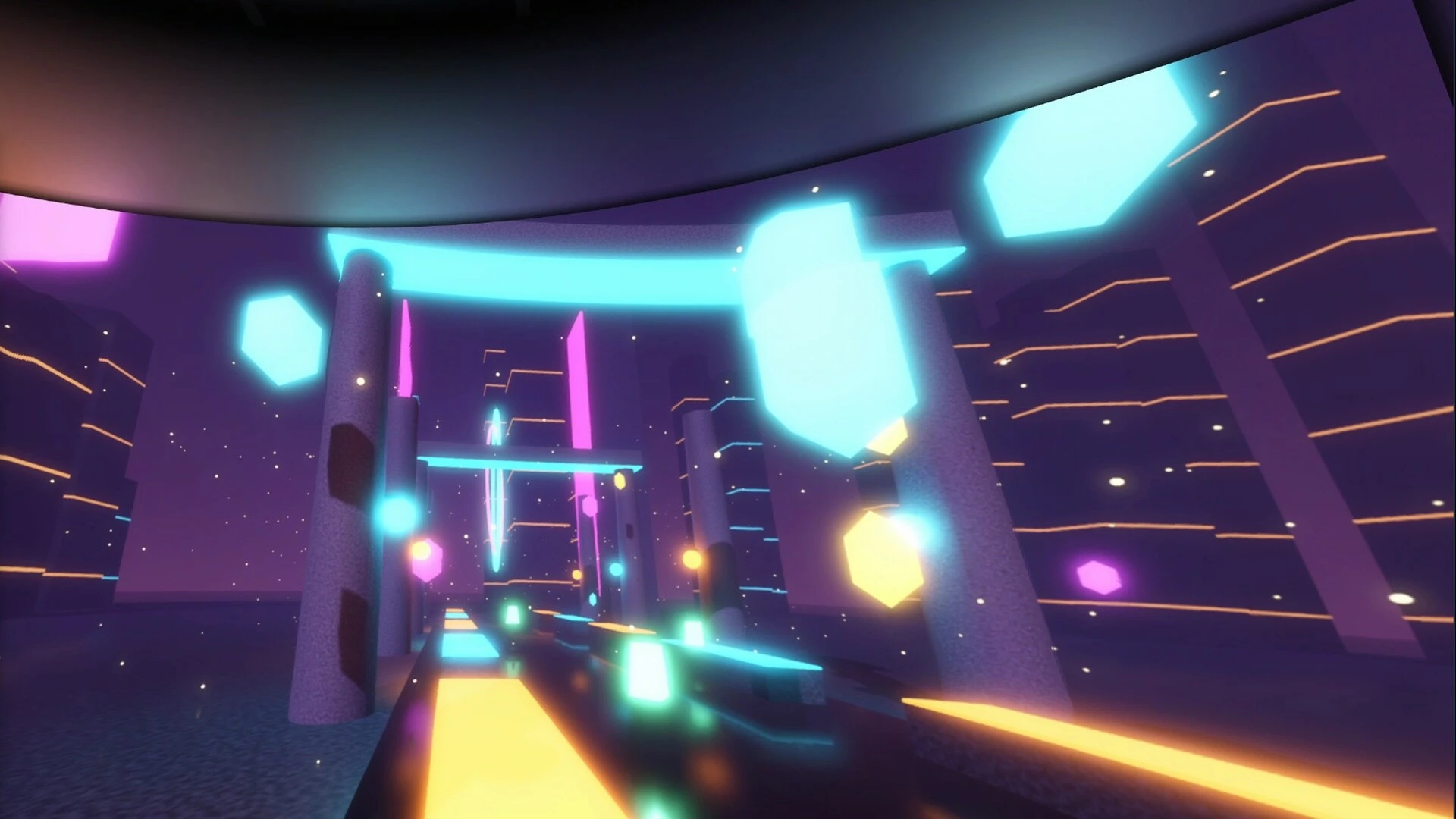
Play your flat PC games on a giant 3D screen in VR. VRX3D captures the game window, works out the depth of every frame live on your graphics card, and shows it in stereo on a big screen in a dark room lit by the picture. Keep your keyboard, mouse or controller.

Описание
Обратите внимание
Для этой игры требуется шлем виртуальной реальности.
Your flat games, in 3D
VRX3D takes any game in a window on your PC and shows it on a huge screen in VR, in stereo 3D. A depth model runs on your own graphics card and estimates how far away everything in each frame is, then draws a slightly different picture for each eye. Cockpits, corridors, landscapes and characters stand out with real depth.You keep playing exactly as before, with your keyboard and mouse or a gamepad. There is no in-headset menu to learn and no motion controllers are needed: every setting lives in VRX3D's window on your desktop.
Easy to start
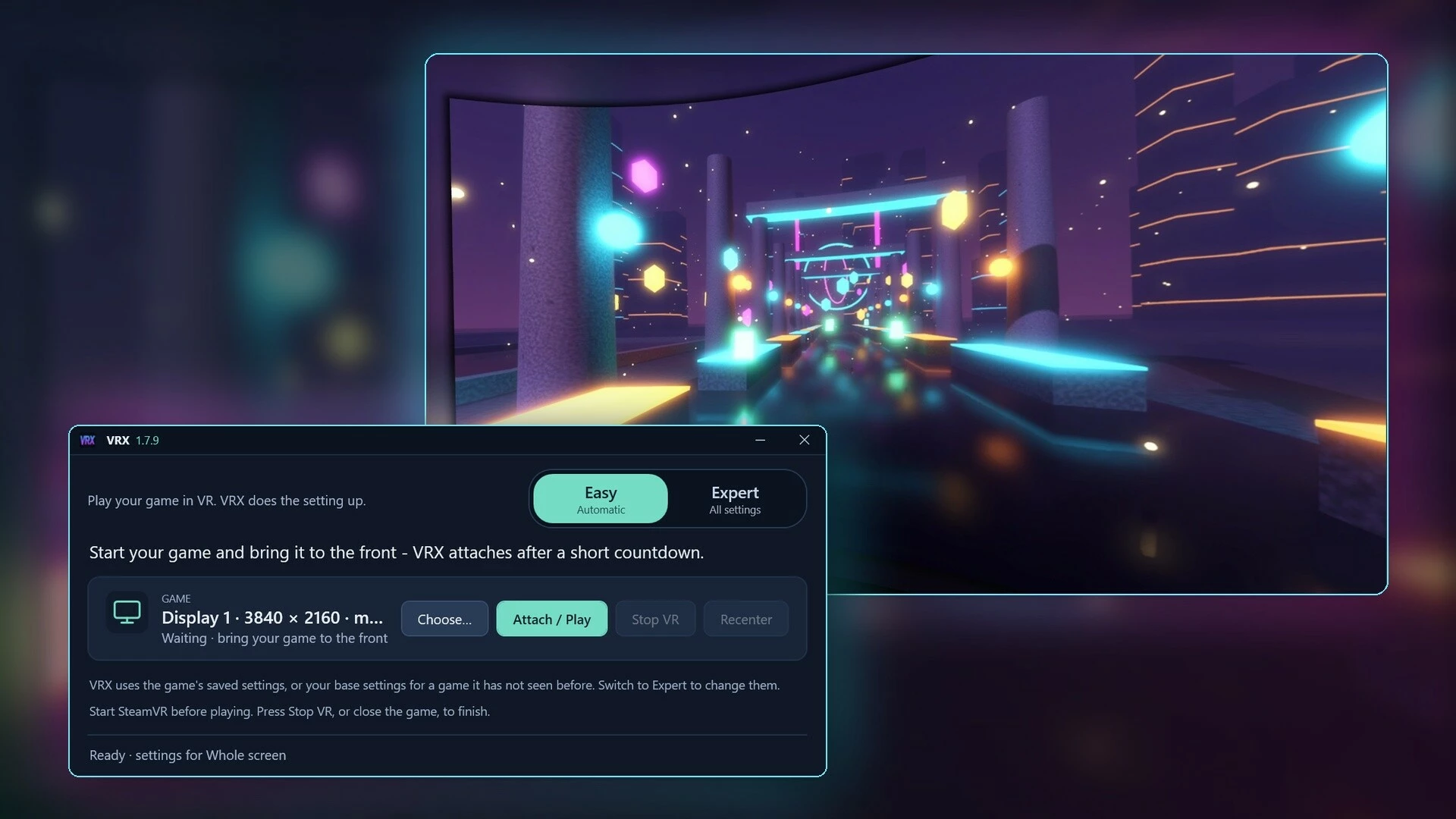
- Easy mode: start your game and bring it to the front. VRX3D counts down and attaches to it by itself.
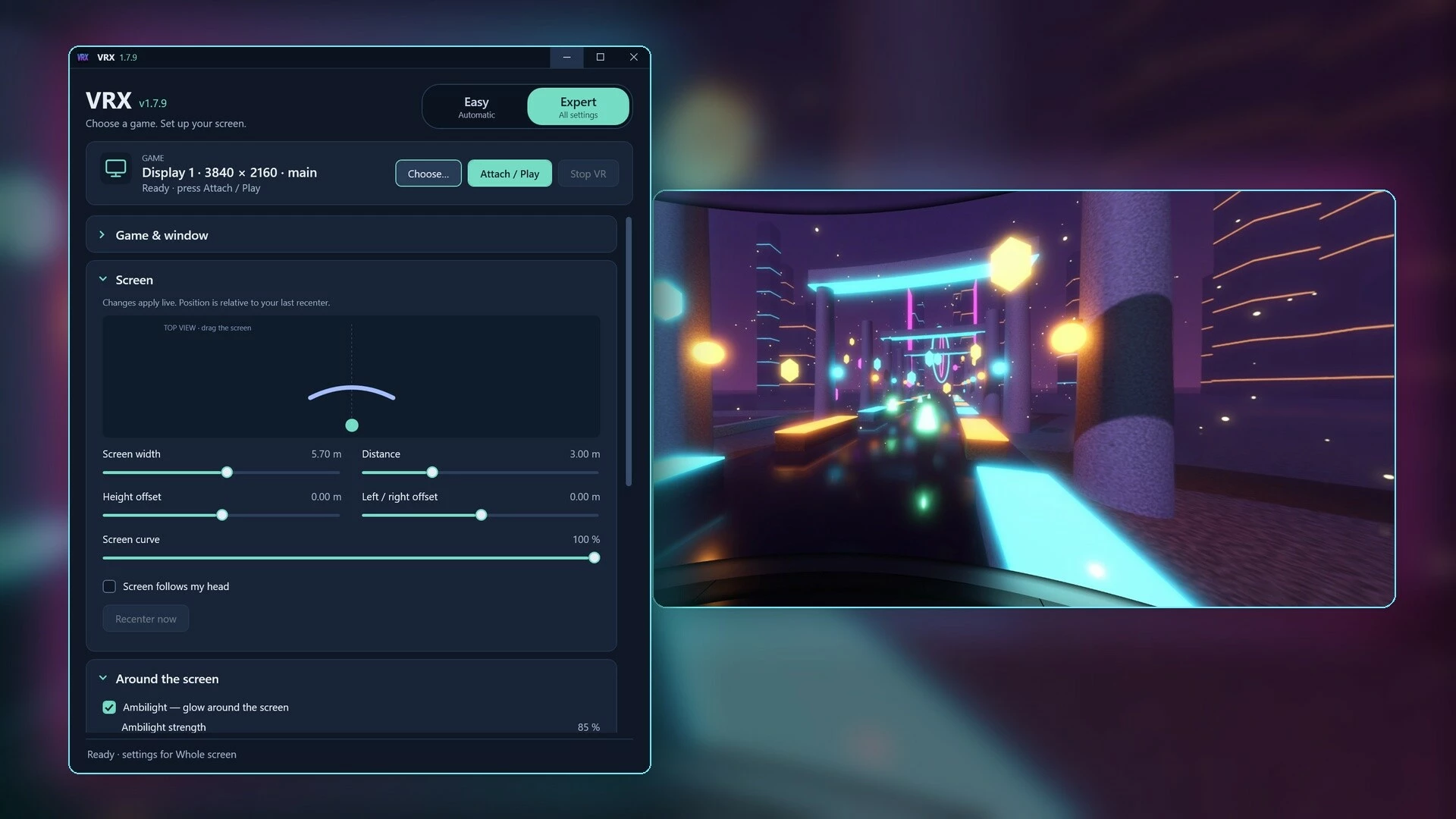
- Choose… shows live tiles of your open windows and displays: click one to play it.
- Whole screen: play an entire display, such as the desktop or a video player.
- Settings per game: screen size, distance, curve and depth strength are saved for each game.
A screen worth sitting in front of
- Room: a dark room whose walls, floor and ceiling are lit by the picture, like a cinema. Optional glass walls, reflections and a soft ceiling light.
- Ambilight: the colours at the edge of the picture glow softly around the screen.
- Screen curve: wrap the screen around you like a curved television, drawn as a real curved surface for each eye.
- Desktop when you leave the game: press the Windows key or Alt+Tab and VR shows your desktop; go back and the game returns.
Depth that keeps up
- A fast depth model (ZipDepth) keeps depth close to the game's frame rate; Depth Anything V2 is available too.
- Steady depth uses your graphics card's video engine to cut shimmer between frames.
- Have a second graphics card? Make it the depth GPU so depth never competes with the game.
Not only games
Attach VRX3D to a browser or video player and 2D video becomes 3D on the same screen. Copy-protected streaming services (such as Netflix and Disney+) show as a black picture: Windows blanks protected video in every screen capture, and VRX3D respects that.Good to know
- VRX3D estimates depth from a flat picture. It is convincing, especially with clear near and far objects, but it is not the same as a game built for VR. Fast motion and the edges of foreground objects can sometimes distort.
- It needs a SteamVR headset and a DirectX 12 graphics card. Depth runs alongside your game, so a game that uses the whole graphics card leaves less for depth: running the game at 1080p usually helps, and you will not see the difference in the headset.
- VRX3D is not code-signed yet. If Windows 11 Smart App Control is turned on, it blocks VRX3D.
Активация продукта в Steam
- Если не установлен Steam клиент, скачайте его для Windows (клиент также доступен на Mac и Linux) и установите.
- Запустите Steam, зайдите в свой аккаунт или зарегистрируйте новый, если у вас его еще нет.
- При оформлении заказа, предоставьте ссылку на свой профиль в Steam или ваш SteamID состоящий из 18 цифр (765***).
- Ожидайте приглашения от нашего бота (если у вас аккаунт с ограниченными правами) или добавьте бота в друзья (ссылка на бота будет предоставлена после успешной оплаты).
- После того, как вы добавите нашего бота в друзья, игра автоматически (время ожидания обычно составляет не более 5-30 секунд) будет отправлена вам в виде подарка (гифта).
- Примите подарок, добавьте в Библиотеку и нажмите «Играть».
Детали игры
Количество игроков:

Особенности:
Похожие игры



Популярное






Комментарии и отзывы (0)
Если у Вас не отправляются сообщения - почистите cookie в браузере
и авторизуйтесь заново :)


Войдите для комментирования


Узнайте первым о снижении цены
Введите ваш адрес электронной почты
и мы вам напишем, если цена на этот товар снизится
и мы вам напишем, если цена на этот товар снизится
Отписаться
Ваш e-mail будет отписан.
Язык:
Валюта:
Язык: