

Купить Reverie

Reverie is a music player and visualizer. Play your own songs or visualize anything playing on your PC, tweak the visuals with lots of controls and presets, and record the result as a small, smooth video with one key.





Your music, as light
Reverie is a music player with a visualizer you'll actually want to look at. It is the rework of Powelus's Audio Visualizer, rebuilt around a new renderer and a new interface. Open your music folder, hit play, and the visuals move with every beat. You can shape them however you like. If your music lives in Spotify or YouTube instead, switch to System audio and Reverie will visualize that too.
Light on your PC
The original drew every visualizer point as a light, which was too heavy even for powerful PCs. Reverie draws the whole thing in a single shader, so it's far lighter on your graphics card and stays smooth.
Play your own music, or anything else
Your library: MP3, FLAC, WAV, OGG, AAC and M4A. Covers, artists and BPM are read automatically.
System audio: Spotify, YouTube, games, streams. If your PC is playing it, Reverie can visualize it.
Make it look how you want
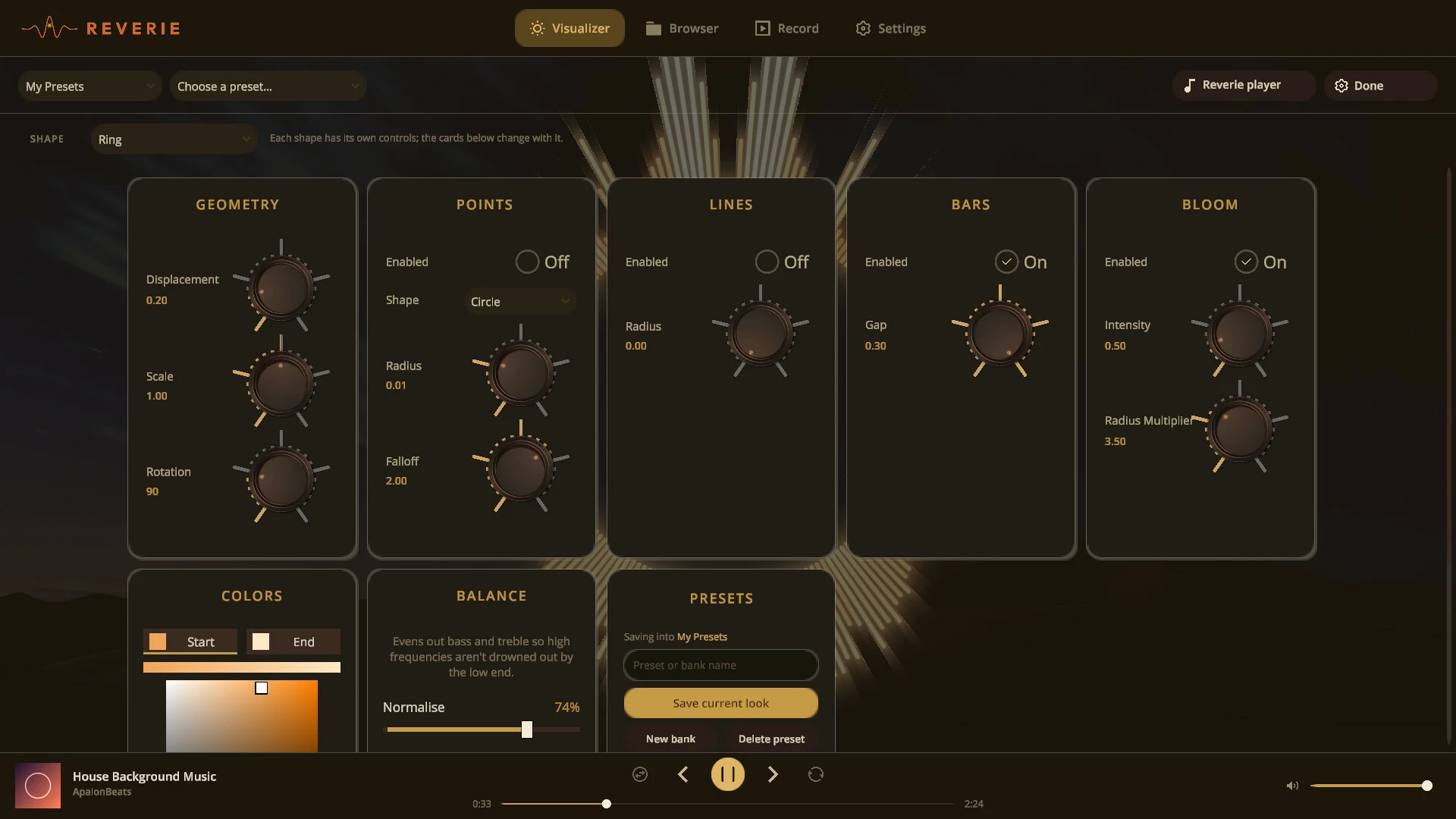
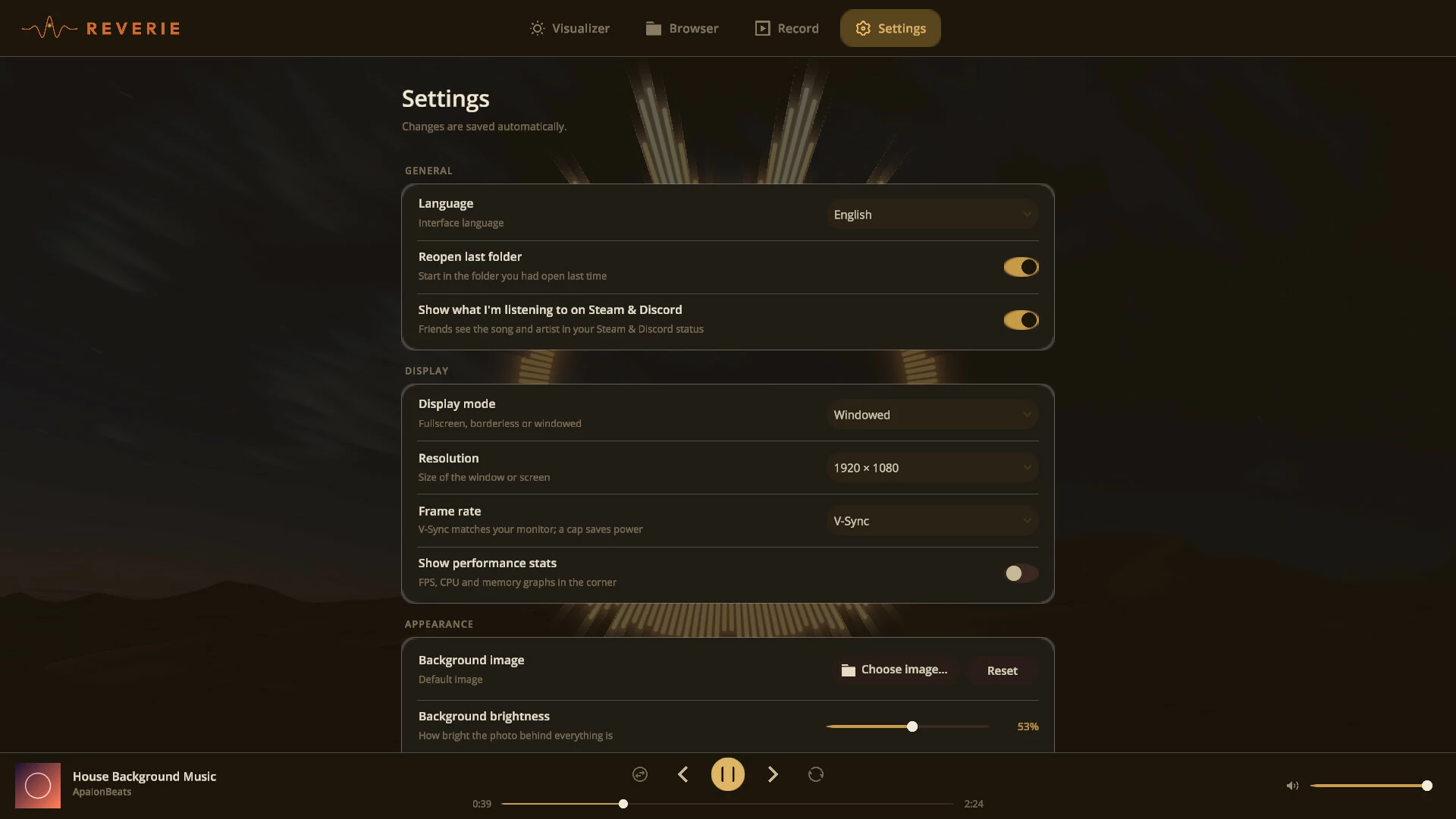
There are five display modes: Ring, Line Spectrum, Waveform, Particle Field and Concentric Rings. Ring mode can be a circle, rose, limaçon, star or lemniscate, or you can type in your own formula. Size, motion, smoothing, speed, glow, bloom, colours, gradients and the frequency balance are all adjustable with knobs, and scrolling over a knob gives you finer control. You can also use your own background image and set how bright it is.
Share your presets
Start from the Factory presets or make your own, and keep them organised in banks. A whole bank exports as one file, so you can send it to a friend or post it for others, and importing one takes a click.
Record videos
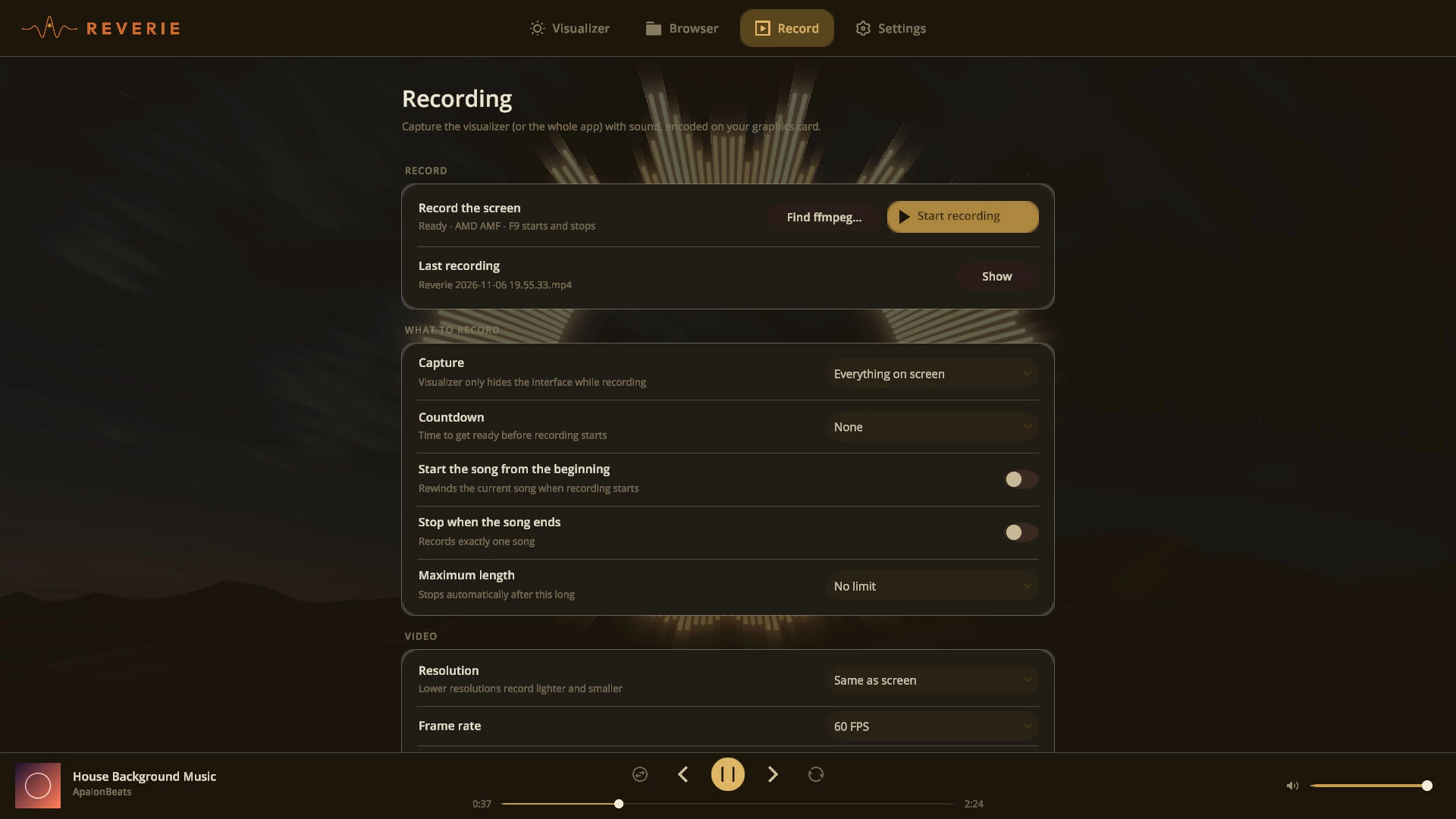
Press Ctrl+Shift+R to record the visualizer with sound. Encoding happens on your graphics card (NVIDIA, AMD or Intel), so the frame rate stays smooth and the files stay small, about 6 MB per minute at 1080p60. Record just the visualizer or the whole screen, in H.264 or H.265, up to 1440p at 60 FPS. Good for YouTube, TikTok, stream overlays or music videos.
Also
A simple interface you can hide completely with H
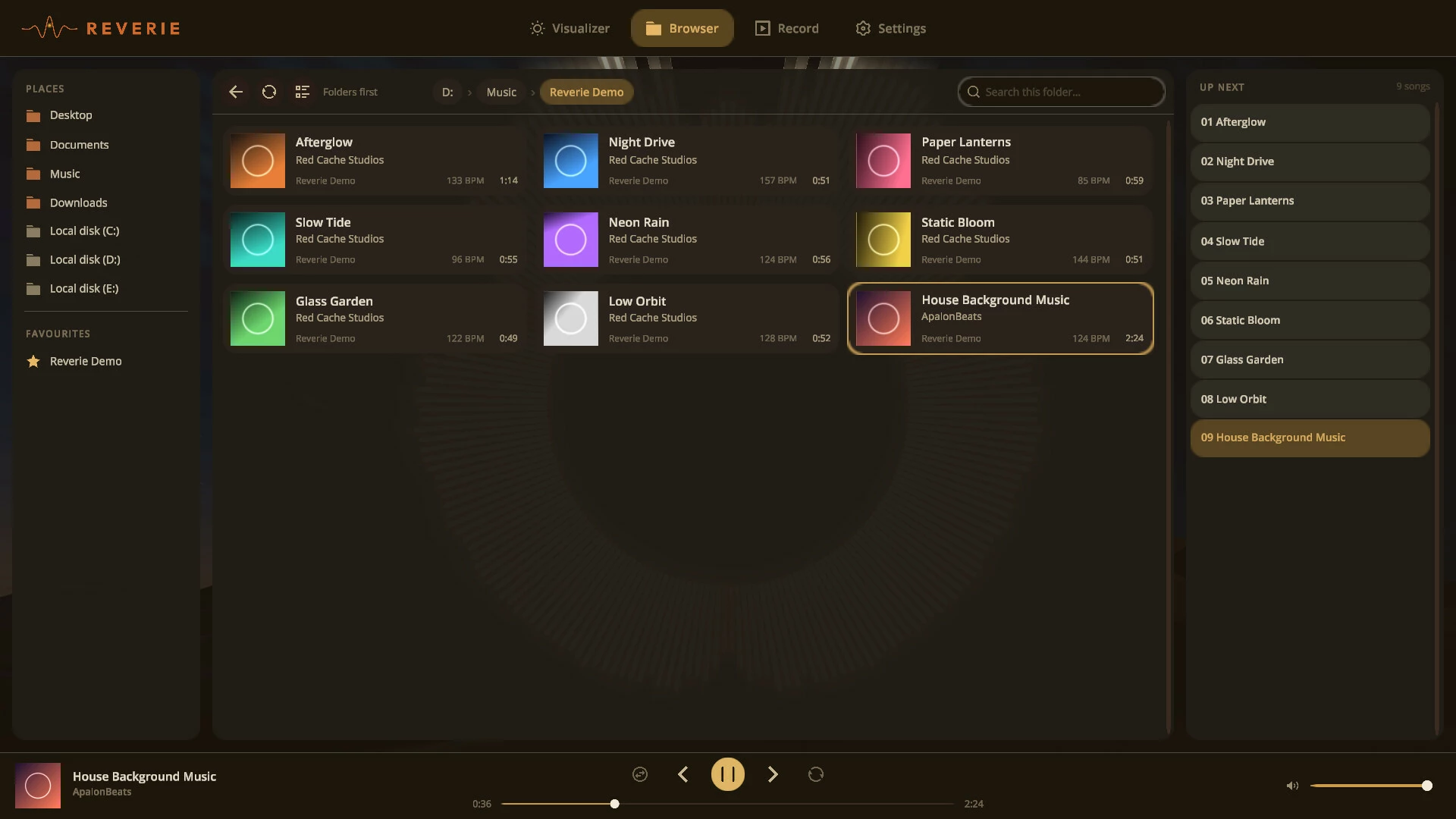
A fast browser for big music folders, with favourites and a queue
Every shortcut can be rebound
Steam and Discord show what you're listening to
Available in 9 languages
- Если не установлен Steam клиент, скачайте его для Windows (клиент также доступен на Mac и Linux) и установите.
- Запустите Steam, зайдите в свой аккаунт или зарегистрируйте новый, если у вас его еще нет.
- При оформлении заказа, предоставьте ссылку на свой профиль в Steam или ваш SteamID состоящий из 18 цифр (765***).
- Ожидайте приглашения от нашего бота (если у вас аккаунт с ограниченными правами) или добавьте бота в друзья (ссылка на бота будет предоставлена после успешной оплаты).
- После того, как вы добавите нашего бота в друзья, игра автоматически (время ожидания обычно составляет не более 5-30 секунд) будет отправлена вам в виде подарка (гифта).
- Примите подарок, добавьте в Библиотеку и нажмите «Играть».















и мы вам напишем, если цена на этот товар снизится