

Купить Nori

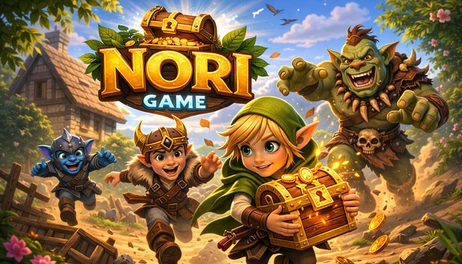
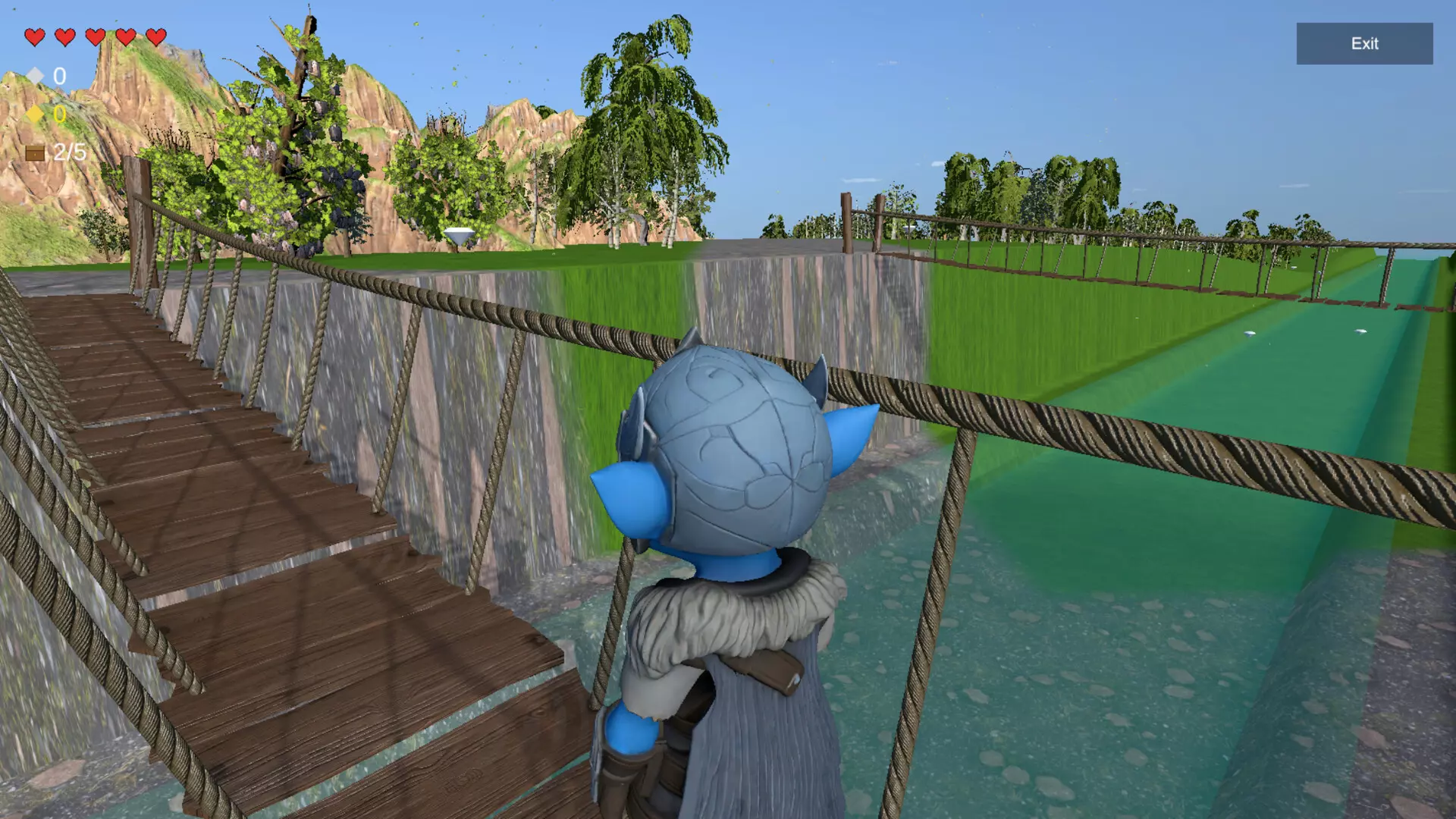
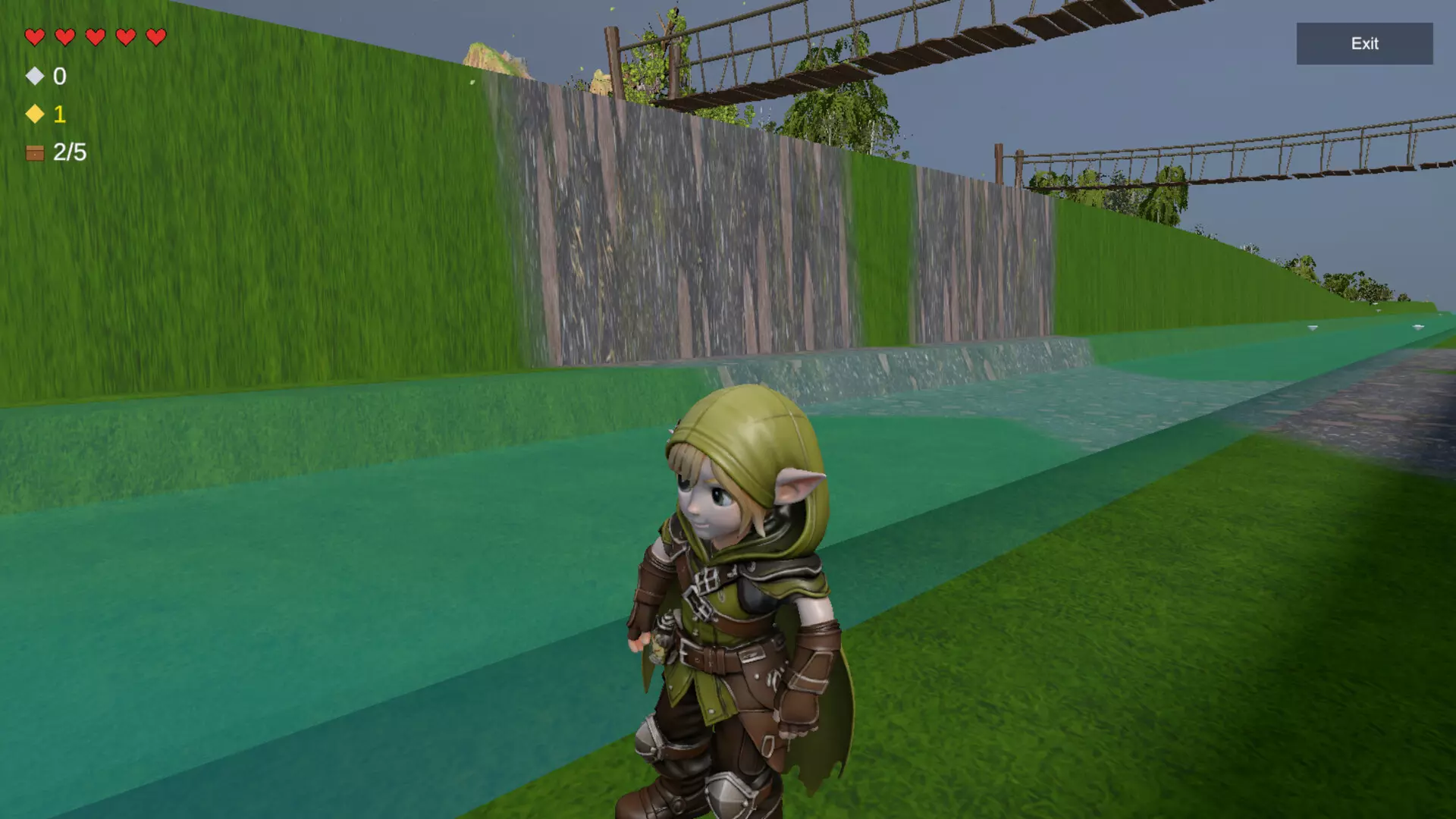
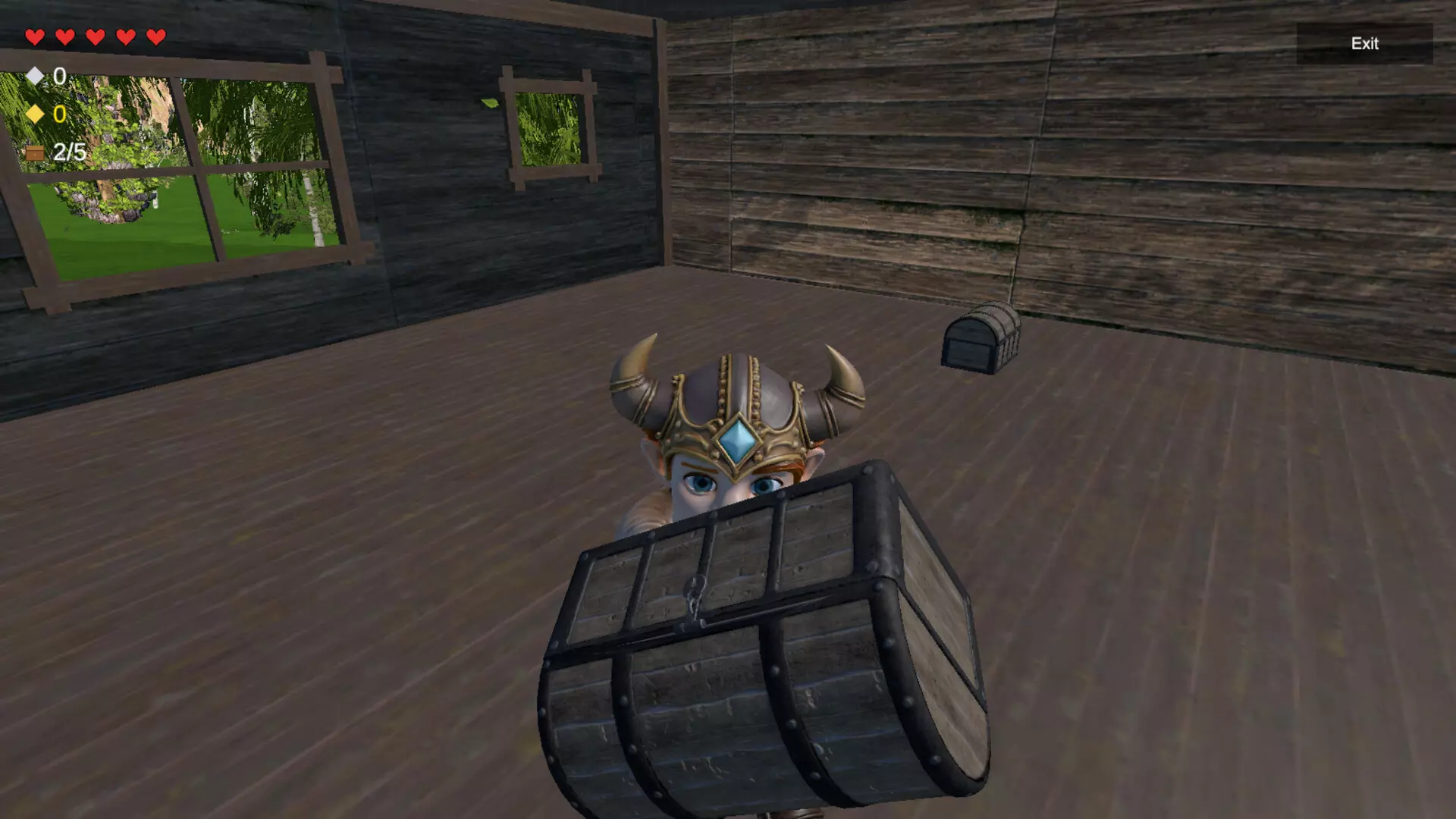
A chaotic 1–4 player chest-heist party game. Steal treasure from your friends, hide your loot, build defenses, and race to be the first to secure 5 chests.

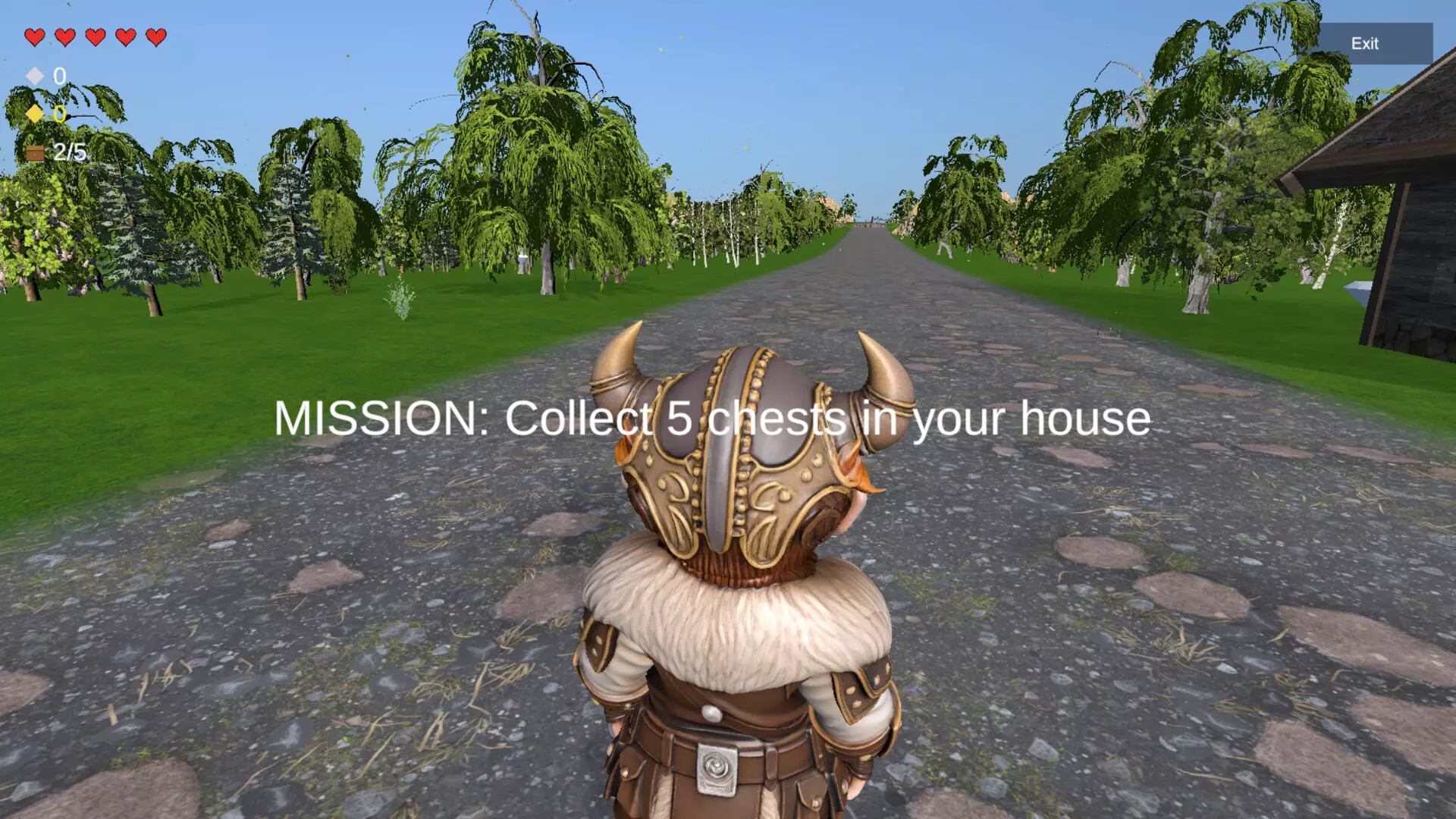
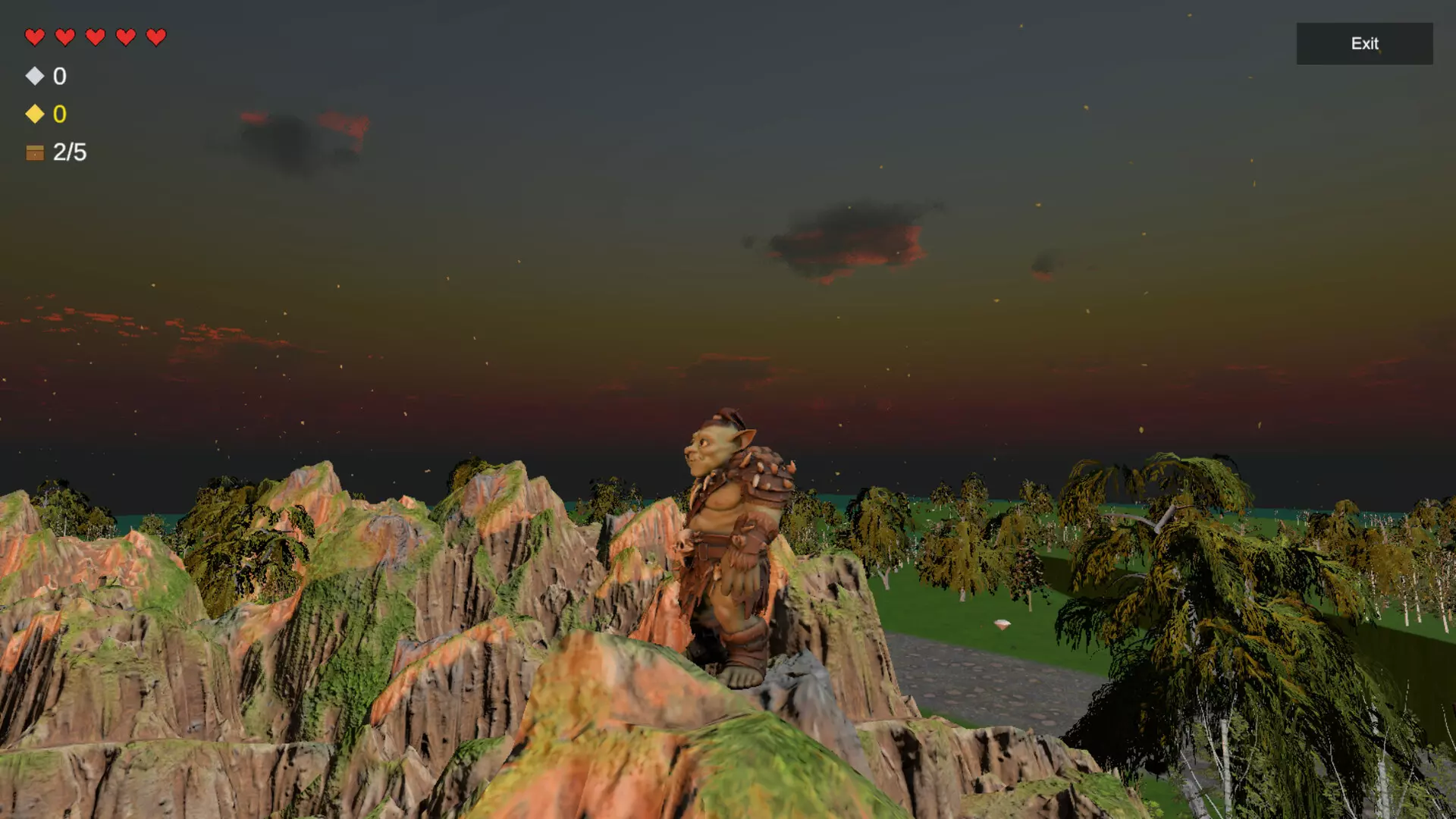
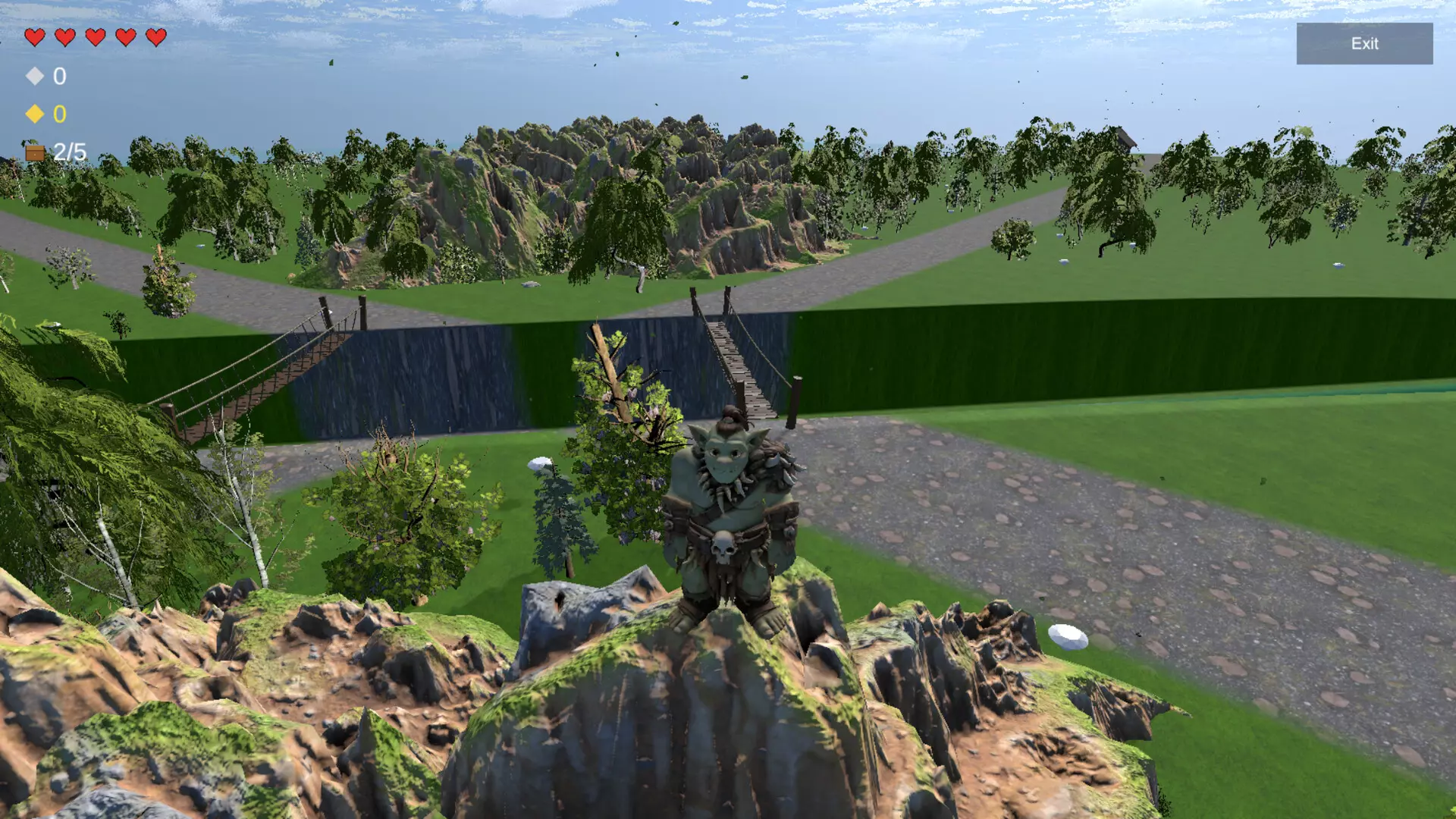
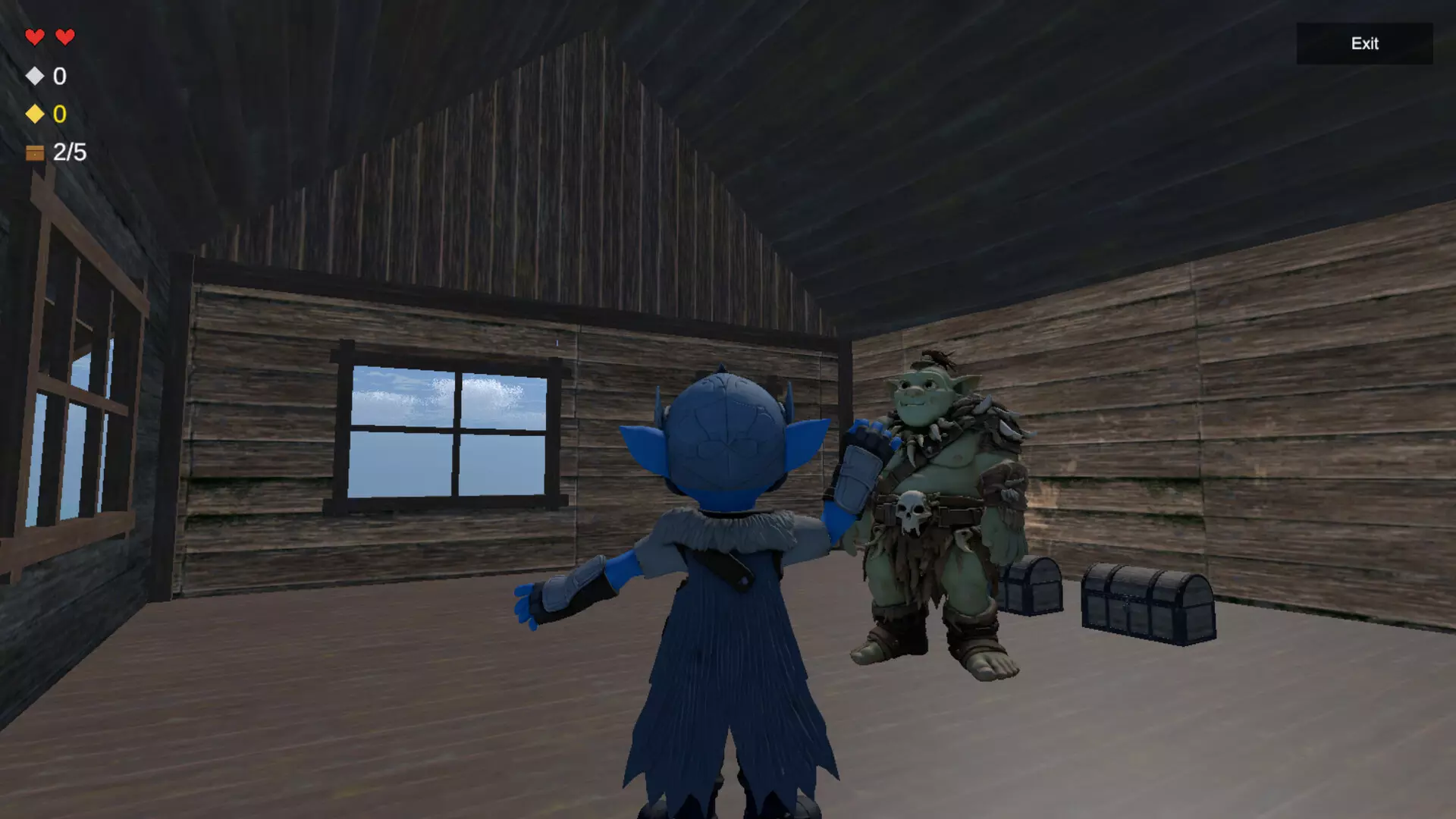
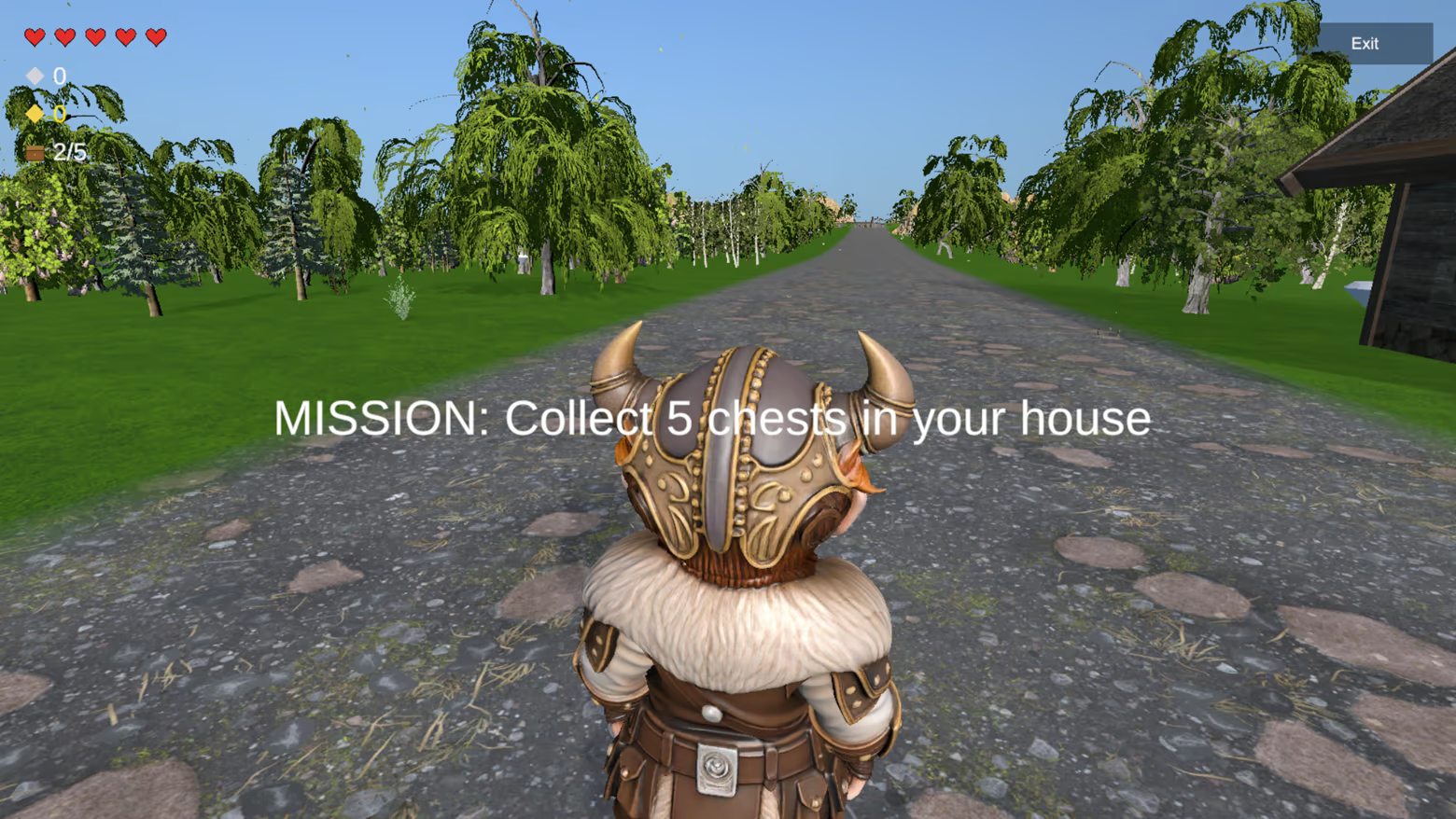
Steal from your friends. Defend your home. Trust no one.
Nori Game is a fast-paced 1–4 player multiplayer party game where every player is both hunter and prey.
Your mission:
be the first to secure 5 treasure chests in your home.
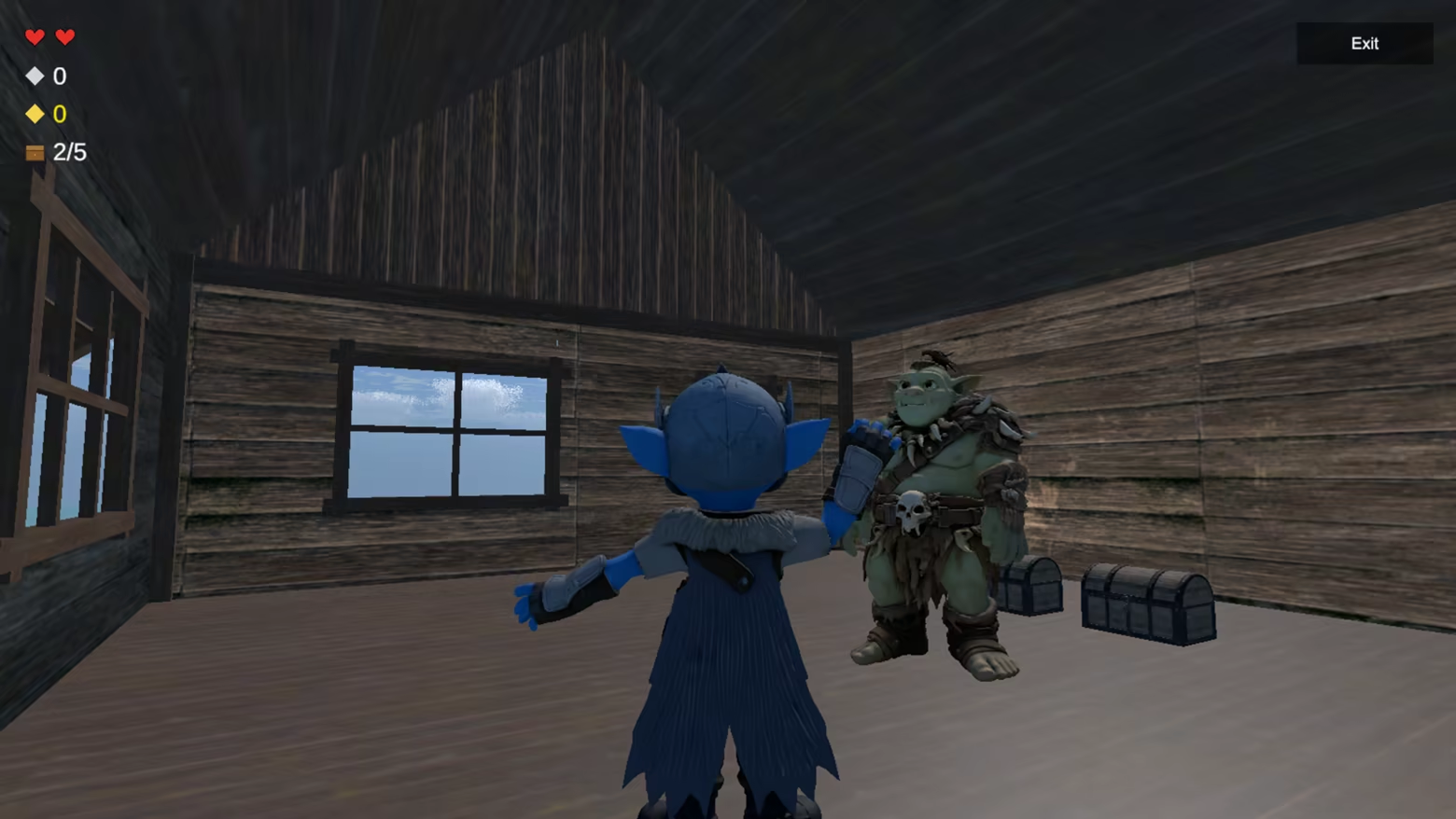
You start with 2 chests already in your base. To win, you must raid rival homes, steal 3 more chests, and bring them back before your friends steal yours.
Simple rules. Chaotic strategy. Endless rivalries.
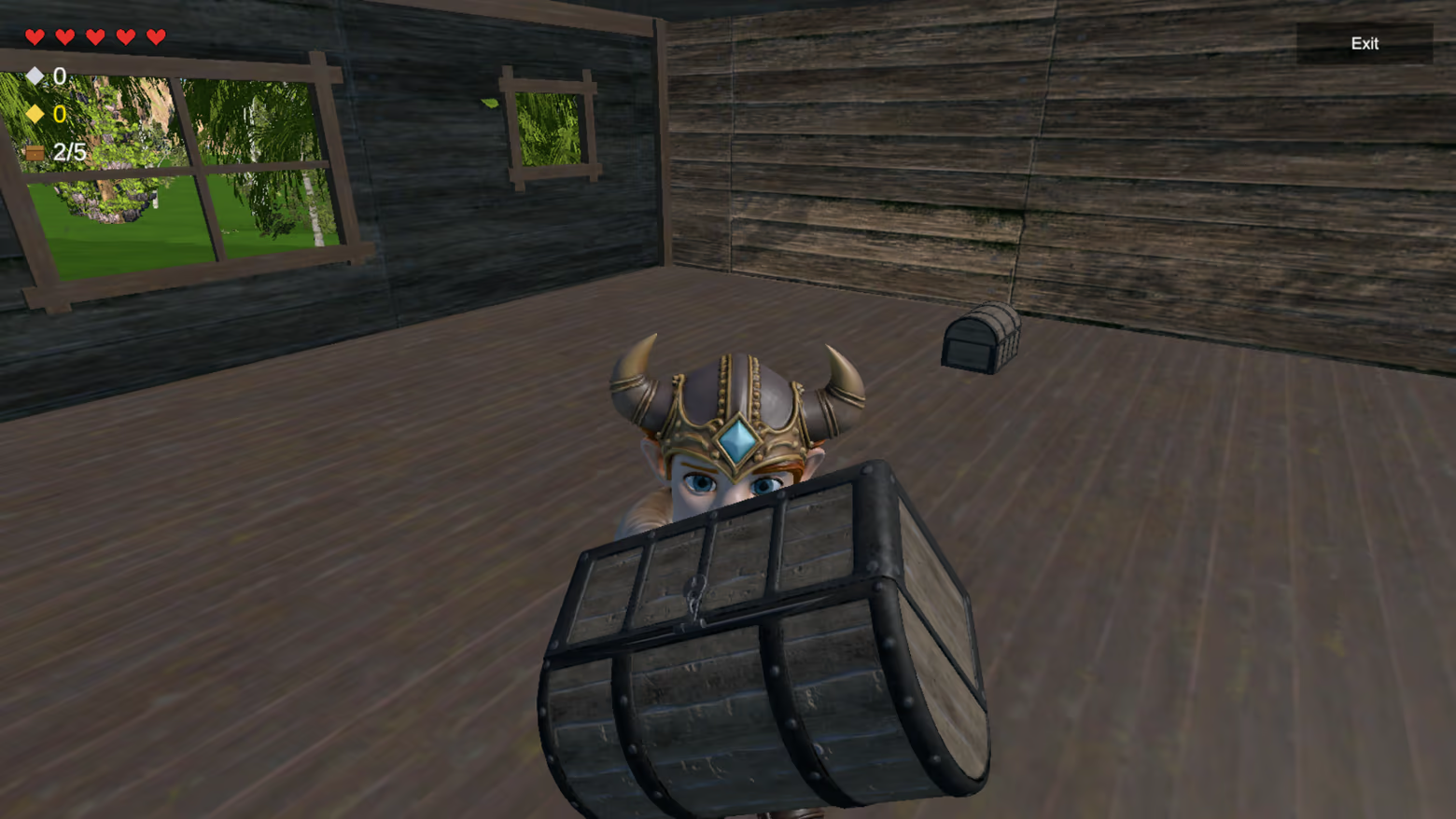
What begins as a simple race quickly becomes total chaos.
Break into enemy bases.
Grab a chest and run.
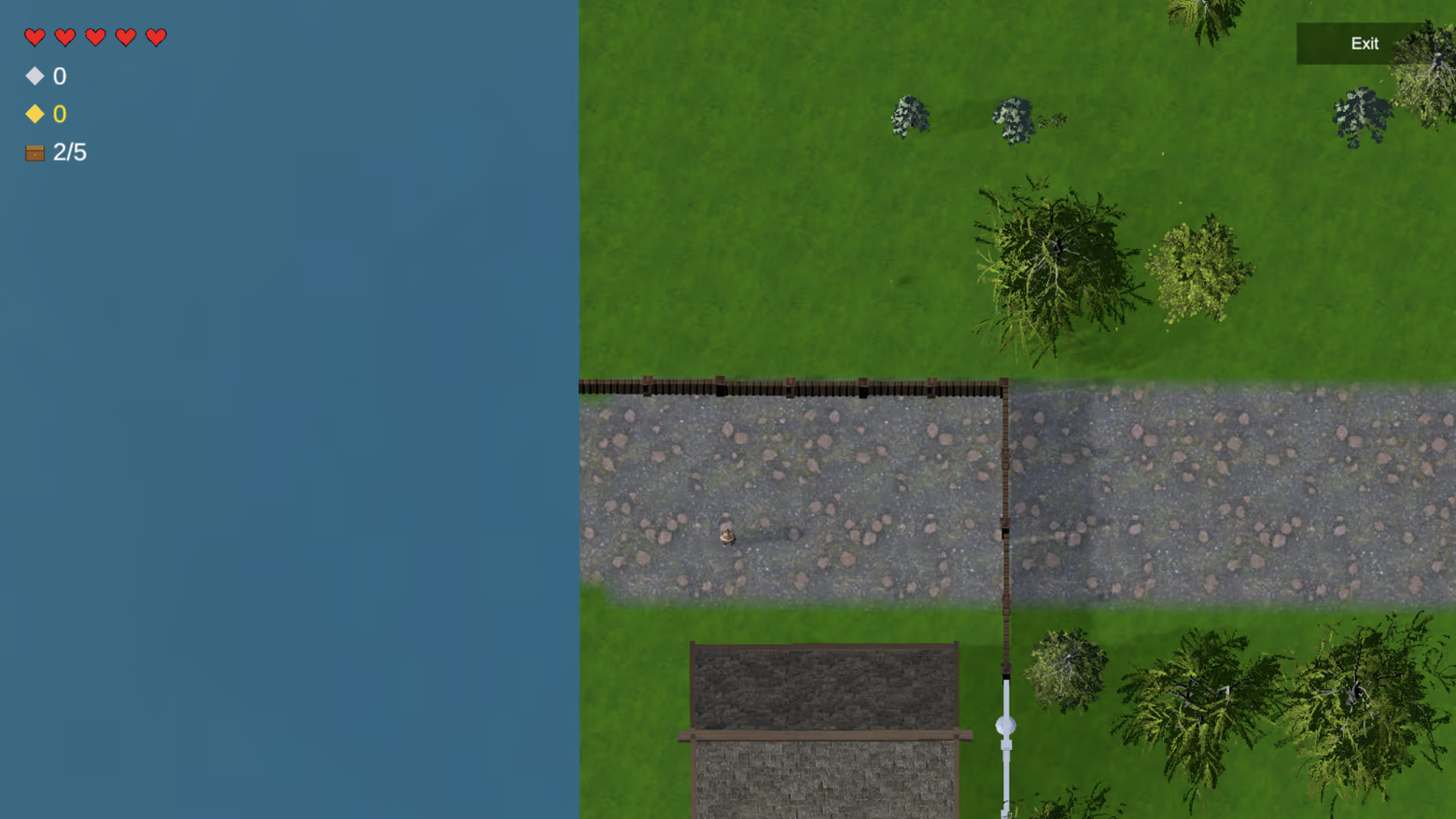
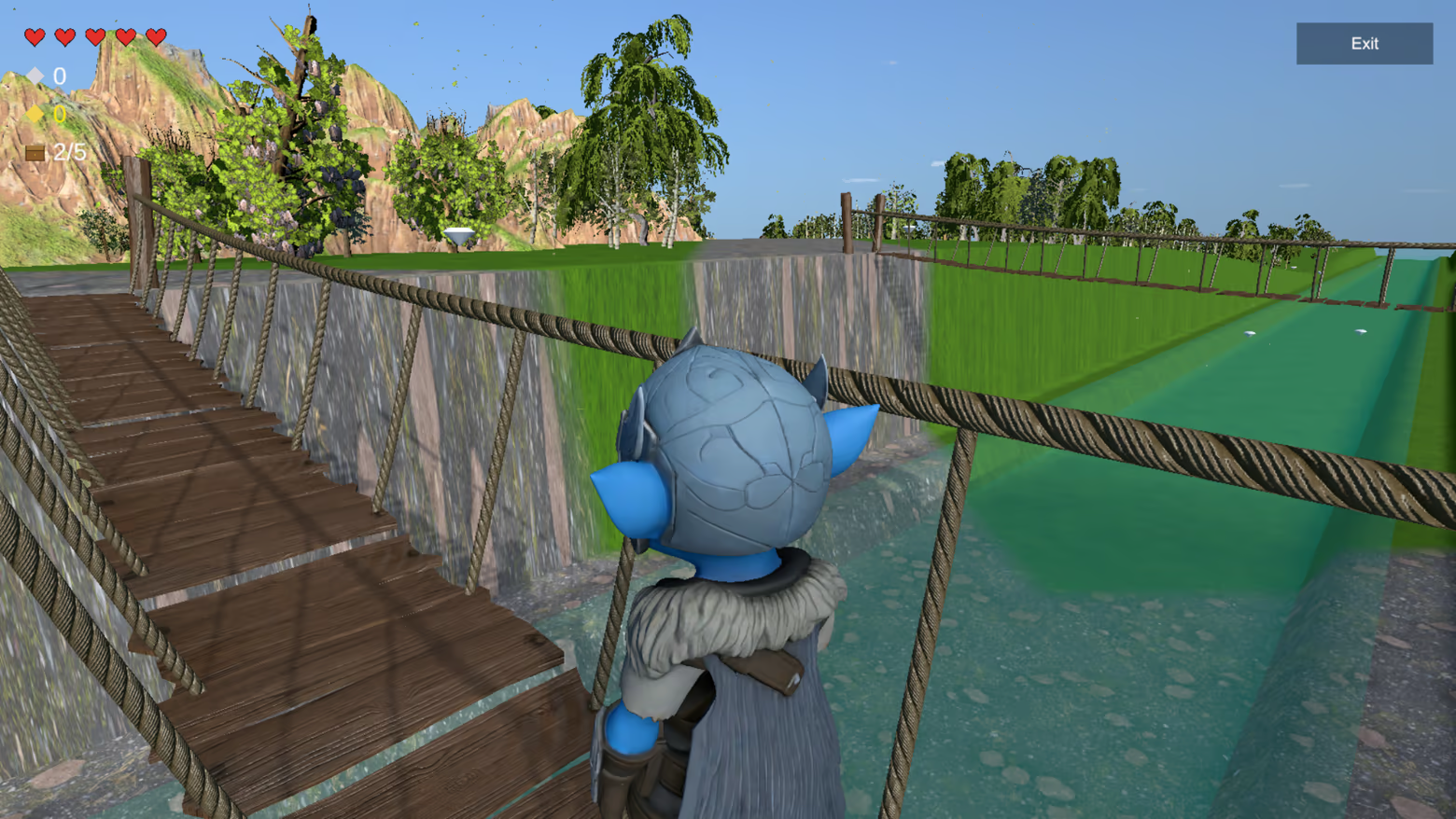
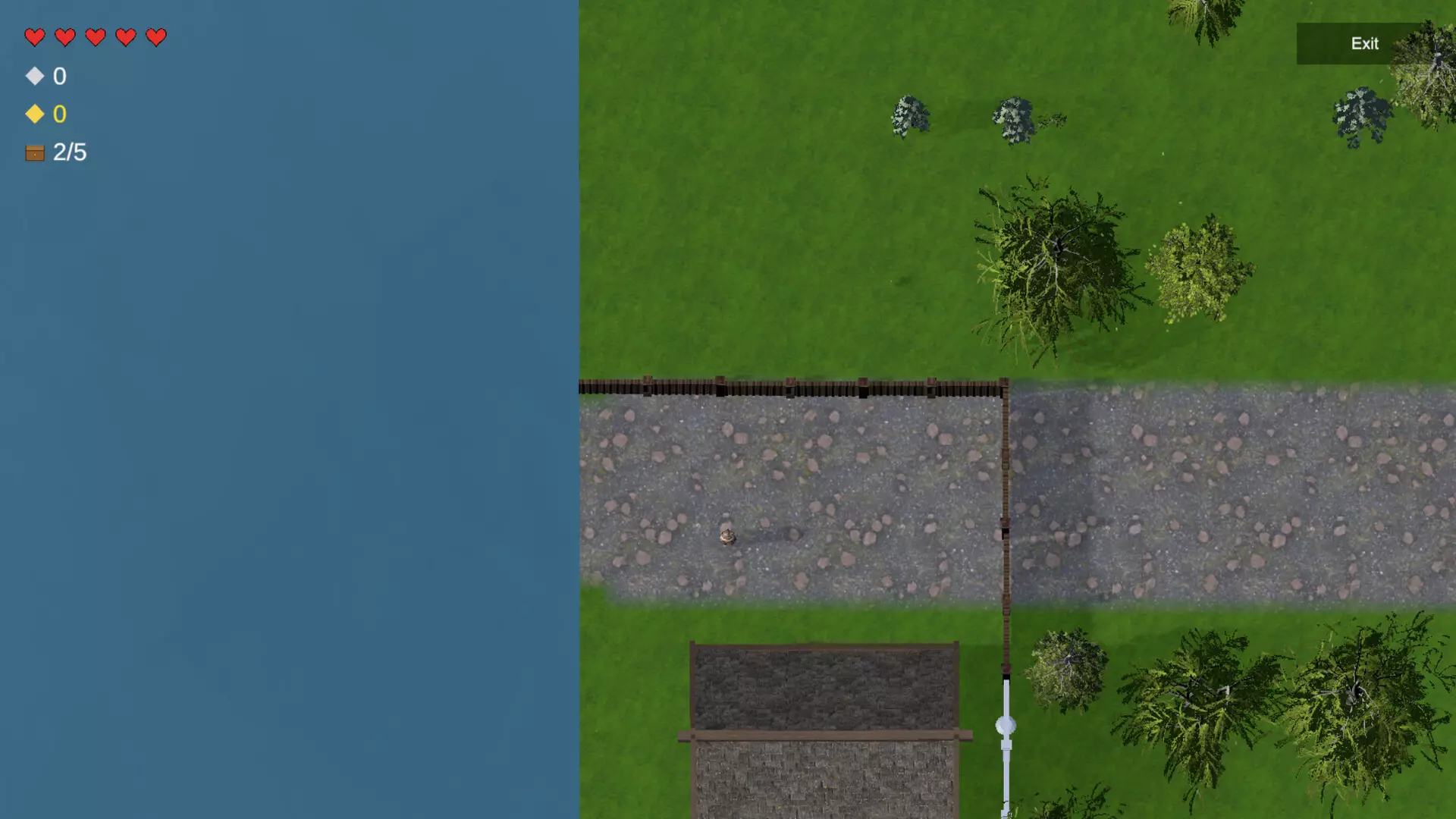
Build fences to protect your loot.
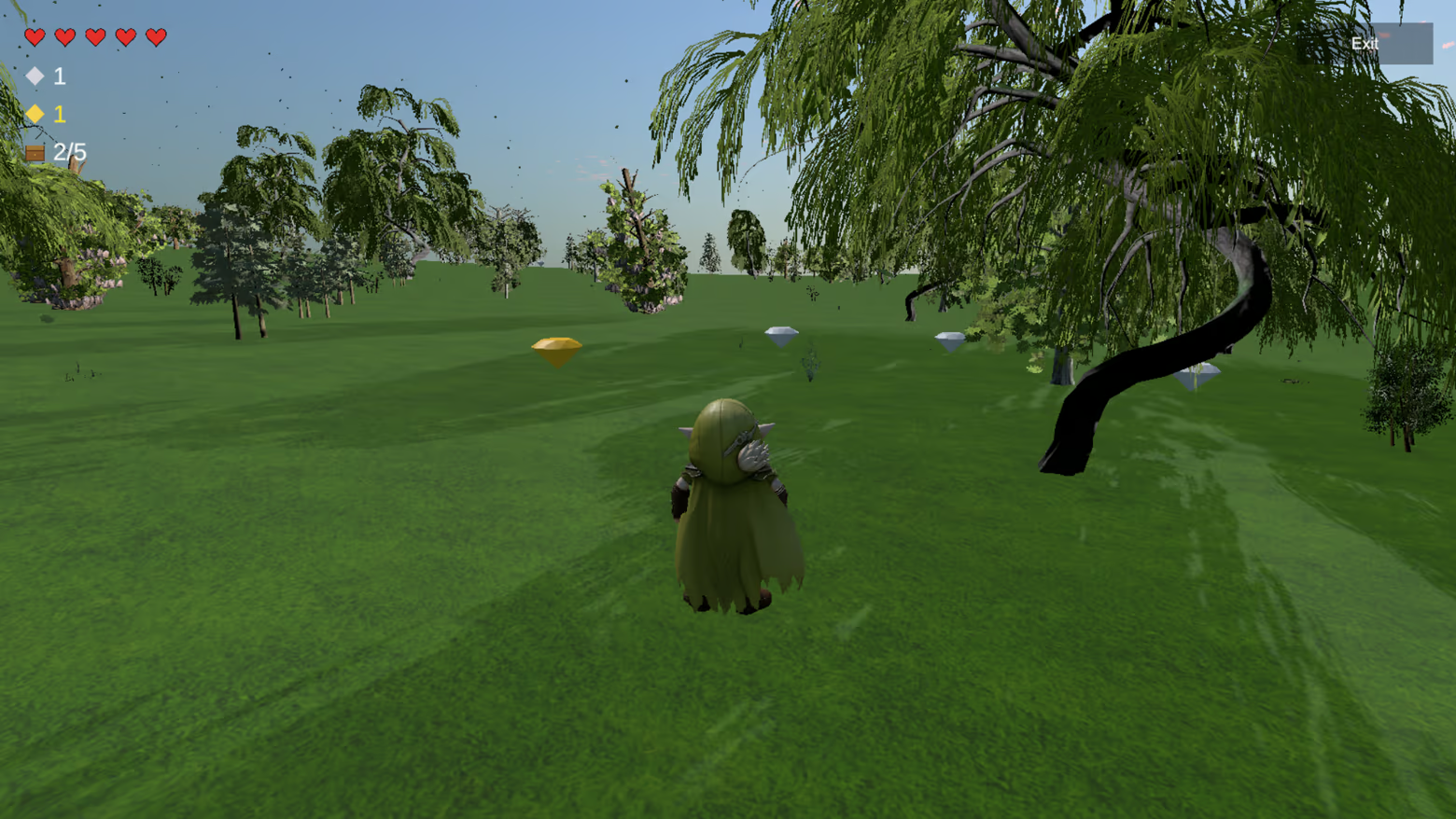
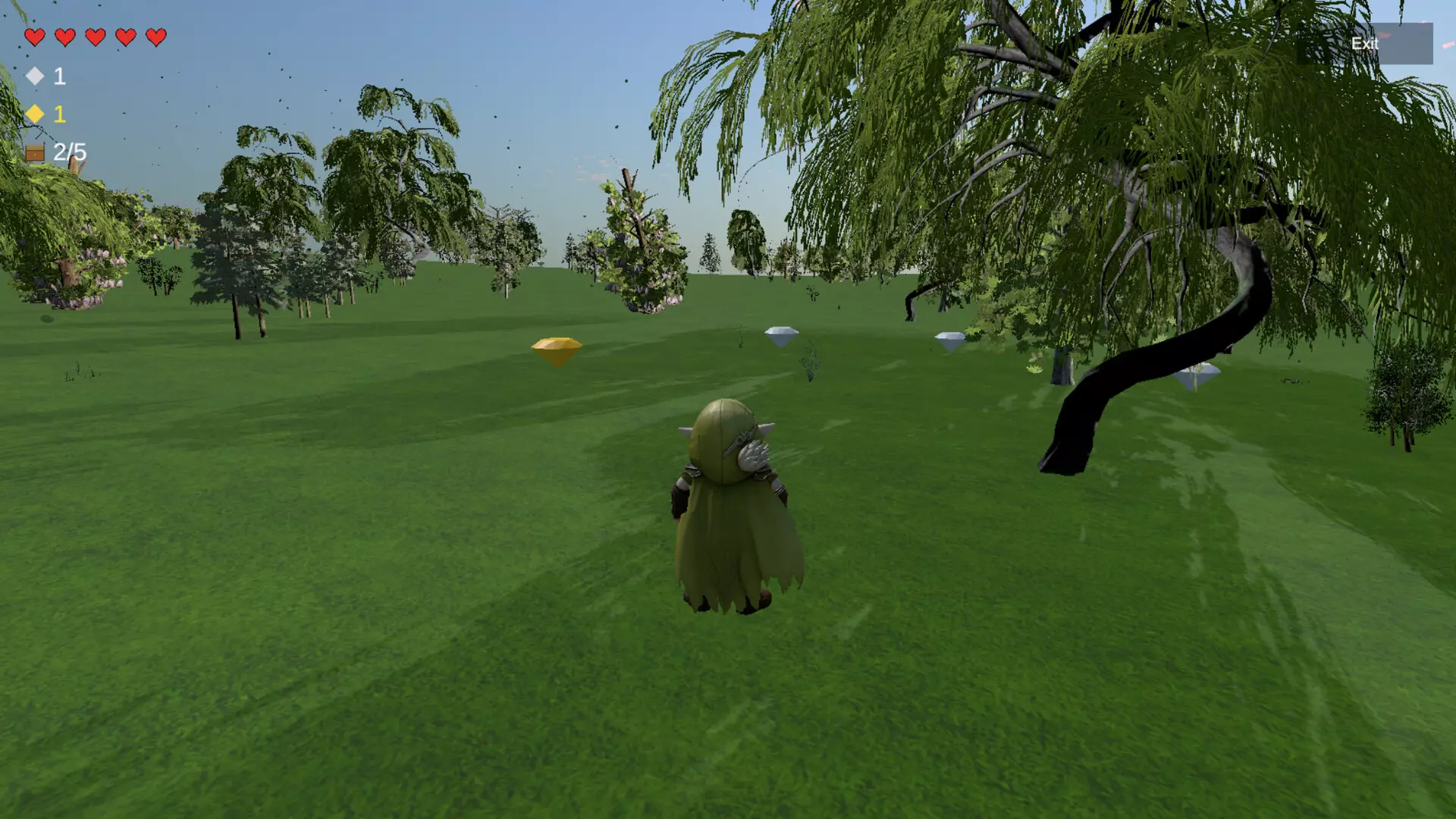
Collect diamonds for speed boosts and extra lives.
Then try to survive the revenge.
In Nori Game, one stolen chest can change everything.
Features
Fast and chaotic 1–4 player matches
Steal treasure chests from rival players
Defend your home with clever fence placement
Collect diamonds for permanent speed boosts and extra lives
Single-player mode for practice
Online multiplayer with friends on Steam
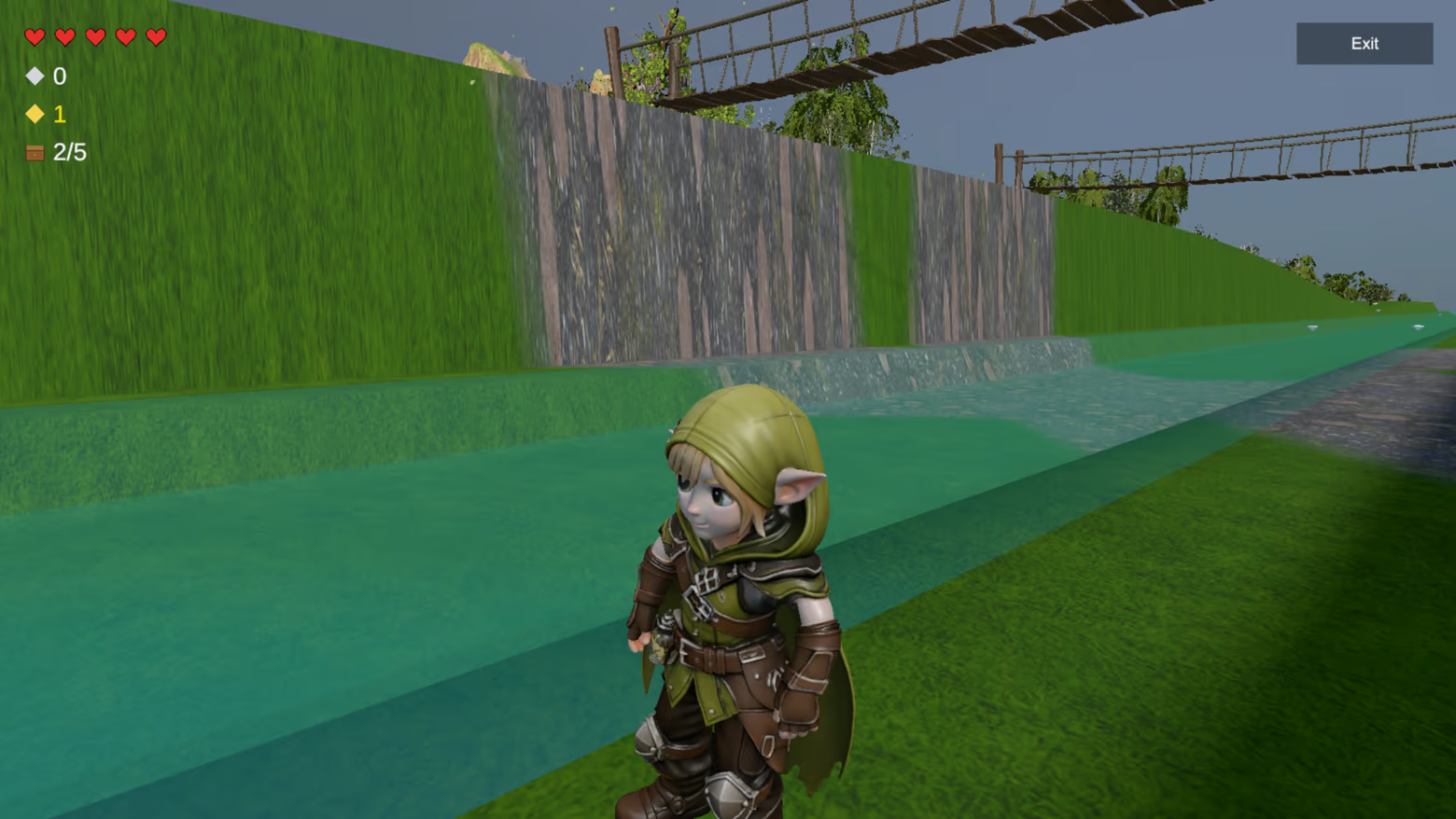
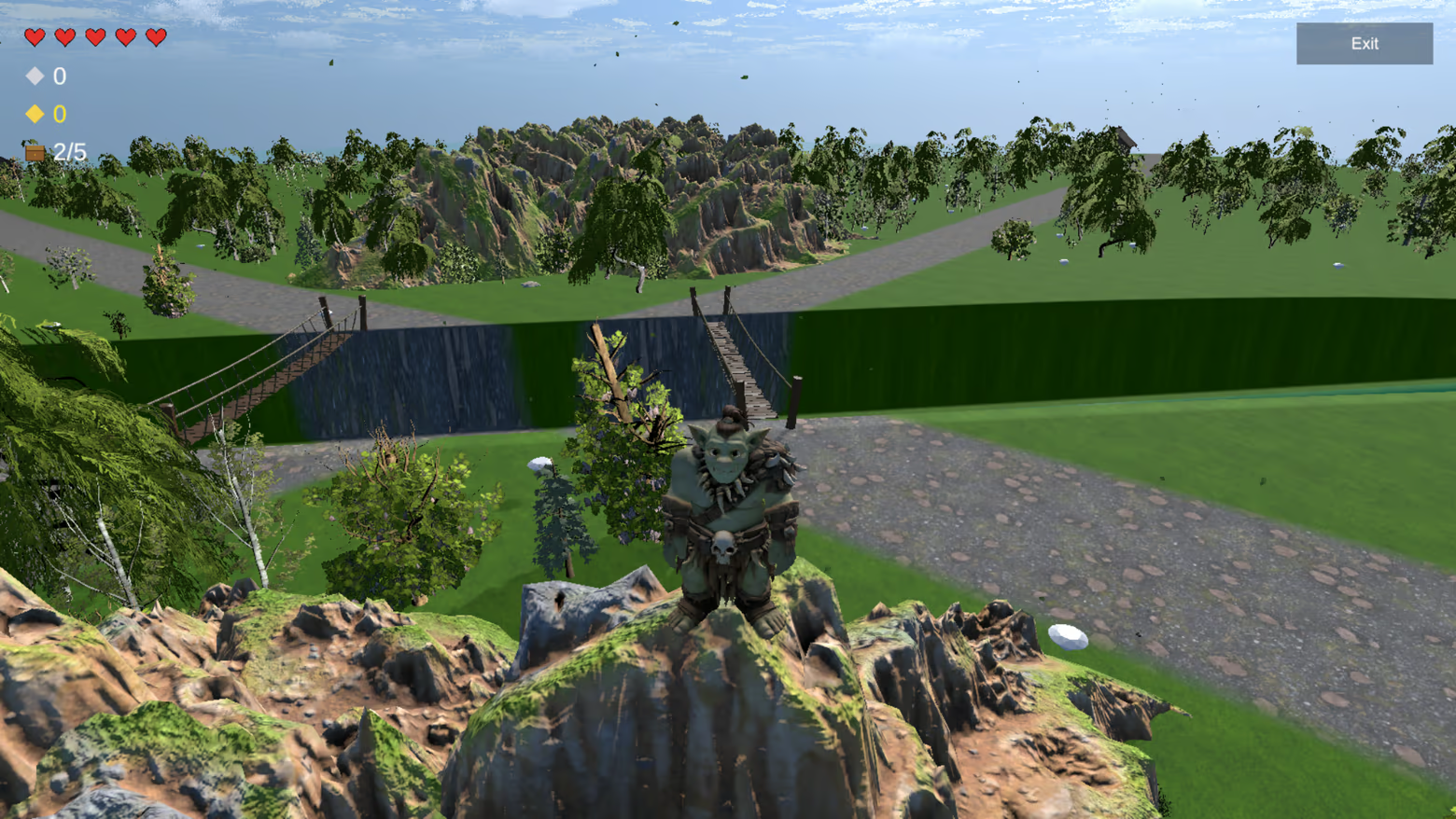
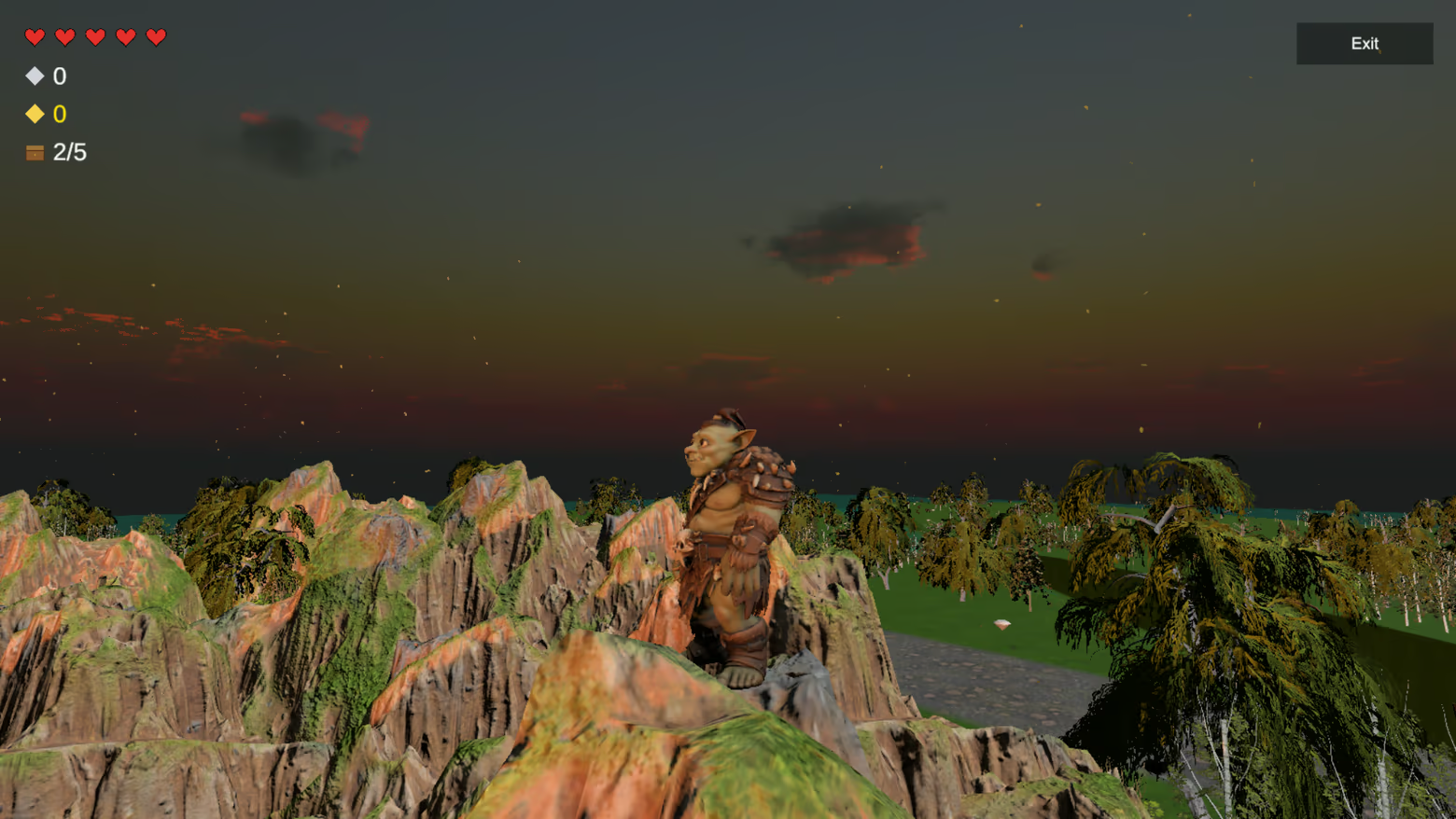
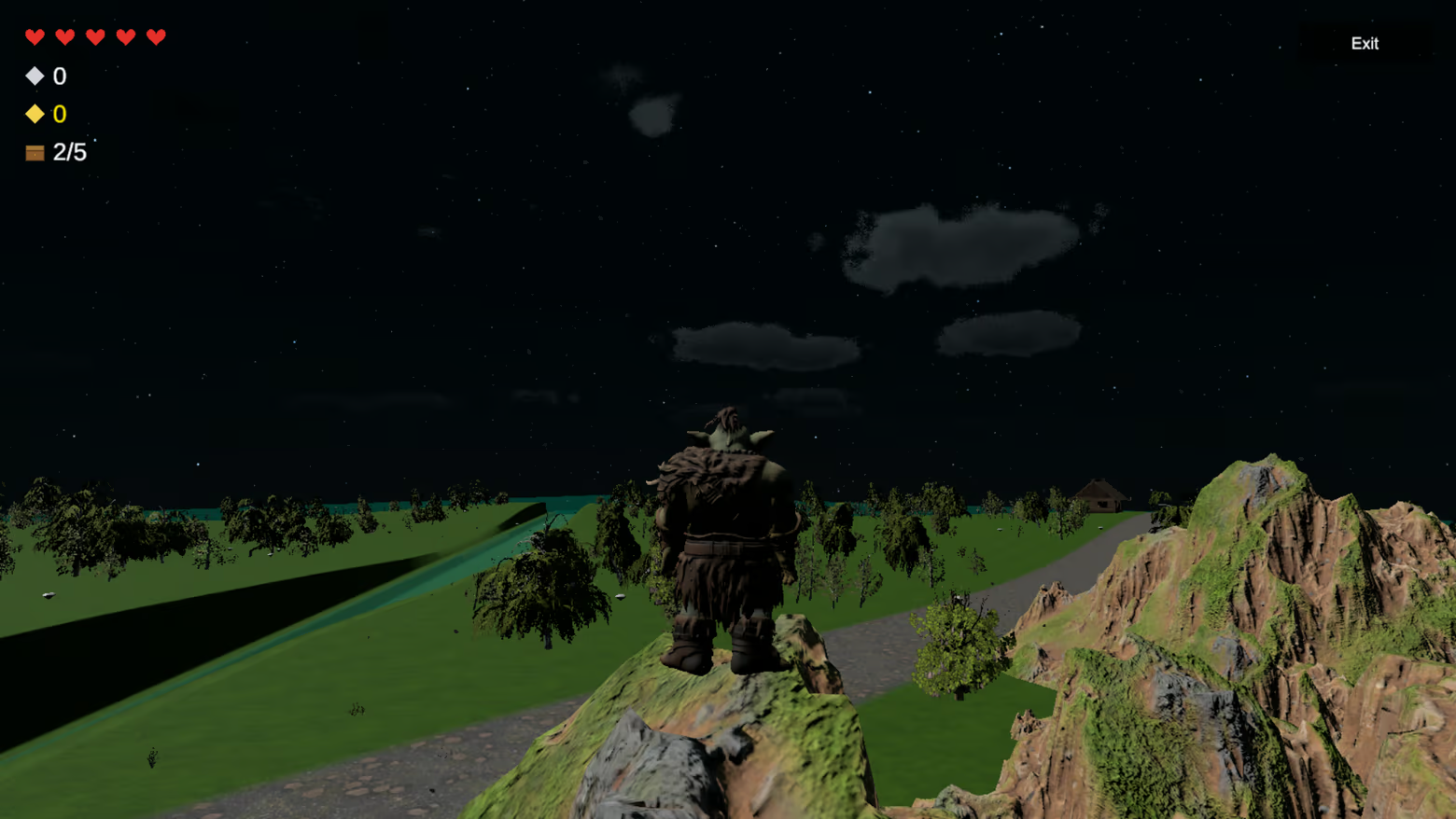
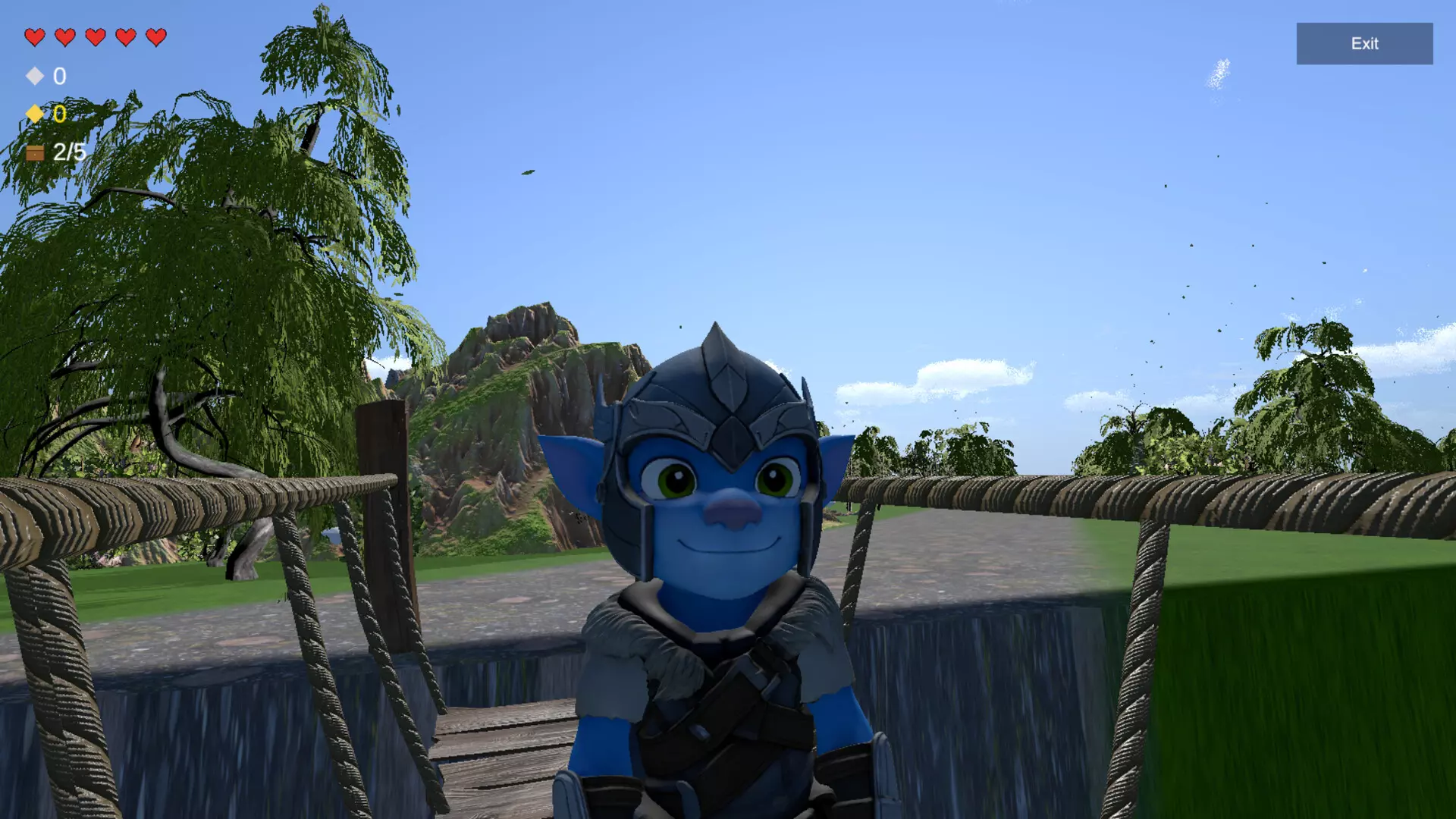
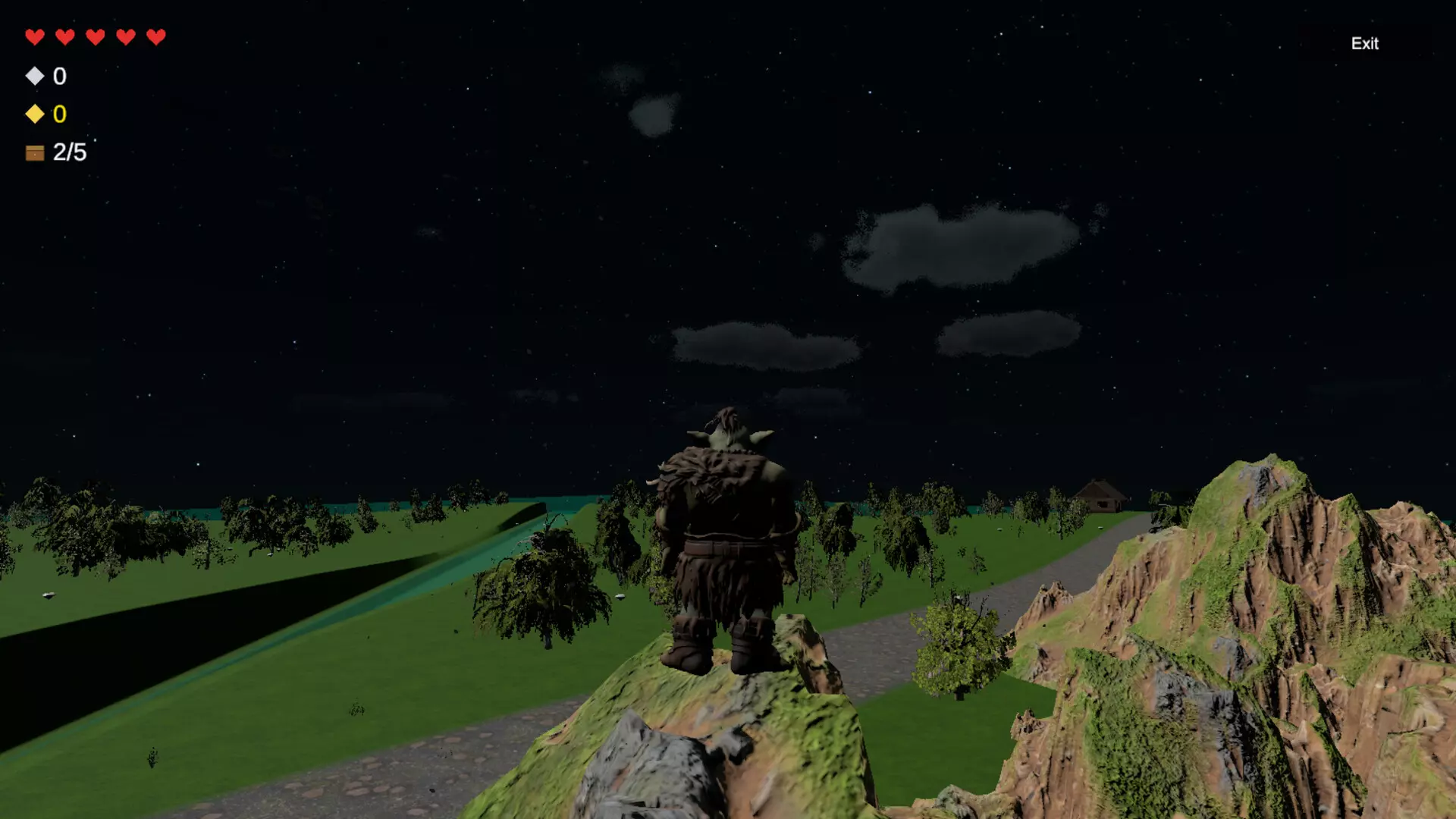
Play as Nori, Elfy, Gobly, or Orcy
Why you’ll want revenge
One second you’re about to win.
The next, your friend sneaks into your base, steals your chest, and ruins everything.
That’s what makes Nori Game fun:
every match is a mix of strategy, panic, betrayal, and comeback moments.
Play the demo now
The free demo is available now.
Wishlist the full version to get notified at launch and be ready for the 30% launch discount.
? Singleplayer & Steam Multiplayer
Play:
Solo (practice routes, defense, and strategy)
Multiplayer (1–4 players) via Steam
One player hosts a lobby and invites up to 3 friends.
Fast matches. High replayability.
? Match Flow
Choose Nori, Elfy, Gobly, or Orcy.
Spawn at your house with 2 chests.
Steal 3 more from rivals.
Deliver them safely.
First to 5 wins.
? Multiplayer — Step by Step
? HOST — How to Host a Game
1️⃣ Launch the Game
Open Steam
Go to your Library
Click Nori
Click Play
In the main menu, click Multiplayer
2️⃣ Create a Session
Click Host
Enter your player name
Choose your character:
Nori
Elfy
Gobly
Orcy
3️⃣ Invite Friends
Click Invite
The Steam friends window will open
Select a friend and send the invite
After sending the invite, you return to the multiplayer screen
Click Invite again to invite another friend
(up to 3 total players)
4️⃣ Start the Game
When everyone is ready, click Play
The Host enters the game
Invited friends will join after accepting the invite
? CLIENT — How to Join a Game
Option A — Via Steam Invite
Receive a Steam invite from your friend
Click Accept
The game opens (or switches) to the multiplayer overlay
Make sure Client is selected (default)
Enter your player name
Choose your character
Click Play to connect to the Host
Option B — Auto Connect
Launch the game through Steam
Click Multiplayer
Make sure Client is selected
Click Play
The game will automatically search for an active Host lobby and connect
???? Party Size
1 Host
Up to 3 Clients
Maximum 4 players total
⚙ Steam Requirements
All players must own Nori on Steam
All players must be online on Steam
The game must be launched through Steam
? If the Steam Invite Window Does Not Appear
Make sure the Steam Overlay is enabled
Launch the game directly from your Steam Library
Press Shift + Tab to open the Steam Overlay manually
- Если не установлен Steam клиент, скачайте его для Windows (клиент также доступен на Mac и Linux) и установите.
- Запустите Steam, зайдите в свой аккаунт или зарегистрируйте новый, если у вас его еще нет.
- При оформлении заказа, предоставьте ссылку на свой профиль в Steam или ваш SteamID состоящий из 18 цифр (765***).
- Ожидайте приглашения от нашего бота (если у вас аккаунт с ограниченными правами) или добавьте бота в друзья (ссылка на бота будет предоставлена после успешной оплаты).
- После того, как вы добавите нашего бота в друзья, игра автоматически (время ожидания обычно составляет не более 3-10 минут) будет отправлена вам в виде подарка (гифта).
- Примите подарок, добавьте в Библиотеку и нажмите «Играть».

















и мы вам напишем, если цена на этот товар снизится