
Купить Cubing Forge


Build real 3×3 cubing skill through guided lessons, interactive practice, CFOP algorithm training, solve timing, performance analysis, and support for compatible Bluetooth smart cubes.

Build Real Cubing Skill
Cubing Forge is an interactive 3×3 cube training game designed to help you understand the cube, complete your first solve, and continue developing toward faster, more consistent solving.
Rather than relying only on static diagrams or long algorithm lists, Cubing Forge combines a fully interactive virtual cube with guided lessons, live cube-state validation, algorithm training, solve timing, and detailed performance analysis.
Every tool is built around one goal: helping you understand what you are doing, not simply memorise moves.
Learn Through a Structured Campaign
Start with the fundamentals and progress through a practical, step-by-step learning path.
Learn how the cube is constructed, understand move notation, practise individual turns, build the white cross, complete the first layer, solve the middle layer, and work toward your first full solve.
Campaign objectives respond to the actual cube state. Progress is earned by correctly completing each task, rather than clicking through instructions or watching a passive tutorial.
This makes the campaign both a learning experience and a practical training environment.
Develop Your CFOP Skills
Once you understand the beginner method, continue improving with dedicated tools for the four main CFOP phases:
Cross
F2L
OLL
PLL
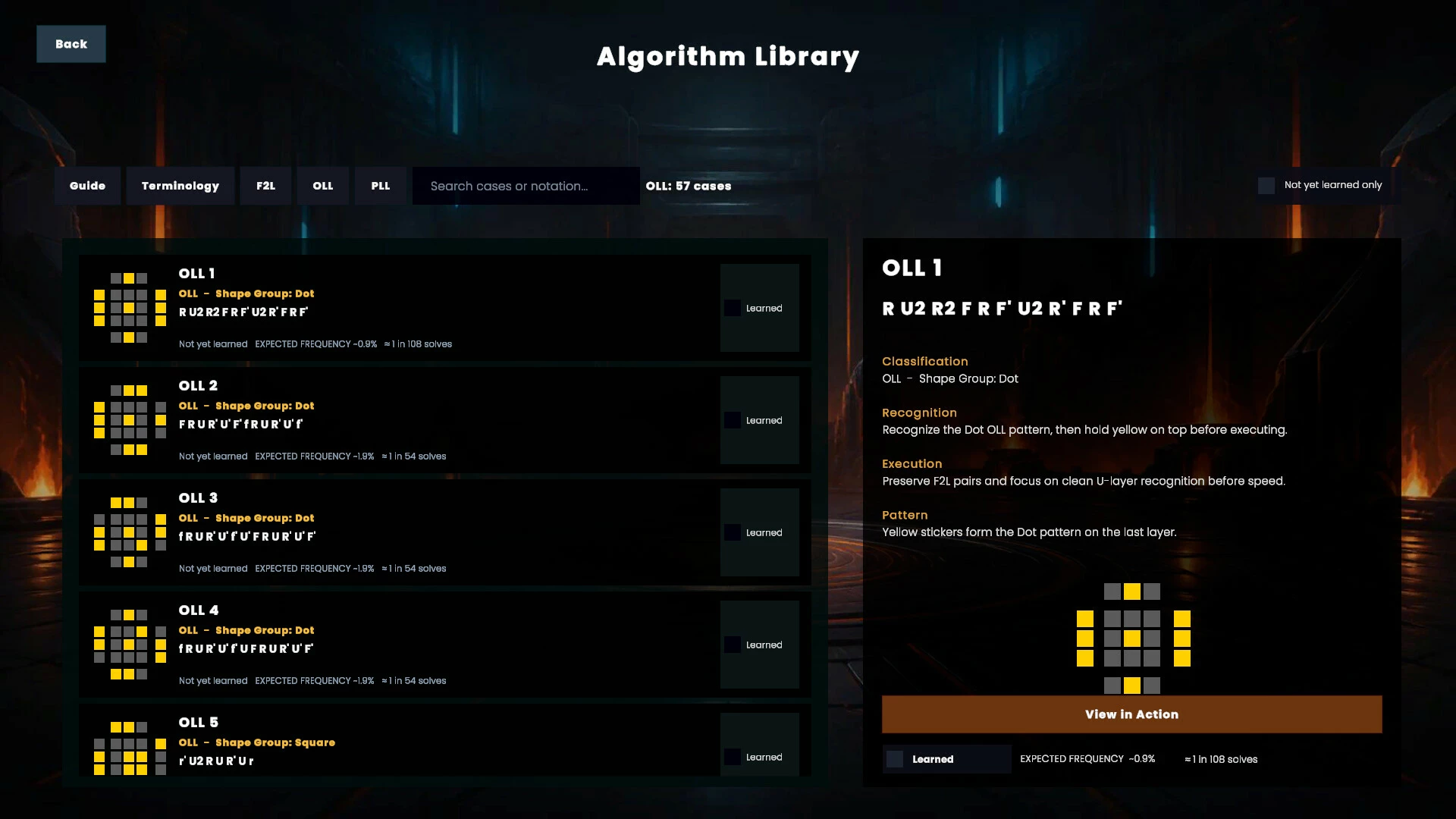
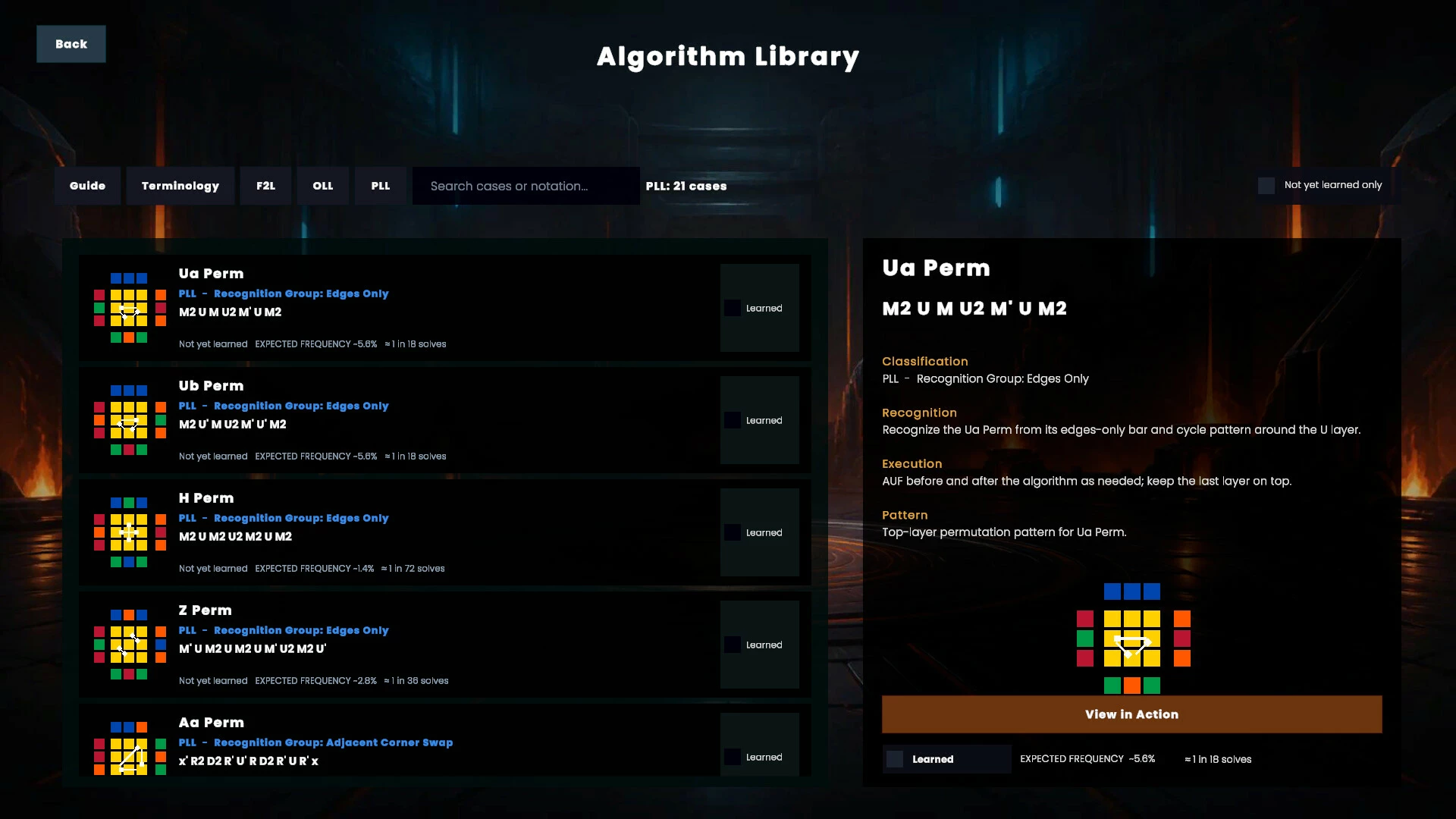
Explore a complete CFOP algorithm library containing move notation, case descriptions, recognition guidance, interactive previews, and controlled playback.
Practise cases individually, move through algorithms one turn at a time, repeat difficult patterns, and mark algorithms as learned as your knowledge develops.
Practise on a Fully Interactive Cube
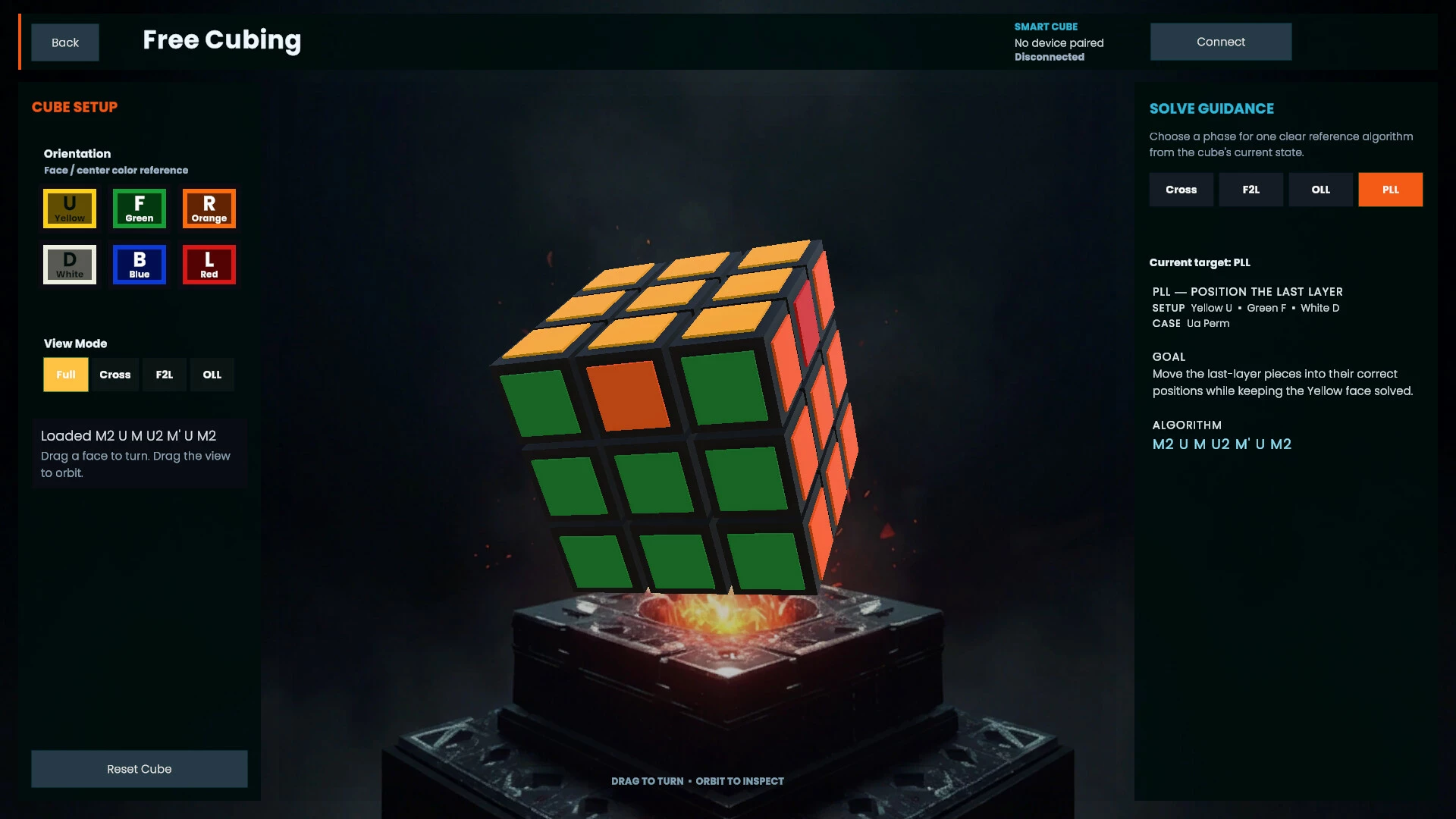
Use the virtual cube as an open practice environment.
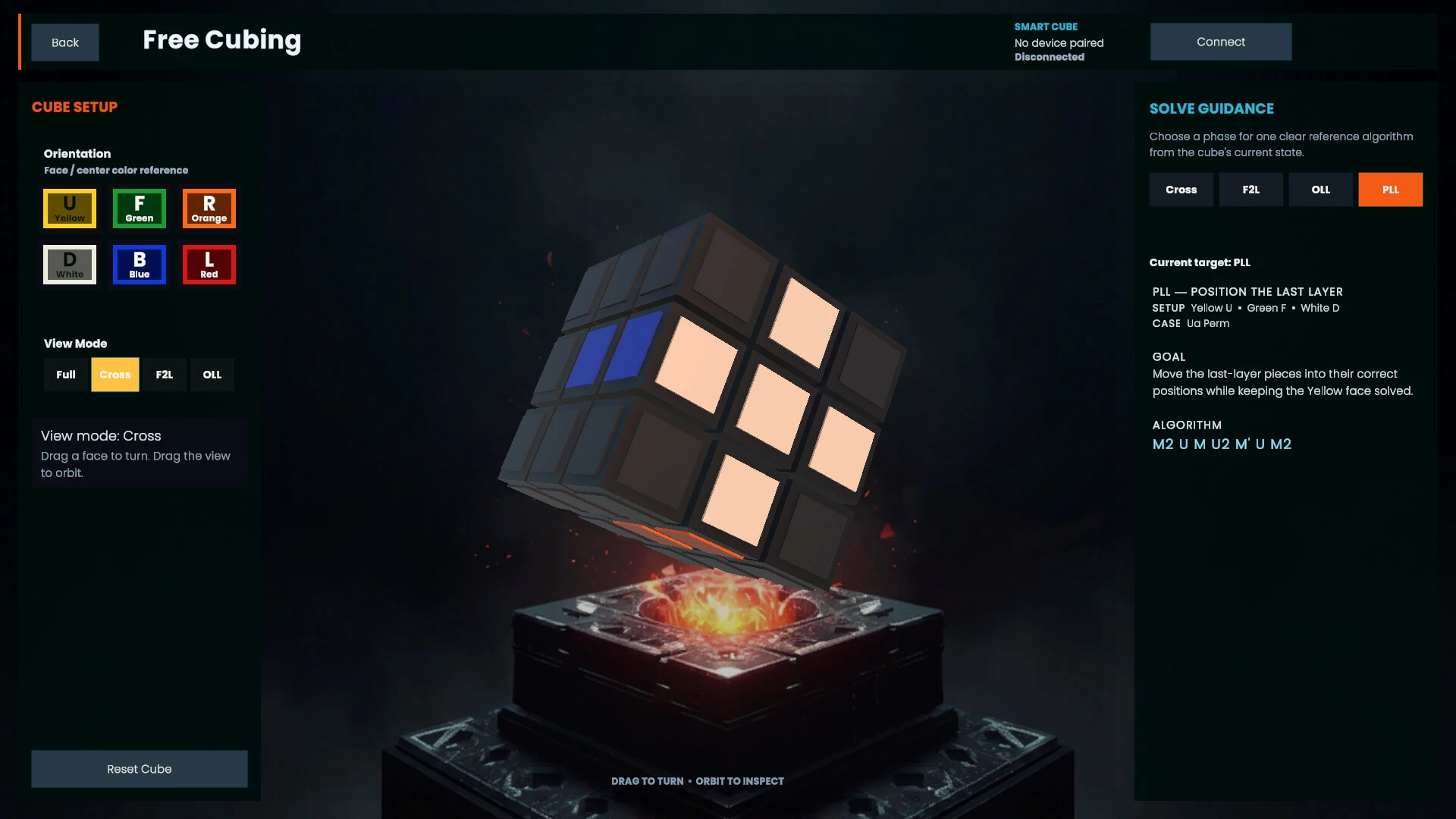
Turn the cube with mouse, keyboard, or controller input. Generate scrambles, test algorithms, inspect cube states, practise notation, and freely experiment without needing to reset a physical cube after every attempt.
Cubing Forge tracks the actual cube state, allowing its lessons, solving tools, and training systems to react to every move you make.
Use Guided Solving Assistance
When you become stuck, Cubing Forge can analyse the current cube state and provide guidance for the next stage of the solve.
Use the solving tools to work through the Cross, F2L, OLL, and PLL phases while still performing the moves yourself.
The guidance system is designed to support learning and understanding rather than simply solving the cube automatically.
Connect a Compatible Smart Cube
Cubing Forge supports compatible Bluetooth smart cubes, allowing turns made on a physical cube to appear inside the game.
Use your real cube together with campaign lessons, algorithm training, solve timing, guided solving, and performance analysis.
Smart-cube compatibility depends on the currently supported models listed on the Cubing Forge support page.
Measure Every Solve
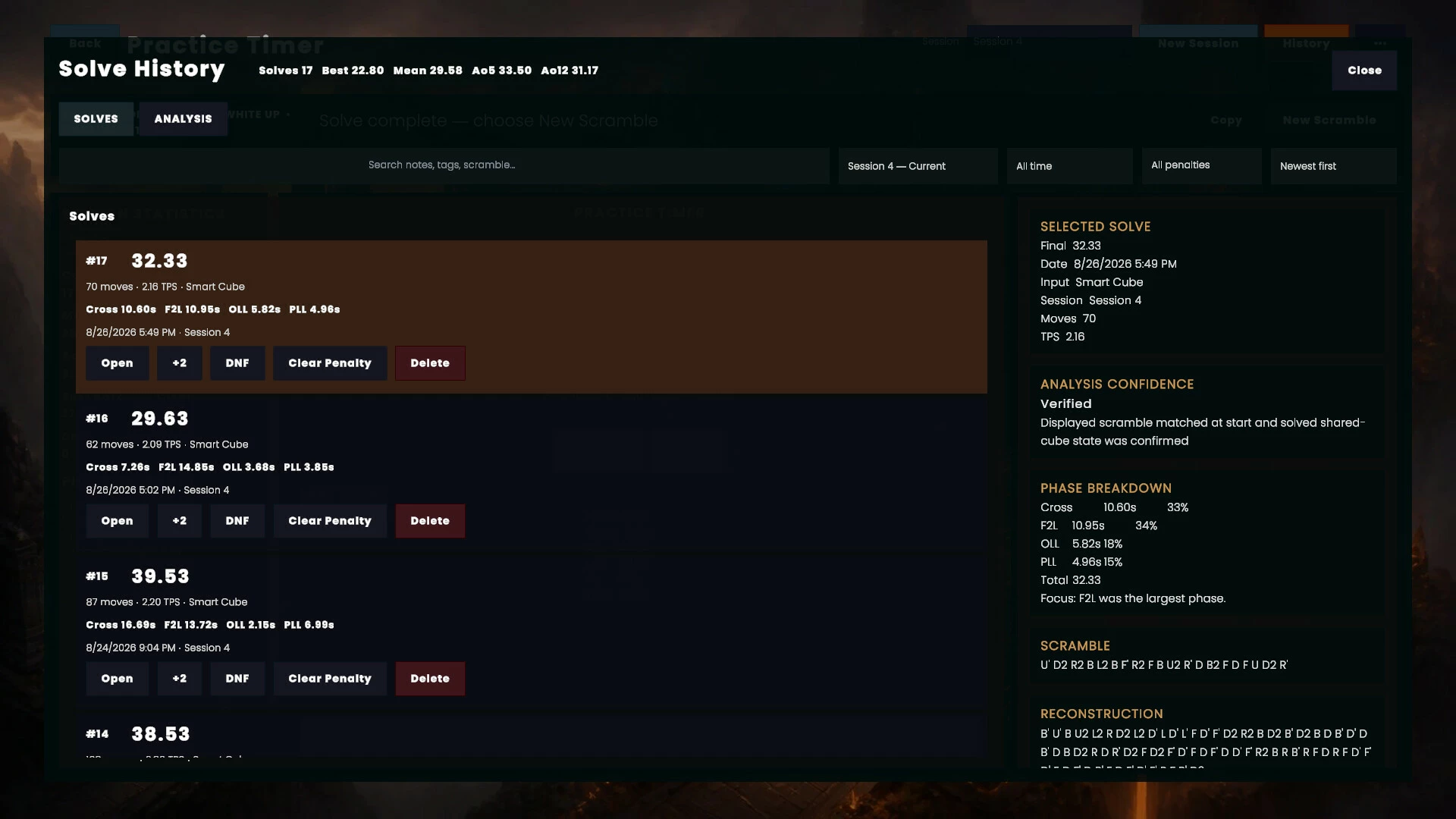
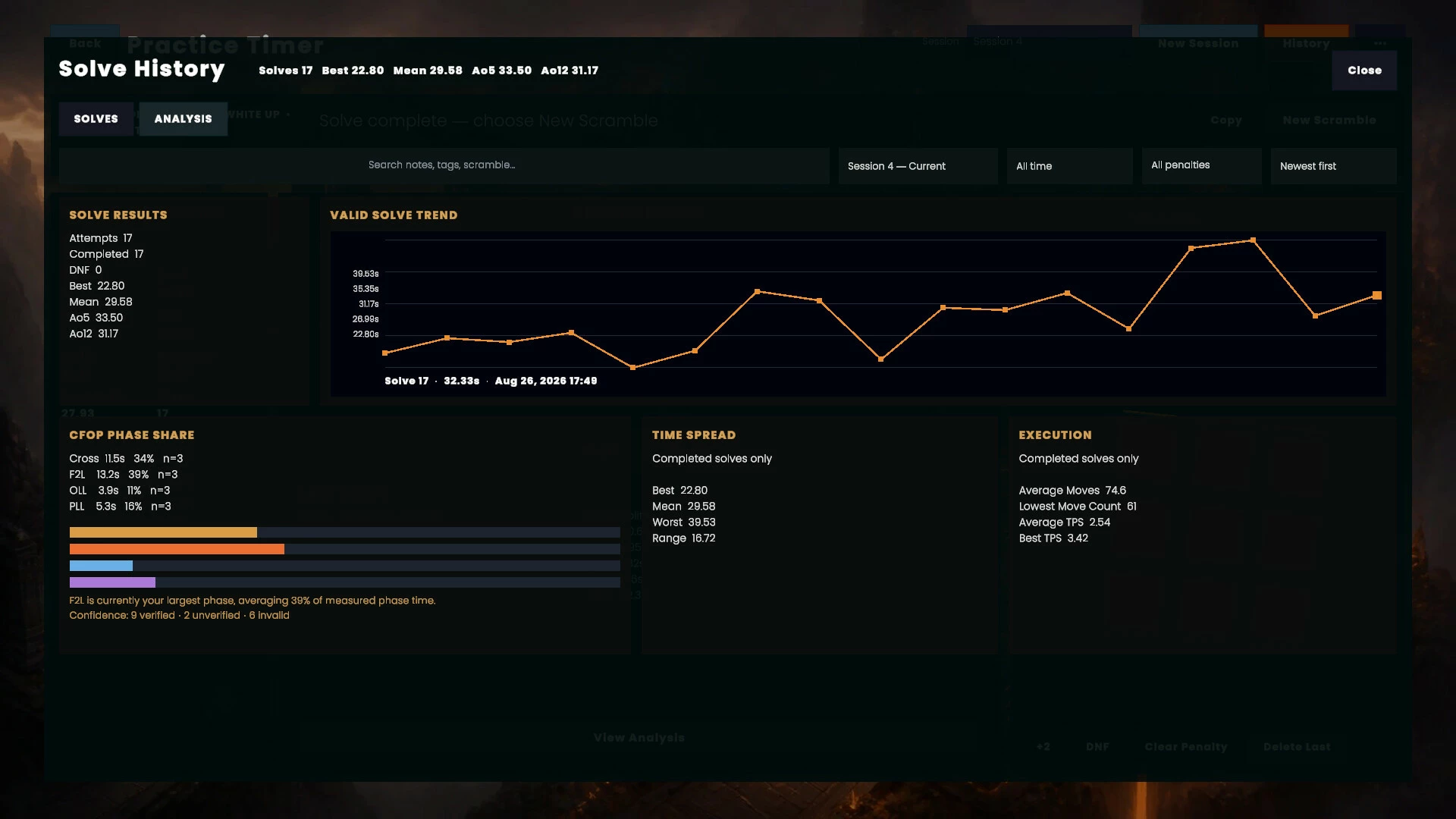
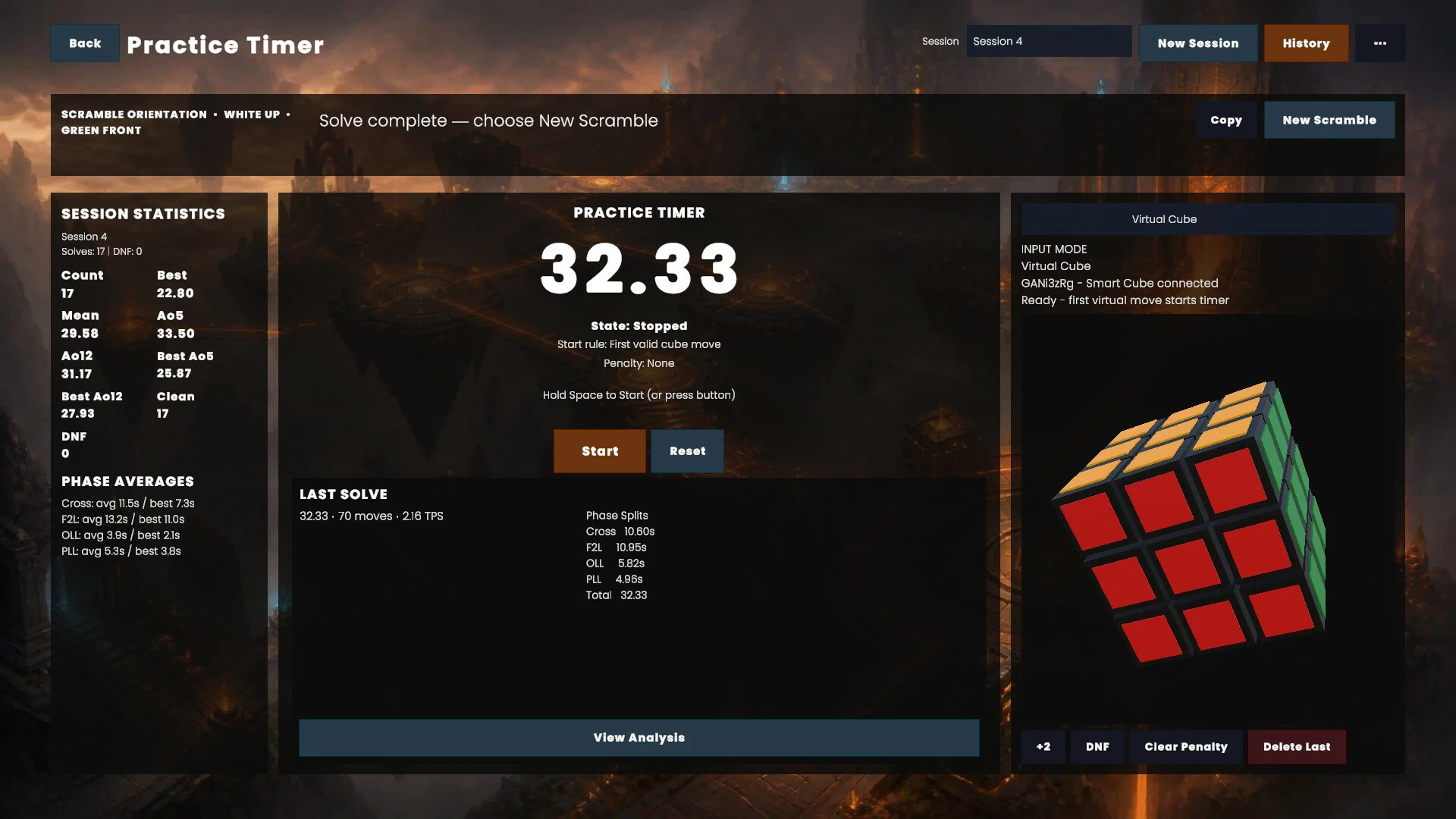
Use the practice timer to record complete solves and understand where your time is being spent.
Cubing Forge can analyse your performance across the four CFOP phases:
Cross
F2L
OLL
PLL
Review your total solve time, phase splits, move count, averages, personal bests, input method, solve history, and other useful performance data.
Instead of seeing only a final time, you can identify which parts of your solve are improving and which areas still need focused practice.
Train Your Way
Cubing Forge includes tools for both new and experienced cubers:
Interactive beginner campaign
Fully interactive virtual 3×3 cube
Mouse, keyboard, and controller input
Compatible Bluetooth smart-cube support
Live cube-state validation
Guided solving assistance
Complete CFOP algorithm library
Algorithm recognition guidance
Interactive previews and step-by-step playback
Scramble generation
Practice timer
Cross, F2L, OLL, and PLL phase timing
Solve history and performance analysis
Open free-cubing mode
Whether you are learning your first solve, improving your algorithm recognition, or working toward faster and more consistent CFOP execution, Cubing Forge gives you one focused place to learn, practise, understand, and improve.
- Если не установлен Steam клиент, скачайте его для Windows (клиент также доступен на Mac и Linux) и установите.
- Запустите Steam, зайдите в свой аккаунт или зарегистрируйте новый, если у вас его еще нет.
- При оформлении заказа, предоставьте ссылку на свой профиль в Steam или ваш SteamID состоящий из 18 цифр (765***).
- Ожидайте приглашения от нашего бота (если у вас аккаунт с ограниченными правами) или добавьте бота в друзья (ссылка на бота будет предоставлена после успешной оплаты).
- После того, как вы добавите нашего бота в друзья, игра автоматически (время ожидания обычно составляет не более 5-30 секунд) будет отправлена вам в виде подарка (гифта).
- Примите подарок, добавьте в Библиотеку и нажмите «Играть».















и мы вам напишем, если цена на этот товар снизится