
Купить Domino VR

Build domino chains as big and silly as you like, then give them a push. Domino VR is a VR physics sandbox with real-scale dominoes, contraptions, 24 puzzle levels, a level editor and Steam Workshop sharing.

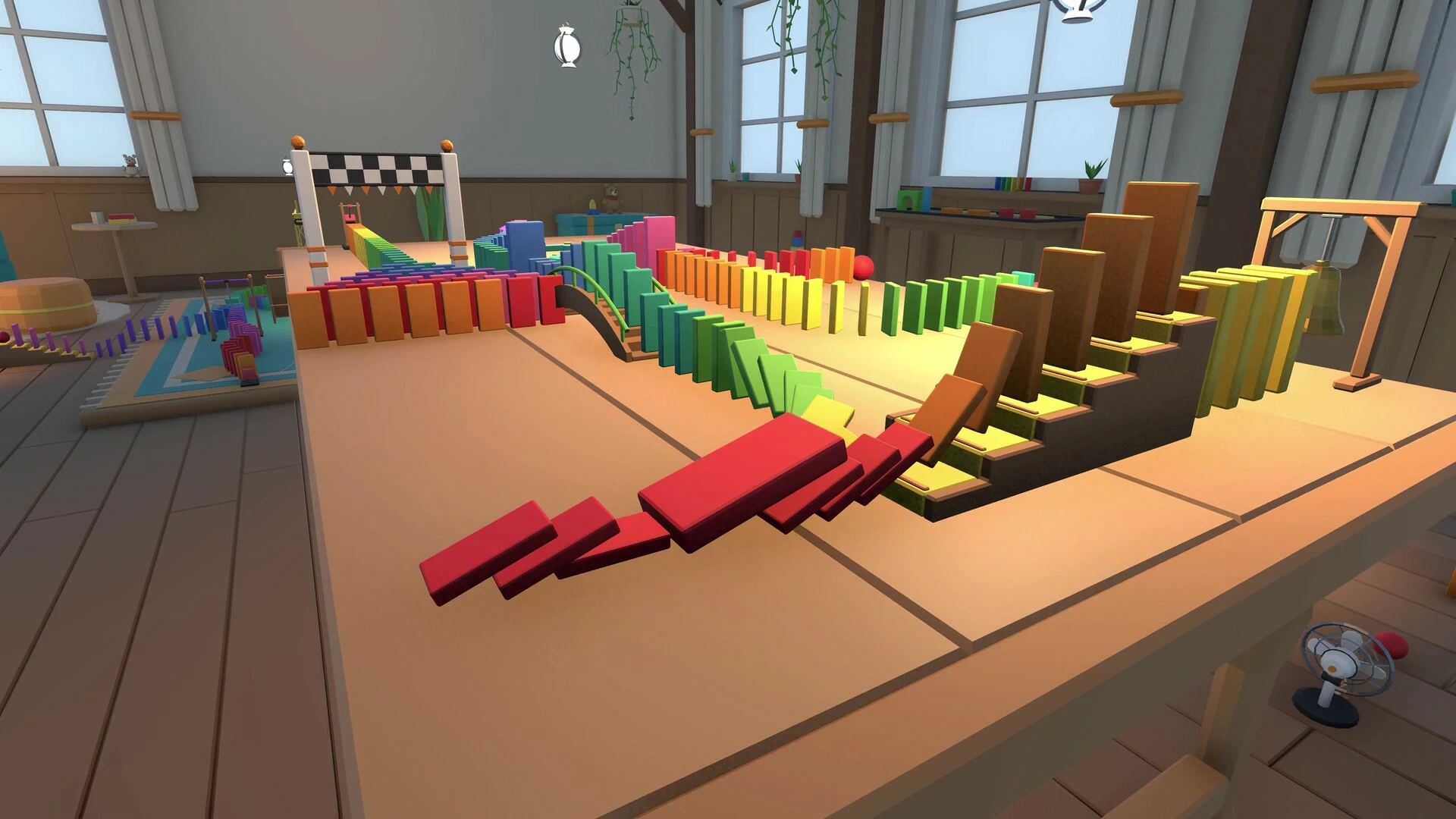
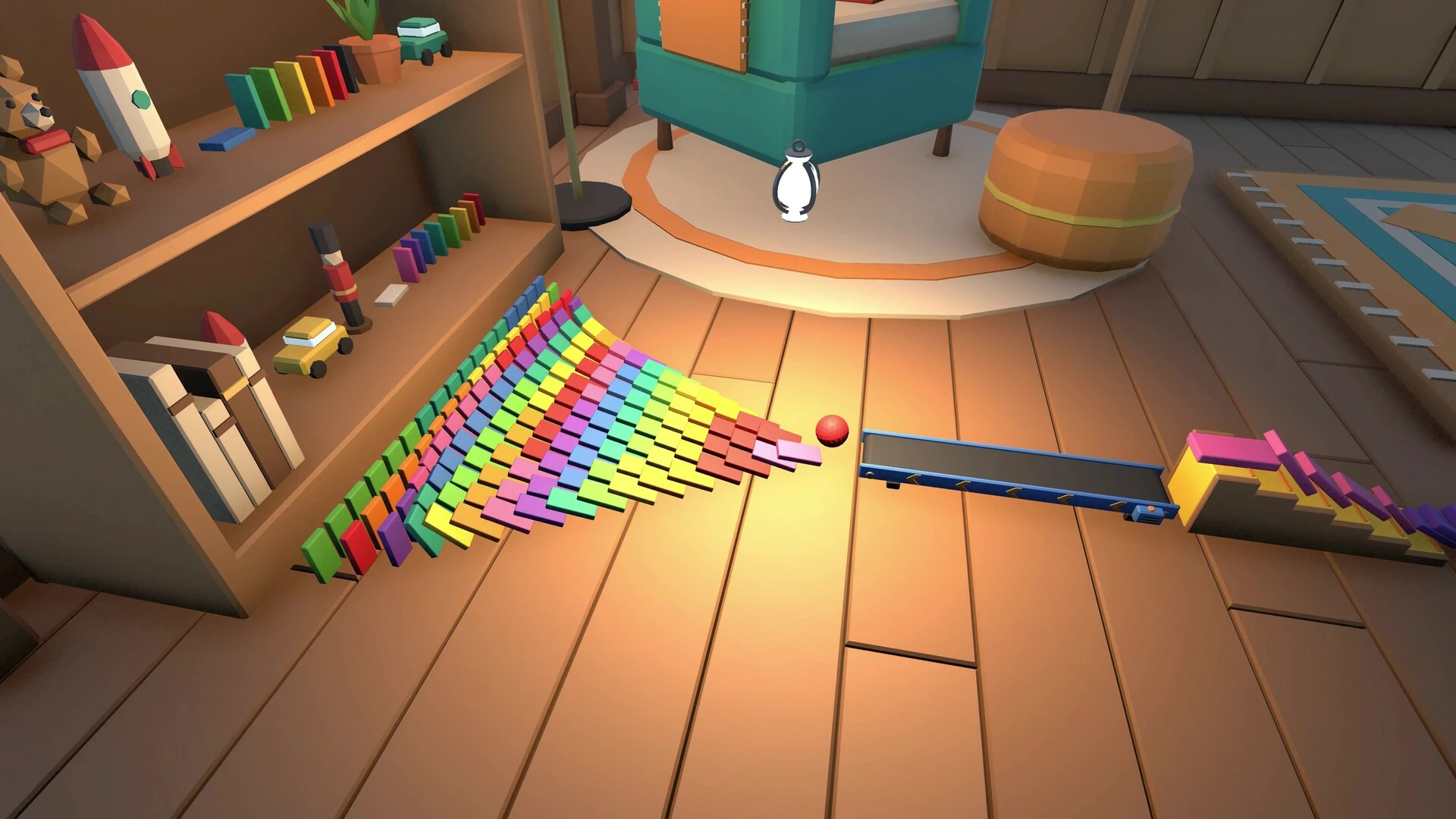
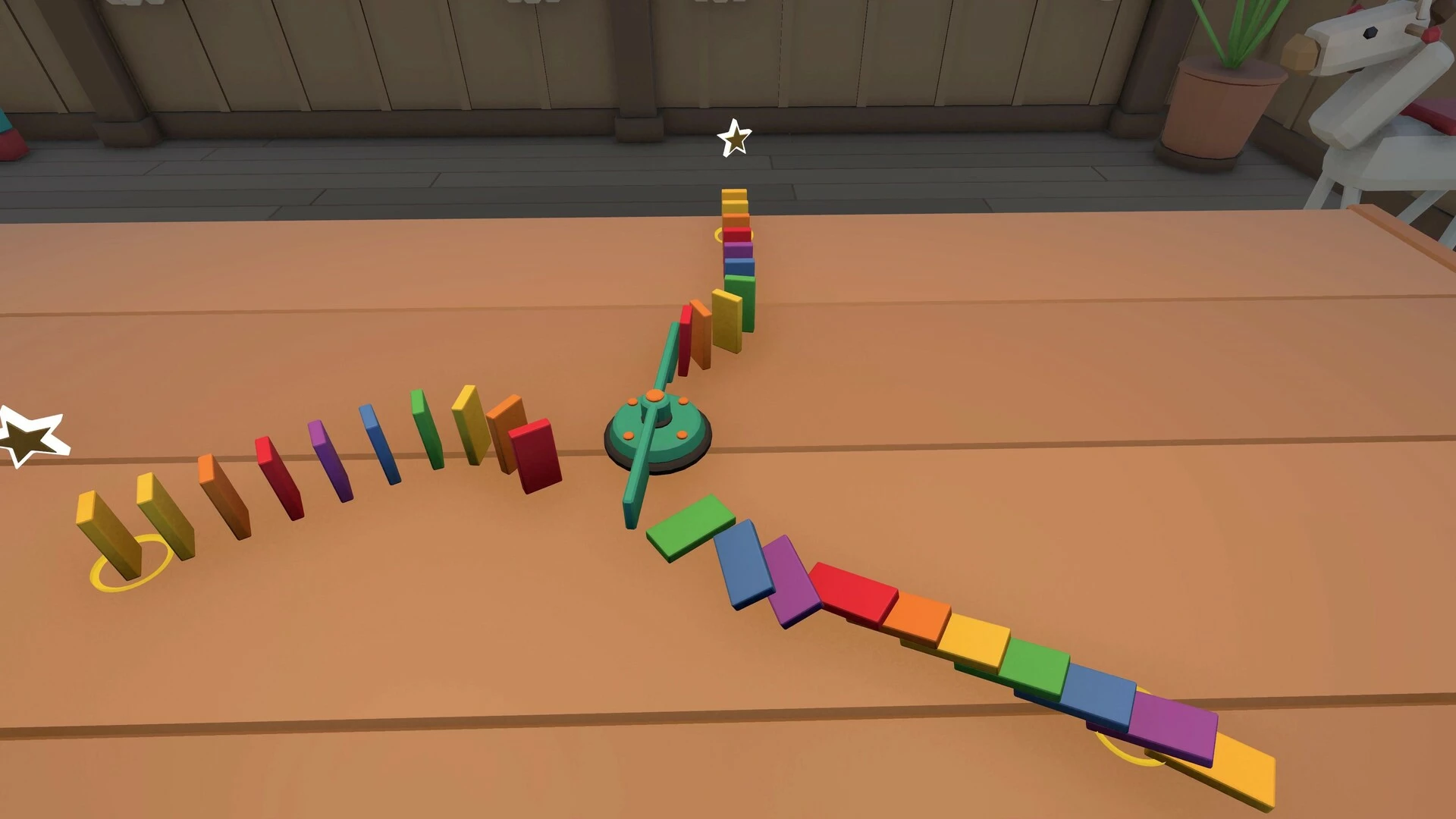
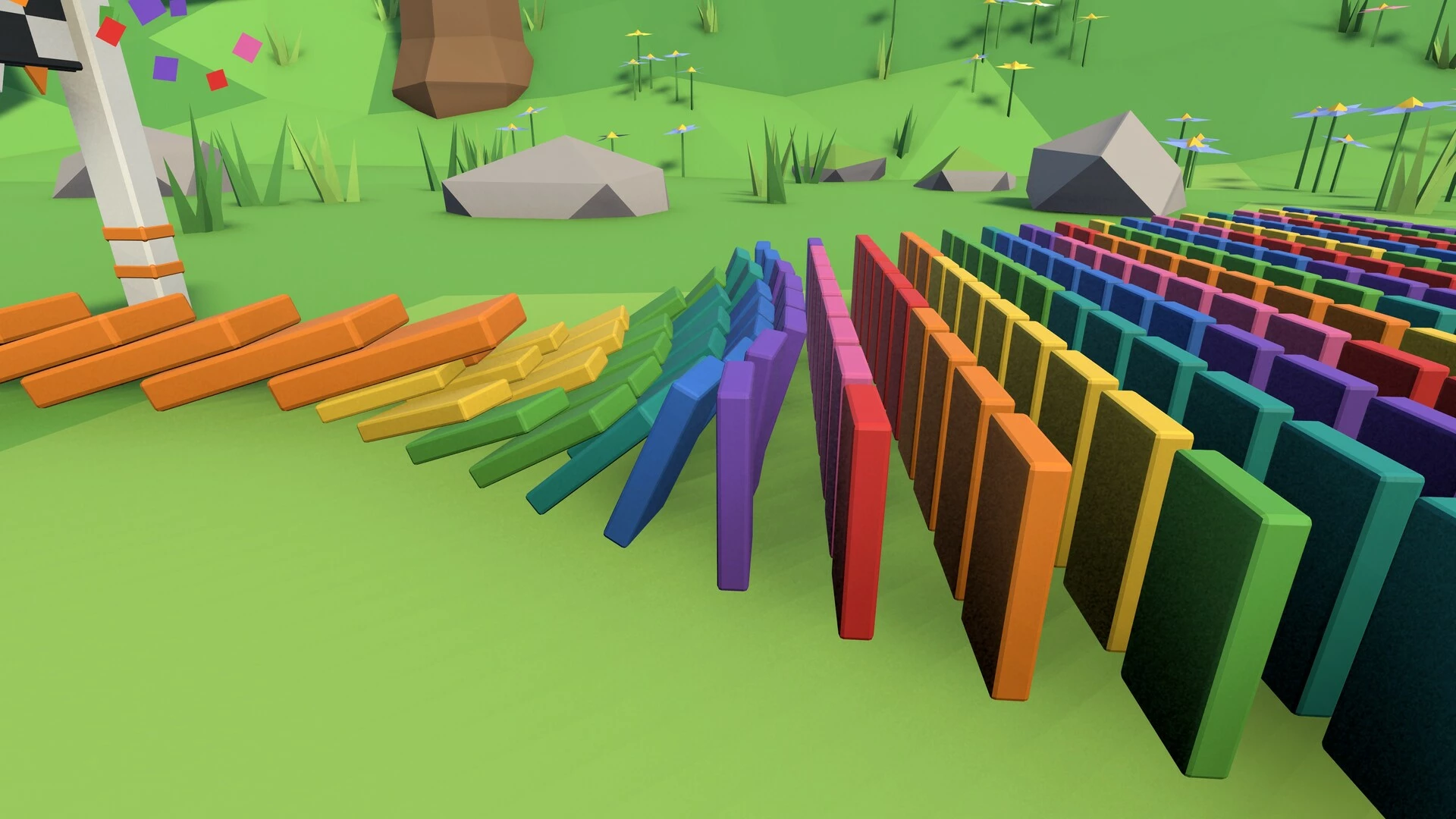
Experience that "nooooo, they're falling!" feeling all over again.
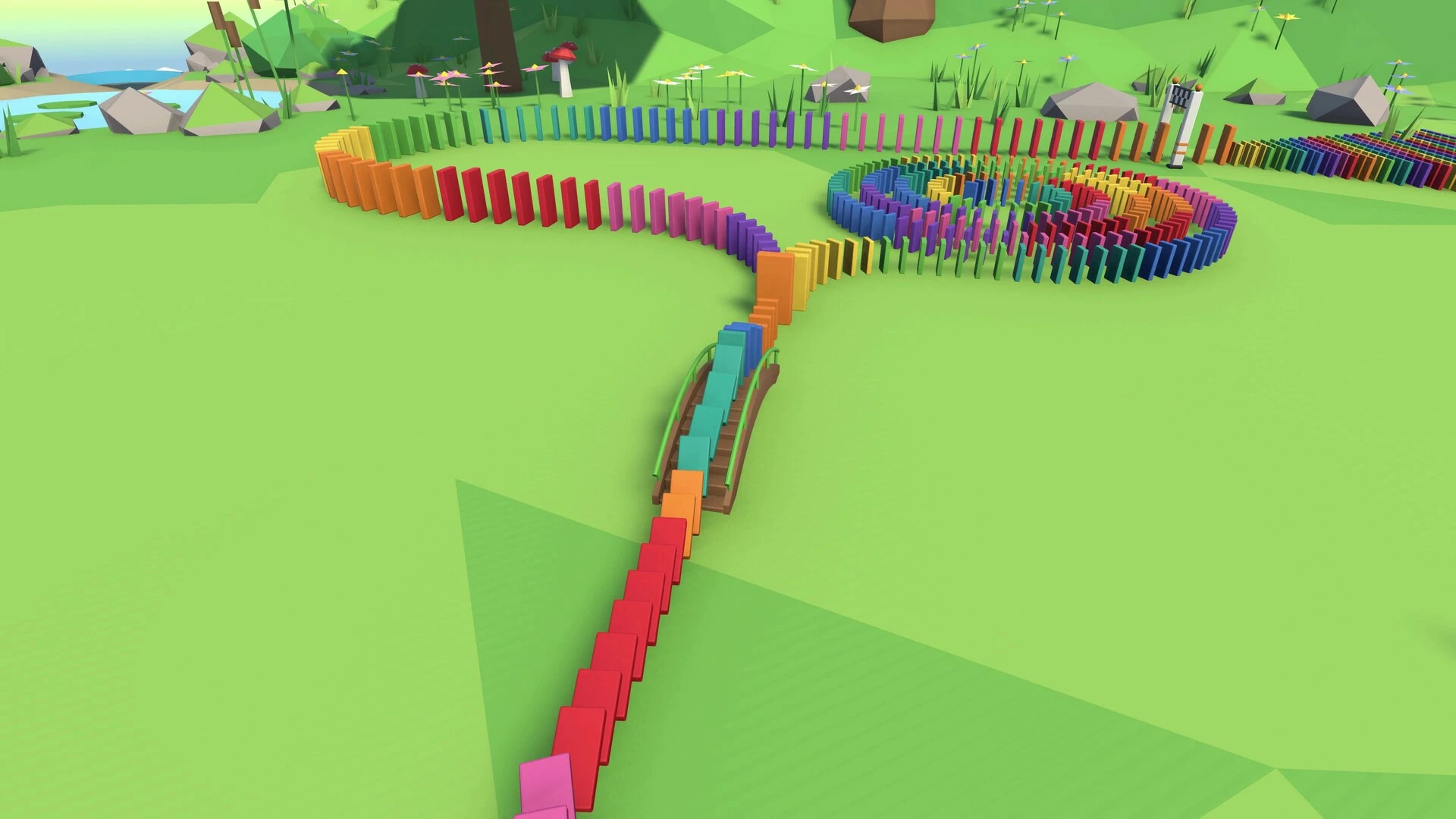
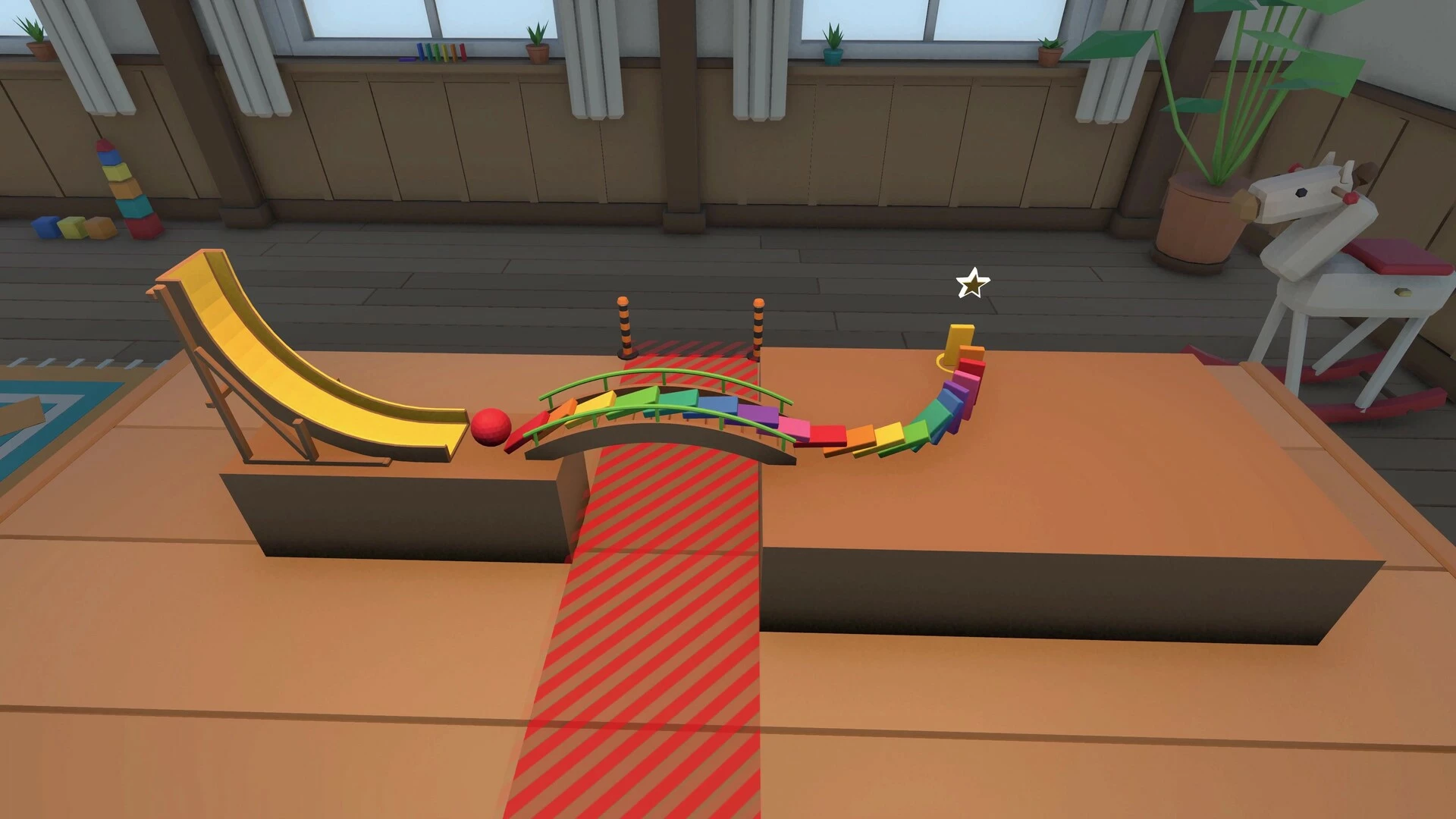
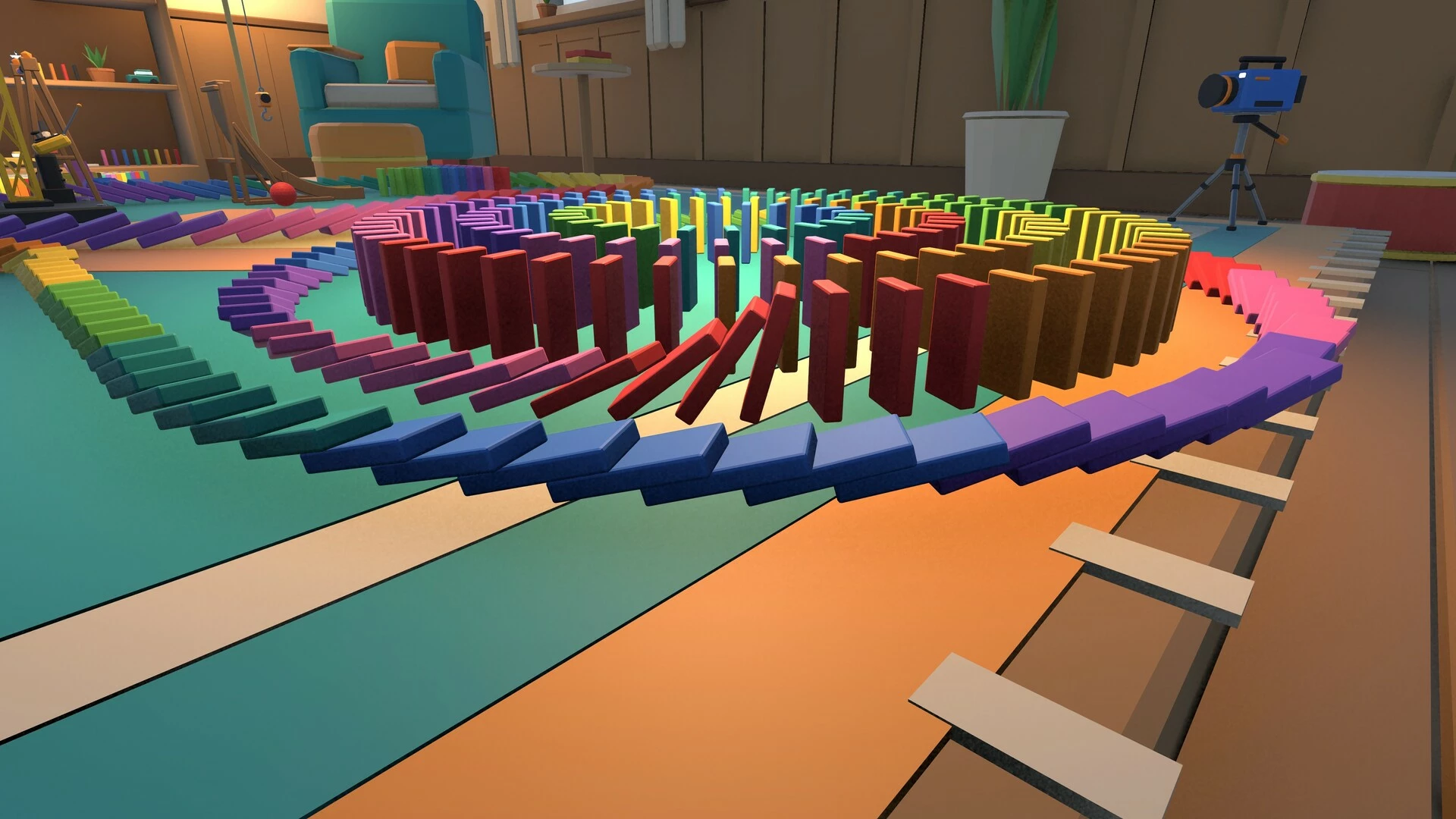
Domino VR is a sandbox about one thing: building domino chains and watching them fall. Place dominoes one by one or paint long rows with a sweep of your hand. Bend them around corners, run them up stairs and over bridges, and let a ball roll down a ramp to start the next part. Then push the first one and hope you didn't knock it over by accident. (You will.)
Domino VR first came out in 2016 and has since been rebuilt from scratch, with new physics, controls, art and sound, 24 puzzle levels and a level editor.
Build
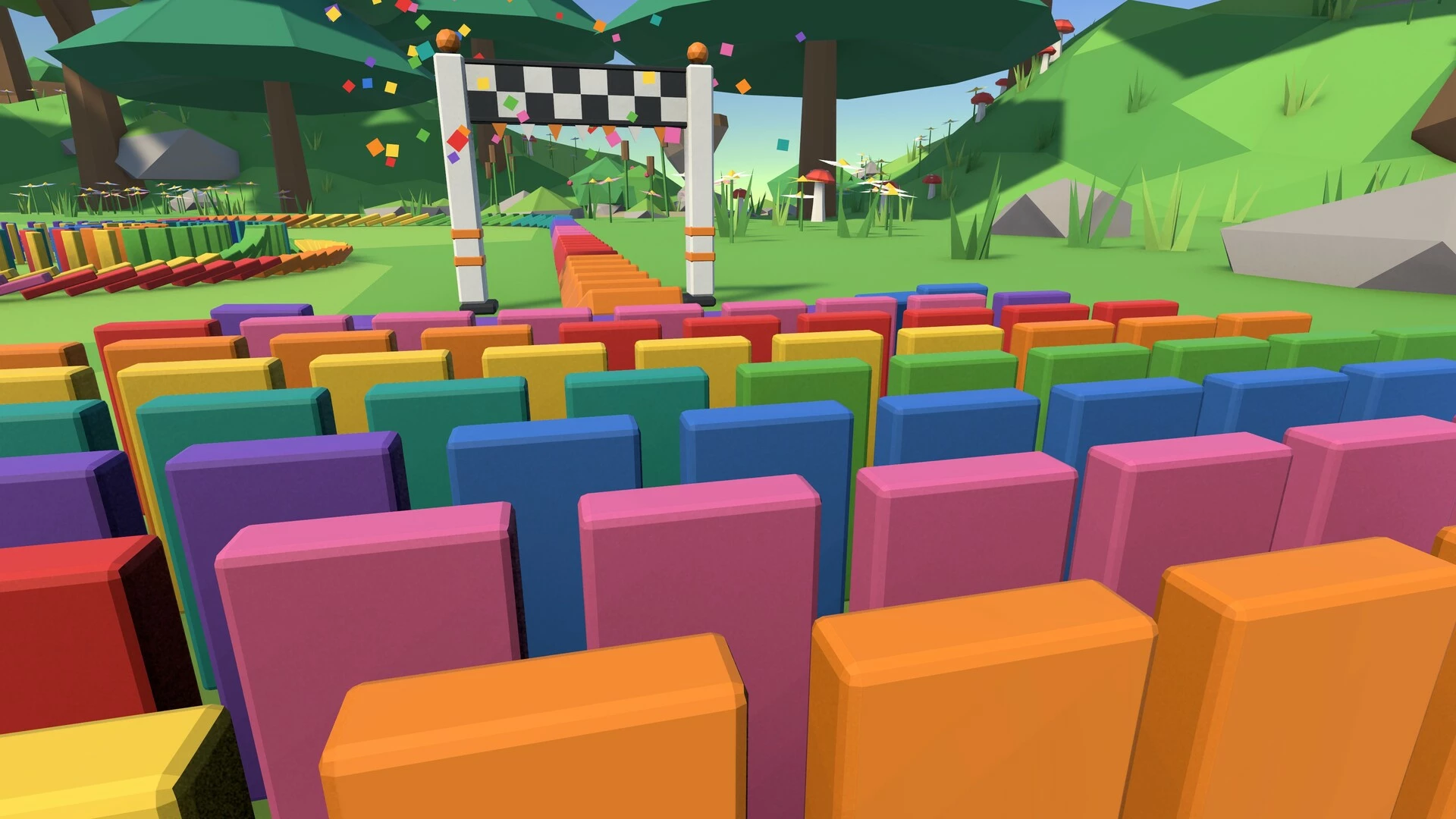
Real-scale dominoes: sized and weighted like the real thing, with a preview before you place. Grab them, throw them, undo the last one.
Thousands at once: up to 20,000 dominoes per world on PC. When a giant chain gets heavy, the simulation slows down a little instead of stuttering.
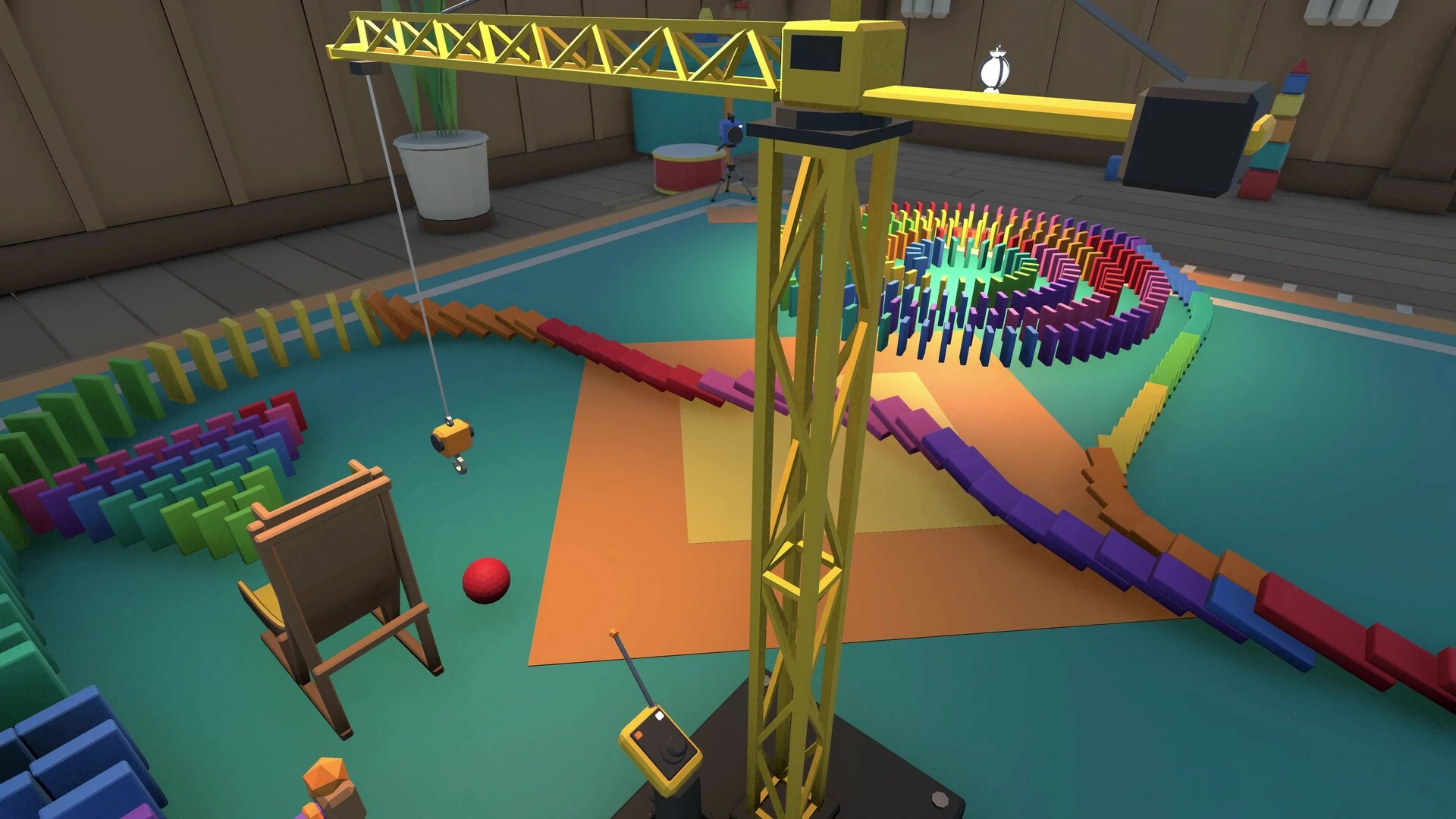
Contraptions: ramps and balls, bridges, stairs and a bell; a crane, a rotator, a pendulum and a seesaw catapult; a conveyor belt, a fan, a bounce pad, a cannon, a domino blaster and a finish gate.
Placing car and stamps: the car drives off and lays a line of dominoes behind it, the line and curve stamps put down a whole row at once.
Tools on your wrist: colour, weld (glue dominoes together or pin them in mid-air) and destroy, plus props, undo and the menu.
World controls: gravity, slow motion, pause, player size and reset.
Play
24 puzzle levels: three short tutorials, then 21 puzzles. Ring the bell, climb the stairs, cross gaps, sweep, swing and catapult. Each level has a domino budget and up to three stars.
Level editor: build your own puzzle levels in the game, test them and beat them before you save, then share them on the Steam Workshop.
Worlds
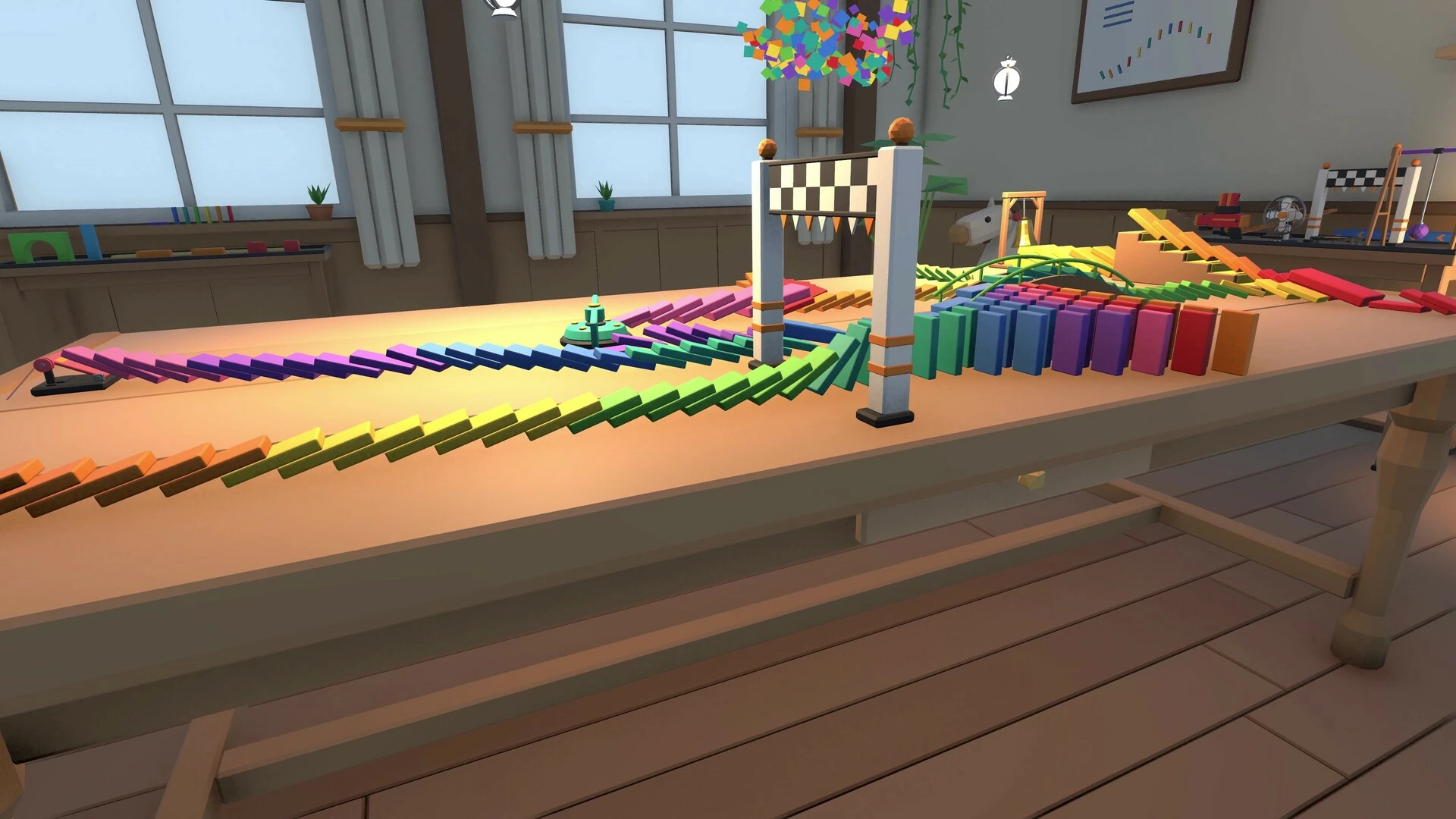
The Workshop: a cosy room with a big table, a rug, shelves and toys.
Forest Island: a stone plaza and a meadow.
Your Room (Steam Frame): build in your own room with passthrough, on your real floor and tables.

Share
Save and load worlds: as many save slots as you like.
Steam Workshop: share your worlds and levels, and browse, subscribe to and load other people's creations.
Build together (experimental): host a world for friends through Steam, or join one from your friends list.
Capture
Spectator camera: show its view on your desktop for friends watching.
Photo camera: photos land in your Pictures folder and your Steam screenshots.
Camera paths: fly a smooth camera along your chain for videos.
Comfort
Teleport or smooth movement, and snap or smooth turning.
Vignette, seated mode and a left-handed mode.
Separate volume sliders and adjustable haptics.
Headsets
PC VR through OpenXR: Valve Index, HTC Vive, Meta Quest via Link/Air Link/Steam Link, and other OpenXR headsets with tracked controllers.
Steam Frame: runs natively on the headset, no PC needed (up to 5,000 dominoes per world).
- Если не установлен Steam клиент, скачайте его для Windows (клиент также доступен на Mac и Linux) и установите.
- Запустите Steam, зайдите в свой аккаунт или зарегистрируйте новый, если у вас его еще нет.
- При оформлении заказа, предоставьте ссылку на свой профиль в Steam или ваш SteamID состоящий из 18 цифр (765***).
- Ожидайте приглашения от нашего бота (если у вас аккаунт с ограниченными правами) или добавьте бота в друзья (ссылка на бота будет предоставлена после успешной оплаты).
- После того, как вы добавите нашего бота в друзья, игра автоматически (время ожидания обычно составляет не более 5-30 секунд) будет отправлена вам в виде подарка (гифта).
- Примите подарок, добавьте в Библиотеку и нажмите «Играть».















и мы вам напишем, если цена на этот товар снизится