
Купить snapWR
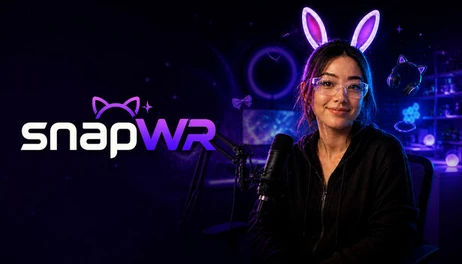
Your webcam. Your assets. Your look. Create with real-time filters and face-tracked PNG & GLB accessories, import your own creations, and capture everything through a clean live output. Local processing, no subscription.

CREATE YOUR OWN LOOK
Your webcam. Your assets. Your look.
snapWR is a Windows camera effects studio built around one simple idea: you shouldn't be limited to the accessories that come with the app.
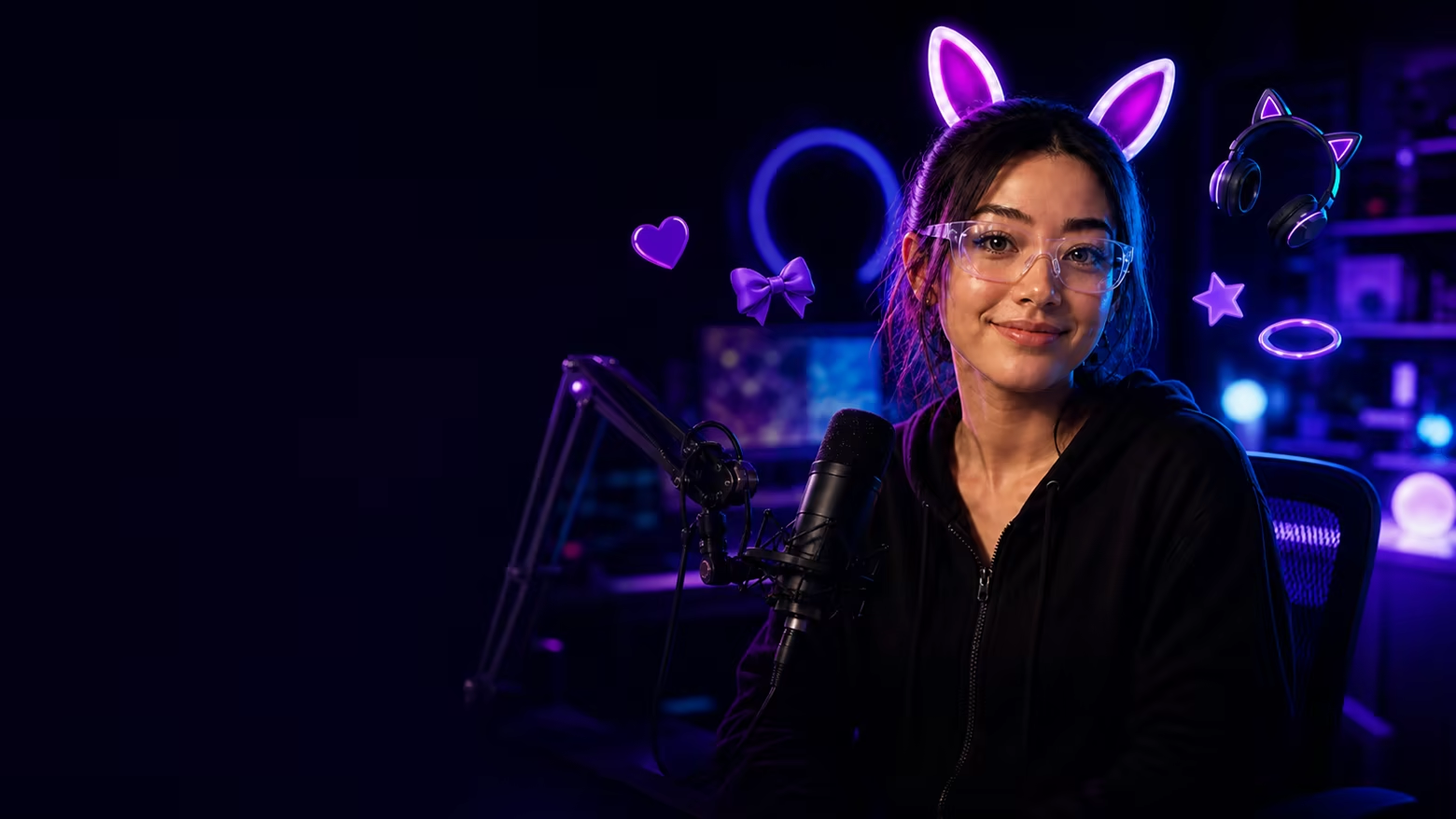
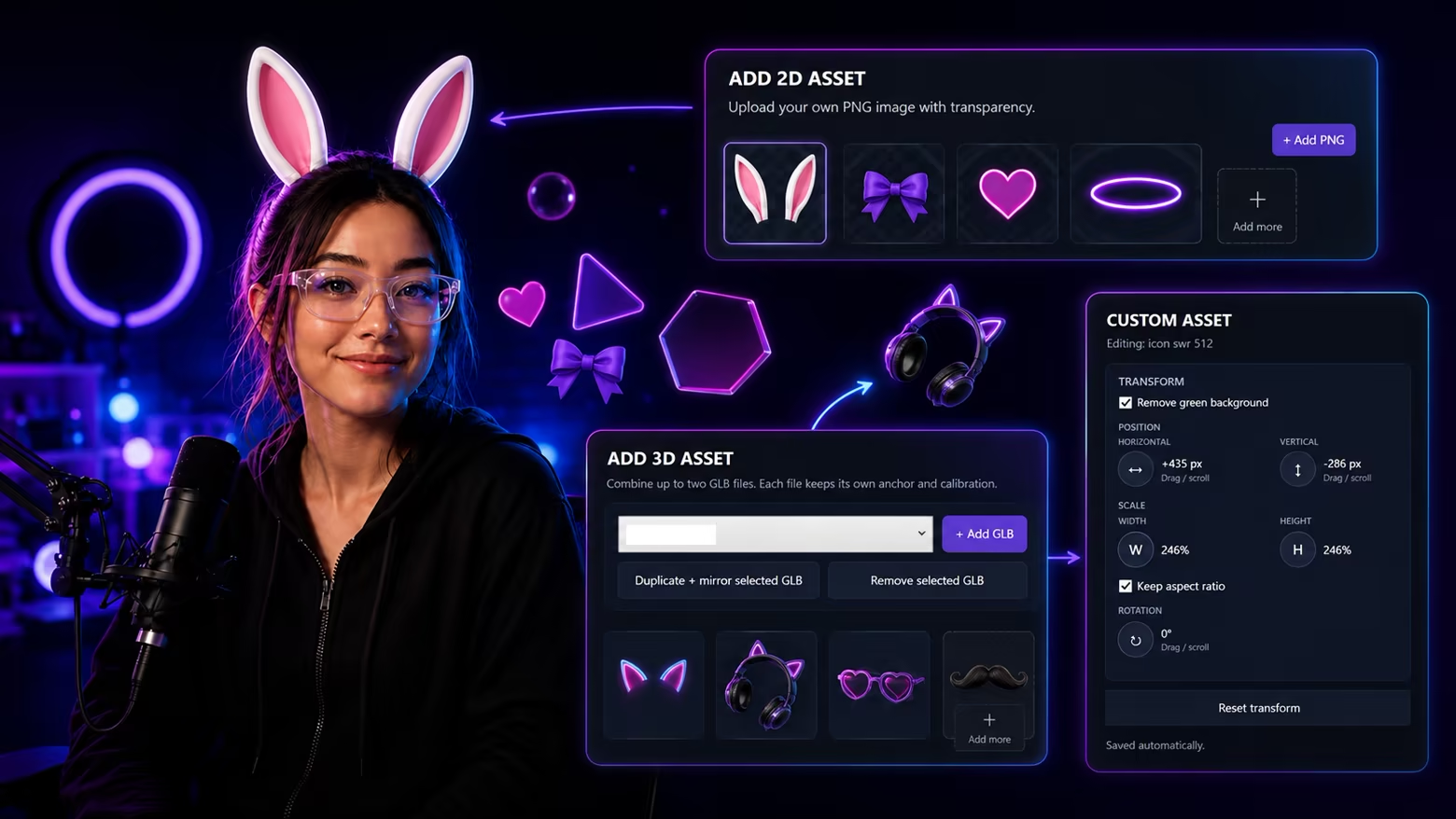
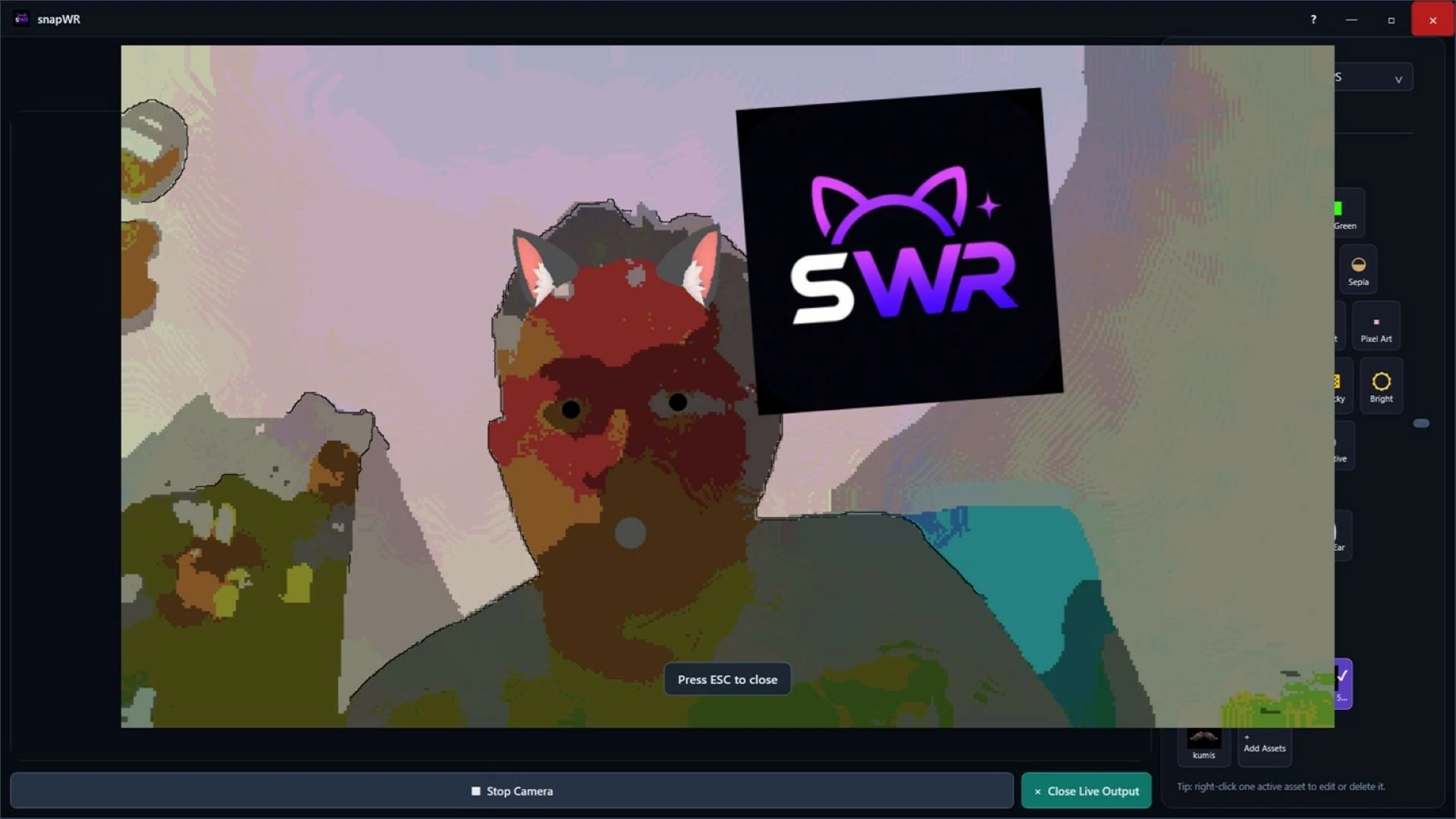
Create expressive live looks with real-time filters, face-tracked accessories, and your own PNG images or GLB models. Mix them together, adjust them in the live preview, and make a look that's actually yours.
Customize with 2D and 3D assets
Don't just choose an effect. Build one.
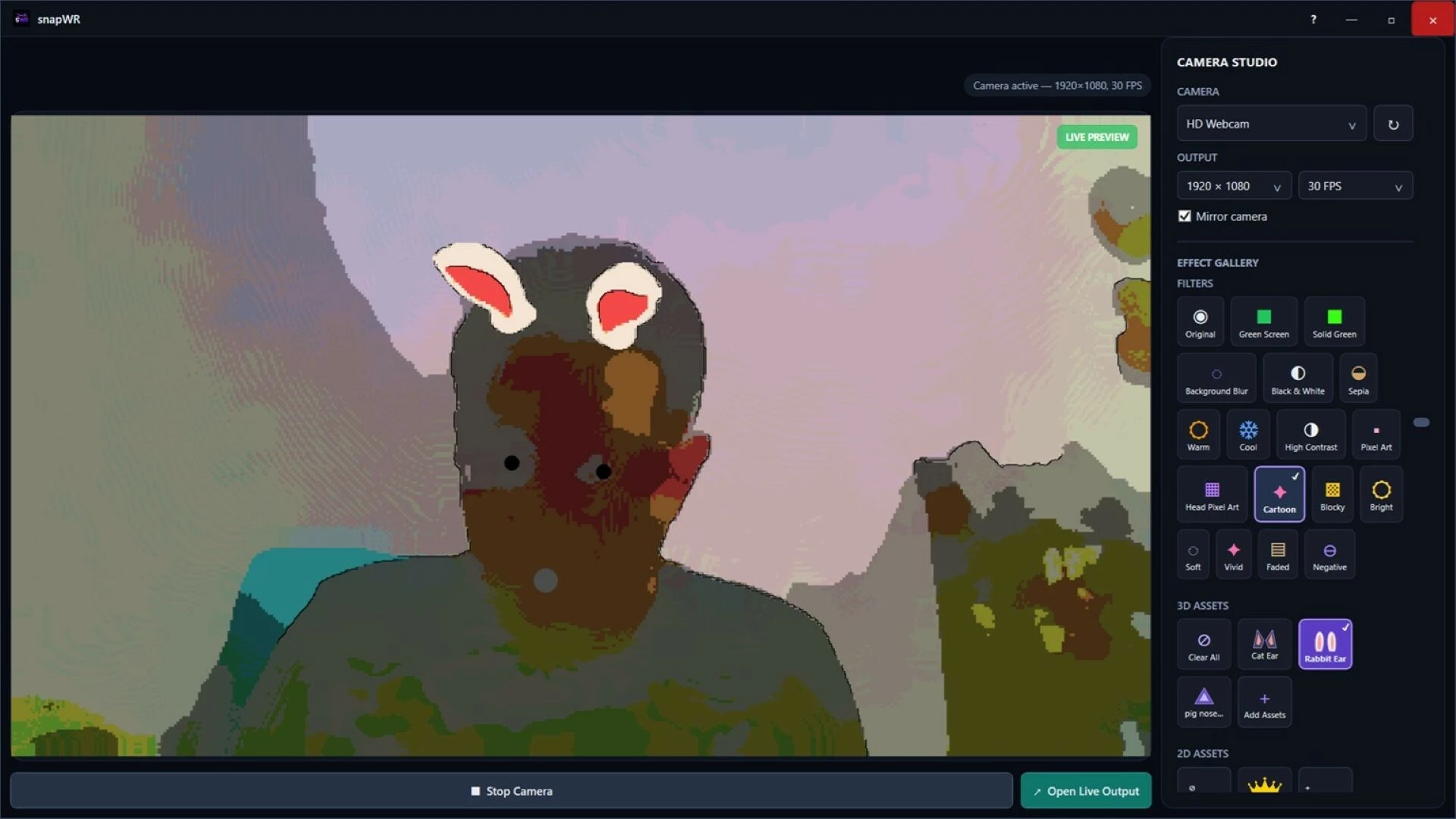
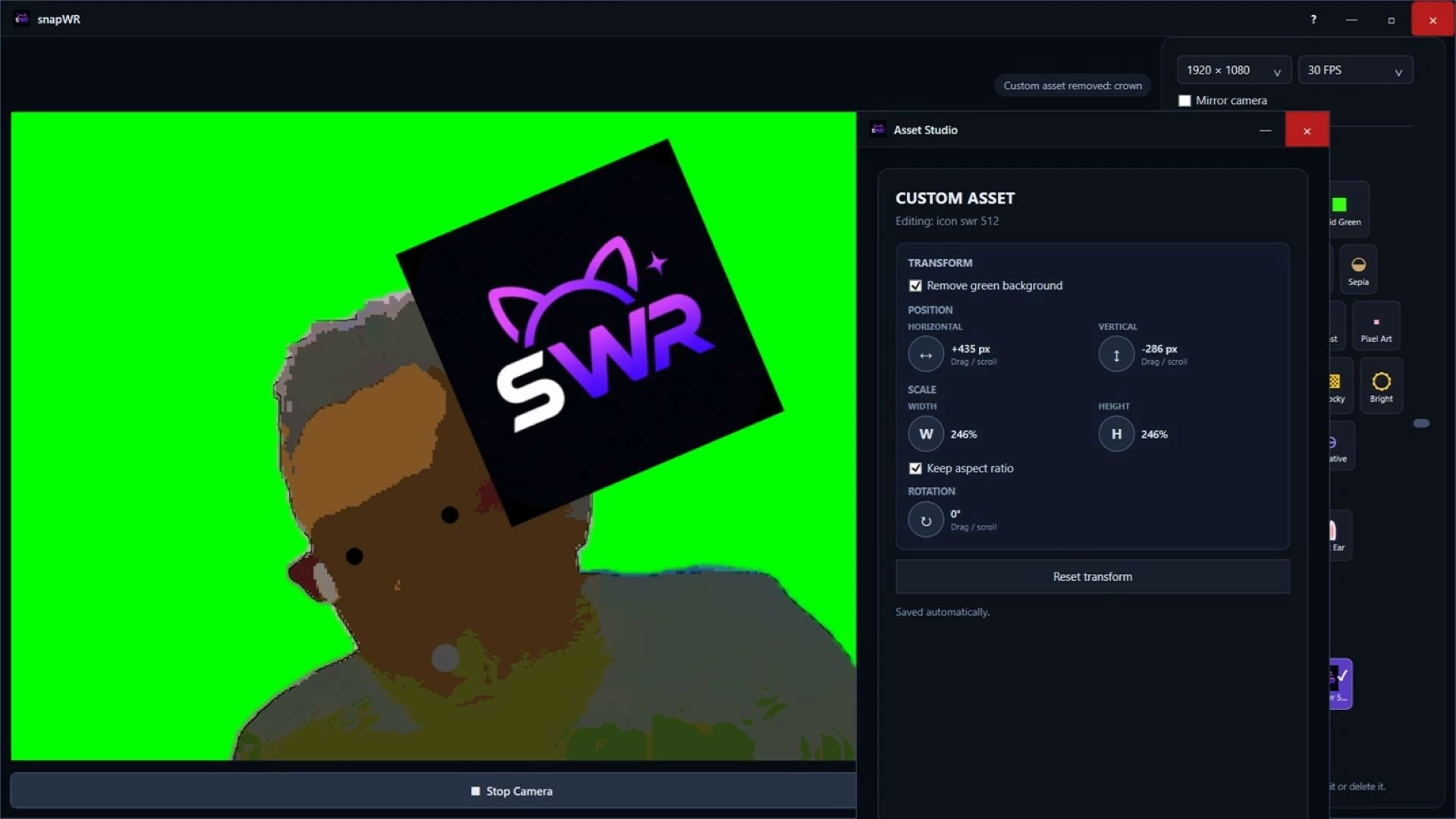
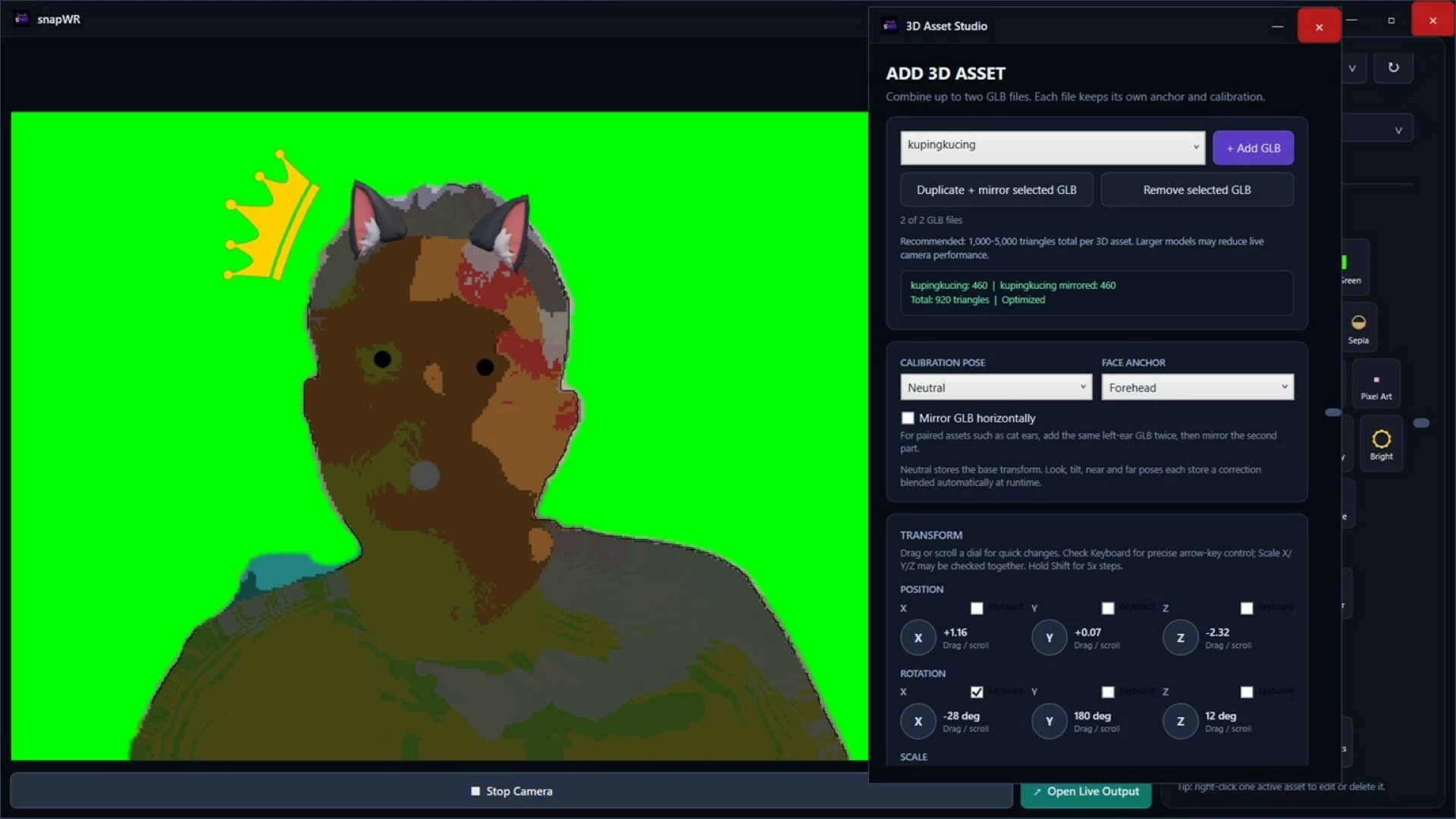
Start with the included Cat Ear and Rabbit Ear accessories, then go further with your own creations. Import PNG images or GLB models and turn them into face-tracked accessories inside snapWR.
Position, resize, rotate, mirror, and calibrate your assets using the live camera preview. Combine multiple filters and accessories to create anything from a subtle webcam style to something completely ridiculous.
Your asset library grows with you — not with a subscription.
Real-time camera effects
Style the camera. Keep it live.
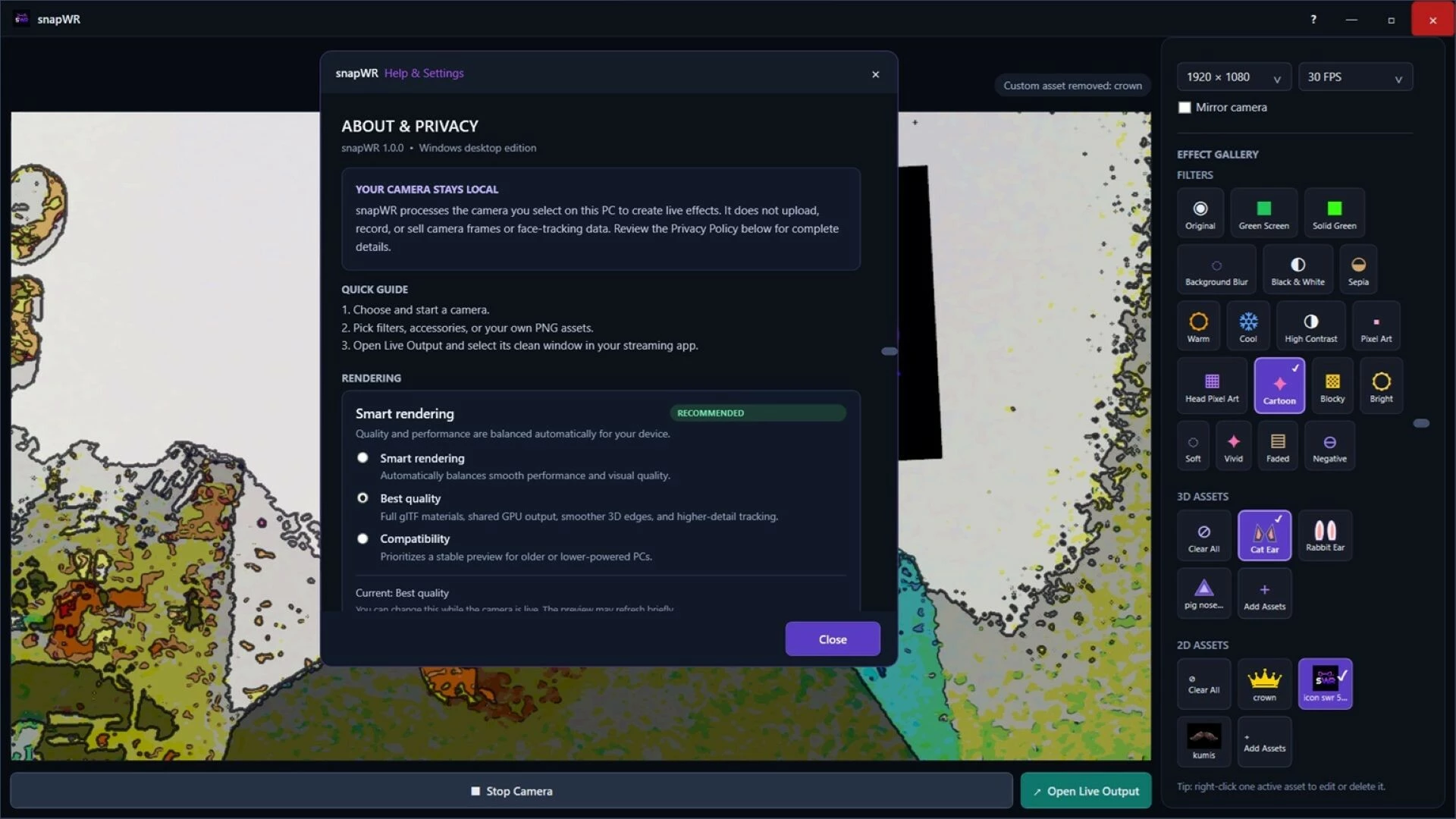
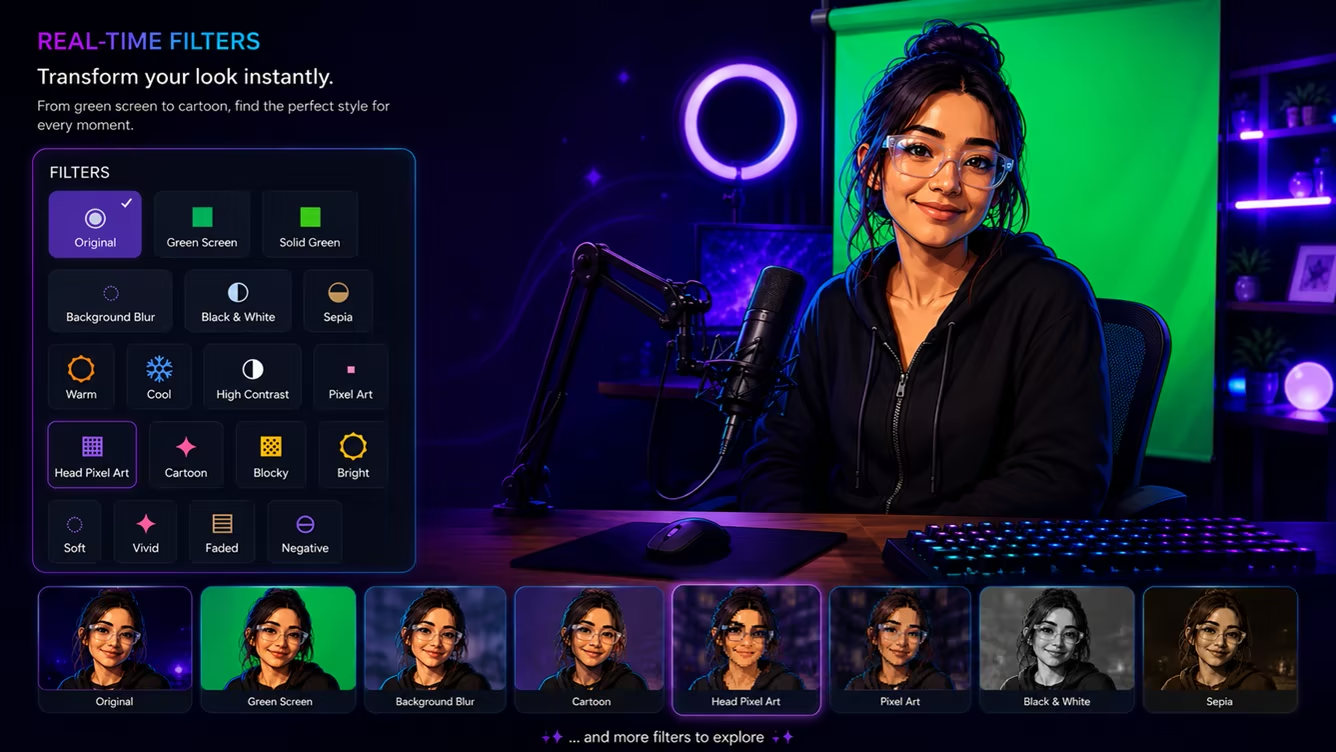
Transform your camera in real time with Cartoon, Pixel Art, Blocky, color and contrast effects, Green Screen, Background Blur, and more.
snapWR provides two rendering paths for different hardware: Best Quality uses GPU rendering for capable systems, while Smart Rendering helps keep snapWR usable across a wider range of Windows PCs.
Everything is designed around live use — so you can experiment, switch styles, stack effects, and keep creating without turning your workflow into a video-editing project.
Ready for your workflow
Create in snapWR. Capture anywhere your workflow supports Window Capture.
When your look is ready, open snapWR Output — a clean live output window designed for window-capture workflows in streaming and recording software.
No virtual camera driver is required for this workflow. What you build in snapWR appears in the dedicated output window, ready to capture.
Local camera processing. No snapWR account. No cloud processing required for core camera effects. No subscription.
Important notes
snapWR currently provides its camera output through a dedicated snapWR Output window for Window Capture. It is not a virtual camera device.
A webcam is required. Effect quality and tracking can vary depending on your camera, lighting, movement, hardware, and the assets you import. For 3D accessories, lightweight and well-optimized GLB models are recommended for the best real-time experience.
- Если не установлен Steam клиент, скачайте его для Windows (клиент также доступен на Mac и Linux) и установите.
- Запустите Steam, зайдите в свой аккаунт или зарегистрируйте новый, если у вас его еще нет.
- При оформлении заказа, предоставьте ссылку на свой профиль в Steam или ваш SteamID состоящий из 18 цифр (765***).
- Ожидайте приглашения от нашего бота (если у вас аккаунт с ограниченными правами) или добавьте бота в друзья (ссылка на бота будет предоставлена после успешной оплаты).
- После того, как вы добавите нашего бота в друзья, игра автоматически (время ожидания обычно составляет не более 5-30 секунд) будет отправлена вам в виде подарка (гифта).
- Примите подарок, добавьте в Библиотеку и нажмите «Играть».














и мы вам напишем, если цена на этот товар снизится