

Купить Dockable
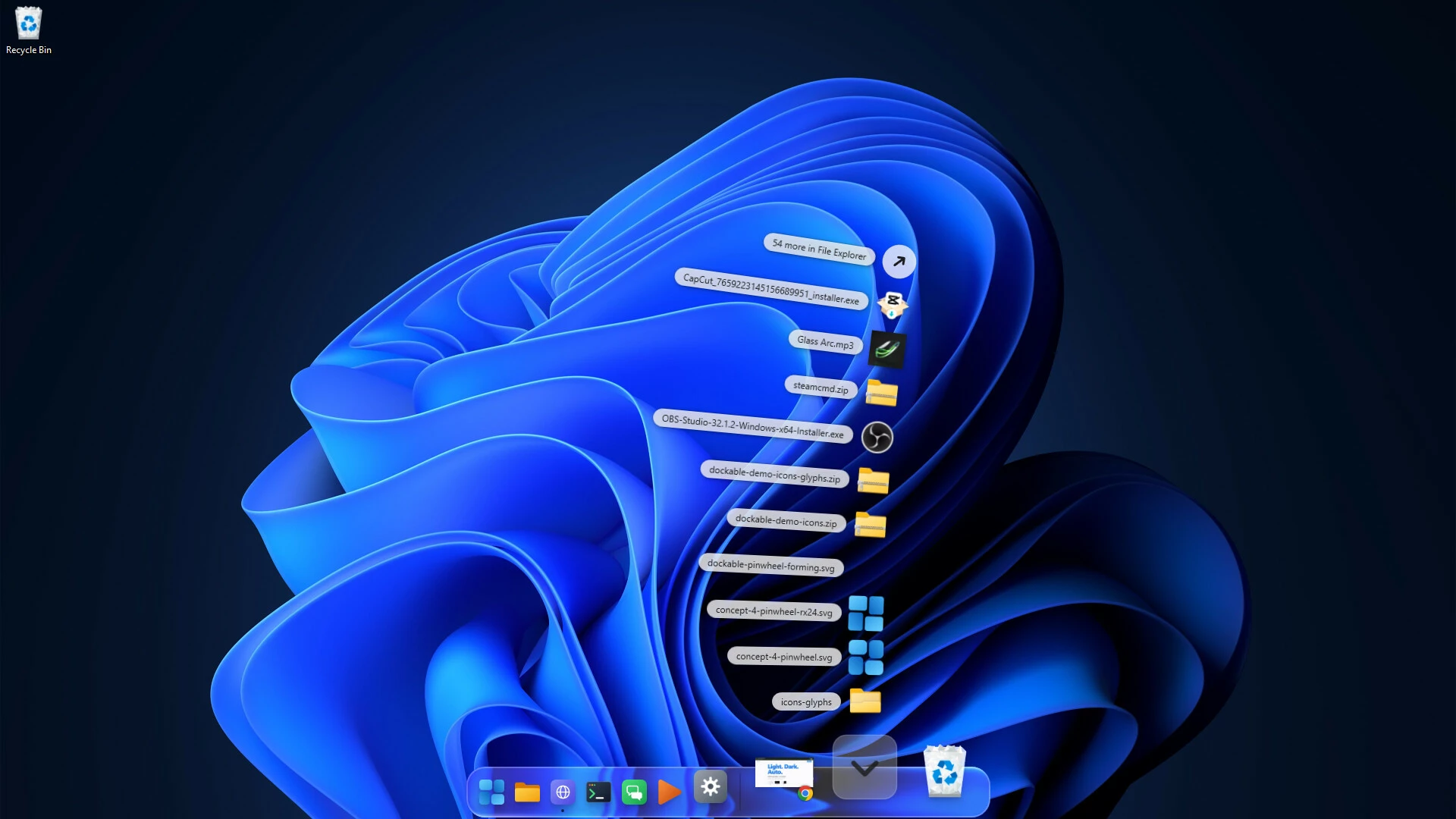
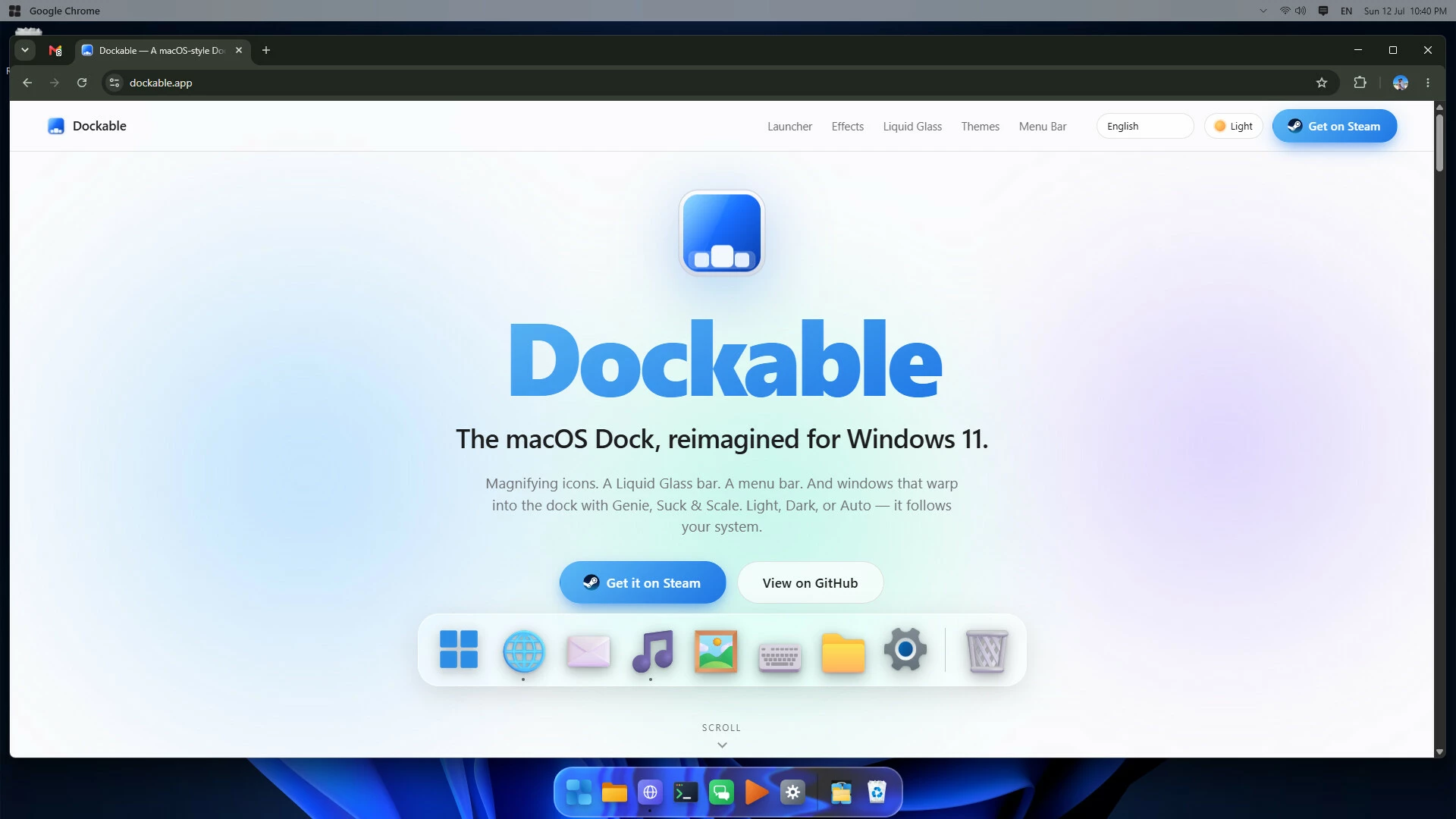
Bring the elegance of the macOS Dock to Windows 11. Dockable is a beautiful bottom dock with magnifying icons, a Liquid Glass bar, light/dark themes, and smooth genie-style minimize animations — mirroring your taskbar apps in a cleaner, more delightful way.

Dockable — a macOS-style Dock for Windows 11
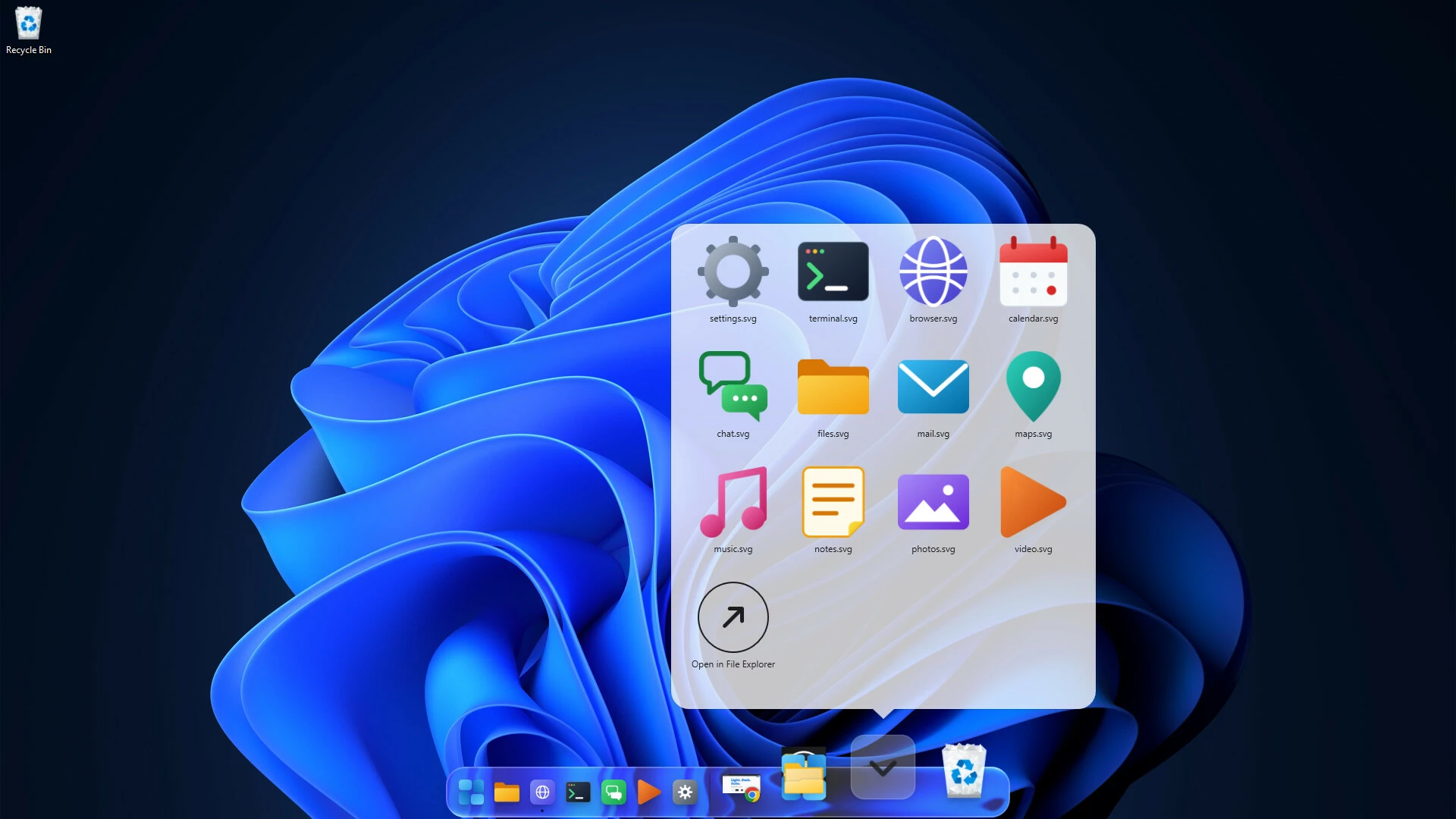
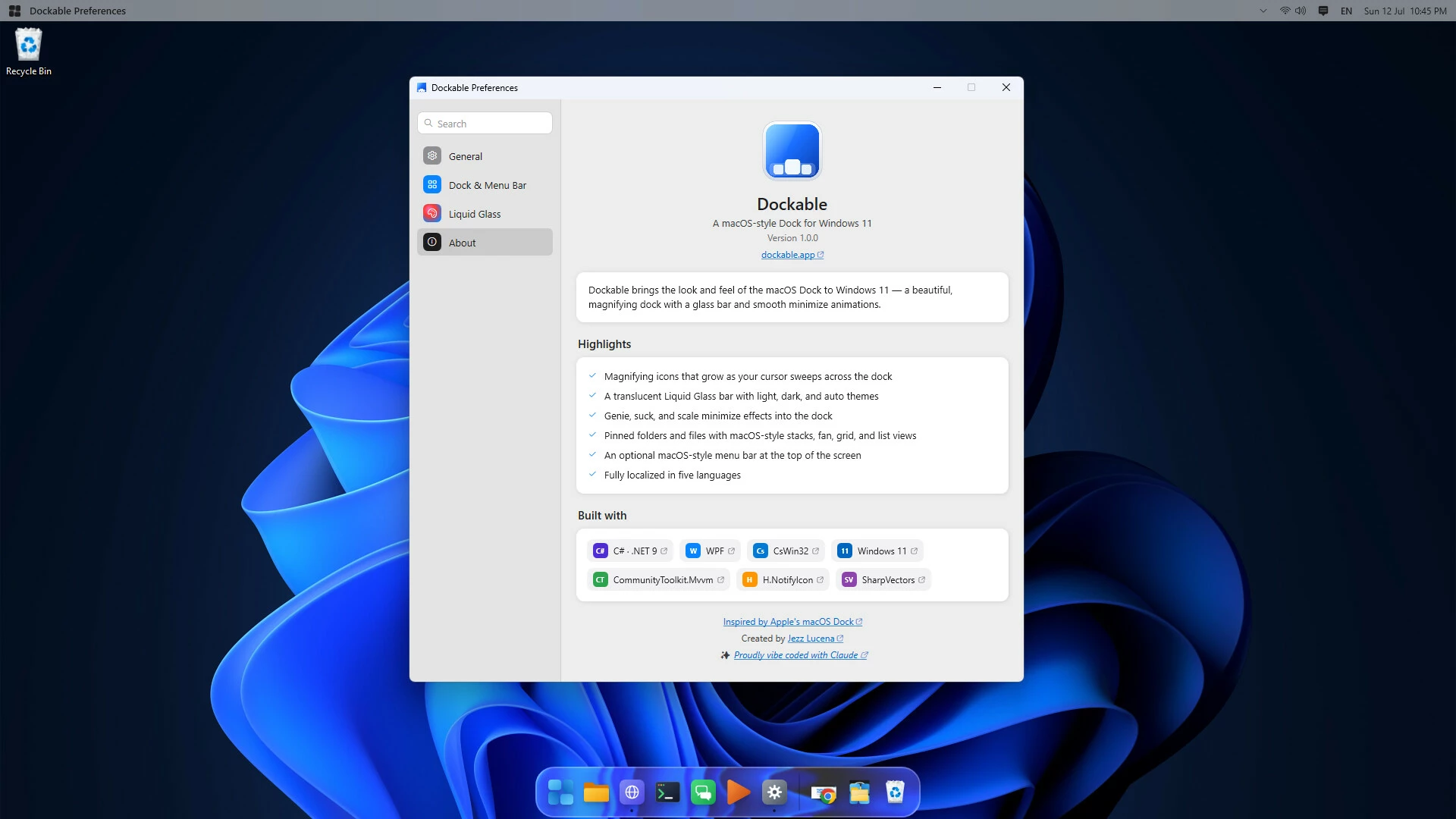
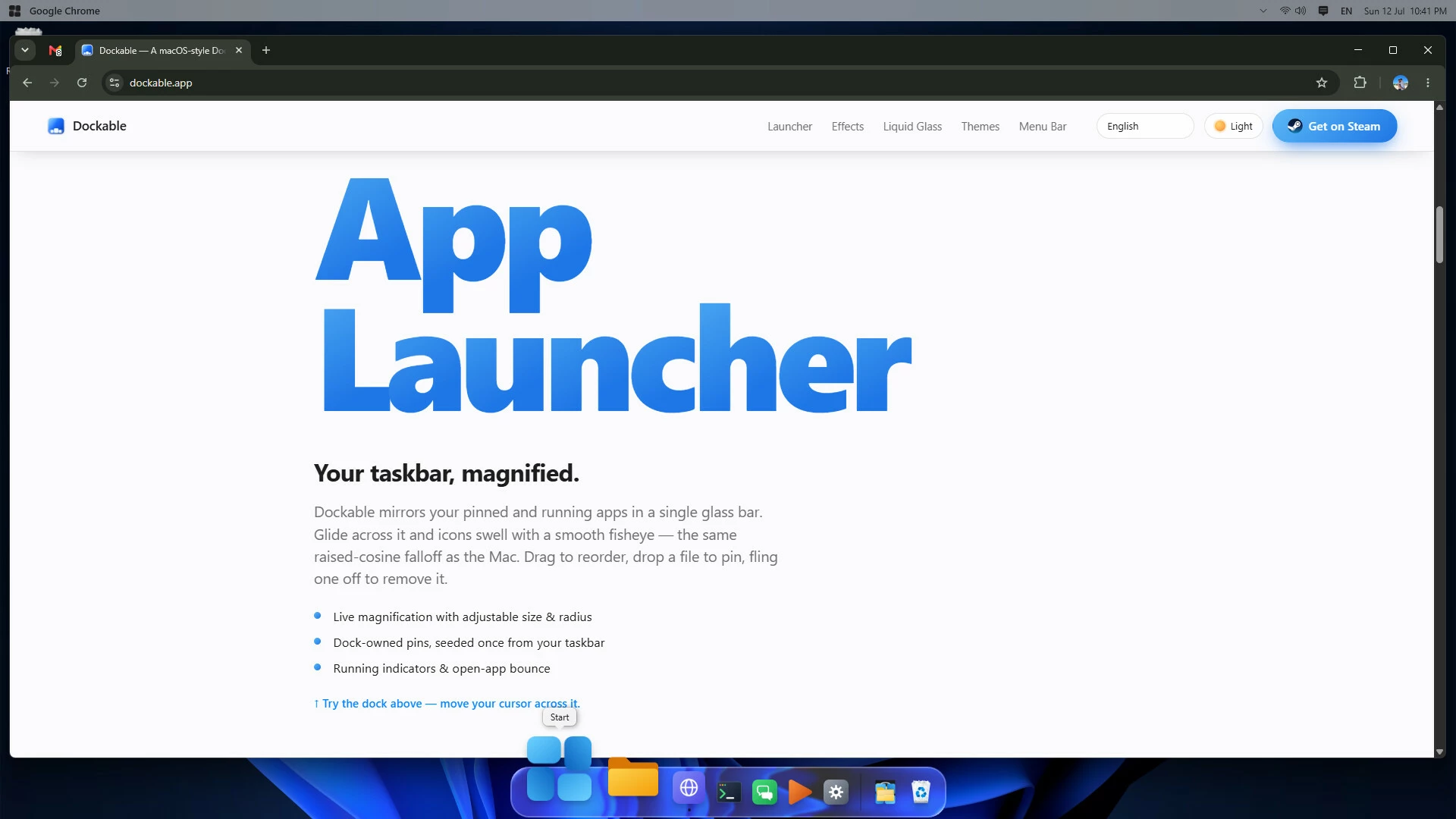
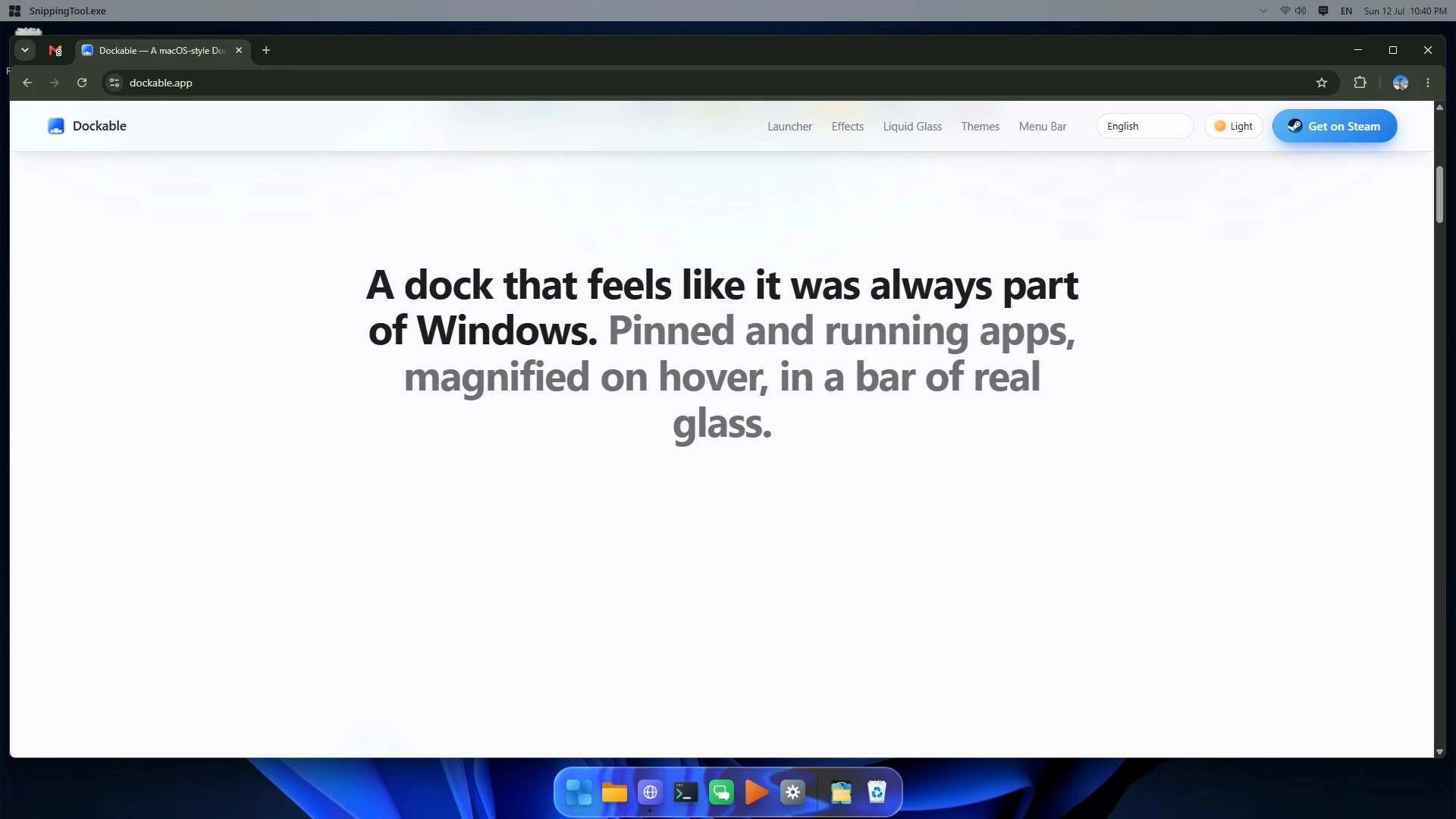
Dockable reimagines the Windows 11 taskbar as a gorgeous, fluid dock. Your pinned and running apps sit in a translucent glass bar at the bottom of the screen, icons gracefully magnify as your cursor sweeps across them, and windows melt into the dock with a genie-style warp. It's the polish of macOS, built natively for Windows.
✨ Magnifying dock
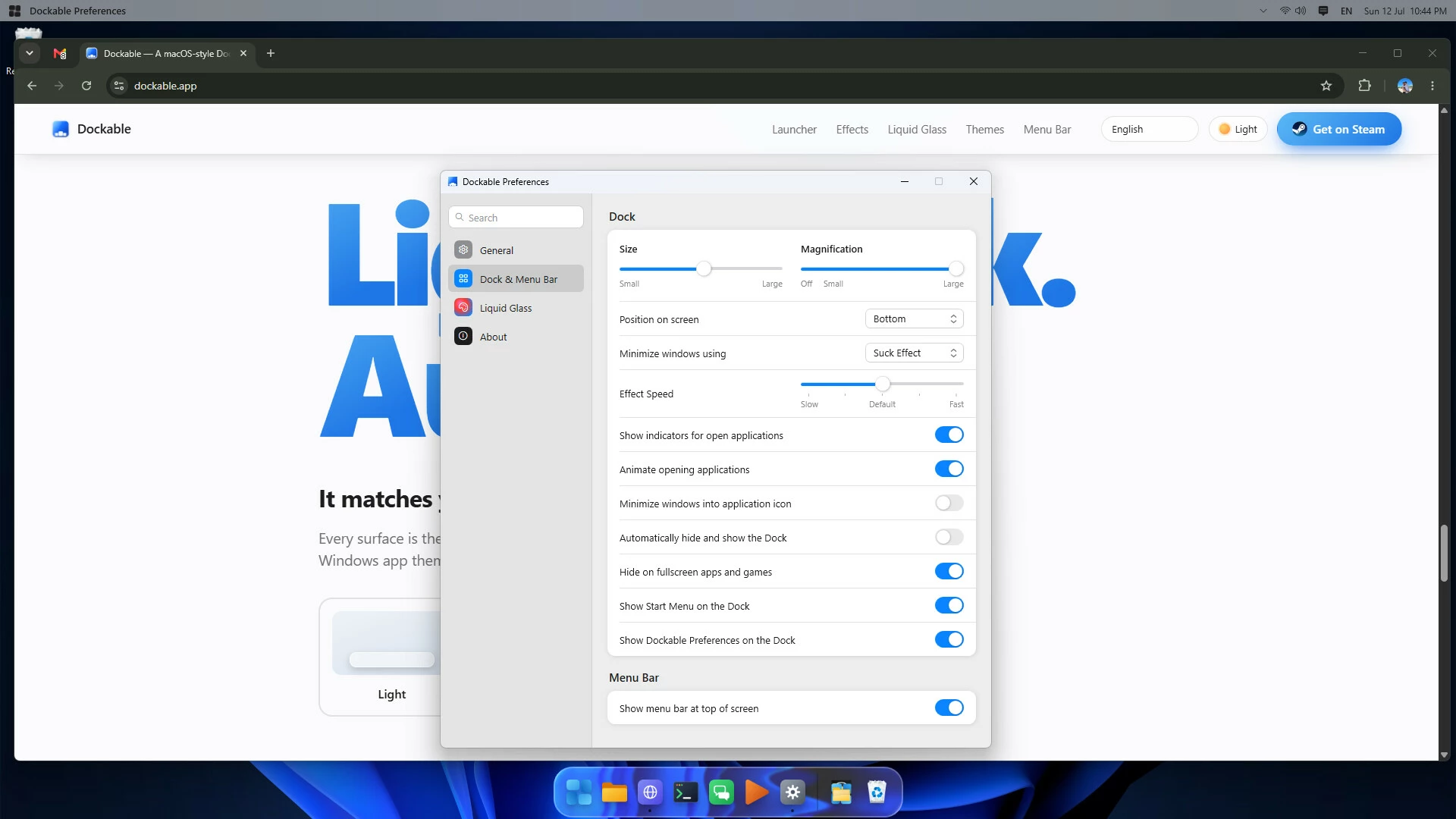
Smooth fisheye magnification makes icons grow under your cursor, just like the Dock you love. Tune the base size and how much they magnify — or turn it off entirely.
? Liquid Glass
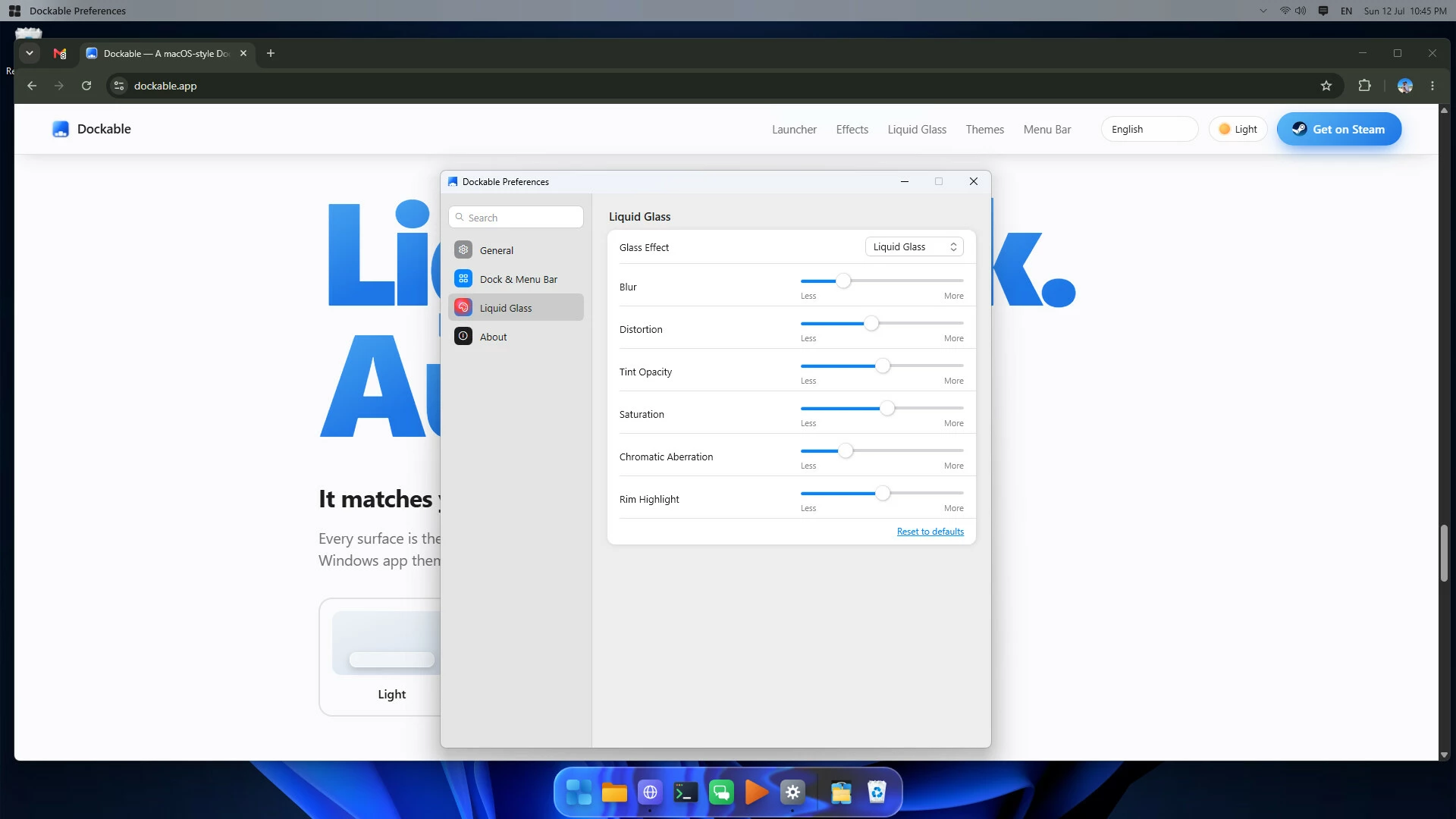
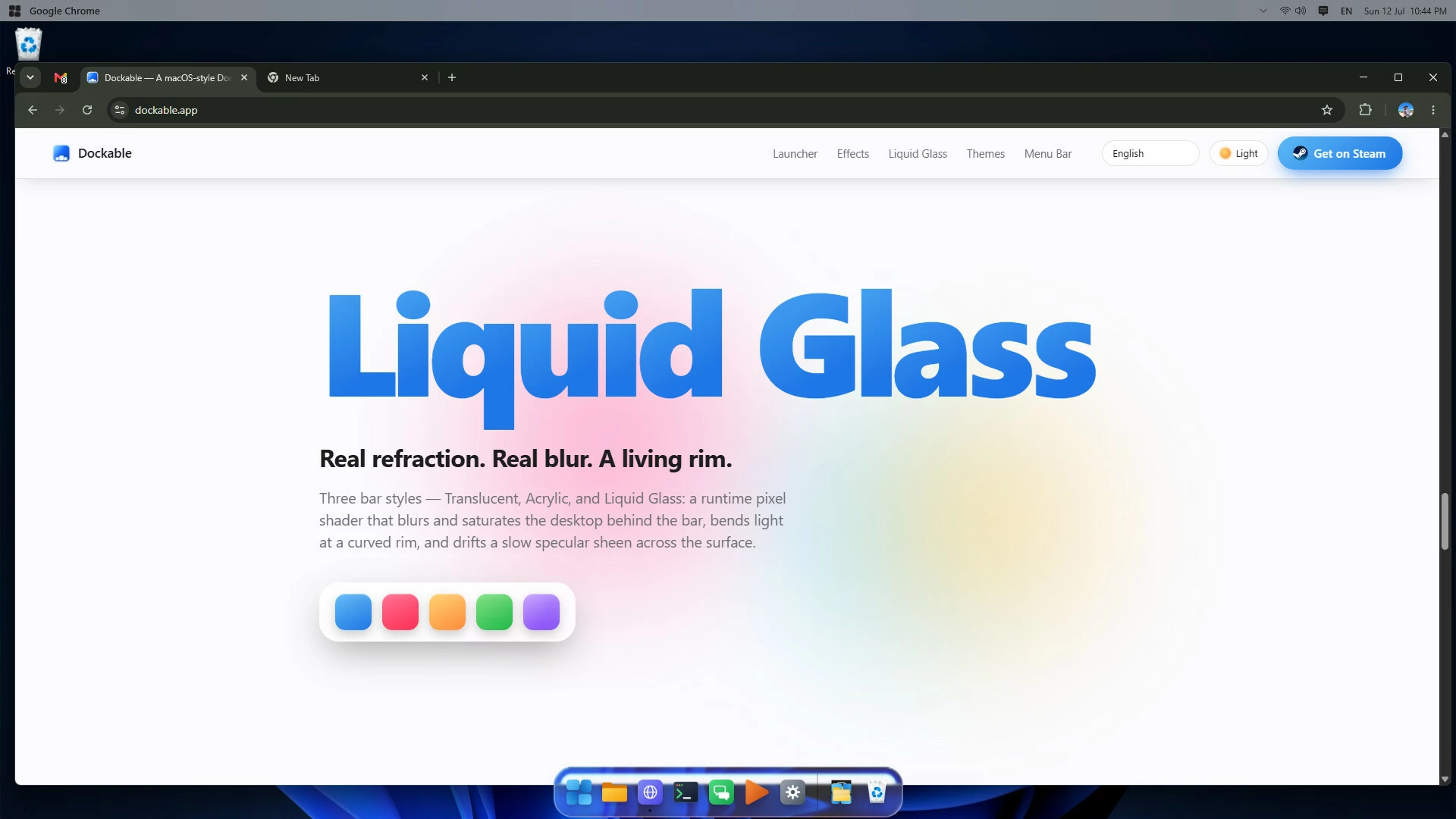
Choose your look: a simple translucent bar, a live acrylic blur, or the signature Liquid Glass effect — a real-time pixel shader with rim refraction, frosted blur, and a moving highlight that tracks your cursor. Power users can fine-tune blur, distortion, tint, saturation, chromatic aberration, and rim highlight in the settings.
? Beautiful minimize effects
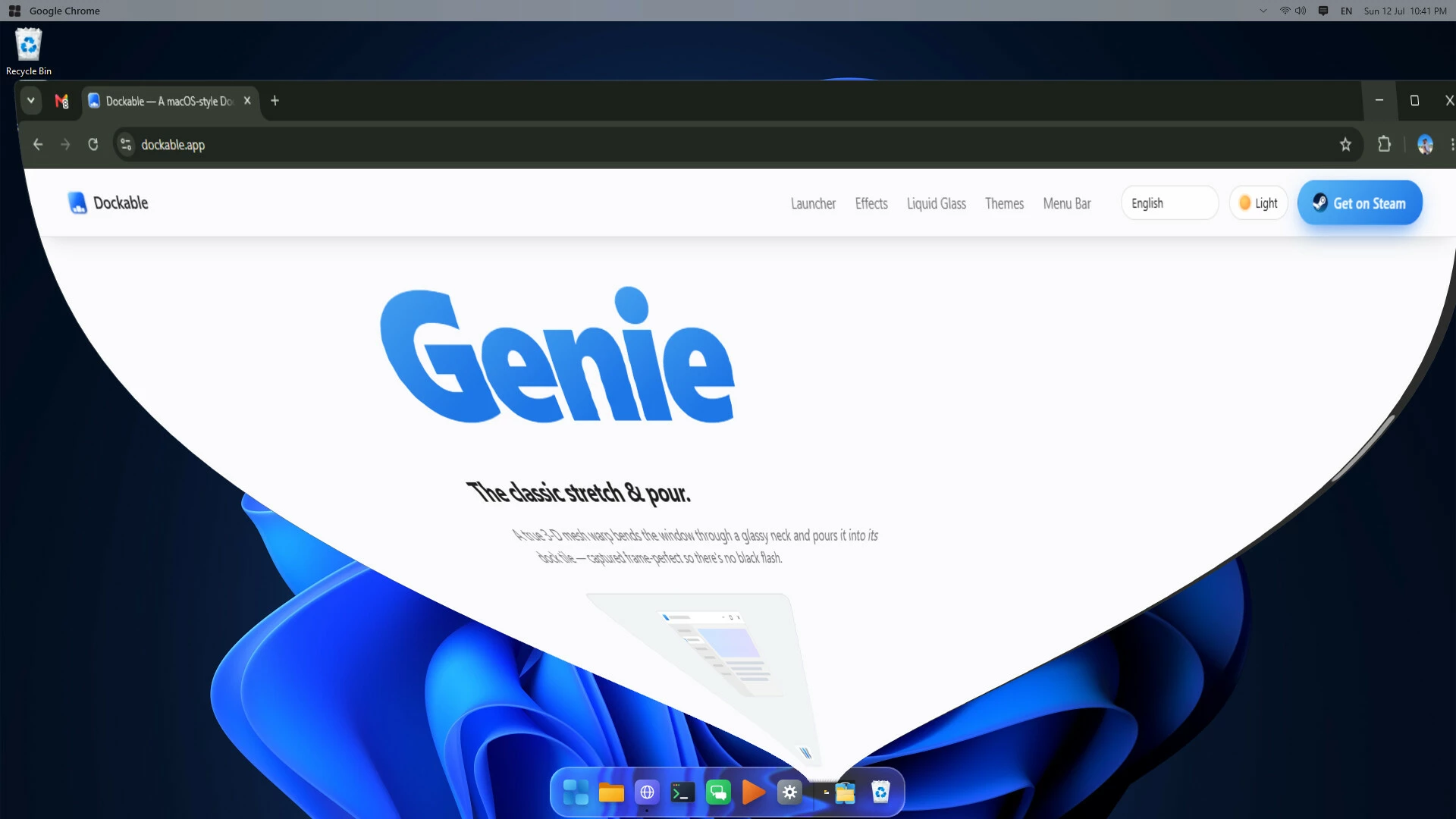
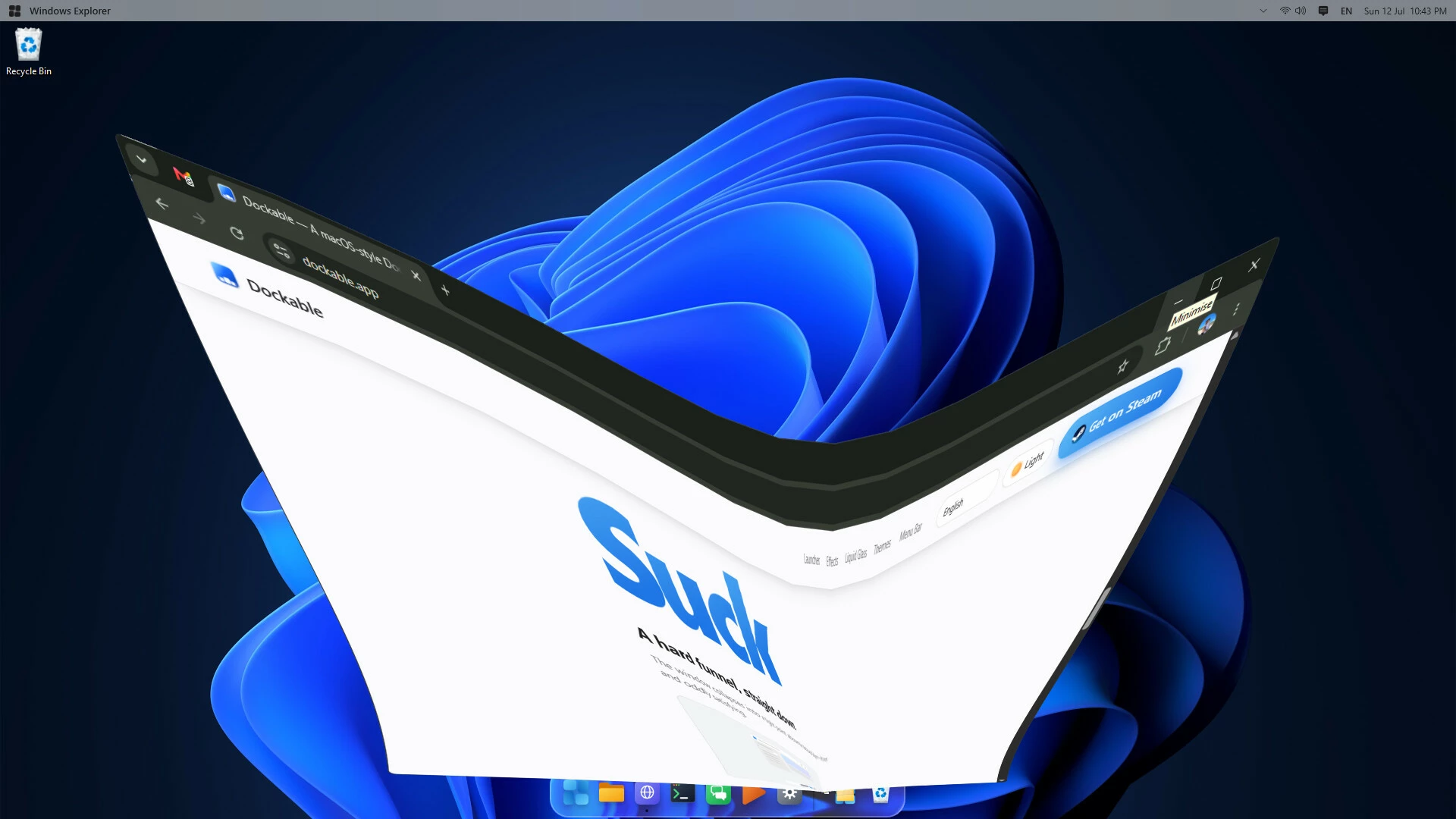
Windows warp into the dock with your choice of three animations — Genie, Suck, or Scale — with an adjustable speed. Click the tile to bring them right back.
? Light, Dark & Auto themes
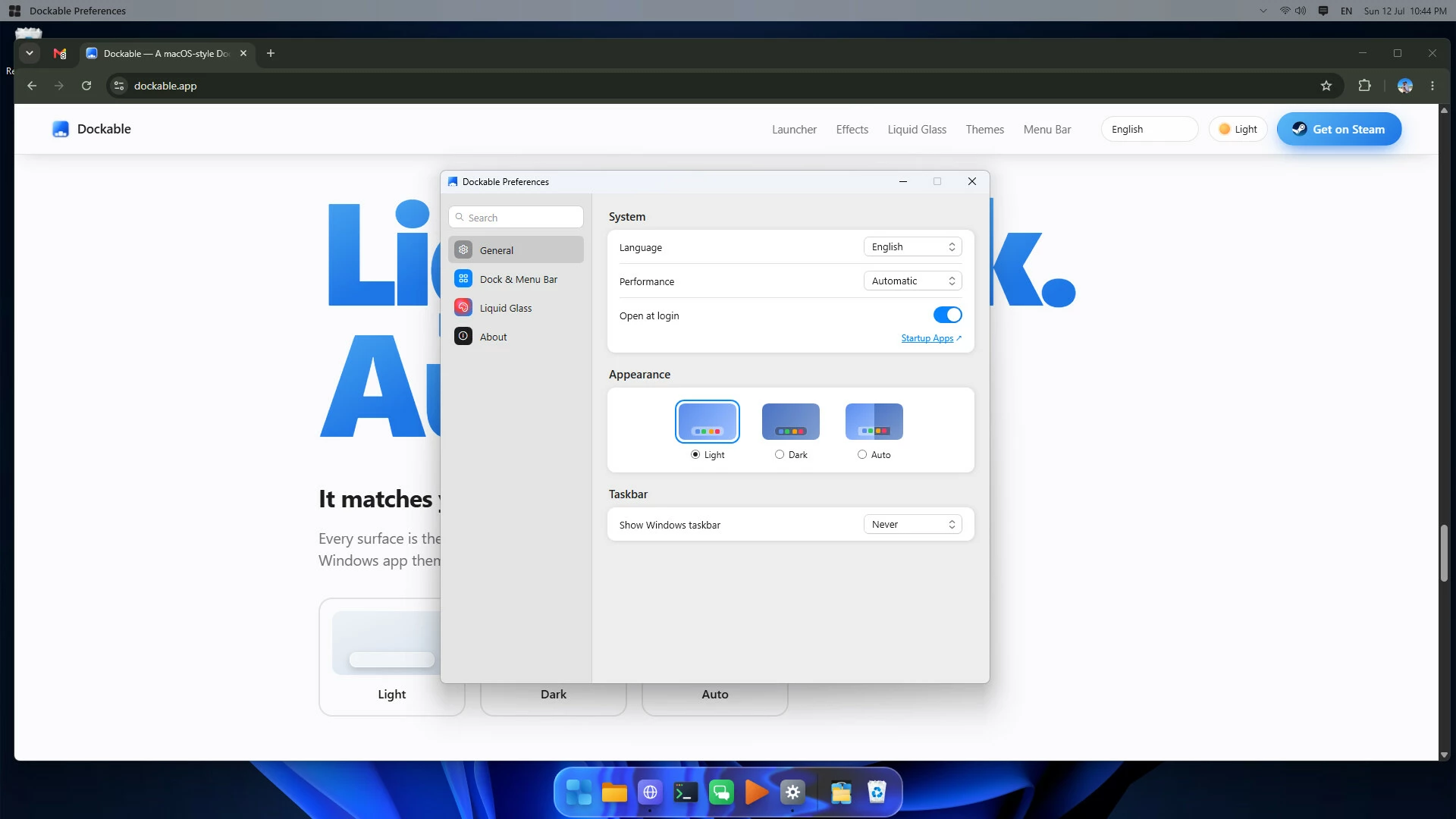
Dockable follows your Windows theme automatically, or lock it to light or dark. Icons cast soft, layered shadows for real depth.
? Your apps, your way
Mirrors your taskbar's pinned and running apps
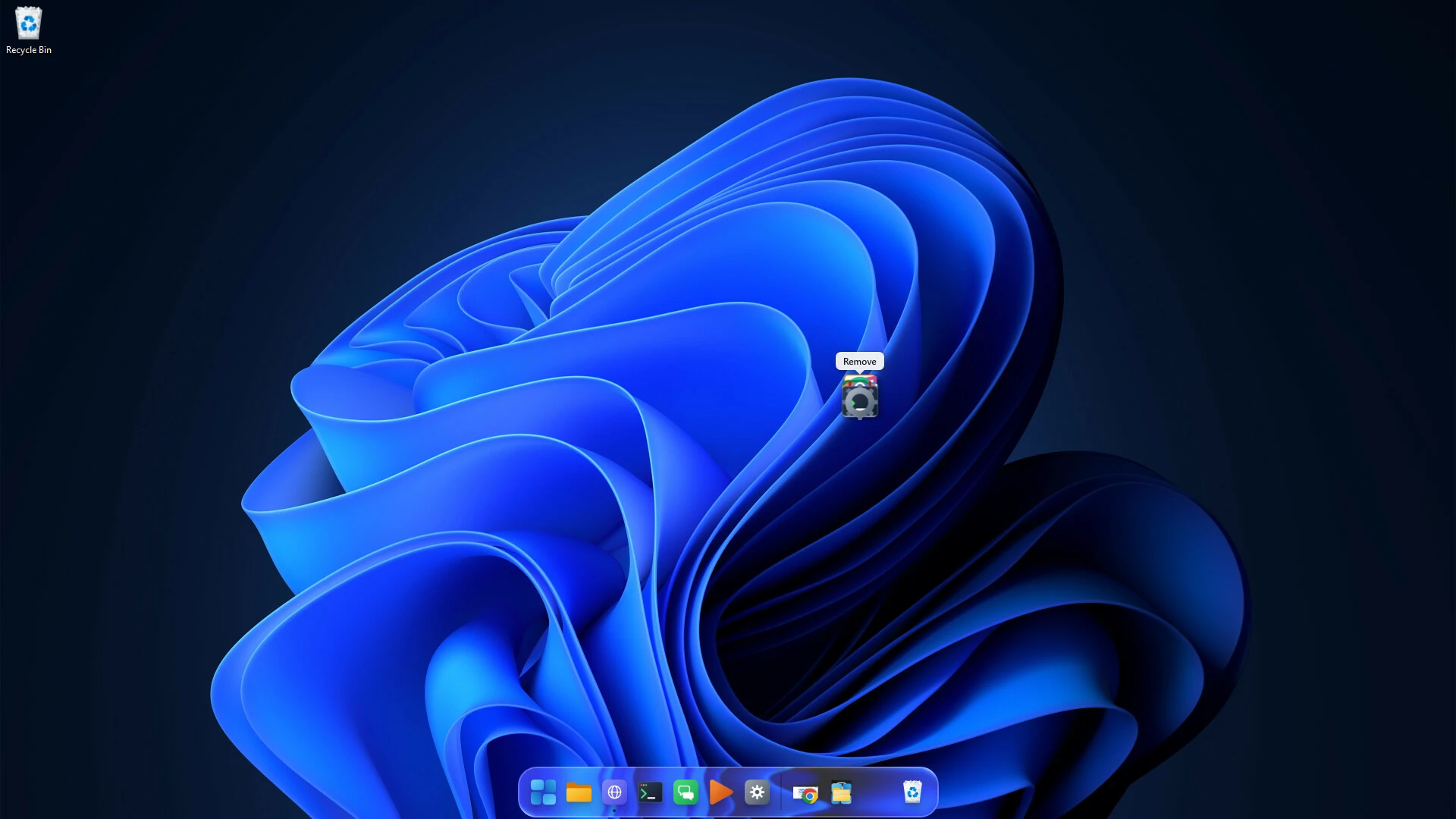
Drag to reorder, drop files to pin, and drag to the Recycle Bin to remove
Running indicators and a bounce when apps open
Optionally minimize windows straight into their app icon
? Optional menu bar
Turn on a clean, macOS-style menu bar across the top of your screen: the focused app's name with a click-through to its window menu, a keyboard-layout switcher, Quick Settings and Notifications shortcuts, and a clock.
?️ Taskbar, your call
Keep the Windows taskbar always visible, let it auto-hide, or hide it completely — Dockable restores your original setting when it closes.
? Speaks your language
Fully localized in English, Português (Brasil), Español, Українська, and 中文 (简体), switchable live and matched to your system on first run.
⚙️ Thoughtfully built
Native Windows 11 app — no bloat, launches instantly
Self-contained: nothing else to install
Per-monitor DPI aware and high-DPI crisp
A polished Preferences window to make it truly yours
Make Windows 11 feel like home. Dock it.
- Если не установлен Steam клиент, скачайте его для Windows (клиент также доступен на Mac и Linux) и установите.
- Запустите Steam, зайдите в свой аккаунт или зарегистрируйте новый, если у вас его еще нет.
- При оформлении заказа, предоставьте ссылку на свой профиль в Steam или ваш SteamID состоящий из 18 цифр (765***).
- Ожидайте приглашения от нашего бота (если у вас аккаунт с ограниченными правами) или добавьте бота в друзья (ссылка на бота будет предоставлена после успешной оплаты).
- После того, как вы добавите нашего бота в друзья, игра автоматически (время ожидания обычно составляет не более 5-30 секунд) будет отправлена вам в виде подарка (гифта).
- Примите подарок, добавьте в Библиотеку и нажмите «Играть».













и мы вам напишем, если цена на этот товар снизится