

Купить Aurel Voice


AUREL Voice is an AI audio software that turns any headset microphone into a studio-grade setup. Get real-time noise removal, auto-calibration, and 1-click tone control for Discord, OBS & games. Runs 100% locally on your PC — no cloud, no account.

Your voice. Studio-grade. Everywhere.
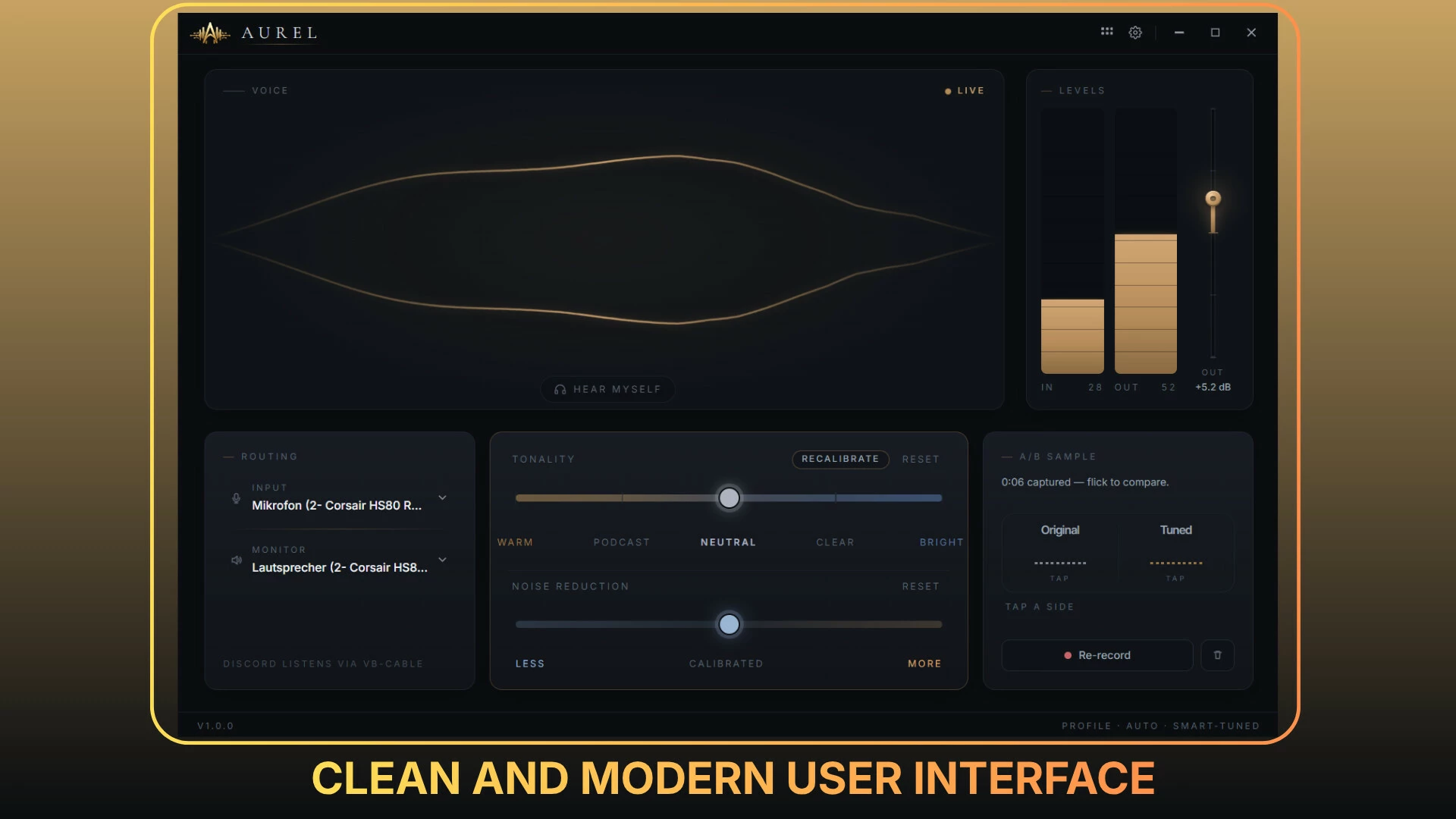
AUREL Voice is a real-time voice processor for Windows that sits between your microphone and every app you talk through — Discord, OBS, Zoom, in-game voice chat, anywhere. It takes the mic you already own and makes it sound like broadcast equipment: clean, warm, present, and free of background noise.
Everything runs 100% locally on your PC. No cloud processing, no account, no upload of your voice — ever.
Smart Enhance — tuned to you in 15 seconds
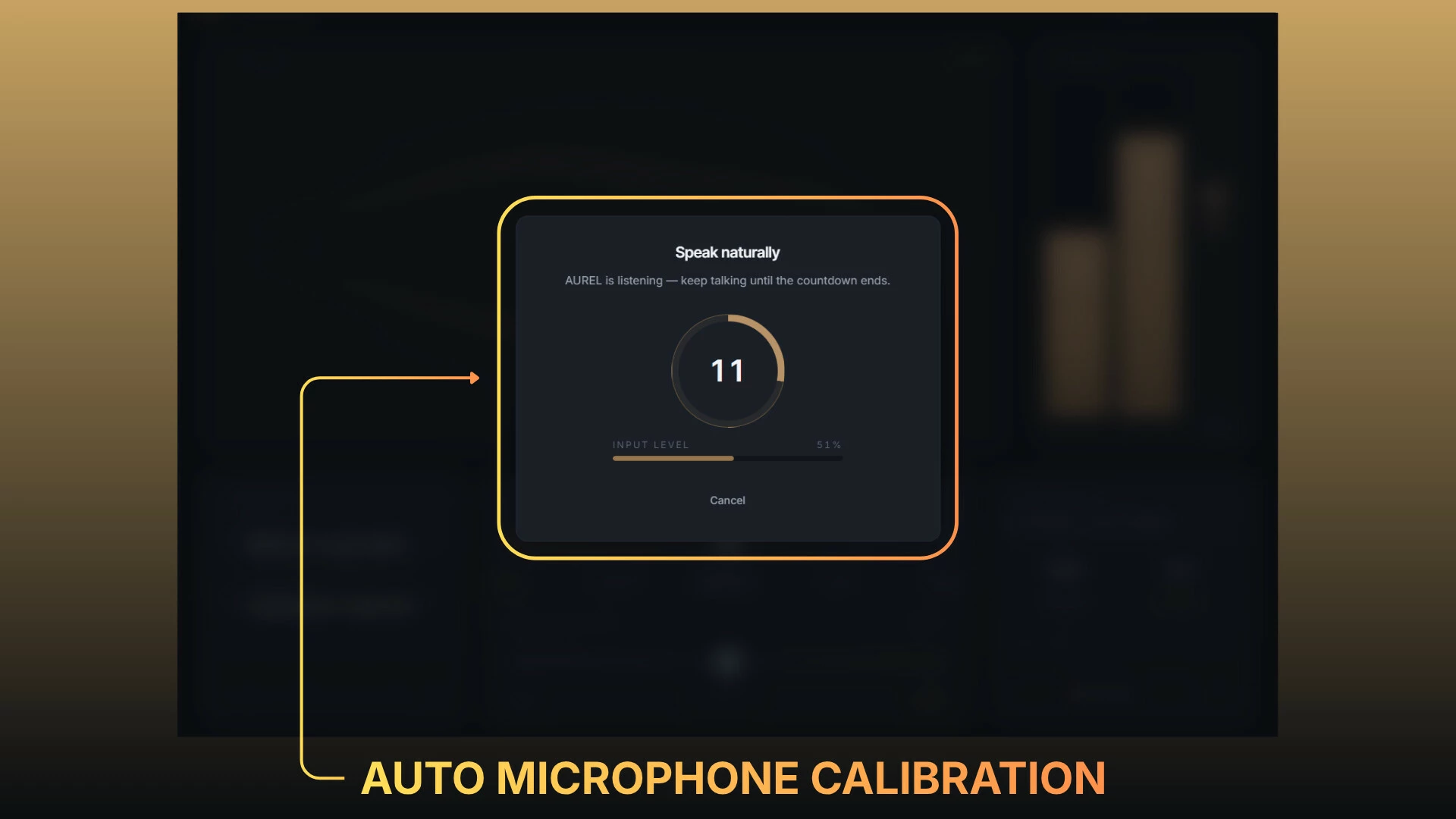
Read a short passage out loud. AUREL listens, analyzes your voice, your mic, and your room, then builds a custom processing chain for you automatically — gain, EQ, noise handling, everything. One button, fifteen seconds, done. Recalibrate anytime with a single click.

A full studio chain, working for you in real time
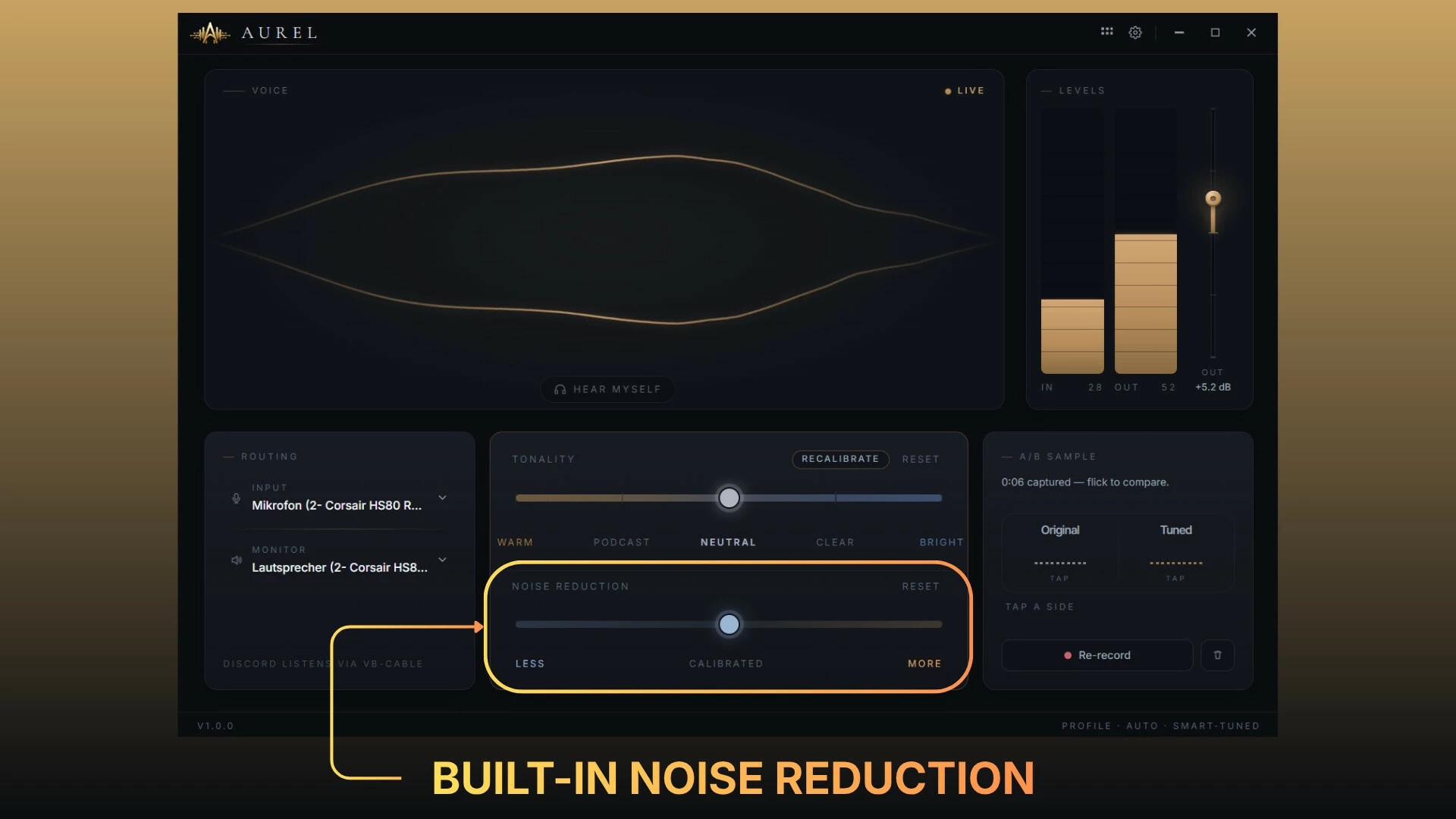
AI noise suppression — neural-network denoising removes fan noise, room noise, and hiss while keeping your voice natural.
Keyboard & click killer — transient detection mutes mouse clicks and mechanical-keyboard clatter between your words.
Studio Match EQ — matches your voice to a professionally tuned target curve.
De-esser, compressor & limiter — smooth sibilance, even levels, and no clipping. Ever.
Rumble & hum removal — cuts desk vibrations, electrical hum, and low-end mud.
Background-noise slider — dial in exactly how much of your room you want to hear.
Tone control — slide warmer or brighter to taste, live, mid-conversation.

Hear the difference yourself
Record a sample and flip between raw and processed with the A/B compare switch. What you hear is exactly what your teammates will hear. Optional self-monitoring lets you listen to your own voice in real time.

Built for gamers and streamers
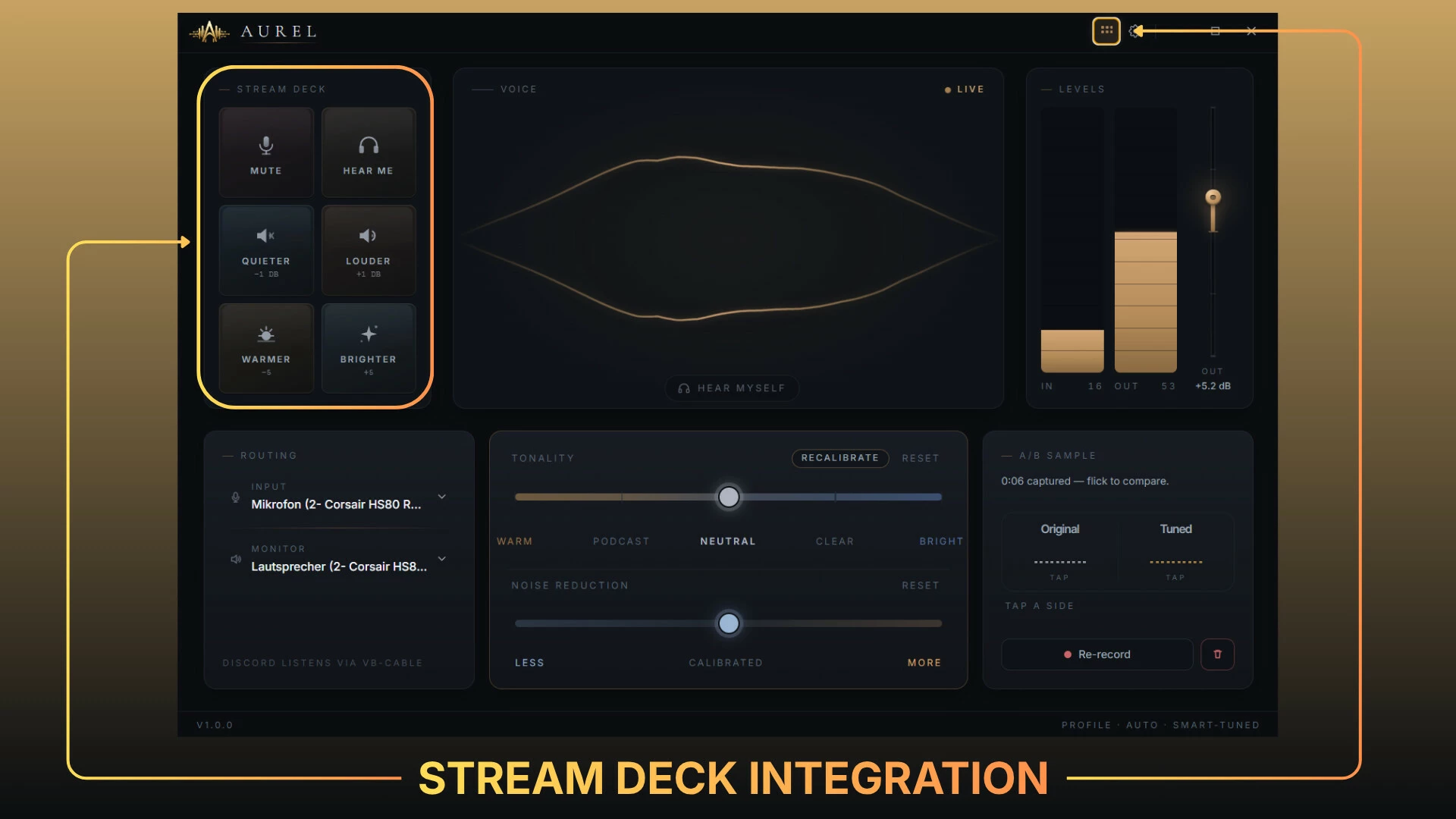
Stream Deck plugin — Mute, Hear Me, Louder/Quieter, Warmer/Brighter on physical keys (also available as an in-app tile bar). Note: Elgato Stream Deck software required for hardware integration.
Global hotkey mute — works seamlessly from any game or app.
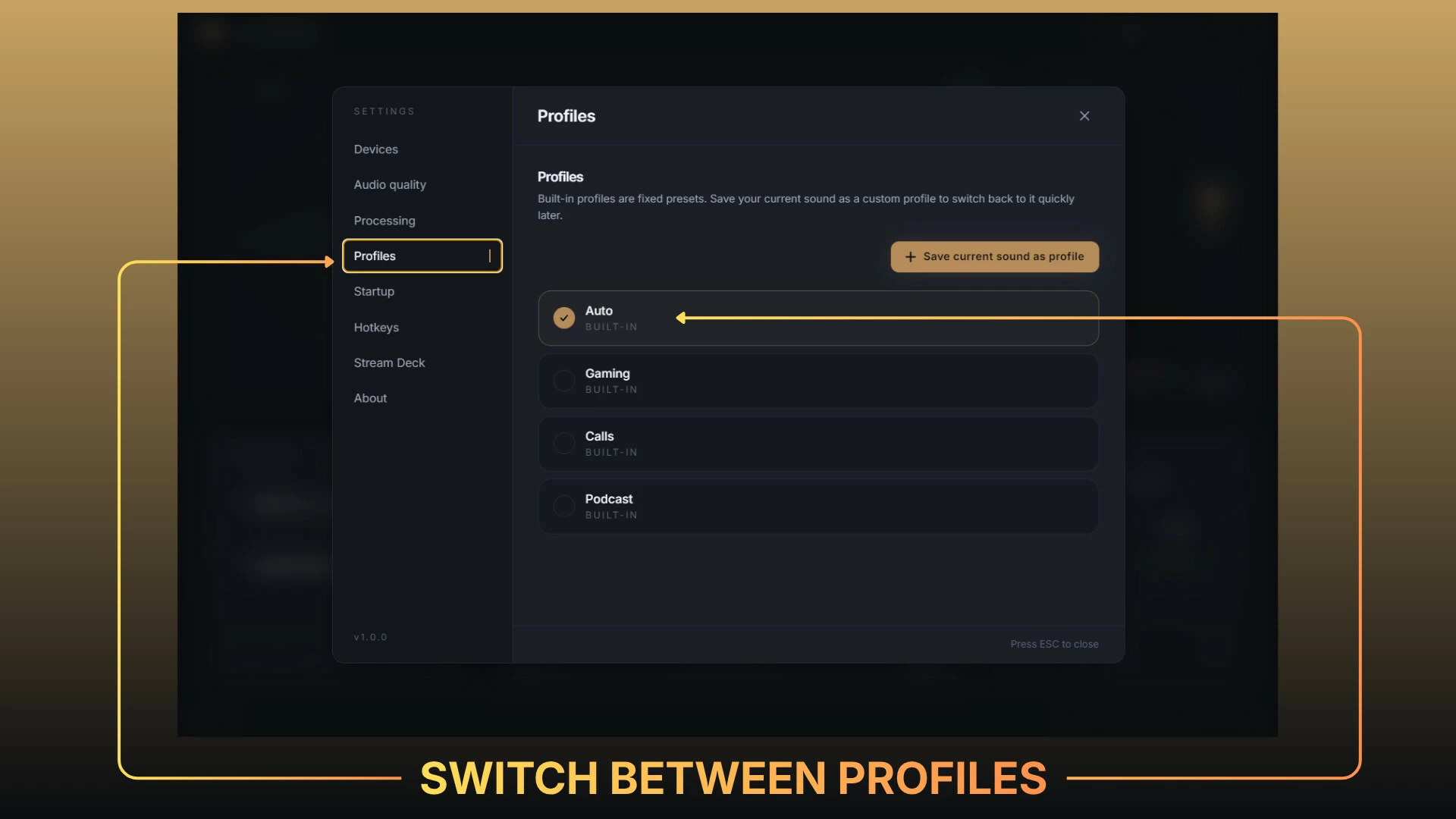
Profiles — Auto, Gaming, Calls, Podcast: switch your entire sound setup with one click.
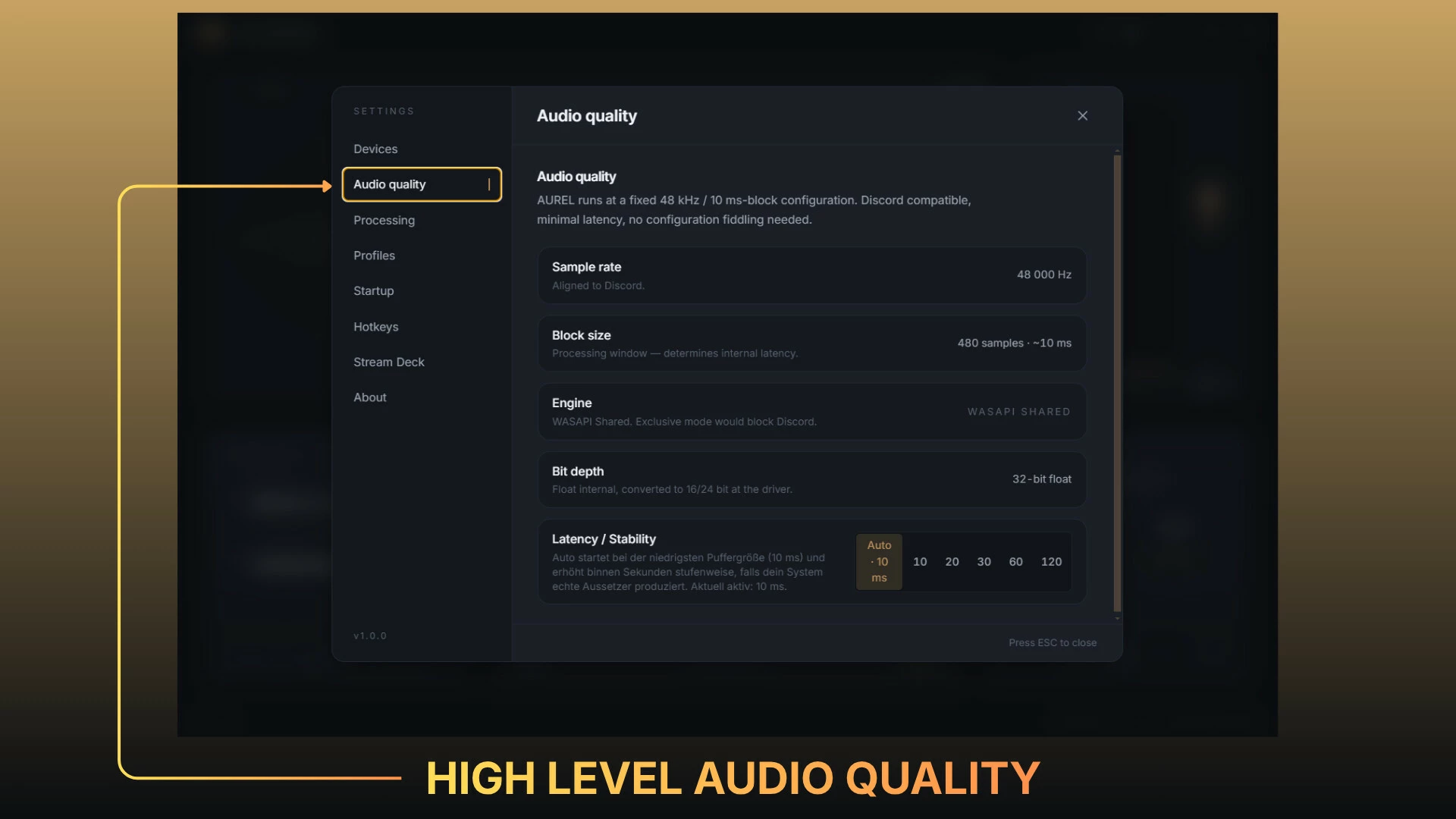
Set-and-forget — lives in the system tray, starts with Windows, and auto-adapts buffering to keep audio glitch-free even under heavy CPU/GPU loads.
Setup in minutes
The built-in wizard installs and configures the virtual audio device for you. After that, simply pick "CABLE Output" as your microphone in Discord, OBS, or your game — that's it. AUREL Voice does the rest automatically, every time you boot.
AUREL Voice is powered by VB-CABLE from VB-Audio Software.
- Если не установлен Steam клиент, скачайте его для Windows (клиент также доступен на Mac и Linux) и установите.
- Запустите Steam, зайдите в свой аккаунт или зарегистрируйте новый, если у вас его еще нет.
- При оформлении заказа, предоставьте ссылку на свой профиль в Steam или ваш SteamID состоящий из 18 цифр (765***).
- Ожидайте приглашения от нашего бота (если у вас аккаунт с ограниченными правами) или добавьте бота в друзья (ссылка на бота будет предоставлена после успешной оплаты).
- После того, как вы добавите нашего бота в друзья, игра автоматически (время ожидания обычно составляет не более 5-30 секунд) будет отправлена вам в виде подарка (гифта).
- Примите подарок, добавьте в Библиотеку и нажмите «Играть».













и мы вам напишем, если цена на этот товар снизится