
Купить Fish Tank Plus - Aquarium Screensaver & Live Wallpaper

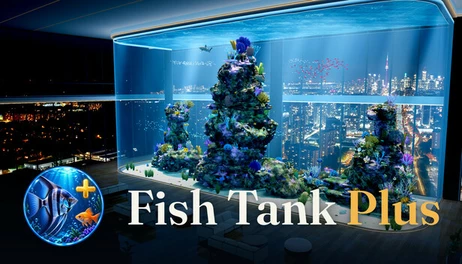
Meet Octopus Boy and a resident shark in a living 3D aquarium, from a city penthouse to a station orbiting the Moon. Unwind to its soothing ASMR ambience. It runs like butter on older PCs and looks stunning on modern graphics cards at higher settings. Works as your screensaver too.

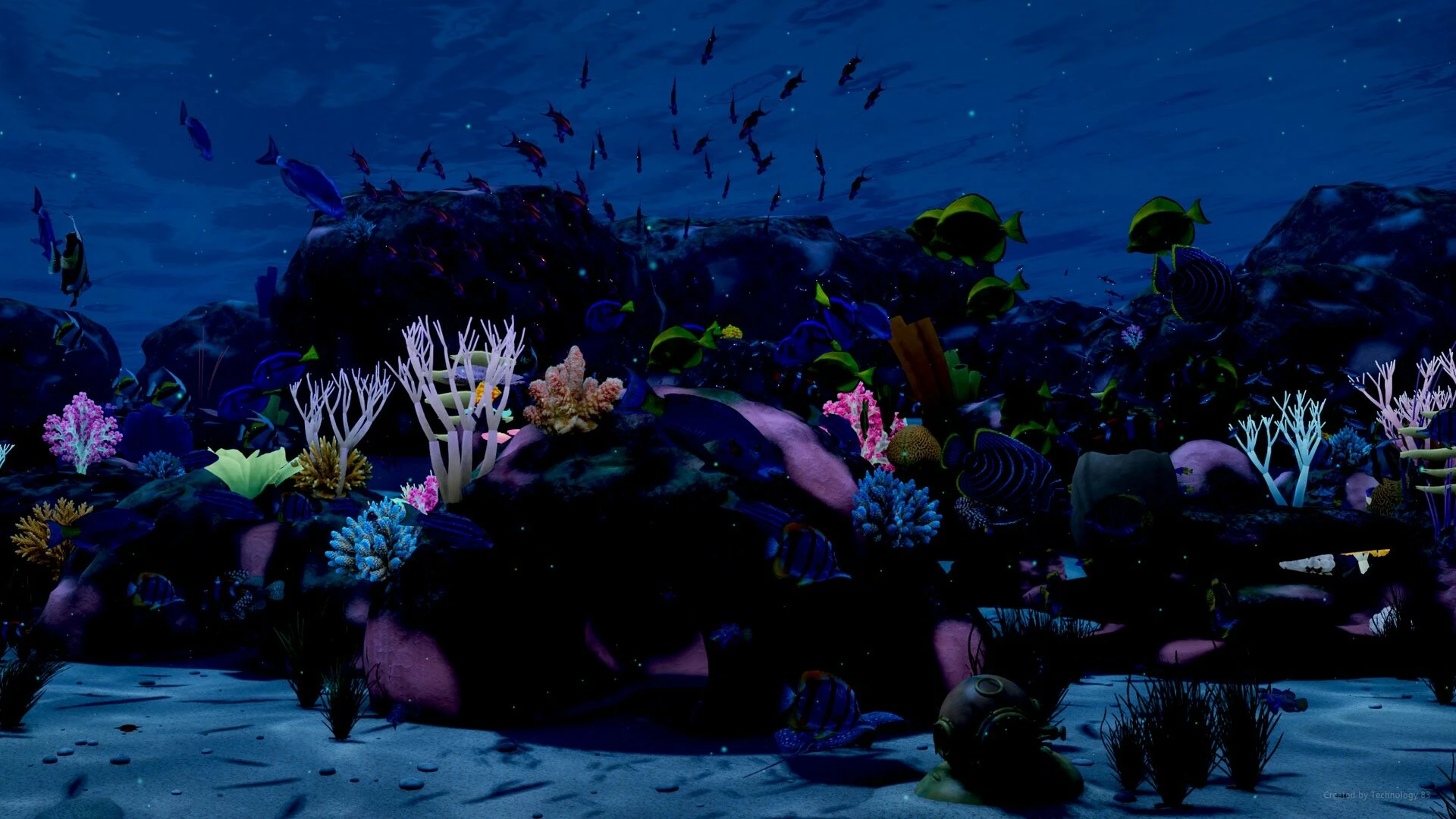
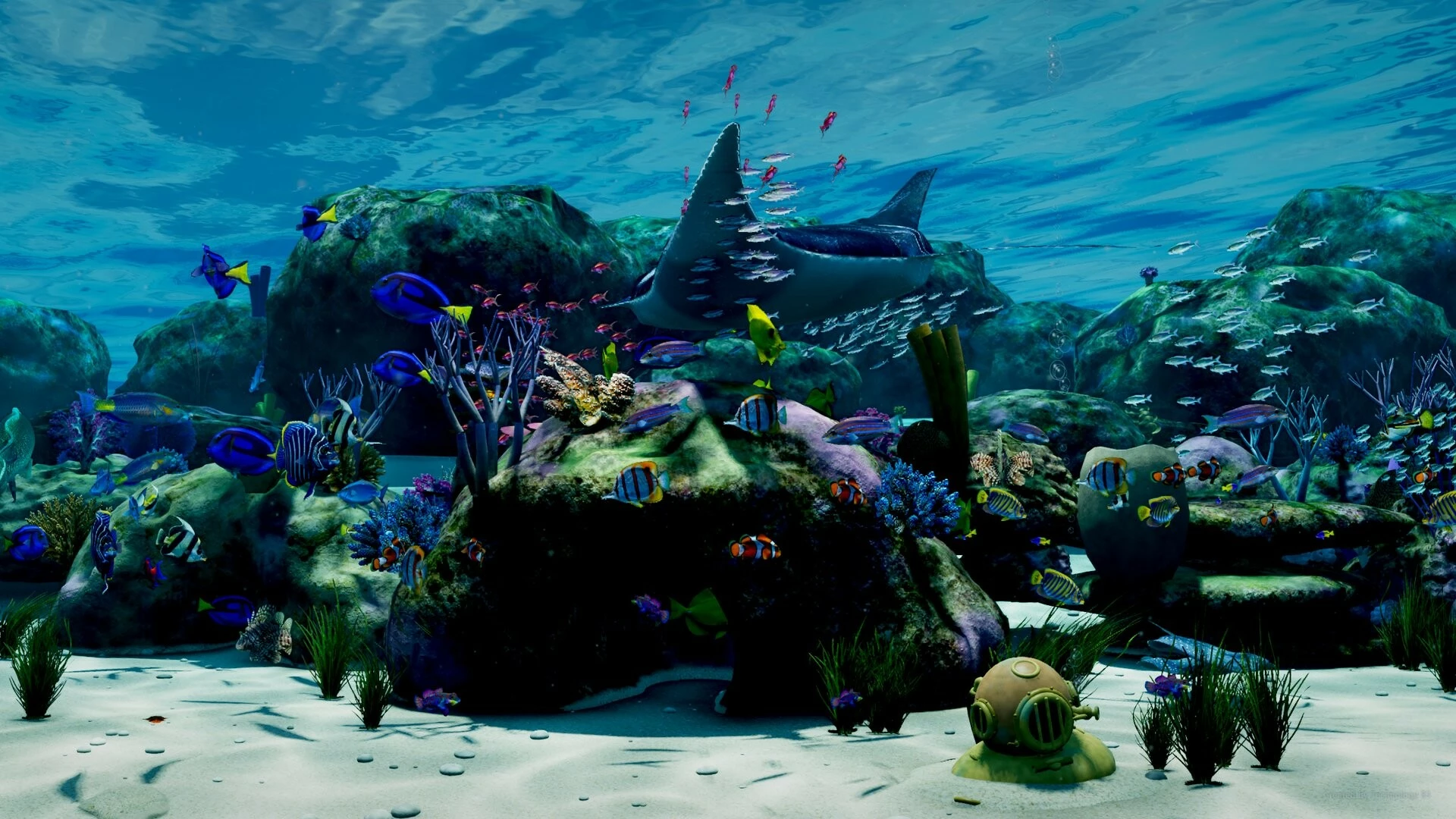
Fish Tank Plus turns your PC into a living 3D aquarium. Run it as your screensaver or as live wallpaper behind your desktop icons, or open it whenever you want to sit back and watch. Fish school, feed, hide and explore, and the light follows your clock from bright morning to a glowing reef at night.
Screensaver and live wallpaper
One switch makes Fish Tank Plus your Windows screensaver, so the aquarium appears whenever you step away. Another turns it into live wallpaper, with the reef swimming behind your desktop icons while you work, and it can start with Windows. Both use every screen you pick.
Four places to watch
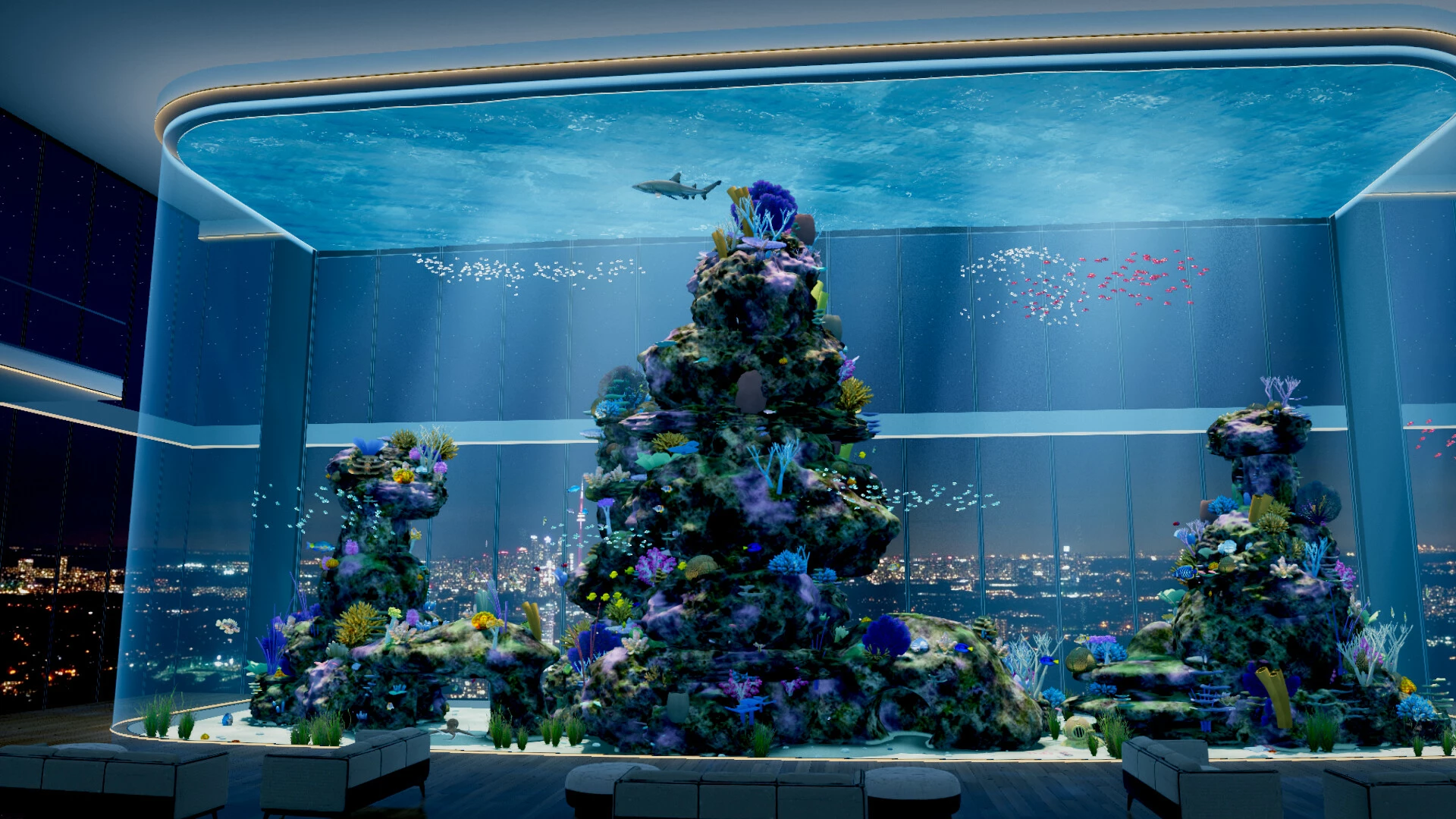
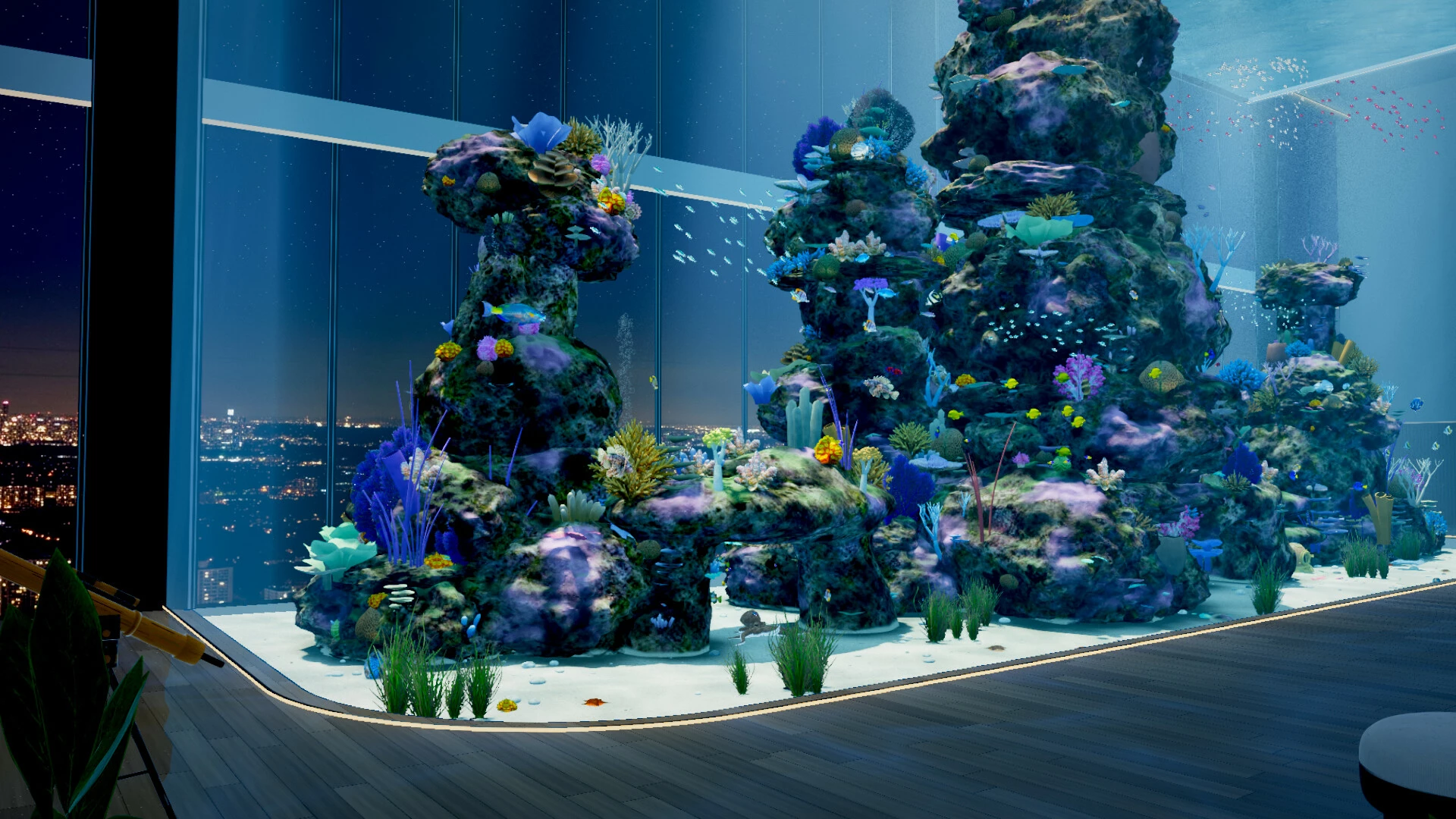
The Penthouse. A two-storey seamless glass tank in a living room about a hundred floors up. Sofas, a window wall onto the sky, and the light outside follows your PC's clock.
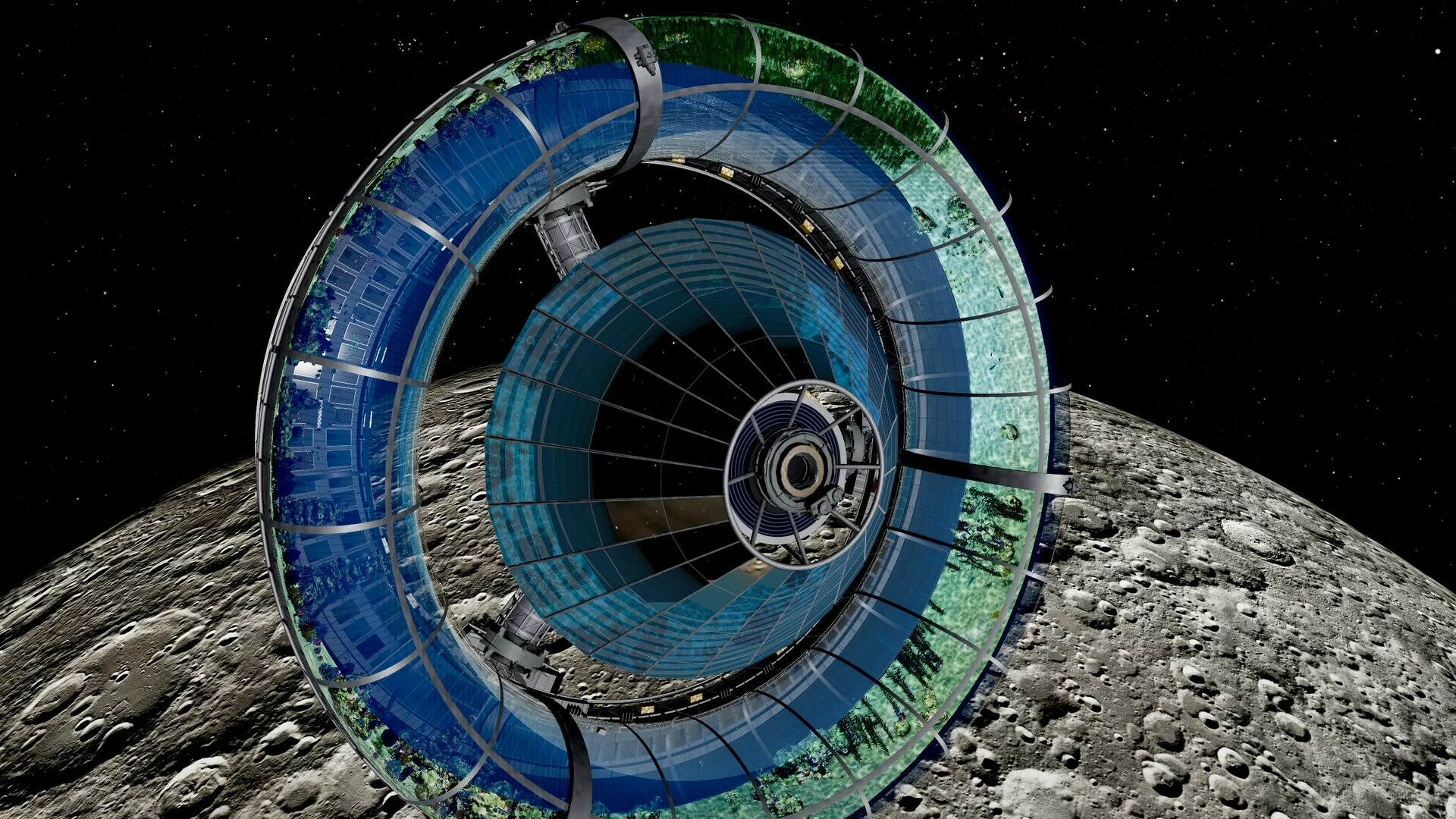
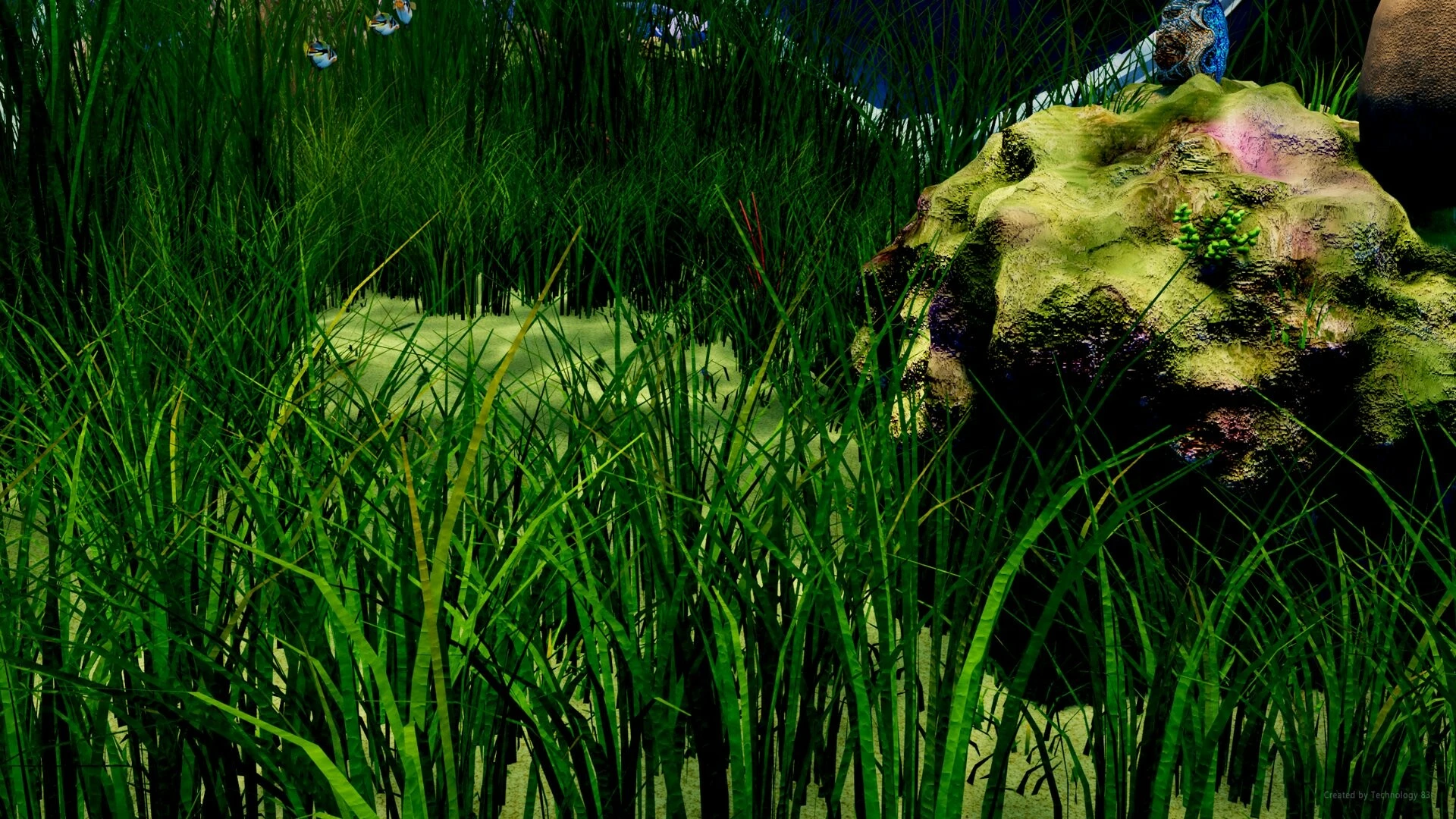
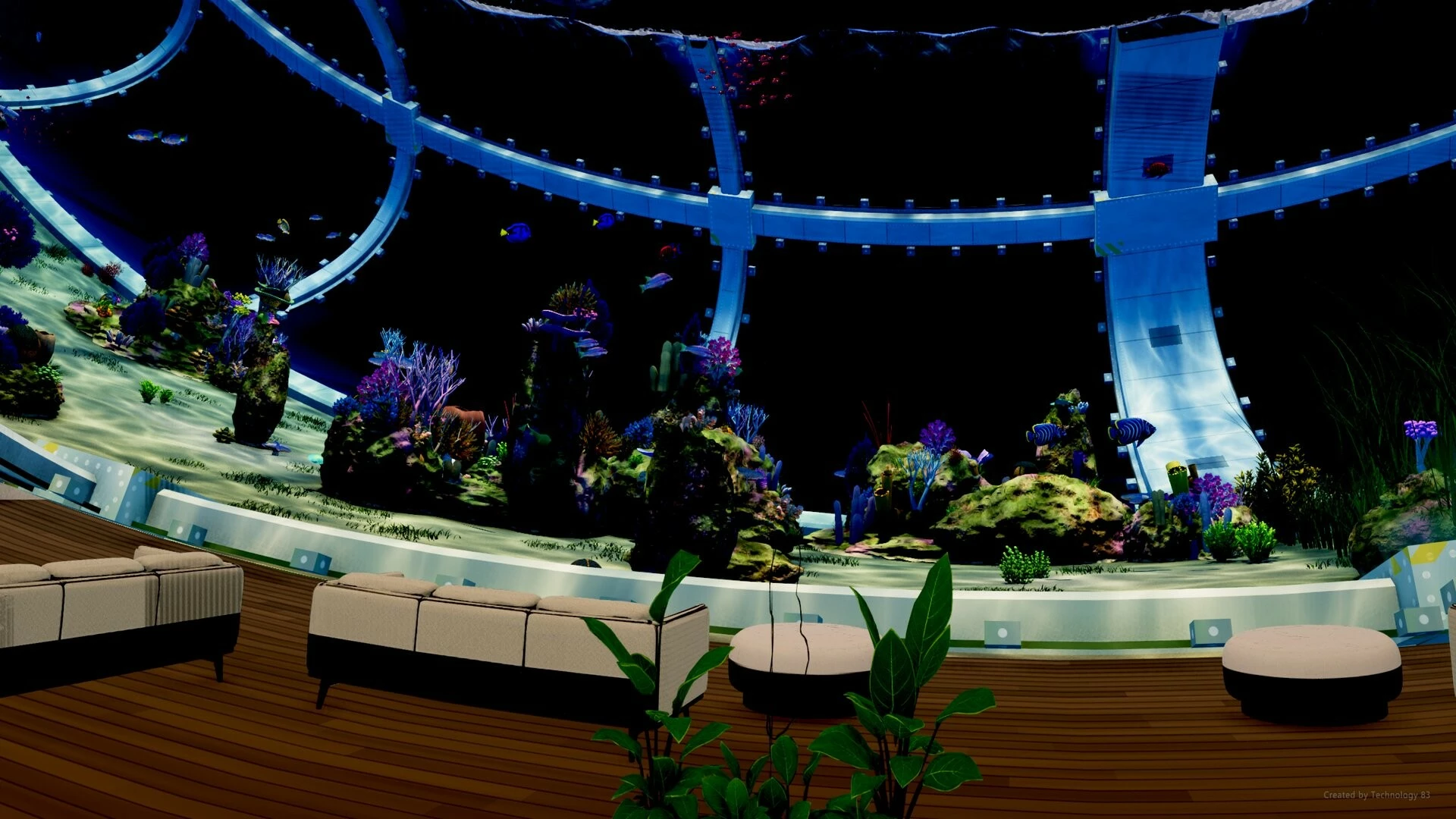
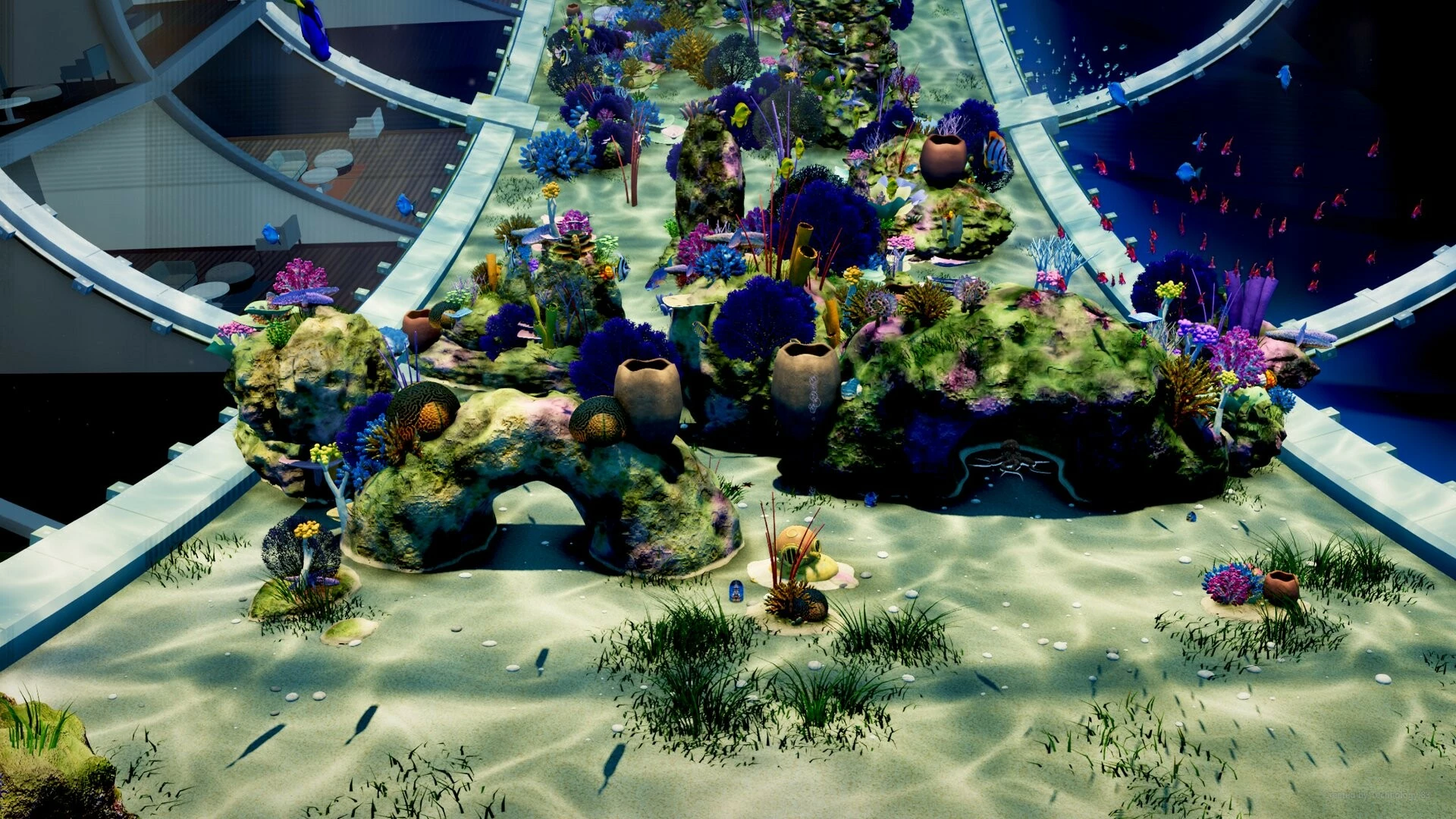
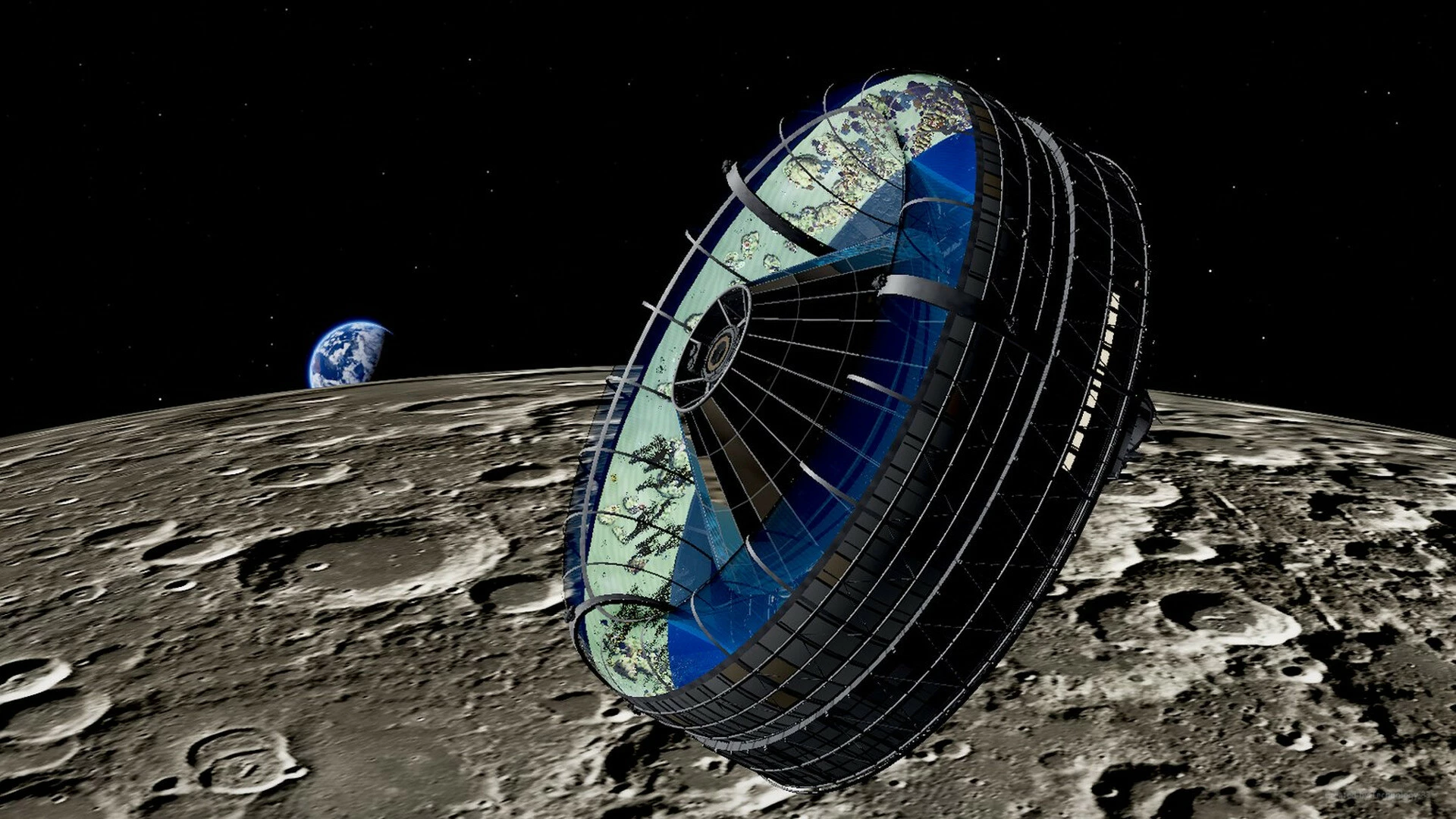
The Orbital Aquarium. A 30-metre ring of seawater on a station circling the Moon 500 km up. It opens on the Earthrise as the station wakes, its 36 mirror petals swinging open, then flies you in through the glass, low over a seagrass meadow and onto the reef. Switch between nine camera views with C, and open or fold the petals with P. The Moon is made from real Lunar Reconnaissance Orbiter photographs, and the planets shine in their real places.
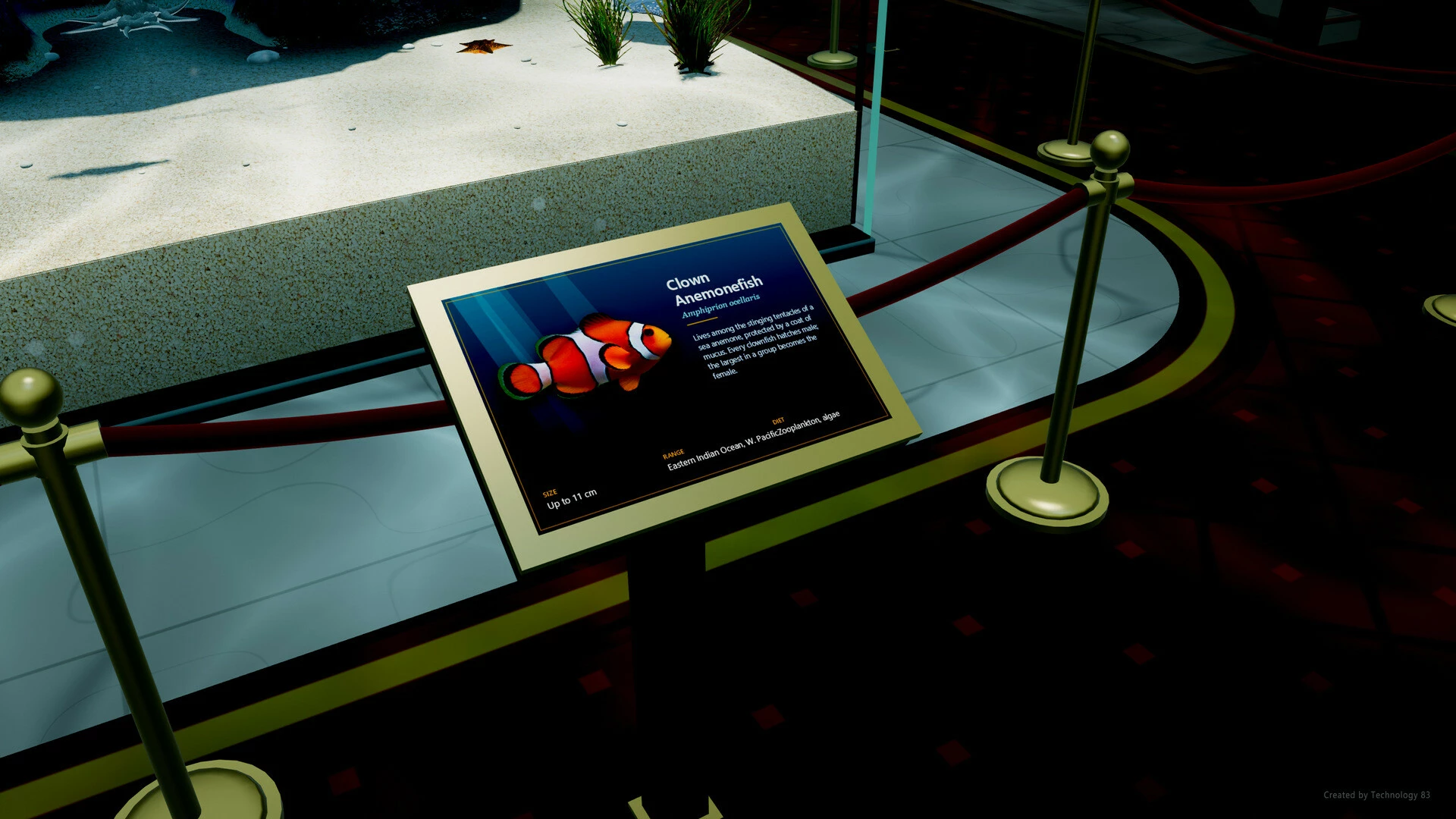
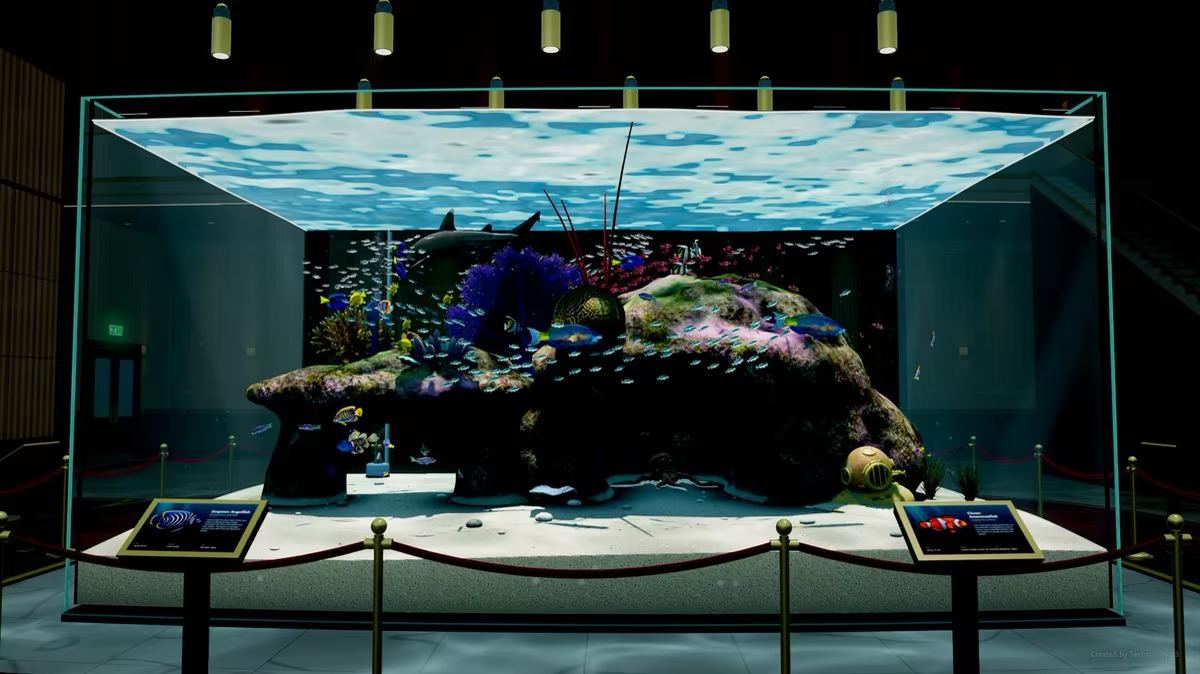
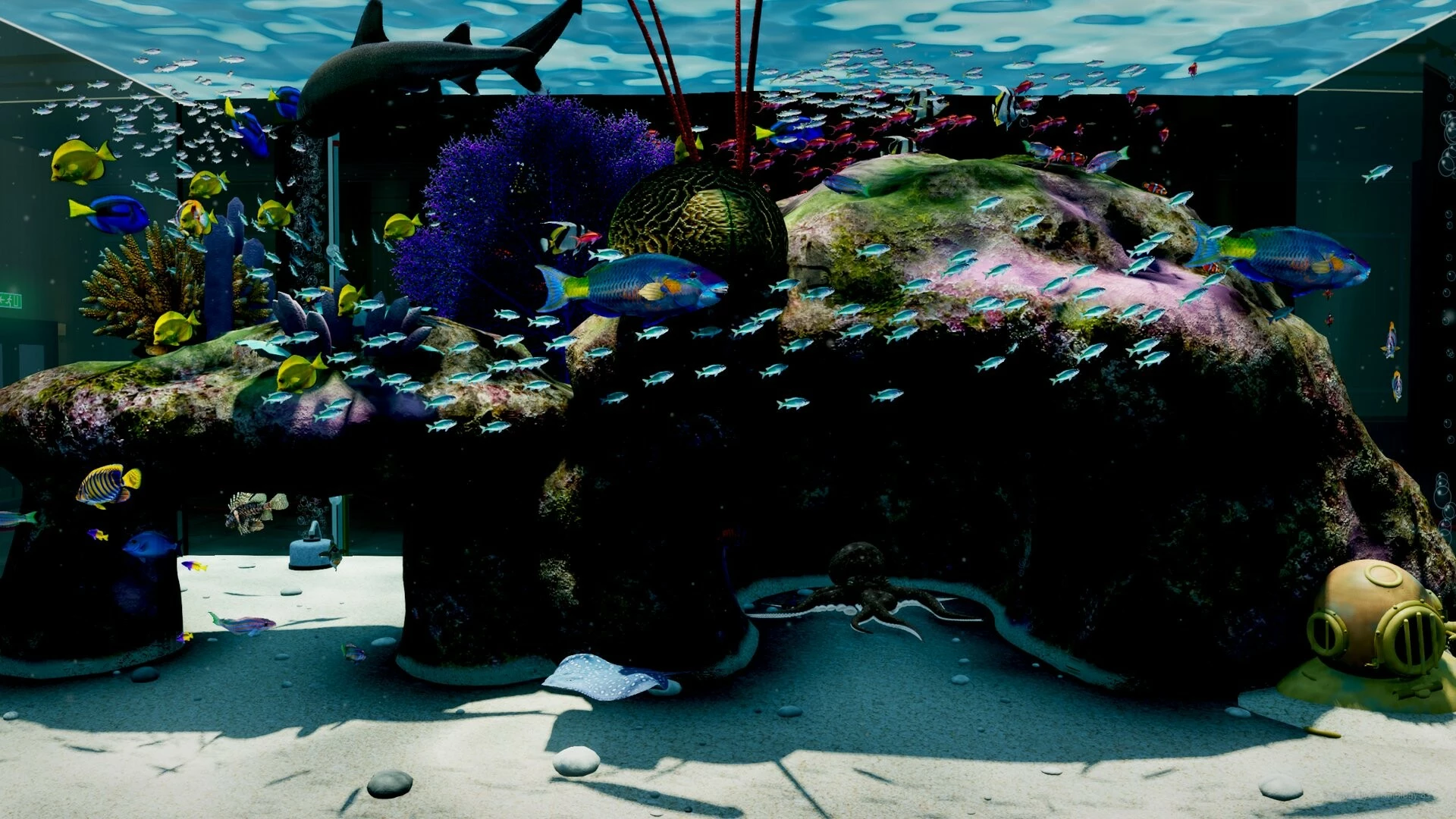
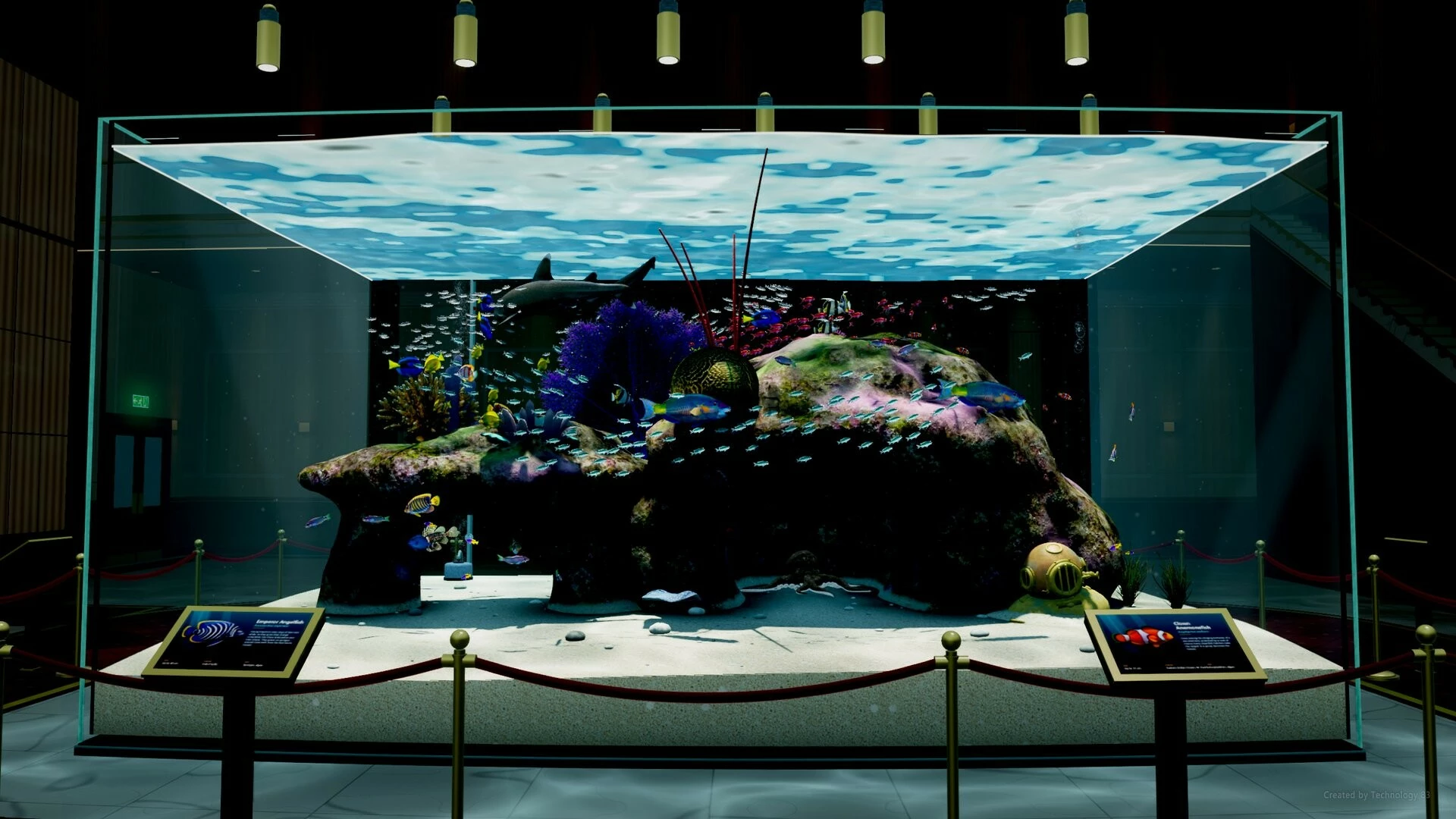
The Glass Tank. A huge public-aquarium tank in a dark, grand hall, with velvet ropes on brass posts, pendant lights and plaques with real photos of the fish inside. A resident shark makes slow laps.
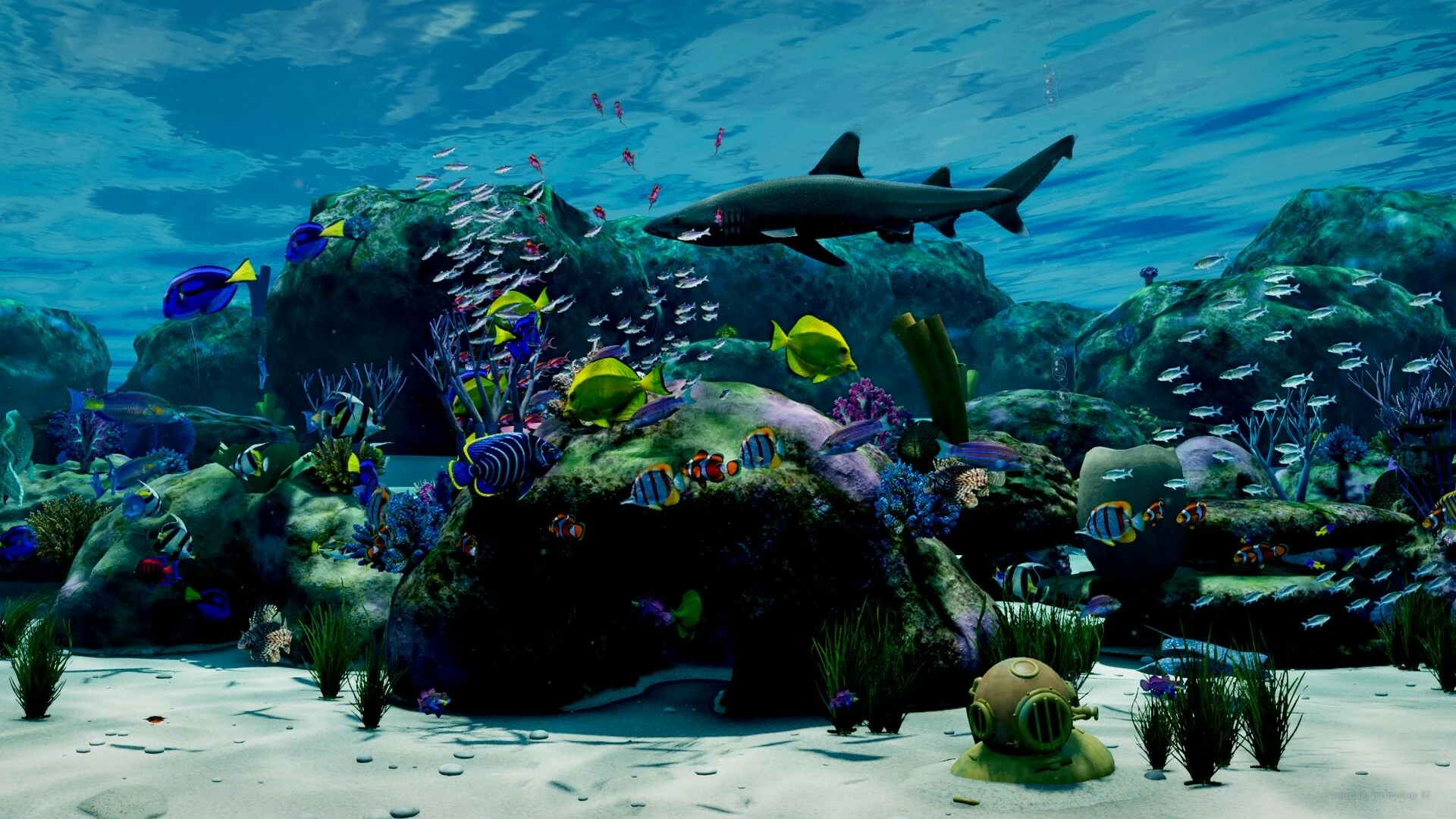
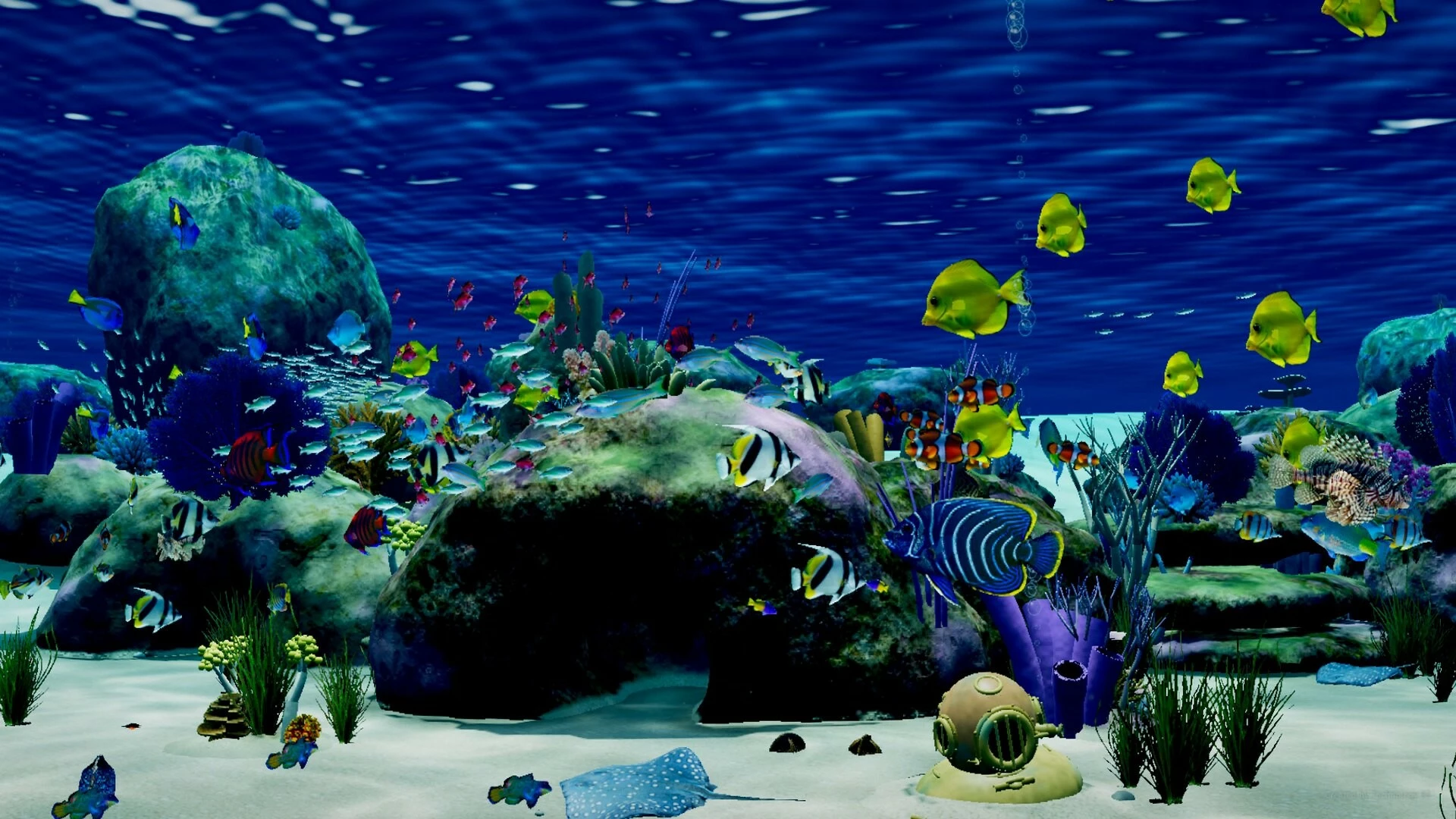
The Open Sea. It opens above the waves, with islands on the horizon, then takes you down through the surface to a vast coral reef, home to Octopus Boy and visited every so often by a shark, a manta ray, a sea turtle or a distant whale.
Made for multi-monitor setups
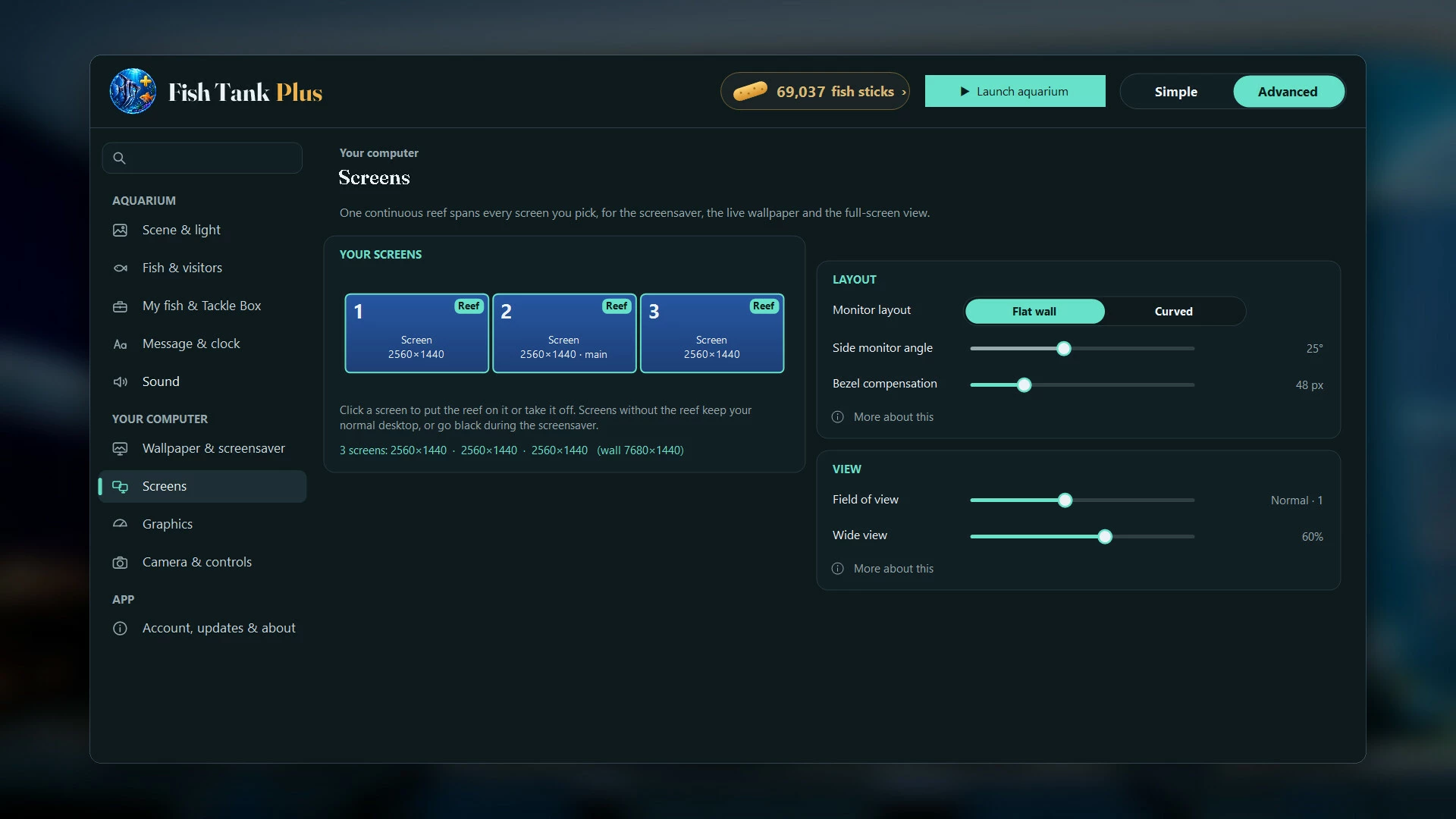
Two, three or four screens, different sizes, different refresh rates: Fish Tank Plus treats them as one big tank and the fish swim from one screen to the next. Tell it how thick your bezels are and the picture lines up across the gaps. Choose which monitors get the aquarium and which keep your desktop.

Fish sticks and the Tackle Box
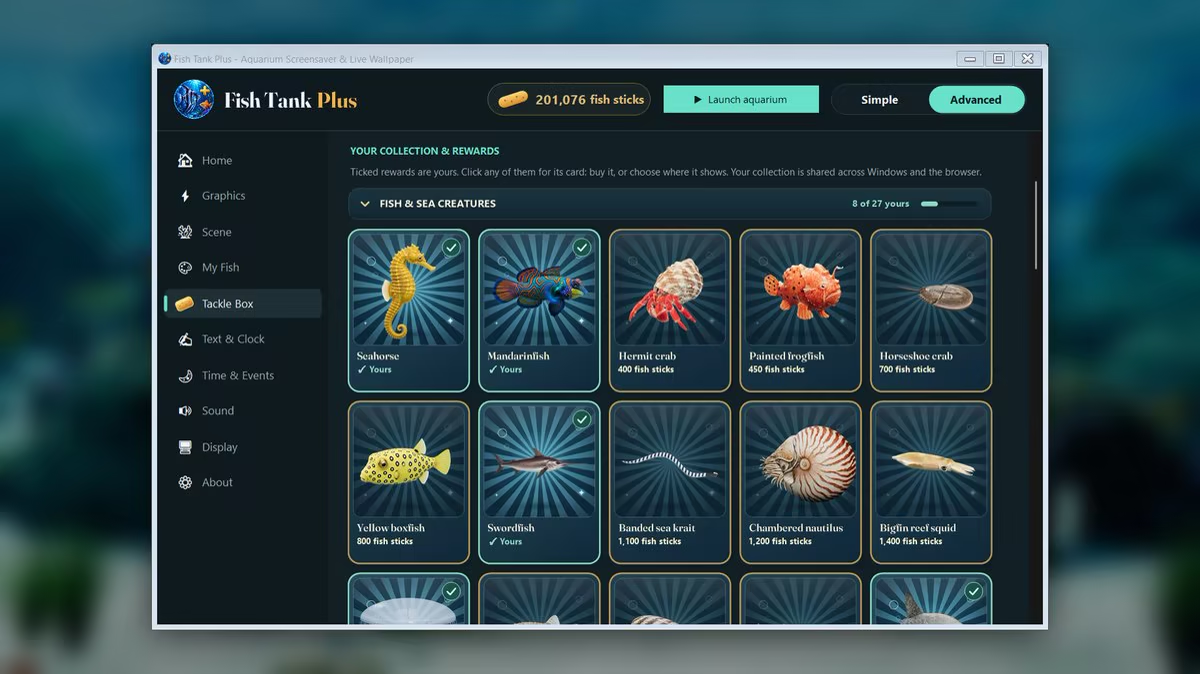
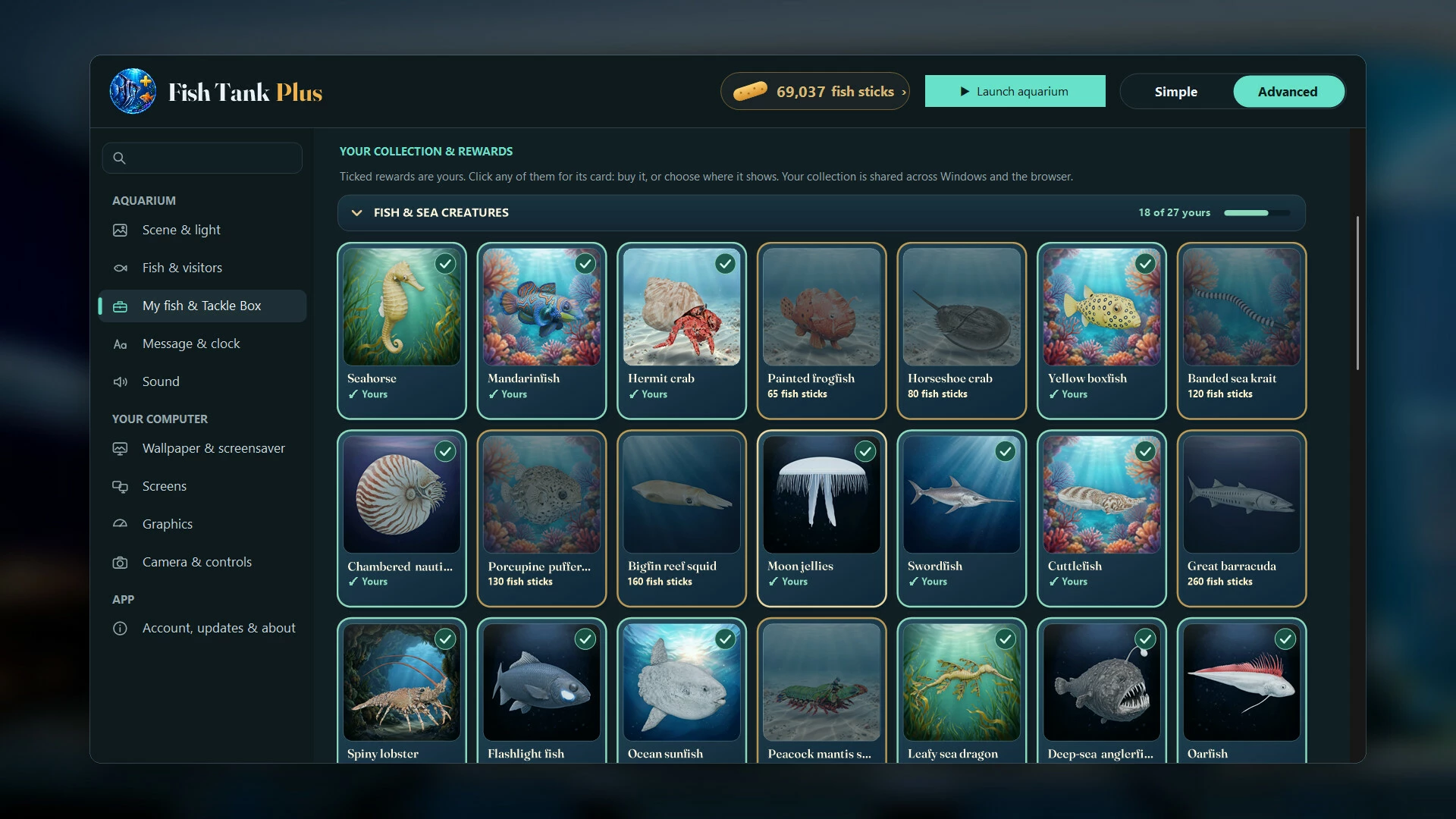
Your tank pays you back. Fish sticks build up while Fish Tank Plus runs, and feeding your fish brings bonus sticks. Spend them in the Tackle Box on new fish and ornaments, from a seahorse and a mandarinfish to a sunken lighthouse and a treasure chest, then choose which tank each one lives in. There are achievements to earn along the way, and your fish sticks and collection follow you to the browser version on your phone or tablet.
Real 3D: your screen becomes a window
Switch on head tracking and Fish Tank Plus uses your webcam to follow where your head is, then redraws the tank from exactly where you are. The glass, the rocks and the fish stop looking flat and start looking like they're really behind the screen. Step to the side and the tank's glass corners swing into view. Lean in close and you look down past the rocks to the sand. Stand up and you see the water from above.
Filmed with a phone, straight off a laptop screen.
Works as your screensaver, as live wallpaper and in the aquarium window.
Uses the webcam you already have, built in or USB. Pick the camera, set the strength from subtle to strong, and press Test the camera to watch it find your face.
Private: the picture is looked at on your PC only, a few times a second at low resolution, and thrown away straight after. Nothing is recorded, saved or sent anywhere. The camera light stays on while it runs.
Off until you switch it on, under Camera & controls. No webcam? Everything else works as normal.
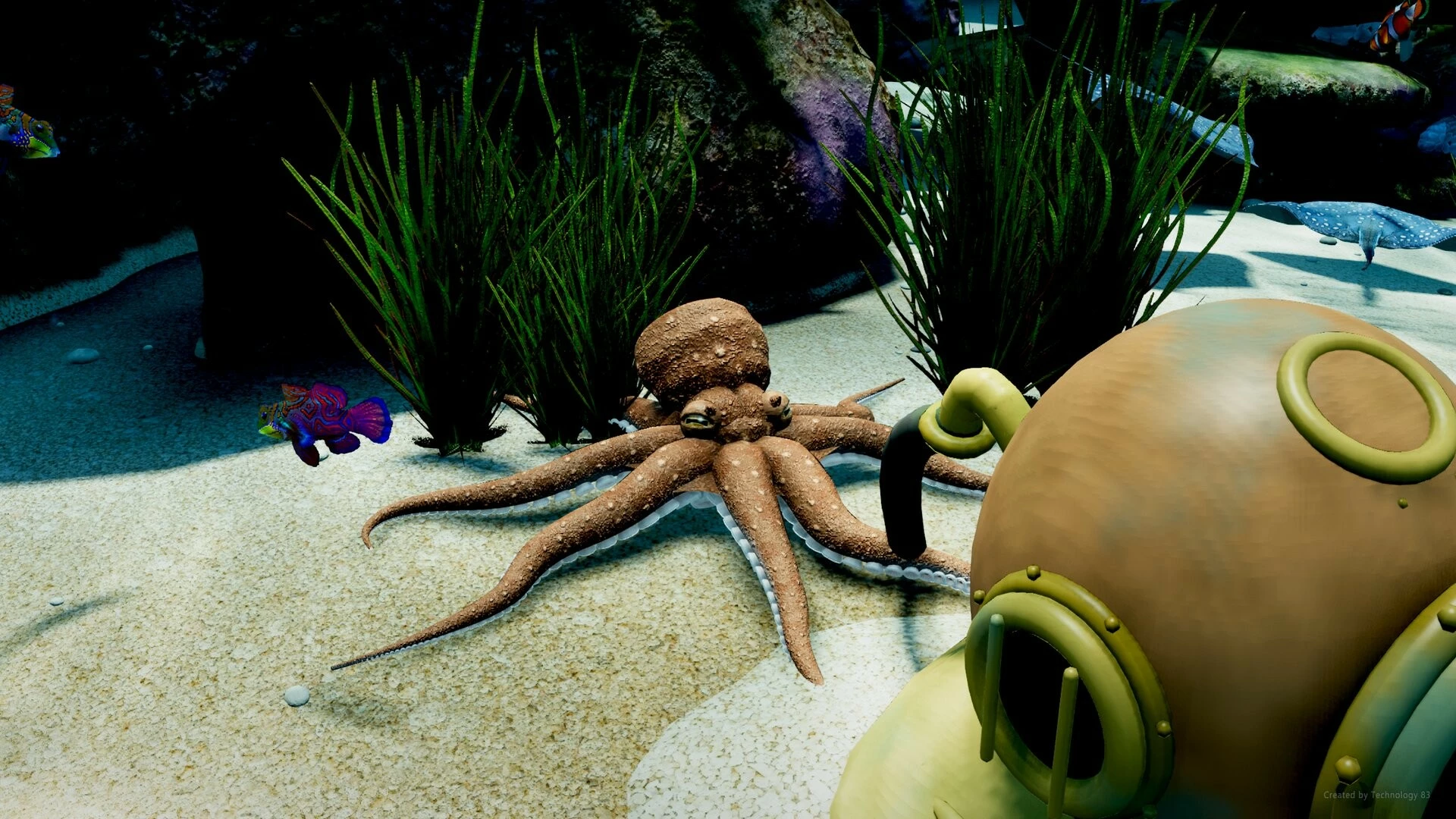
Octopus Boy
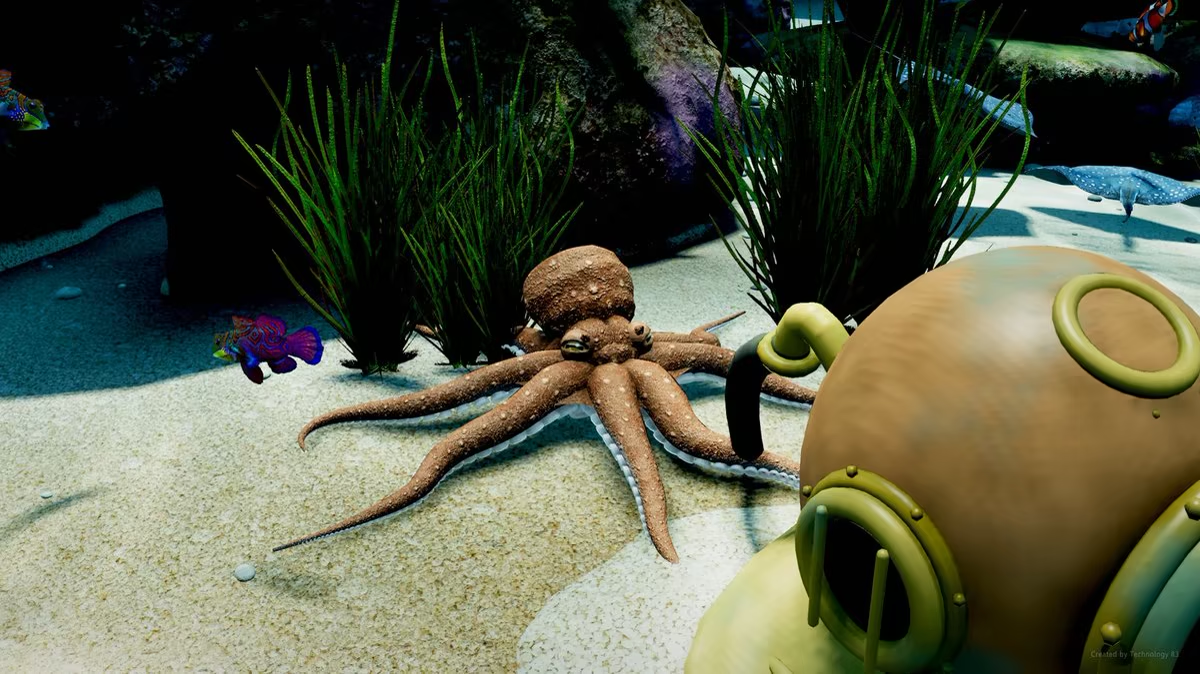
He lives in a cave under the big rock, crawls on all eight arms, changes colour to blend in with the sand and rock, and jets away when something spooks him. He's busier at night. Set the camera to follow him and watch him explore.
Make it yours
Feed the fish: press F and food drifts down from the surface.
Design your own fish: name, size, shape, colours, pattern, how many, and how they school.
Add a clock, a frosted-glass clock and date, or your own message written in the sand or spelled out by a school of fish.
Lock the light to your favourite time of day, or let it follow the clock.
A gentle drifting camera, a slow tour of the reef, free roam, or follow Octopus Boy or a single fish.
Runs on everything from laptops to gaming PCs
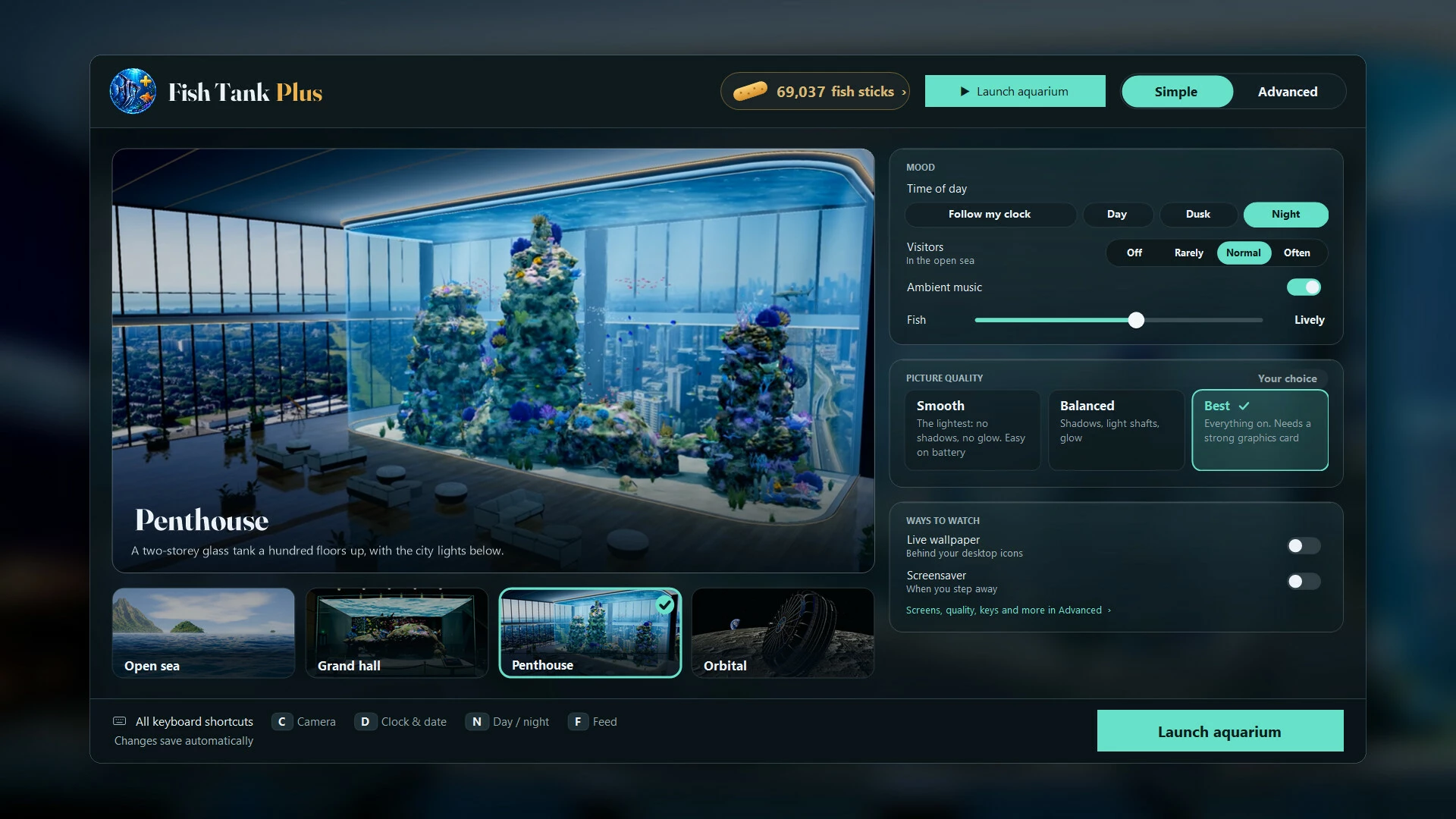
Quality 1 is made for laptops with built-in graphics. Quality 10 is for a proper graphics card. Pick a scene, pick a quality, launch. Everything else is under Advanced, and your changes save on their own.
Keyboard shortcuts while watching
F feed the fish · C change the view · P open or close the petals (Orbital Aquarium) · D clock · N day or night · E call a visitor · T show your text · S frame rate · Esc back to settings
- Если не установлен Steam клиент, скачайте его для Windows (клиент также доступен на Mac и Linux) и установите.
- Запустите Steam, зайдите в свой аккаунт или зарегистрируйте новый, если у вас его еще нет.
- При оформлении заказа, предоставьте ссылку на свой профиль в Steam или ваш SteamID состоящий из 18 цифр (765***).
- Ожидайте приглашения от нашего бота (если у вас аккаунт с ограниченными правами) или добавьте бота в друзья (ссылка на бота будет предоставлена после успешной оплаты).
- После того, как вы добавите нашего бота в друзья, игра автоматически (время ожидания обычно составляет не более 5-30 секунд) будет отправлена вам в виде подарка (гифта).
- Примите подарок, добавьте в Библиотеку и нажмите «Играть».














и мы вам напишем, если цена на этот товар снизится