
Купить Screen Translator

Reads the text in games, videos and apps and shows the translation right on top of it. Translation runs on your own PC with an included AI model, so there is no sign-up or API key, and the text on your screen never leaves your PC.

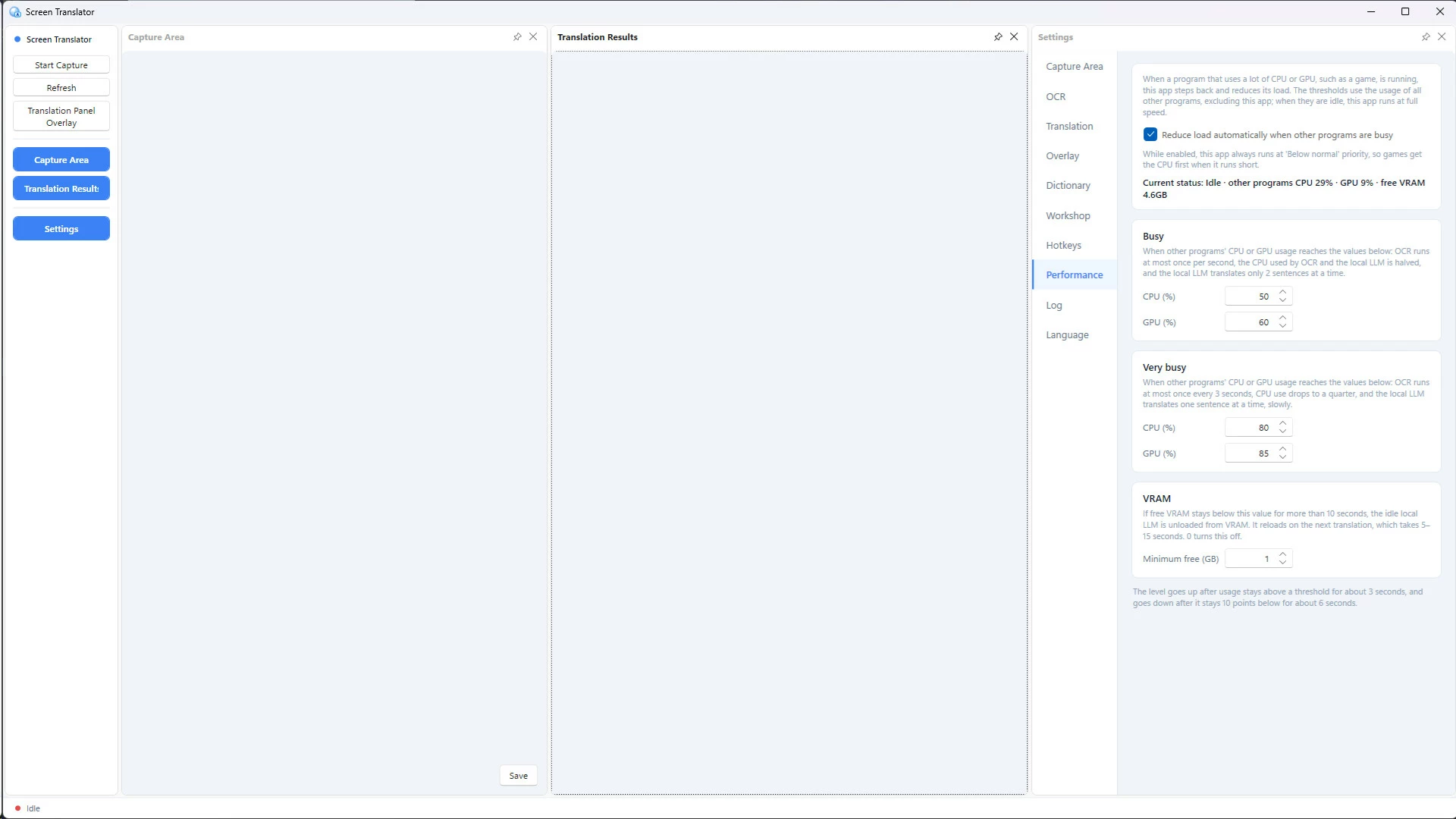
Play games that aren't in your language
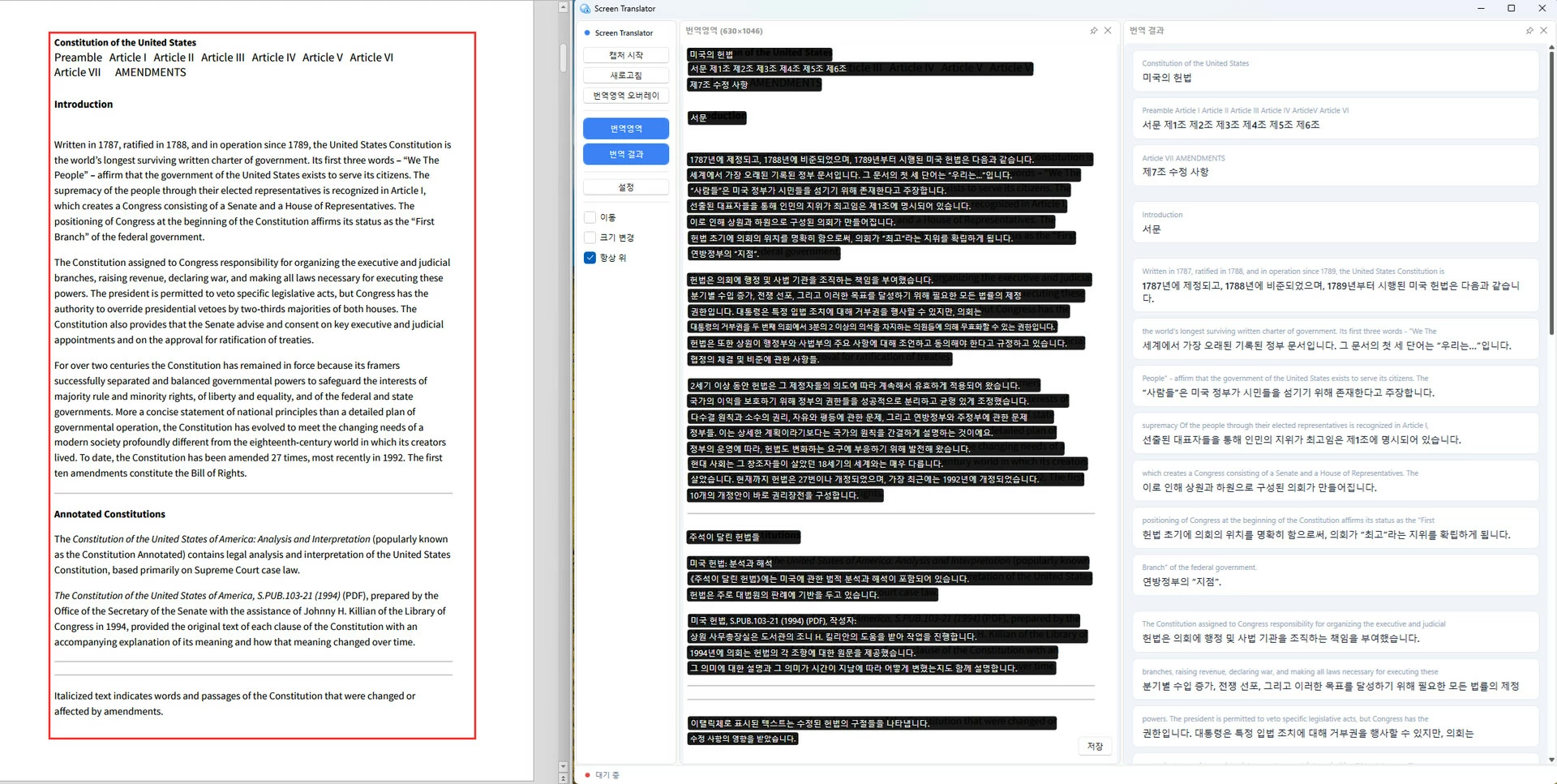
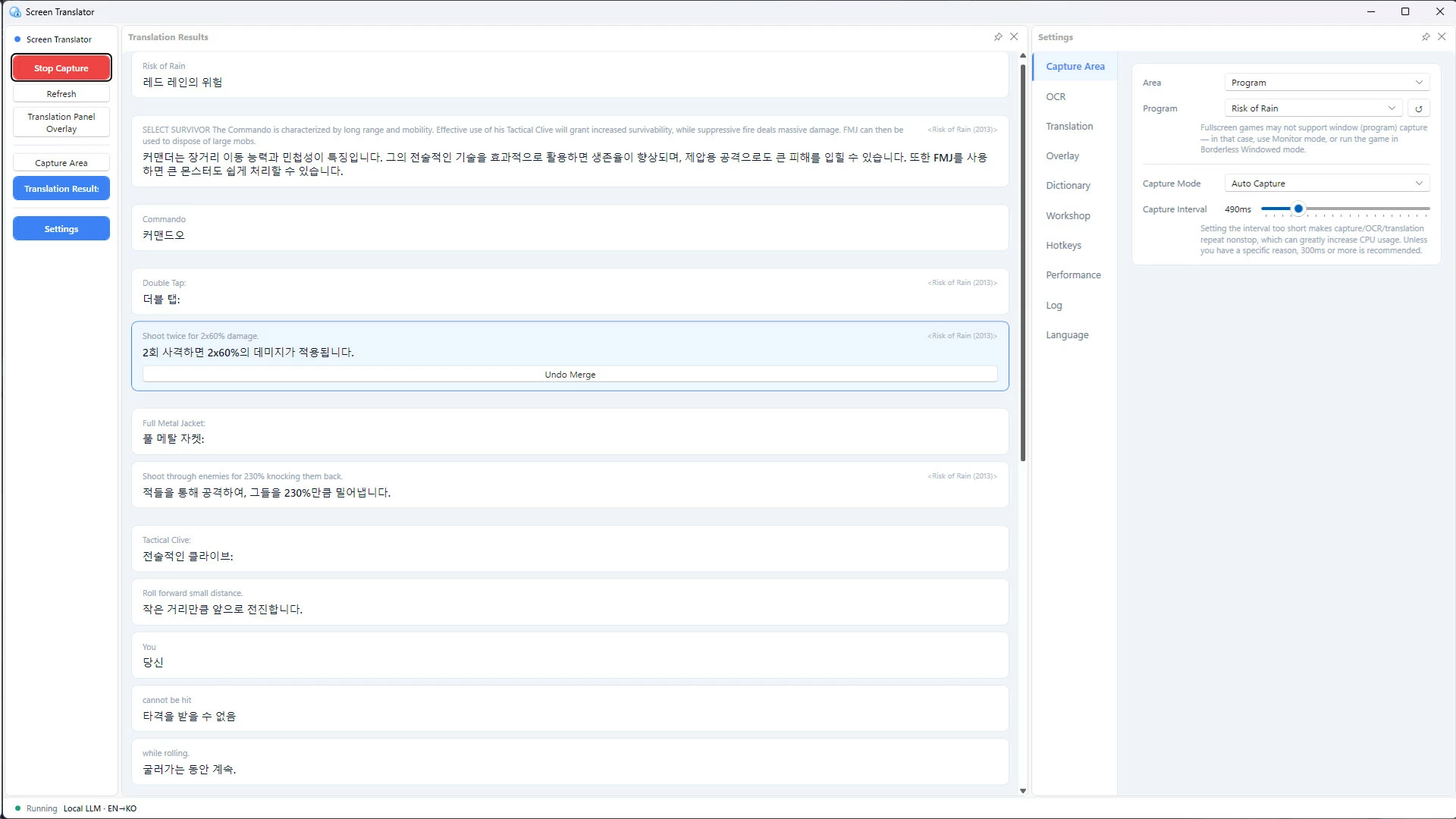
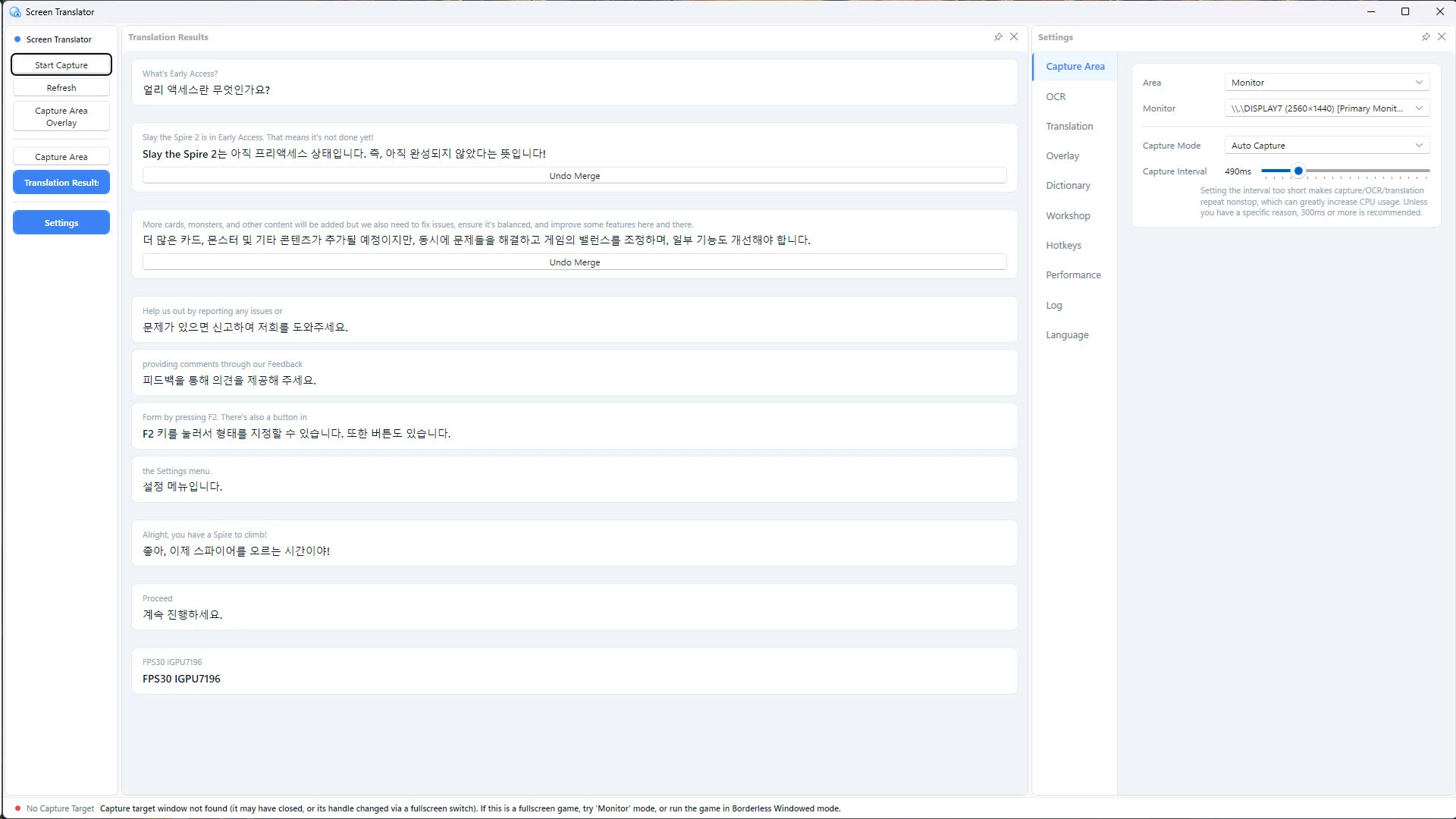
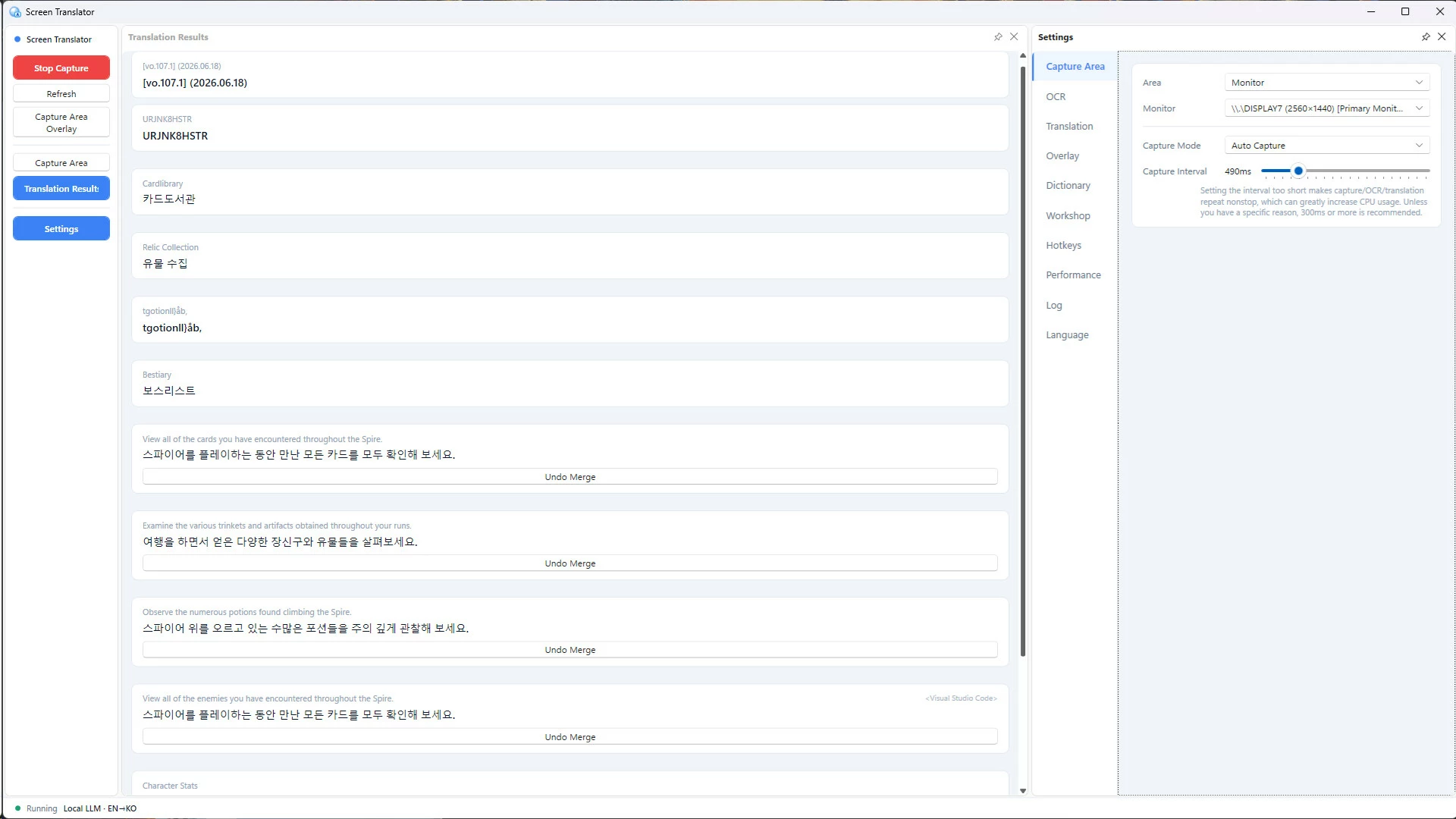
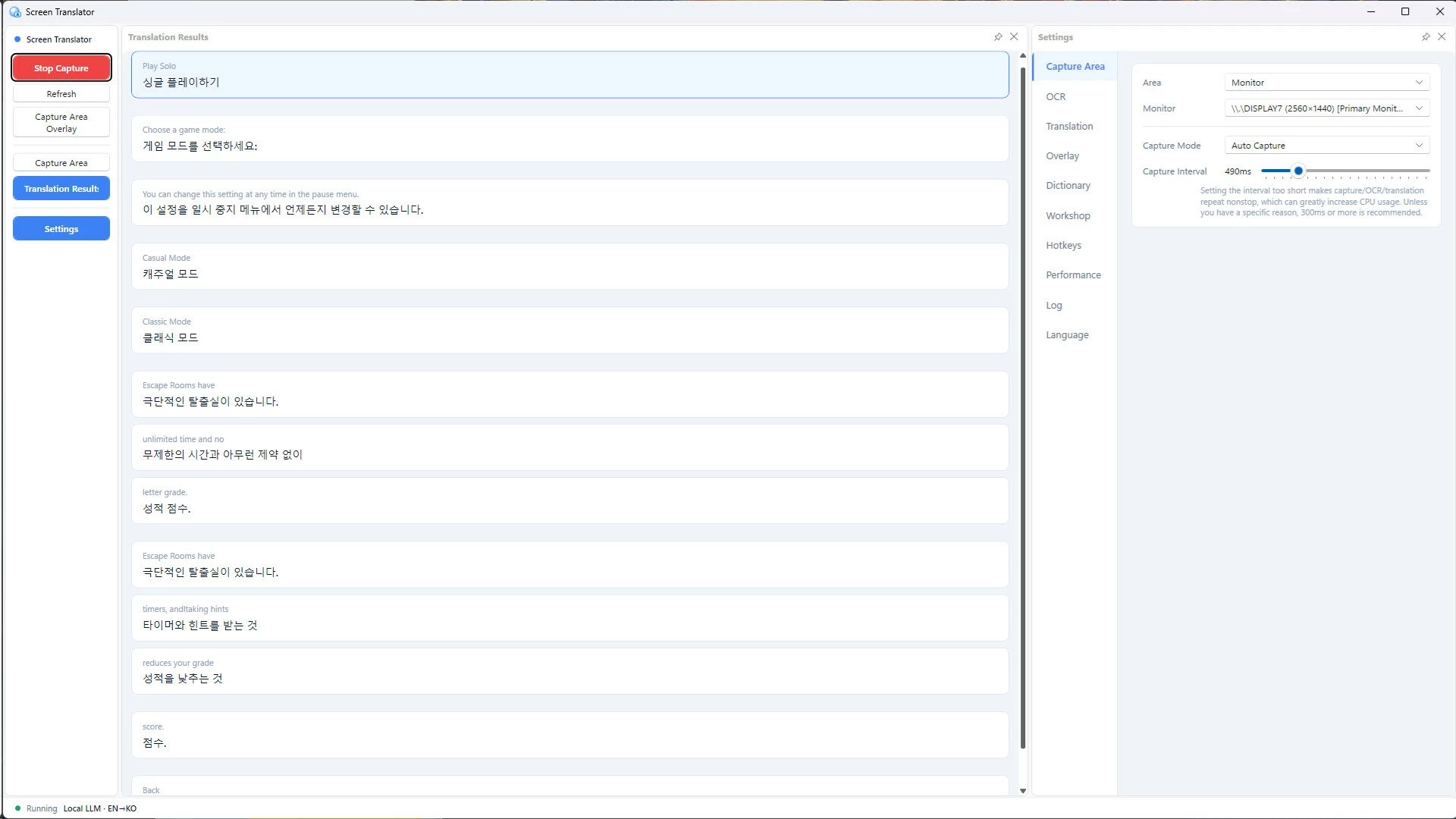
Screen Translator reads the text on your screen in real time, translates it, and draws the translation right where the original text was. This lets you read games that don't support your language or apps whose menus you can't read, without copying text or switching windows.
AI translation that stays on your PC
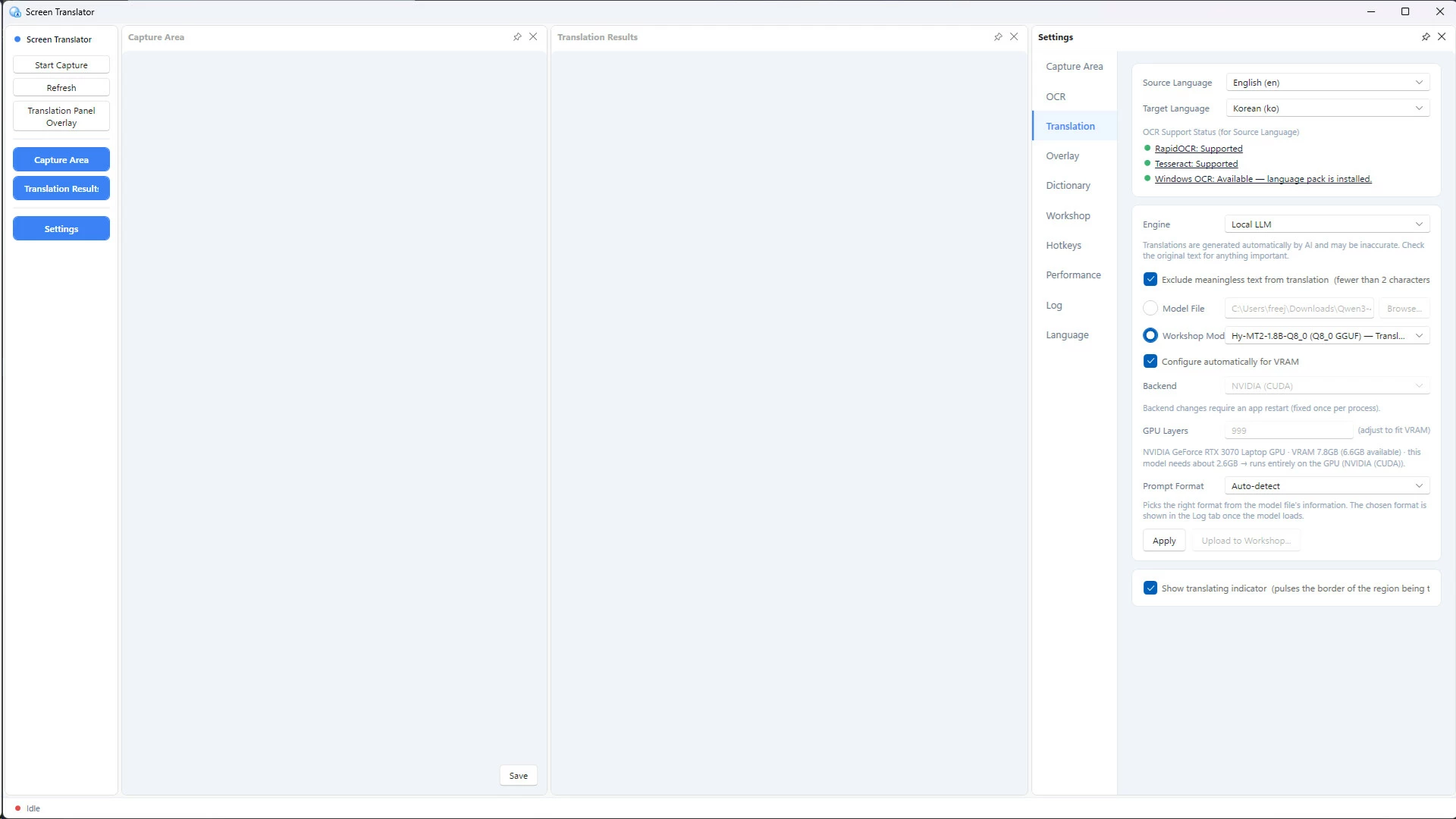
No sign-up, no API key. A translation-focused AI model (Hy-MT2-1.8B) is included, so translation works as soon as you install.
The text on your screen never leaves your PC. Capture, text recognition and translation all happen on your PC, and translation needs no internet connection.
Set up for your graphics card automatically. It checks your VRAM and the model size and decides how to use the GPU. NVIDIA graphics cards are accelerated with the free "CUDA Backend" DLC, other graphics cards run through Vulkan, and translation also works on the CPU without a graphics card.
Bring your own model. You can choose another AI model in GGUF format.
Translations that fit your game
Choose what to translate: a whole monitor, one program's window, or an area you select. Selecting just the game's dialogue box makes translation faster and more accurate.
With Auto Capture on, it translates again whenever the screen changes.
Translations are always excluded from screen capture, so they are never read back and translated again.
Let the mouse pass through translations so they don't get in the way of your game.
Change the font, size, color, background, border and shadow, and use the eyedropper to match the color of a game's dialogue box.
Choose Windows OCR, Tesseract or RapidOCR for text recognition.
Refine translations yourself
Fix misread text or a translation you don't like right in the translation results list. Your fix is used again whenever the same sentence appears.
If one sentence is recognized as several lines, drag them together to merge them.
Exclude text that doesn't need translating.
Use sentence and word dictionaries to lock in translations for character names, item names and frequent lines. Number slots such as "Energy {1}% left" let one dictionary entry cover sentences whose numbers change.
Translated sentences are saved and shown again instantly.
Made to run alongside your games
Automatic game detection: recognizes the game you're running and asks whether to translate its window and use a dictionary for that game.
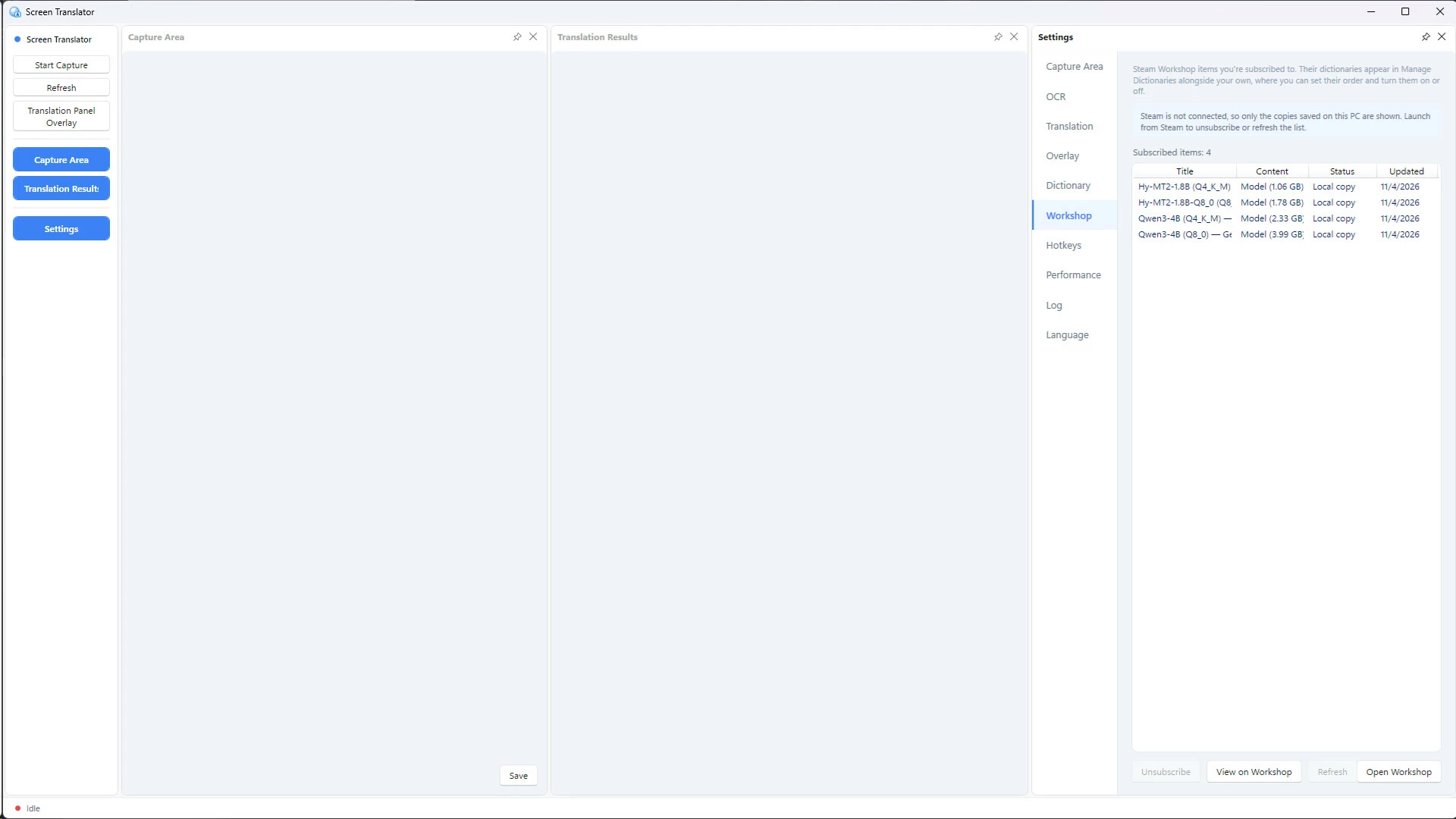
Steam Workshop: subscribe to game dictionaries and translation models made by other players, and share your own dictionaries.
Automatic load control: when a game uses a lot of CPU or GPU, Screen Translator slows itself down so it takes less performance from the game.
Hotkeys start and stop capture, show or hide translations, and translate once.
The program's interface is available in 31 languages.
Important notes
Translations are generated automatically by AI and may be inaccurate. Check the original text for anything important.
Windows OCR needs the Windows language pack for the source language.
Translation speed depends on your PC. Translating on the CPU only can be slow.
Requires Steam to run.
- Если не установлен Steam клиент, скачайте его для Windows (клиент также доступен на Mac и Linux) и установите.
- Запустите Steam, зайдите в свой аккаунт или зарегистрируйте новый, если у вас его еще нет.
- При оформлении заказа, предоставьте ссылку на свой профиль в Steam или ваш SteamID состоящий из 18 цифр (765***).
- Ожидайте приглашения от нашего бота (если у вас аккаунт с ограниченными правами) или добавьте бота в друзья (ссылка на бота будет предоставлена после успешной оплаты).
- После того, как вы добавите нашего бота в друзья, игра автоматически (время ожидания обычно составляет не более 5-30 секунд) будет отправлена вам в виде подарка (гифта).
- Примите подарок, добавьте в Библиотеку и нажмите «Играть».











и мы вам напишем, если цена на этот товар снизится