

Купить File Surfer


Whether you're a power user managing massive directories, a developer navigating complex project structures, or a casual user seeking a faster, more intuitive way to browse files, FileSurfer delivers an experience that's lightning-fast, keyboard-centric, and incredibly lightweight.

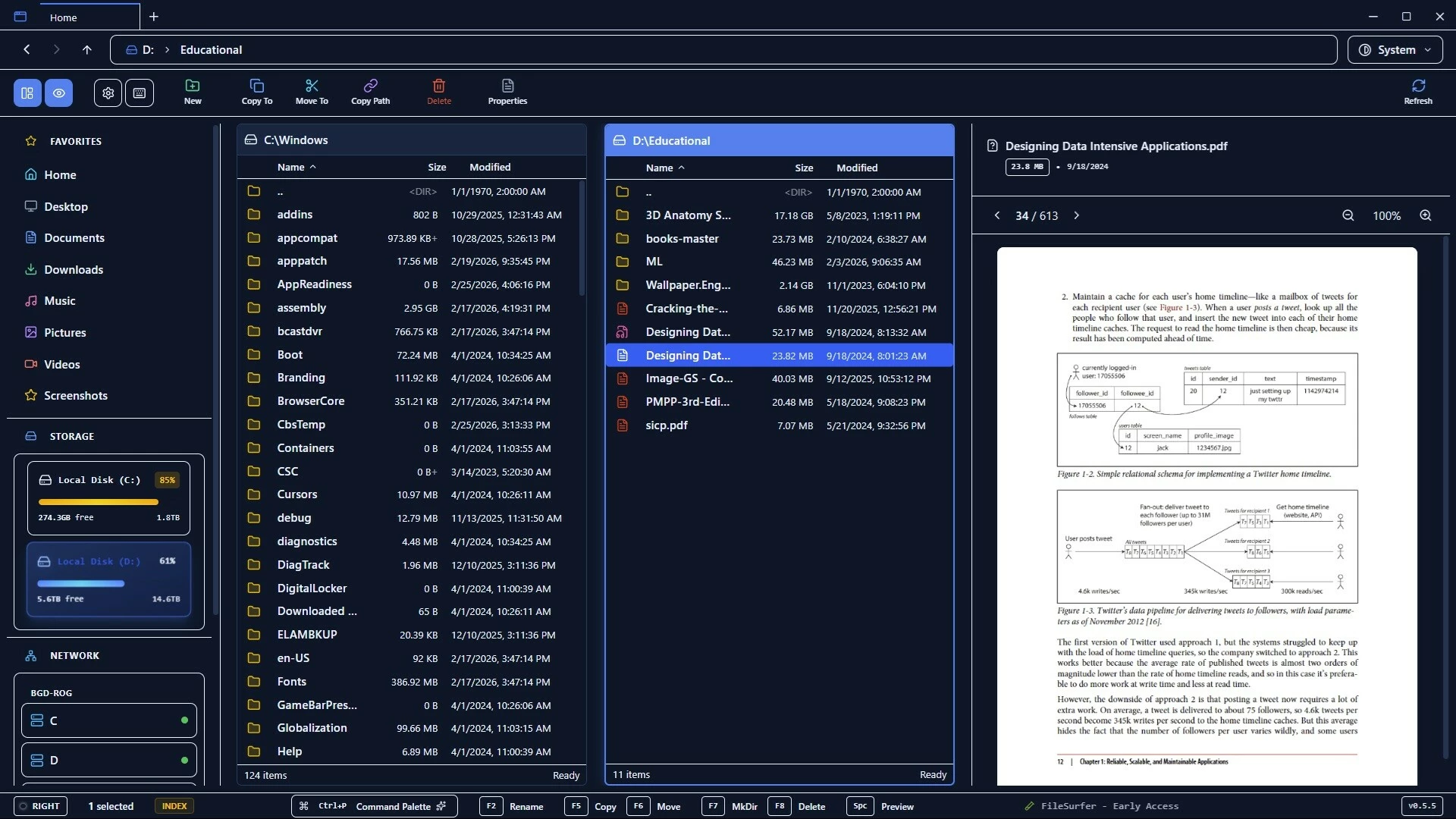
Built from the ground up with cutting-edge technology.
legendary efficiency of classic dual-pane file managers
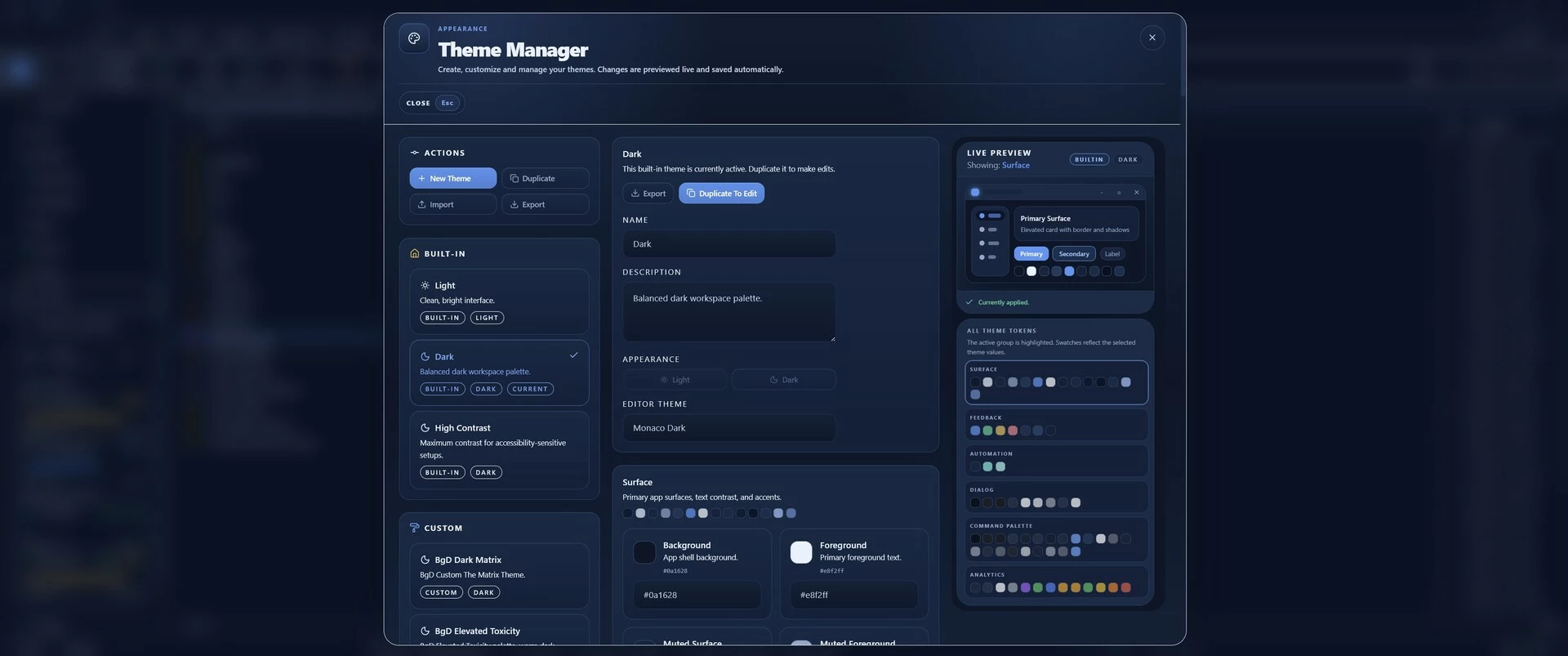
sleek, modern interface that feels right at home in today's Windows ecosystem.
Whether you're a power user managing massive directories, a developer navigating complex project structures, or a casual user seeking a faster, more intuitive way to browse files, FileSurfer delivers an experience that's lightning-fast, keyboard-centric, and incredibly lightweight.
Why Choose FileSurfer?
In a world of bloated file explorers that slow down your system and drain resources, FileSurfer stands out as the ultimate lightweight alternative, achieving
instant startup times,
zero lag during navigation,
a tiny footprint that barely registers on your system's resources.
No more waiting for directories to load or dealing with unresponsive interfaces. FileSurfer is engineered for speed, reliability, and efficiency, making file management feel effortless and enjoyable.
Key Features That Set It Apart
Dual-Pane Mastery: Experience the classic split-view layout that lets you compare, copy, move, and organize files between two panes simultaneously. Resize panes on the fly, switch focus with a single keystroke, and manage your workflow like a pro: perfect for batch operations, file comparisons, and advanced organization tasks.
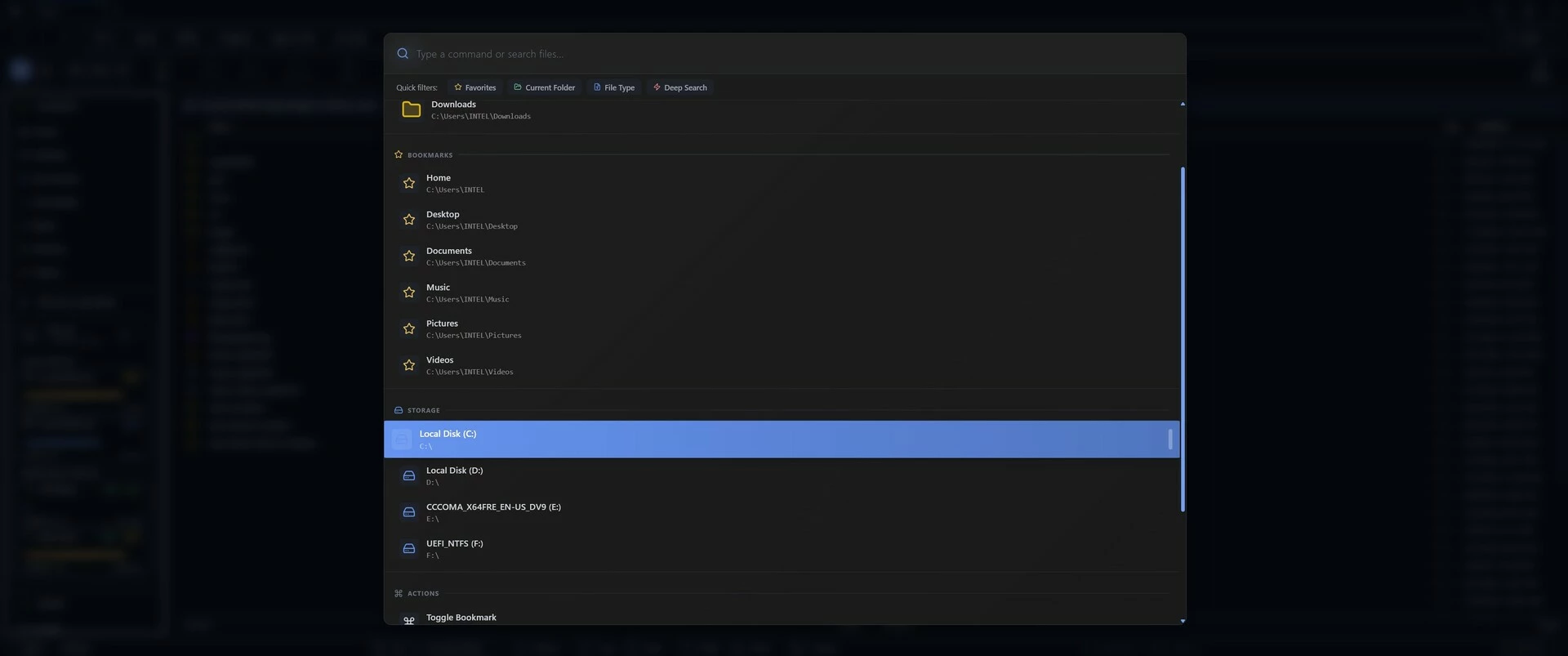
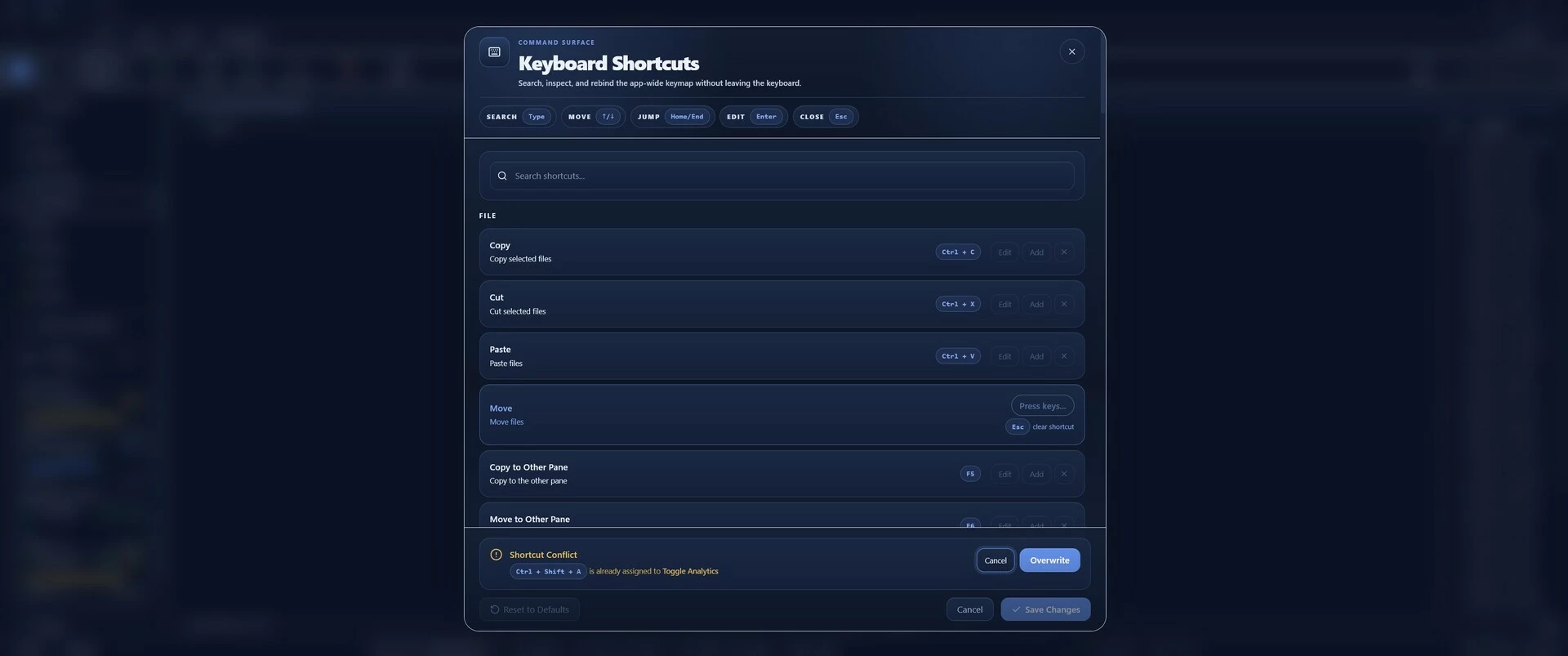
Keyboard-First Navigation: Optimized for power users who live by the keyboard. Navigate directories, select files, and execute commands with intuitive shortcuts inspired by legendary file managers. Customizable keybindings let you tailor the experience to your workflow, while context-aware dispatch ensures shortcuts work seamlessly across different UI elements (like the command palette or file previews). Say goodbye to mouse-heavy interfaces! FileSurfer lets you fly through your files with precision and speed.
Native Windows Integration: Harness the full power of Windows with native context menus, indexed search, and drive detection. Right-click files for authentic Windows menus, search your entire system using Windows Search API for blazing-fast results, and get real-time updates on drive status. Thumbnail generation and caching ensure quick previews of images, videos, and documents without compromising performance.
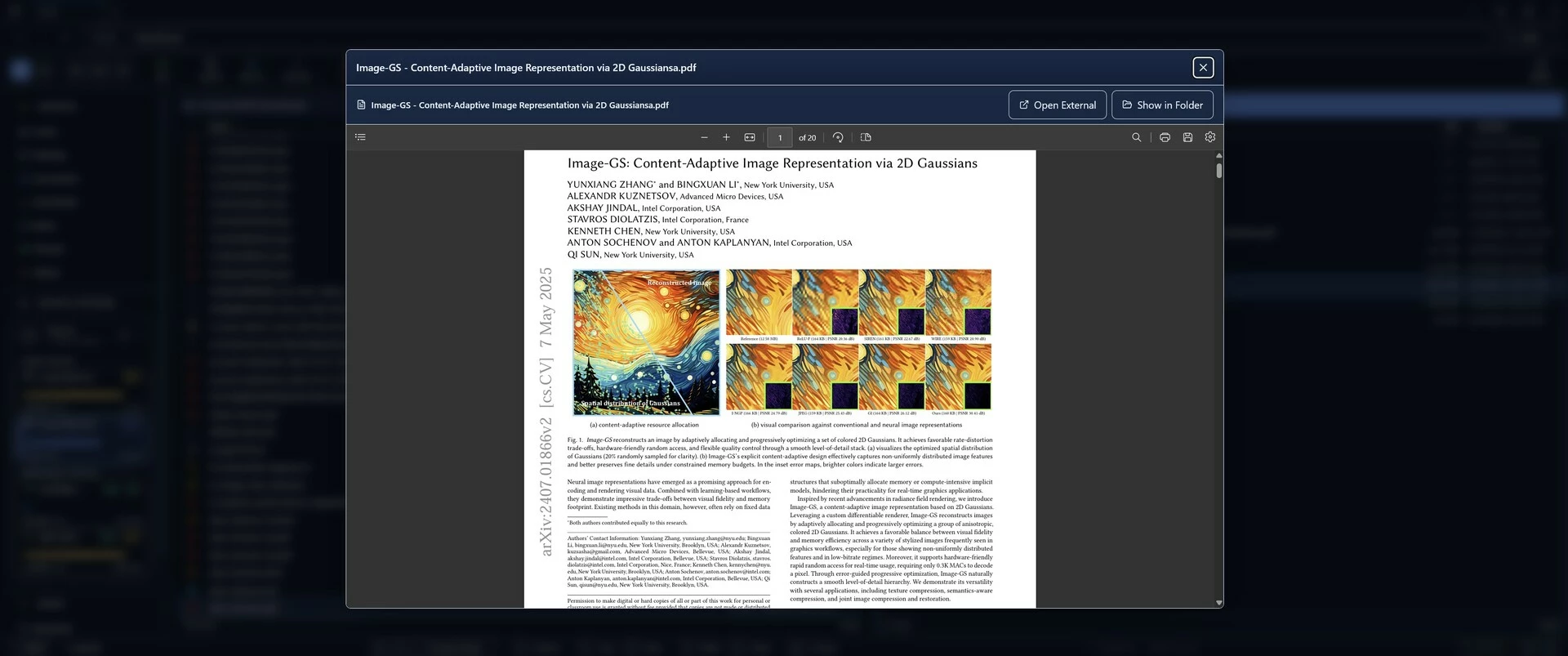
QuickLook-Style File Previews: Get instant, high-quality previews of files without opening them. View images with zoom and pan controls, play media files with professional playback support, read PDFs inline, and even preview code with syntax highlighting. The preview system stabilizes during searches and filters, preventing interruptions and maintaining a smooth experience even in large directories.
High-Performance Rendering: Handle directories with thousands of files without breaking a sweat. Virtualized lists ensure smooth scrolling and instant rendering, while streaming architecture loads files in chunks to prevent UI freezing. Thumbnail caching with an LRU (Least Recently Used) system keeps frequently accessed previews ready, and background processing pauses during scroll for optimal responsiveness.
Advanced Search and Filtering: Progressive search tiers let you find files instantly. From quick local searches to deep system-wide queries. Type-to-filter narrows down results in real-time, with smart stabilization that keeps previews intact. Integrated with Windows' indexed search for comprehensive, fast results across drives and network locations.
Media Playback and More: Professional media support for videos, audio, and images, with controls that rival dedicated players. Preview Markdown files, code files with Monaco Editor integration, and folders with size displays. Drag-and-drop support, bookmarks for favorite locations, and persistent settings ensure your workflow stays consistent across sessions.
Developer-Friendly Under the Hood: Open-source and extensible, FileSurfer uses TypeScript for a maintainable frontend, Vite for rapid development, and Tailwind CSS for beautiful, responsive styling. The Rust backend leverages Windows APIs for native performance, with async commands and file watching for real-time updates. Comprehensive testing with Vitest ensures stability, and the modular architecture makes it easy to extend with new features.
Performance and Compatibility
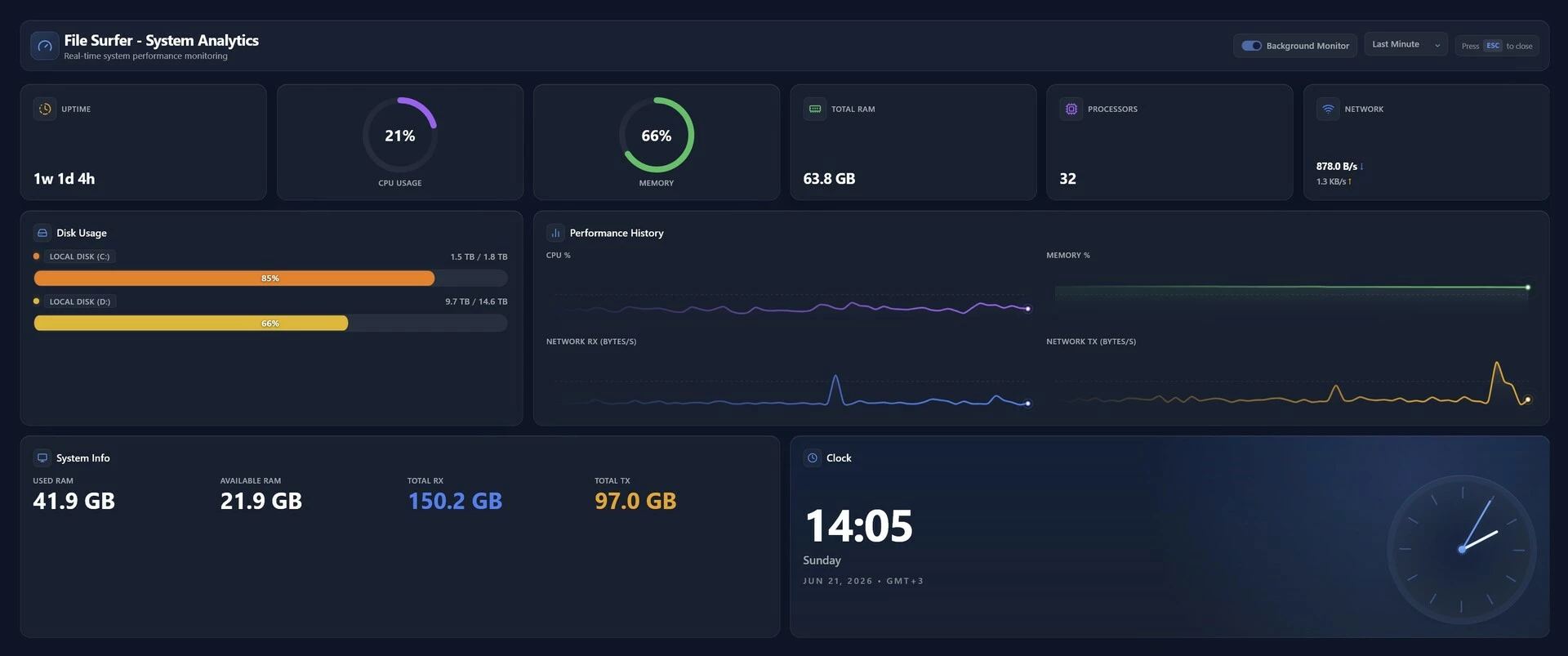
FileSurfer is designed for modern Windows systems, supporting Windows 10 and 11 with minimal hardware requirements. Its tiny binary size means quick downloads and installations, while the streaming file loading and virtualized rendering handle even the largest directories without performance degradation. Whether you're on a high-end workstation or a modest laptop, FileSurfer runs smoothly, consuming far fewer resources than traditional file explorers.
Perfect for Every User
Casual Users: Discover a faster, more intuitive way to browse photos, documents, and downloads with beautiful previews and easy navigation.
Power Users: Master advanced file operations with dual panes, custom shortcuts, and native Windows integration.
Developers: Navigate project folders, preview code, and manage builds with tools built for productivity.
Professionals: Handle large media libraries, network drives, and enterprise file systems with confidence.
Get Started Today
Download FileSurfer now and transform the way you manage files on Windows. Experience the future of file exploration: lightweight, fast, and feature-packed. Available exclusively for Windows 10/11, with free updates and a commitment to privacy (no data collection, just pure file management). Join the growing community of users who have discovered that file management can be both powerful and painless.
FileSurfer – Where Speed Meets Simplicity
- Если не установлен Steam клиент, скачайте его для Windows (клиент также доступен на Mac и Linux) и установите.
- Запустите Steam, зайдите в свой аккаунт или зарегистрируйте новый, если у вас его еще нет.
- При оформлении заказа, предоставьте ссылку на свой профиль в Steam или ваш SteamID состоящий из 18 цифр (765***).
- Ожидайте приглашения от нашего бота (если у вас аккаунт с ограниченными правами) или добавьте бота в друзья (ссылка на бота будет предоставлена после успешной оплаты).
- После того, как вы добавите нашего бота в друзья, игра автоматически (время ожидания обычно составляет не более 5-30 секунд) будет отправлена вам в виде подарка (гифта).
- Примите подарок, добавьте в Библиотеку и нажмите «Играть».

















и мы вам напишем, если цена на этот товар снизится