
Купить Top Down Sprite Maker



Дата выхода: 19 февраля 2026
Регион:
Россия, Украина
Язык:
Английский (Интерфейс)
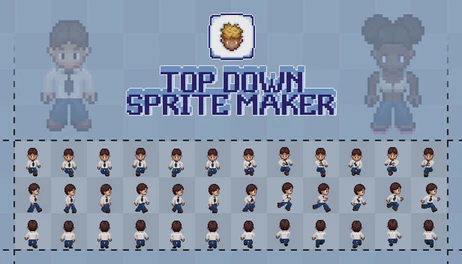
Top Down Sprite Maker (TDSM) is the ultimate pixel art character creator. Customize your character and export your sprite sheet in a matter of a few clicks. Multiple sprite styles, full control over customization and sprite sheet layout, and no need to draw.

Описание
Top Down Sprite Maker (TDSM) is the ultimate pixel art character creator. Developers that care about an unrivalled degree of control, extensibility, and customization need look no further!
Sprite styles
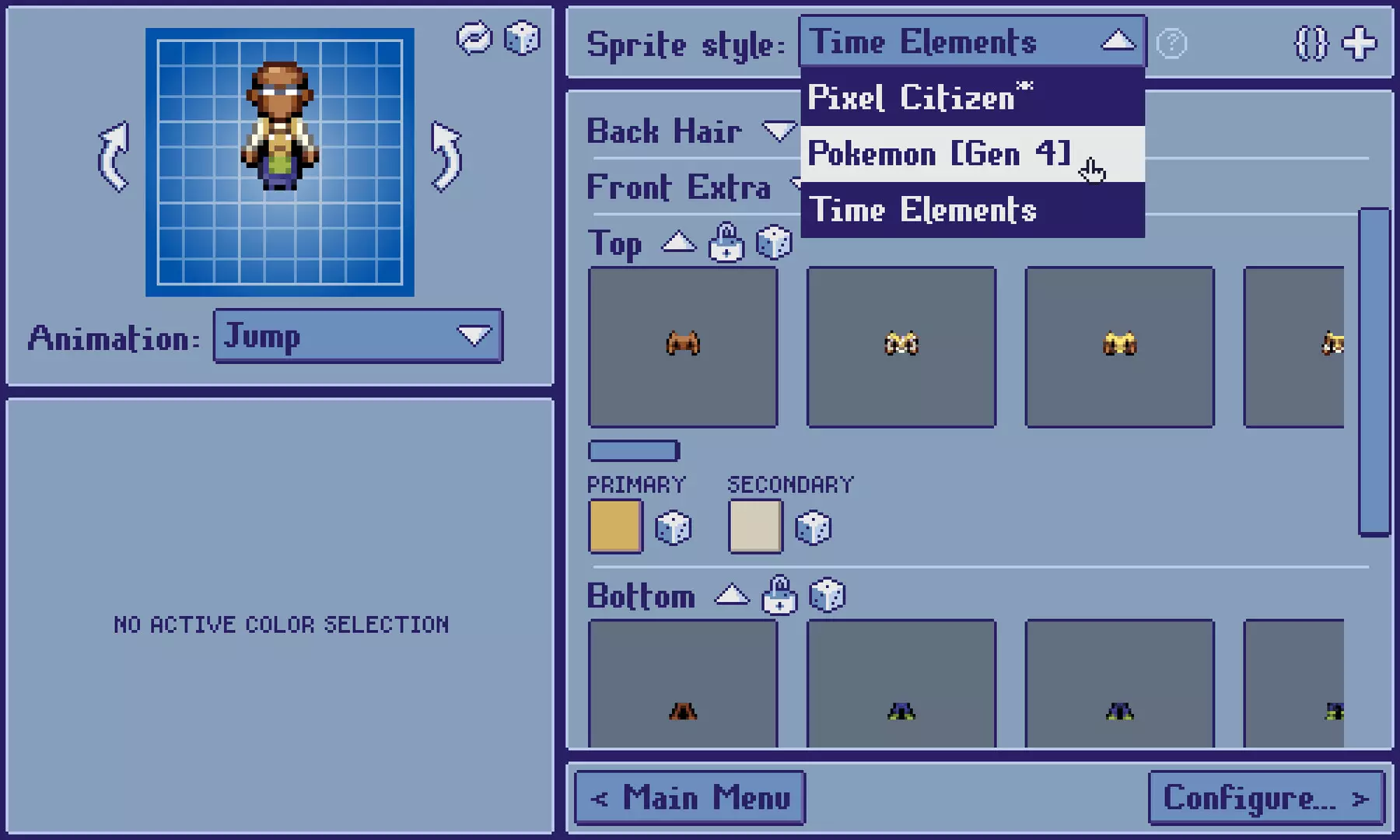
While most similar programs are built around a specific sprite style (art style, directions, supported animations, etc.), TDSM is built to support multiple sprite styles. Furthermore, these sprite styles can be distributed as ZIP files, and can thus be created, modified, and shared by the community.
Note: Sprite styles featured in promotional images and videos are freely available but distributed separately.
Flexibility
TDSM sprite styles define their own composition layers, supported directions (whether 4, 6, or 8), and animations.
Getting and using sprite styles
The program launches with a basic "Default" 8-directional 32-bit sprite style that acts as a sort of tech demo.
You can download/buy additional sprite styles online. A collection of sprite styles made or approved by the developer is linked in the Help menus at About -> Help -> Get more sprite styles -> Approved collection. Sprite styles inspired by established IPs, such as Pokémon, are always distributed for free.
Making your own sprite styles
Making sprite styles for TDSM consists of two main components:
- Programming a manifest script file that defines the sprite style's composition logic
- Drawing the assets that are composed according to the rules defined in the script
Scripts are written in DeltaScript (a scripting language designed by the developer) and the TDSM scripting API.
Features
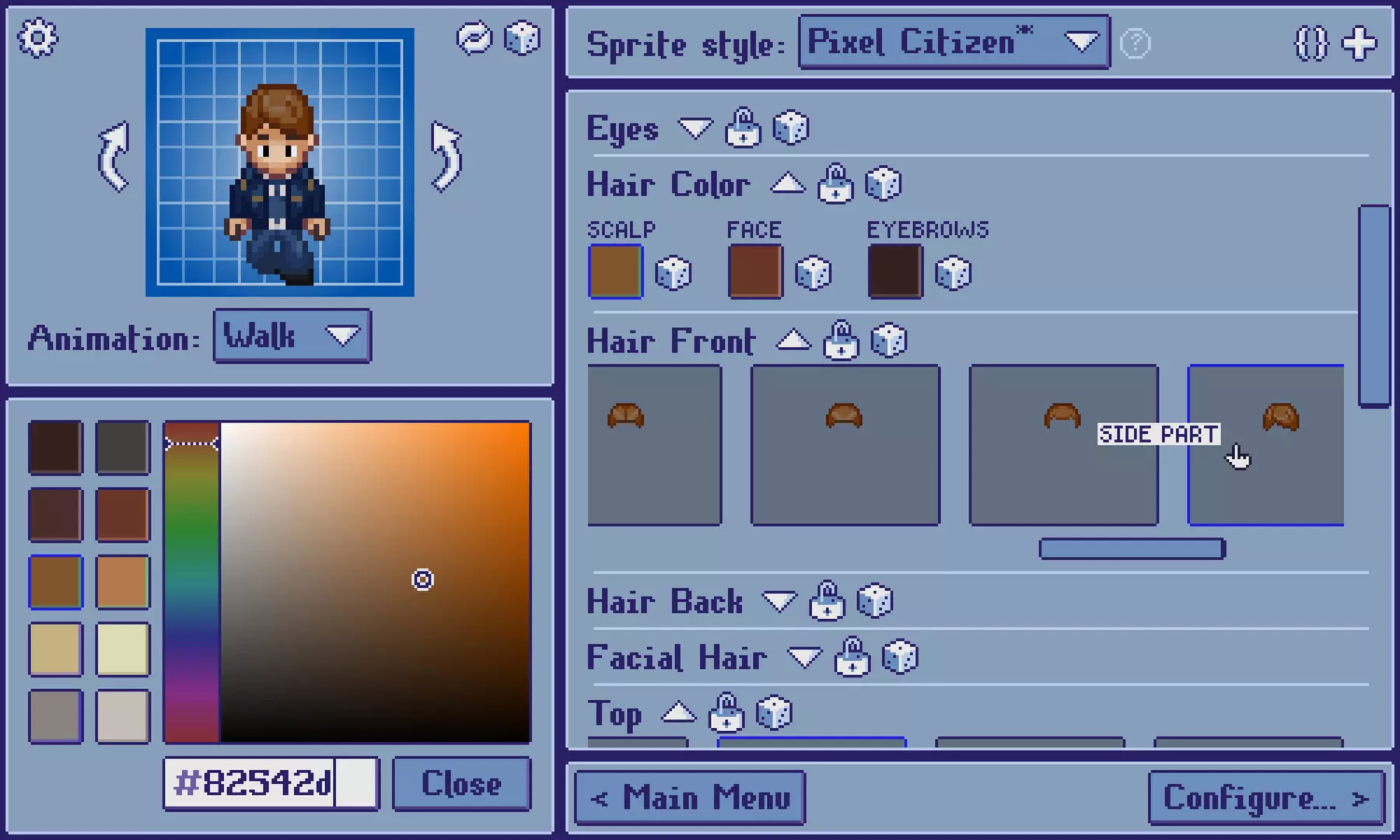
Customize
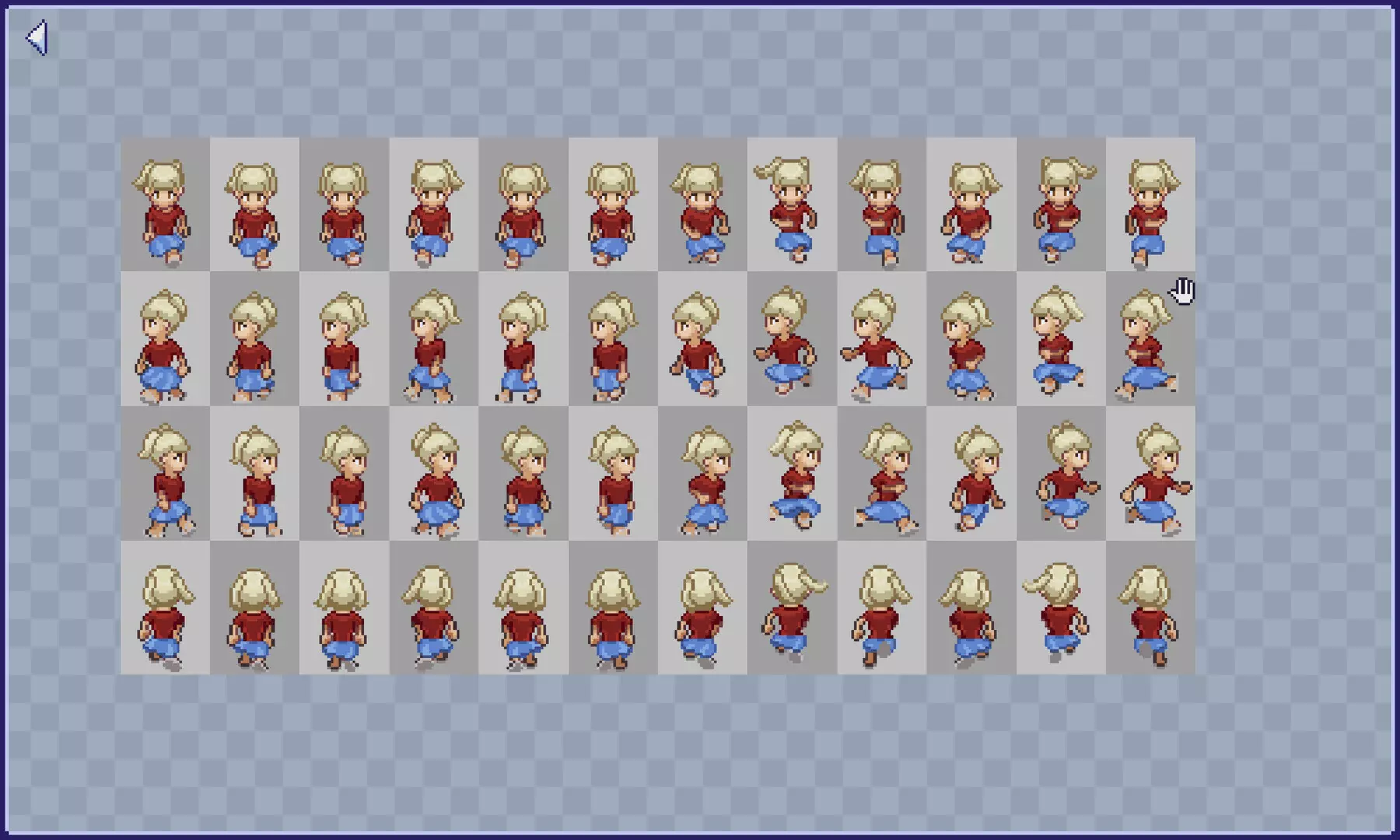
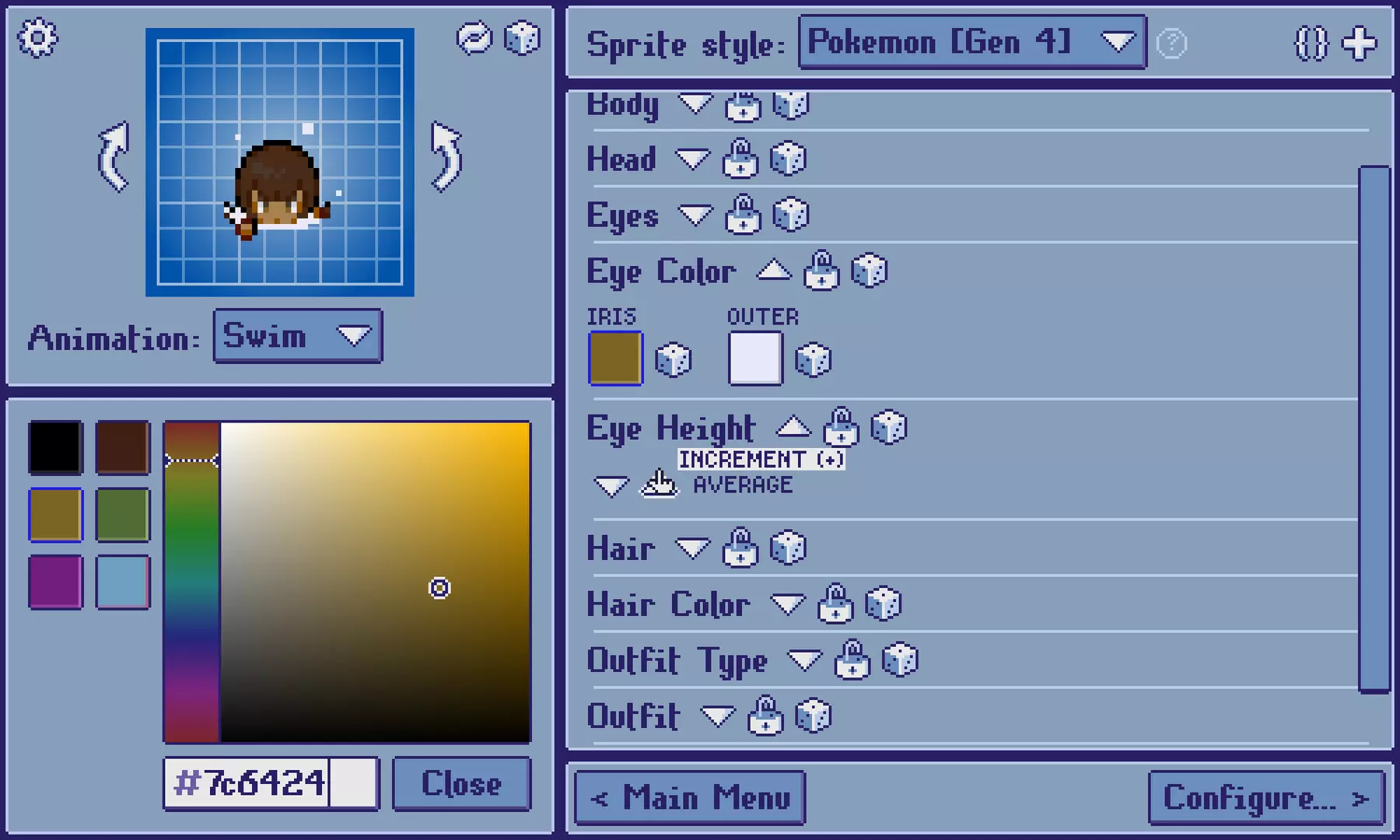
TDSM gives you complete freedom to customize every facet of your character, yet the sprite assembly rules still ensure that sprites always look good and production-ready.
- Controlled randomization: Generate random sprites with the click of a button. Randomization can be constrained by locking customization layers you wish to exclude.
- Smart layering rules: Customization layers update dynamically based on changes to other layers they depend on.
Configure
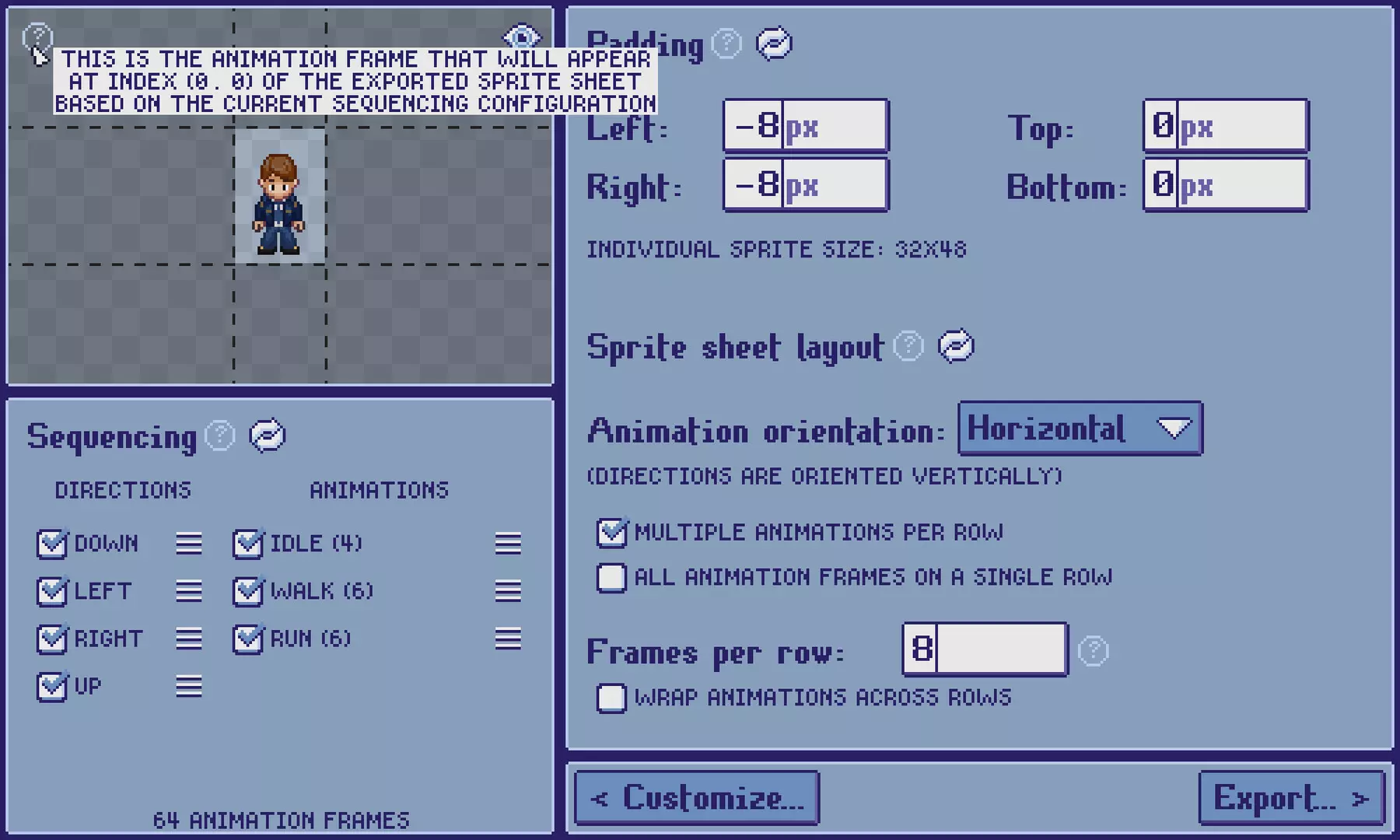
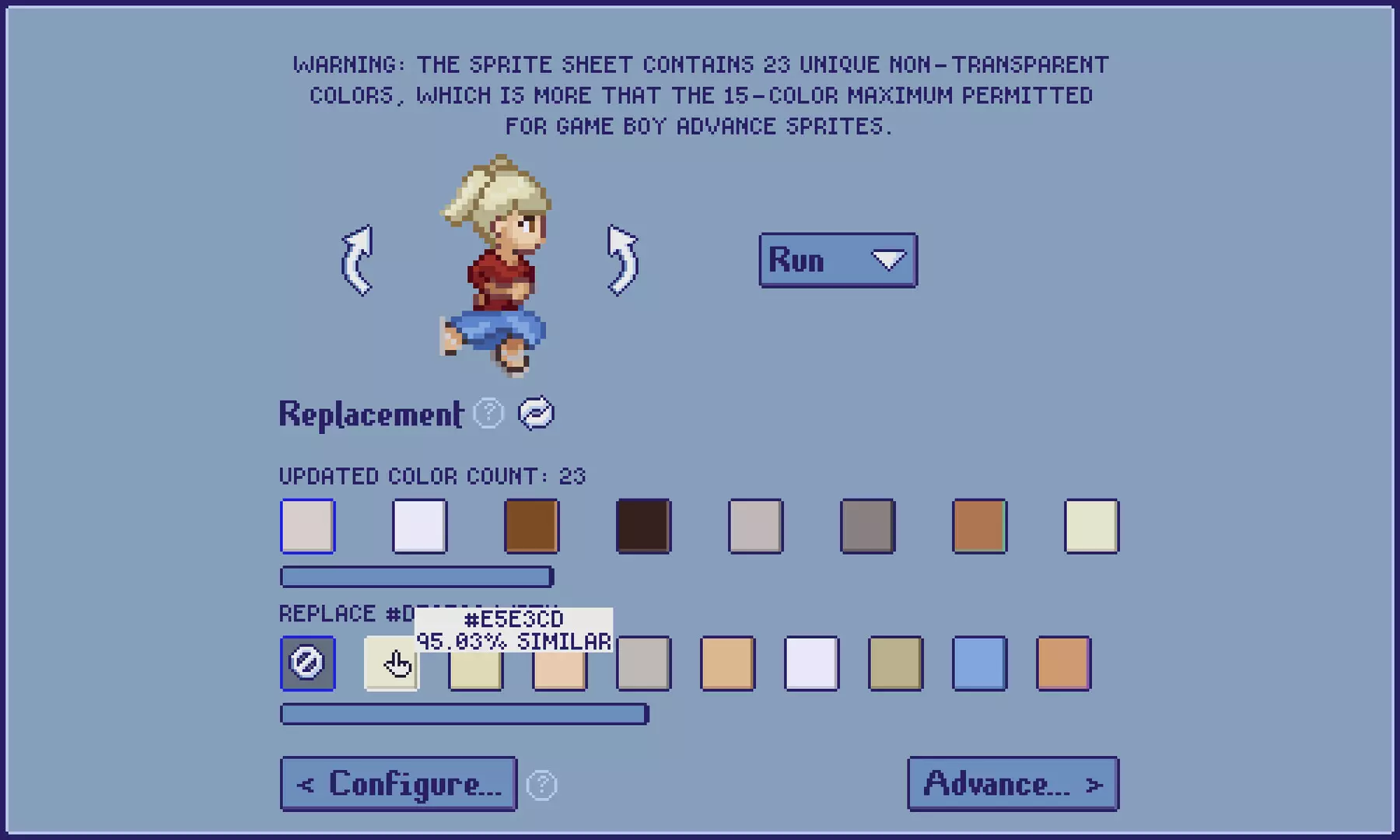
Configure your sprite sheet to your exact needs. Have TDSM adapt to your existing projects rather than having to rework code or sprite sheet slicing configurations.
- Sizing: Crop or pad individual sprites to your liking, ranging from 1x1 px to 128x128 px
- Sequencing: Determine which directions and animations to include in the export, and in which order
- Layout: Determine the axis along which directions and animations are exported in the sprite sheet, as well as how distinct animations follow one another
Export
Export sprite sheets and associated data from TDSM in seconds.
- Sprite sheet as a PNG image
- Sprite sheet metadata as JSON (optional)
- Sprite sheet with customization layers separated as Stipple Effect project (optional)
Save and load sprite data
Sprite customization data can be loaded into TDSM by uploading a JSON metadata file that matches a sprite style present in the current program session.
Активация продукта в Steam
- Если не установлен Steam клиент, скачайте его для Windows (клиент также доступен на Mac и Linux) и установите.
- Запустите Steam, зайдите в свой аккаунт или зарегистрируйте новый, если у вас его еще нет.
- При оформлении заказа, предоставьте ссылку на свой профиль в Steam или ваш SteamID состоящий из 18 цифр (765***).
- Ожидайте приглашения от нашего бота (если у вас аккаунт с ограниченными правами) или добавьте бота в друзья (ссылка на бота будет предоставлена после успешной оплаты).
- После того, как вы добавите нашего бота в друзья, игра автоматически (время ожидания обычно составляет не более 5-30 секунд) будет отправлена вам в виде подарка (гифта).
- Примите подарок, добавьте в Библиотеку и нажмите «Играть».
Детали игры
Особенности:
Похожие игры

Популярное




Комментарии и отзывы (0)
Если у Вас не отправляются сообщения - почистите cookie в браузере
и авторизуйтесь заново :)


Войдите для комментирования

Узнайте первым о снижении цены
Введите ваш адрес электронной почты
и мы вам напишем, если цена на этот товар снизится
и мы вам напишем, если цена на этот товар снизится
Отписаться
Ваш e-mail будет отписан.
Язык:
Валюта:
Язык: