
Купить Proximity Core - Overlay & Extras


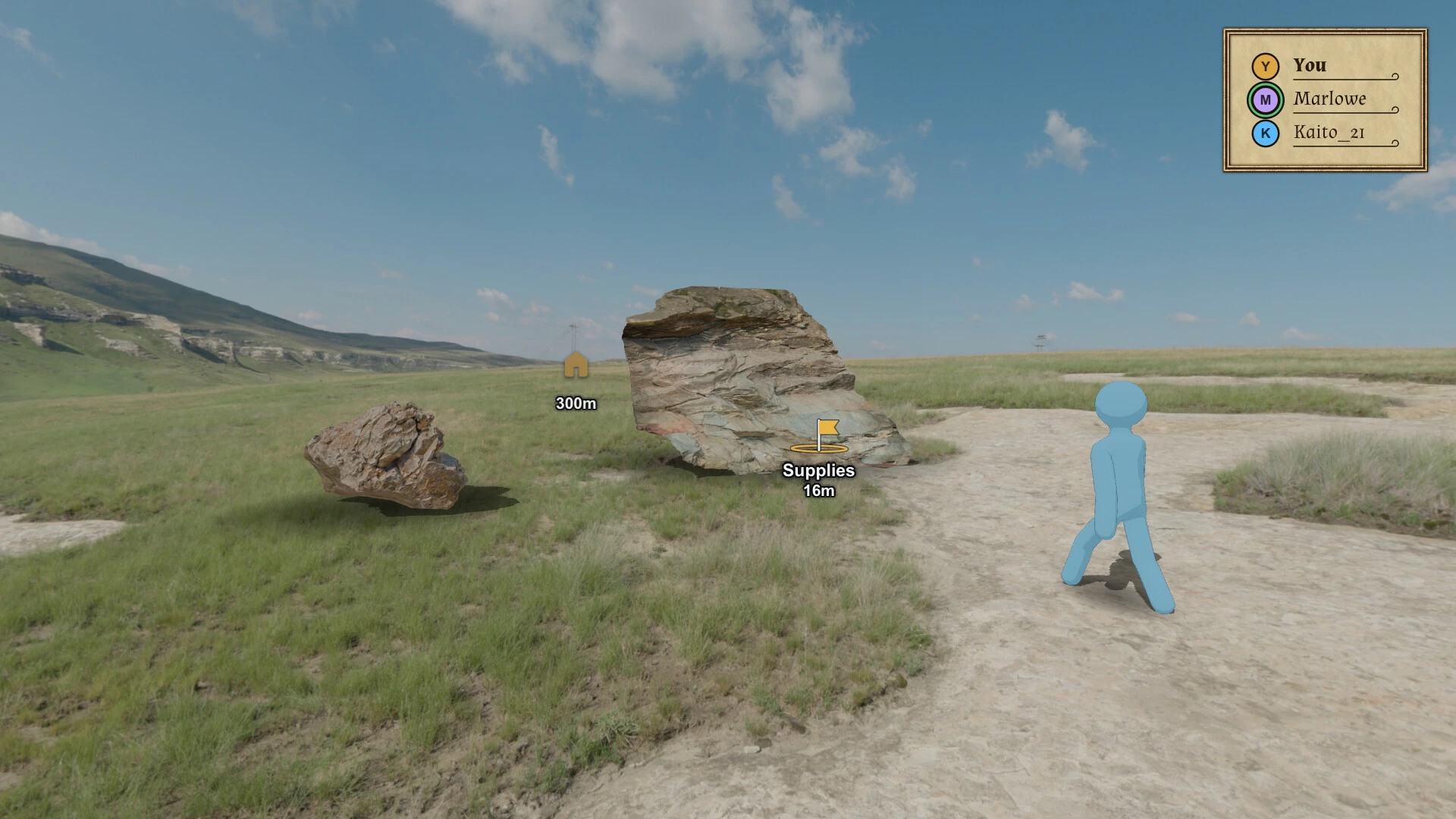
Overlayed in-game waypoints. In-game widgets: your position, compass, player list, chat and more. Pseudo-multiplayer for single player games, Realism Sound mode, Bluetooth audio sources and more.


Shared Waypoints

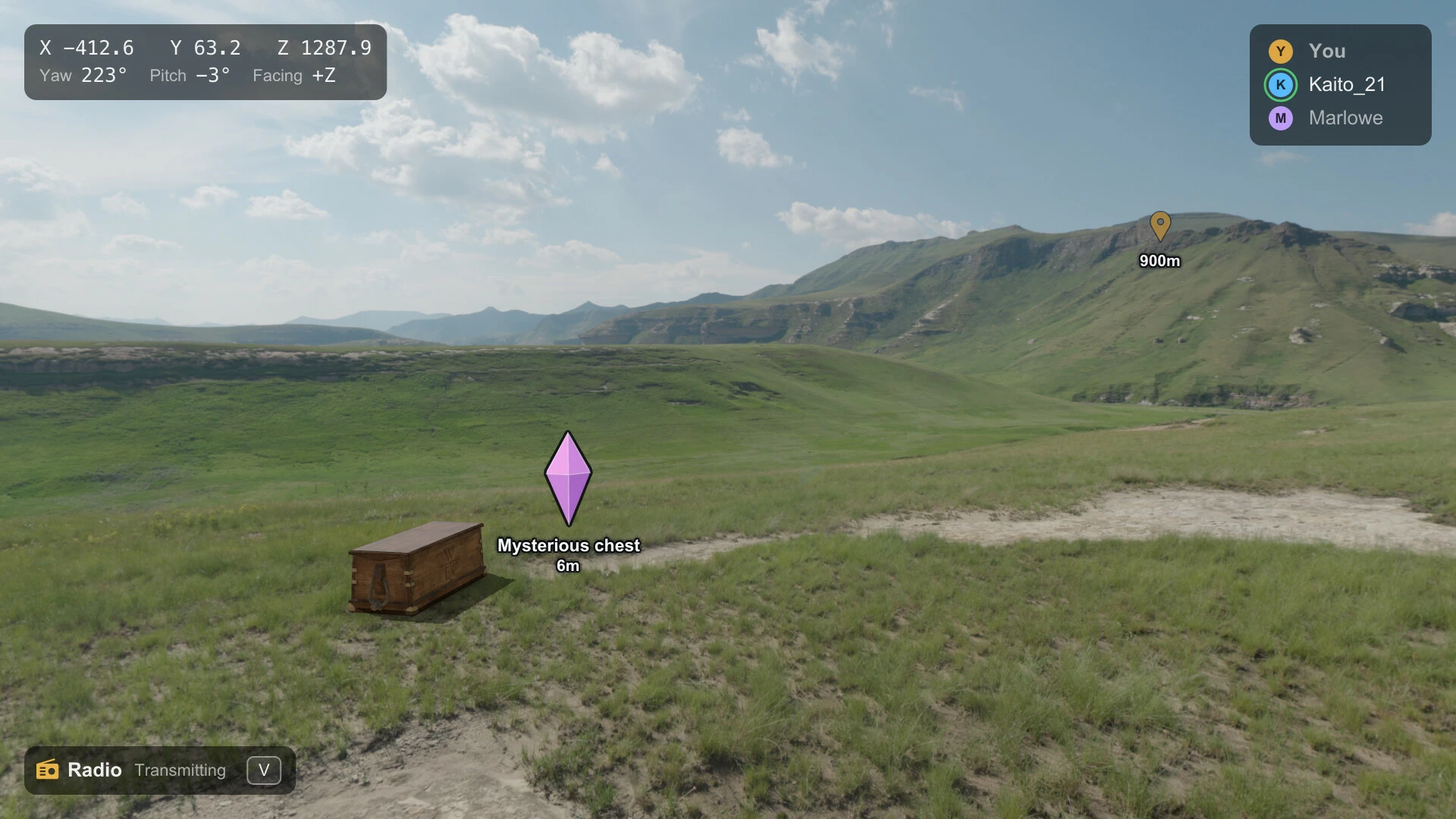
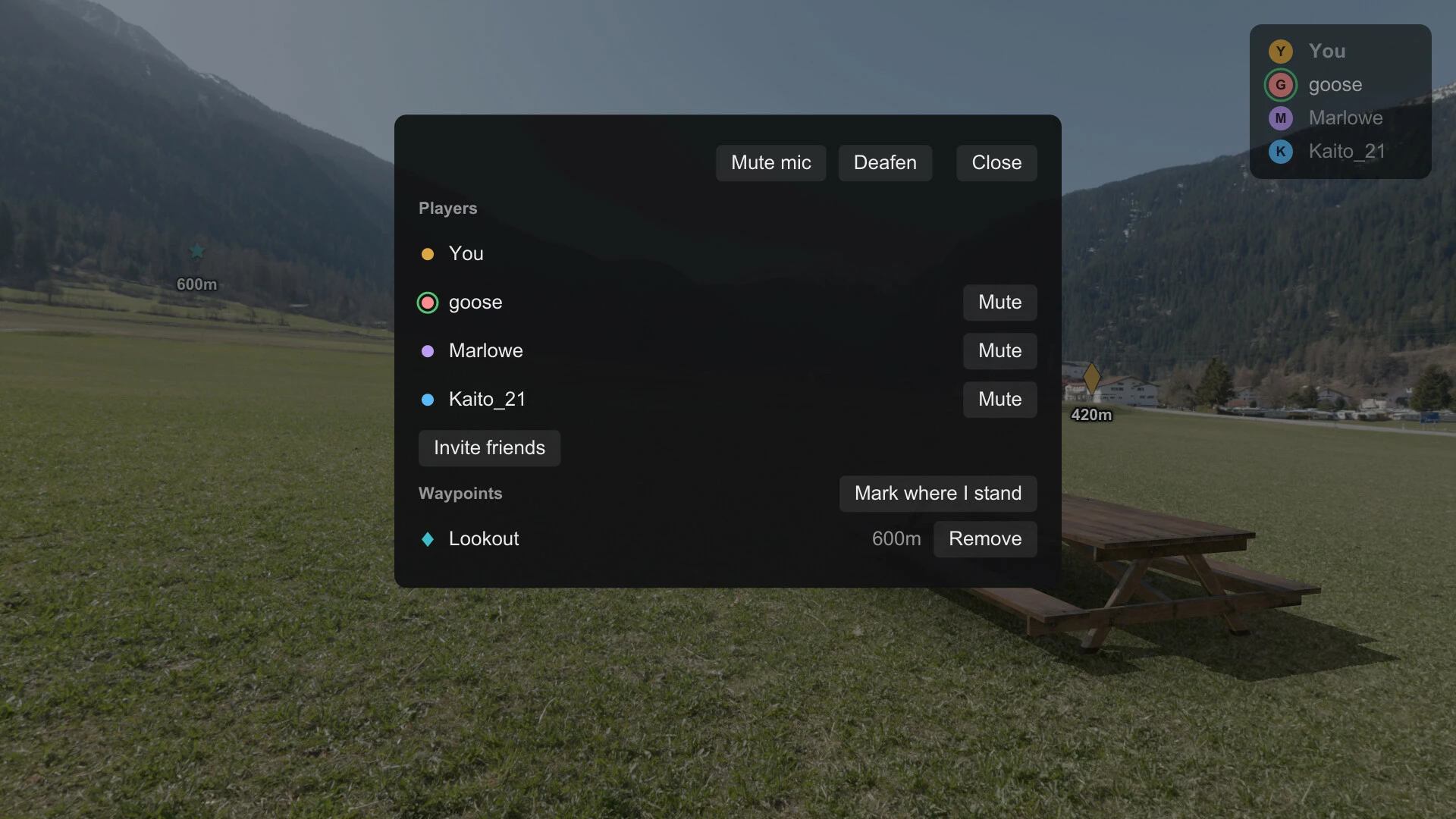
Set key-binds to place waypoint markers where you're standing or where you're looking in-game. Party members who have this DLC and the overlay on see the waypoints you share in their game. Party members without it see them on their Sound Stage only. Some features need a supported graphics API such as DX11, like the overlay in exclusive fullscreen and waypoints hidden behind walls.
Offline Games: Pseudo-Multiplayer
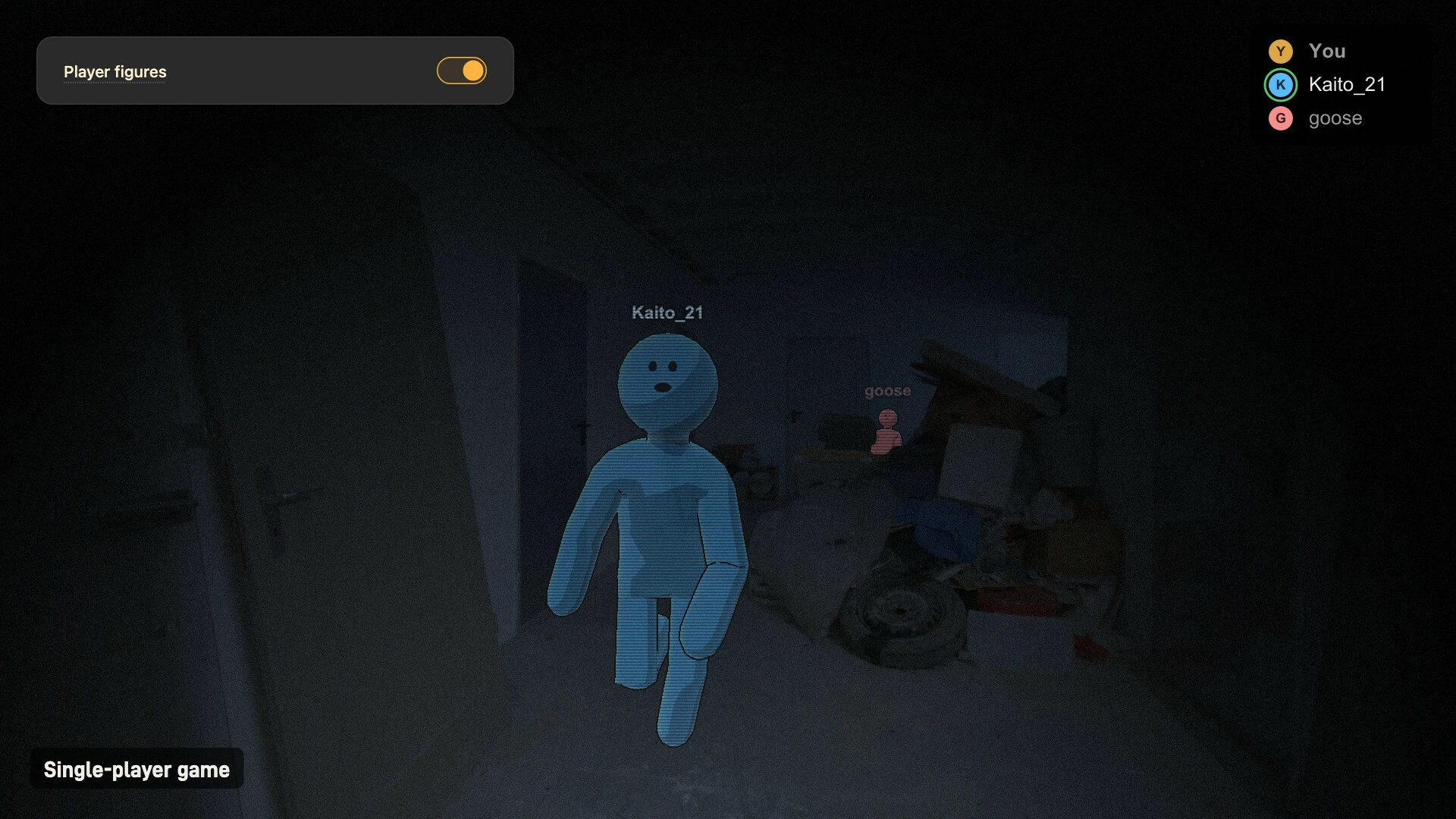
Play singleplayer games with your friends by turning on player figures in the overlay. You see and hear your friends in your game, from where they are in theirs.
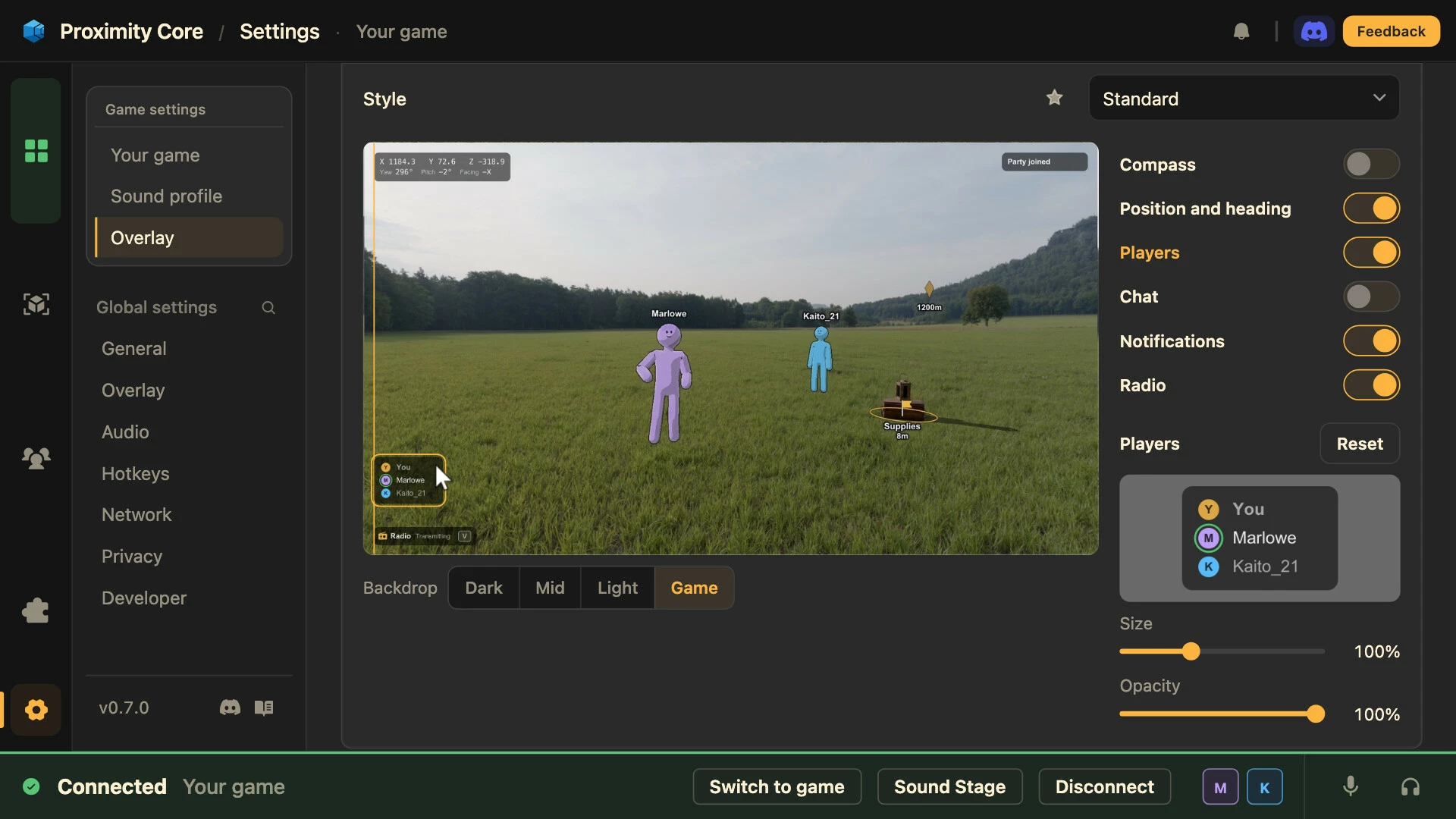
Optional In-Game Widgets

Position and orientation: see your in-game coordinates in-game
Party and All chat: see Proximity Core's text chat in-game
Compass: see which way you're facing and where your waypoints are
Radio: your radio channel, and when you're sending or receiving
Key reminders: your keys for the game the first time you connect it
Player list: your party, and who's talking
Experimental and Extra Features
Realistic sound
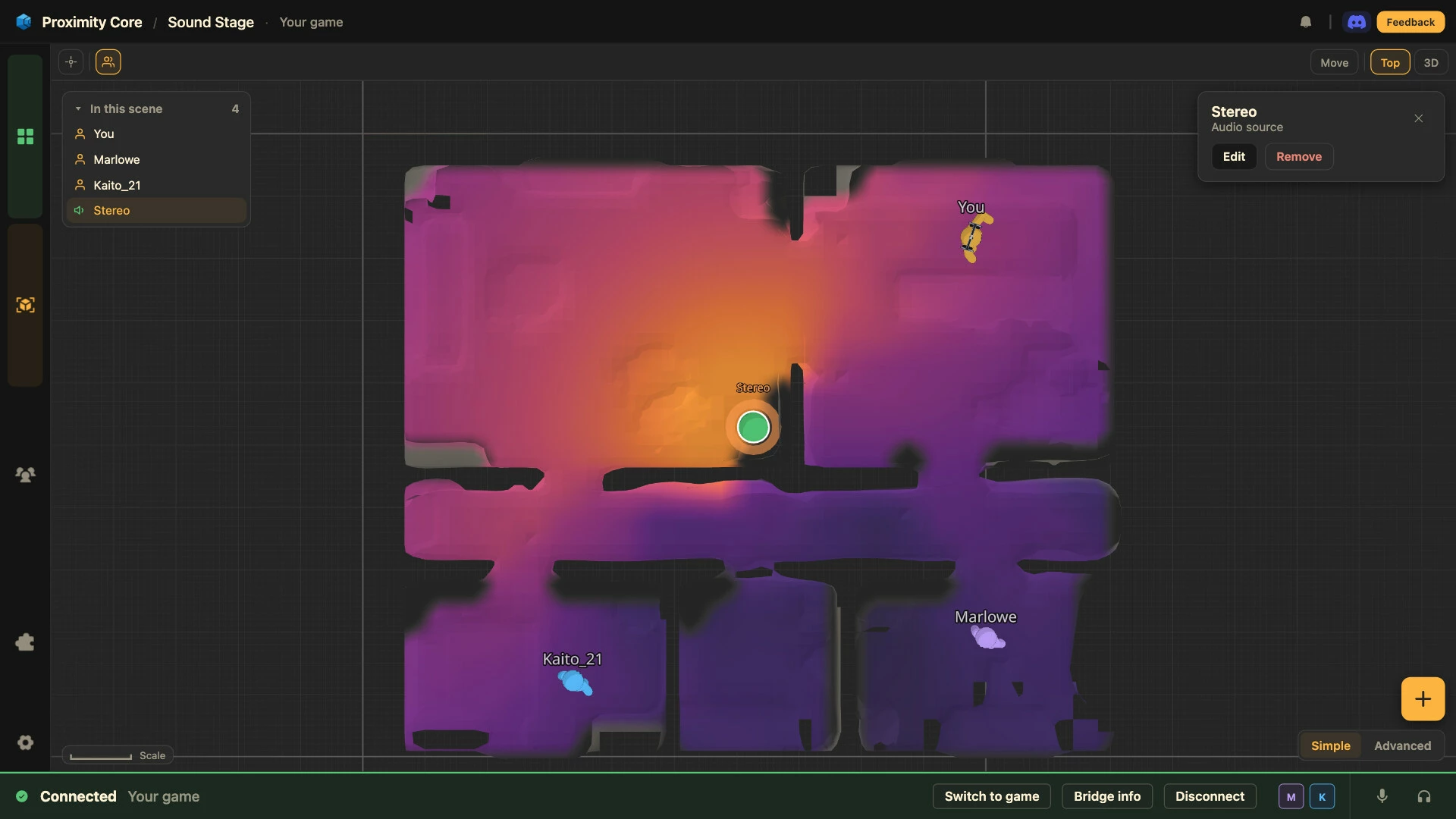
In supported games, the game's geometry is mapped in real time as you look around. Sounds behind walls are muffled, sounds come through doorways and openings, and large rooms echo.
Bluetooth audio sources
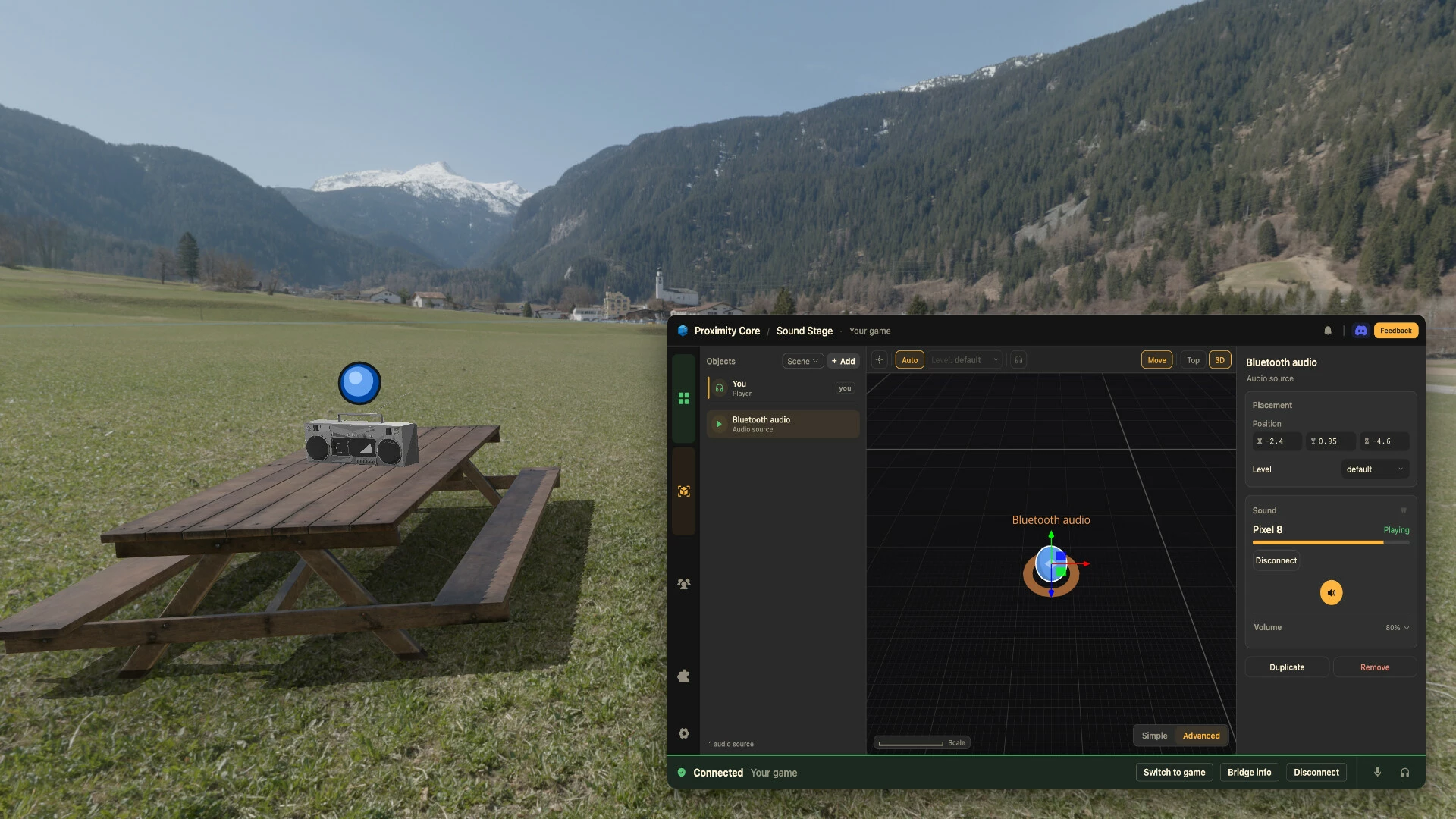
Play music and other audio from your phone in the app. Listen to Spotify, YouTube and more spatially, inside your game. Or listen to music without a game connected, and move sources and zones around for fuller sound from several directions with realistic HRTF.
Player Recordings
Watch your recorded movements play back inside your game. Record them, watch them on the Sound Stage and export them as JSON for other use like video editing.
3D models
Place custom 3D models and see them right inside your games.
More to come, and many features not listed here.
Where it works
Any game the base app connects to can use the overlay in borderless and windowed mode. DX11 games can also use it in exclusive fullscreen, with DX12 and OpenGL under Experimental features. A supported render pipeline also lets you mark where you're looking or where your mouse points, hide waypoints partly or fully behind walls, and use realistic sound. Each game's profile shows what works there once you connect it.
- Если не установлен Steam клиент, скачайте его для Windows (клиент также доступен на Mac и Linux) и установите.
- Запустите Steam, зайдите в свой аккаунт или зарегистрируйте новый, если у вас его еще нет.
- При оформлении заказа, предоставьте ссылку на свой профиль в Steam или ваш SteamID состоящий из 18 цифр (765***).
- Ожидайте приглашения от нашего бота (если у вас аккаунт с ограниченными правами) или добавьте бота в друзья (ссылка на бота будет предоставлена после успешной оплаты).
- После того, как вы добавите нашего бота в друзья, игра автоматически (время ожидания обычно составляет не более 5-30 секунд) будет отправлена вам в виде подарка (гифта).
- Примите подарок, добавьте в Библиотеку и нажмите «Играть».





































и мы вам напишем, если цена на этот товар снизится