

Купить Edge3

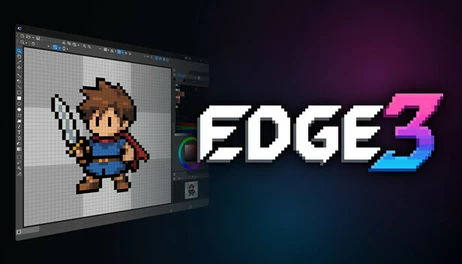
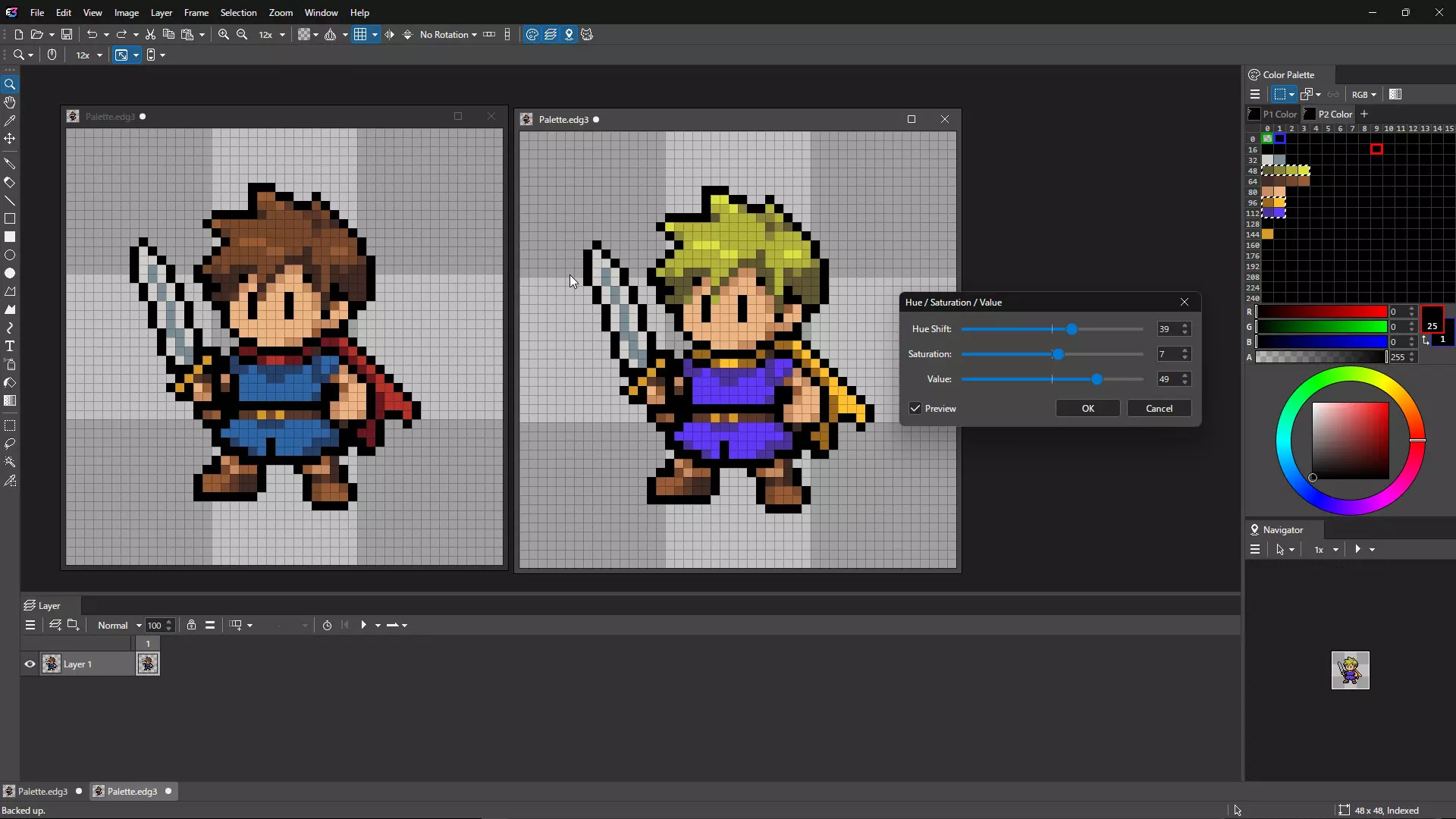
Edge3 is a pixel art editor featuring powerful palette management and animation tools.

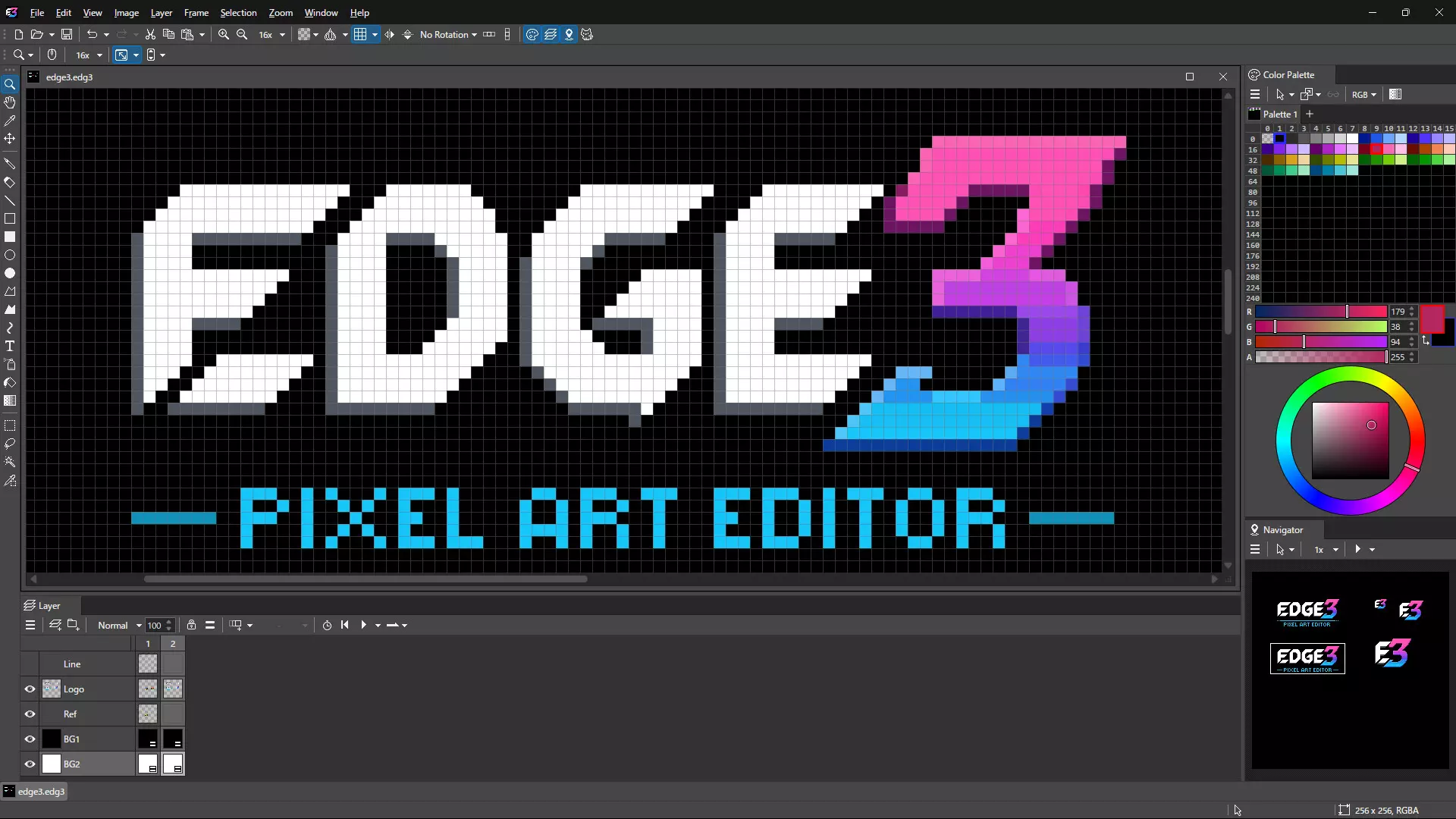
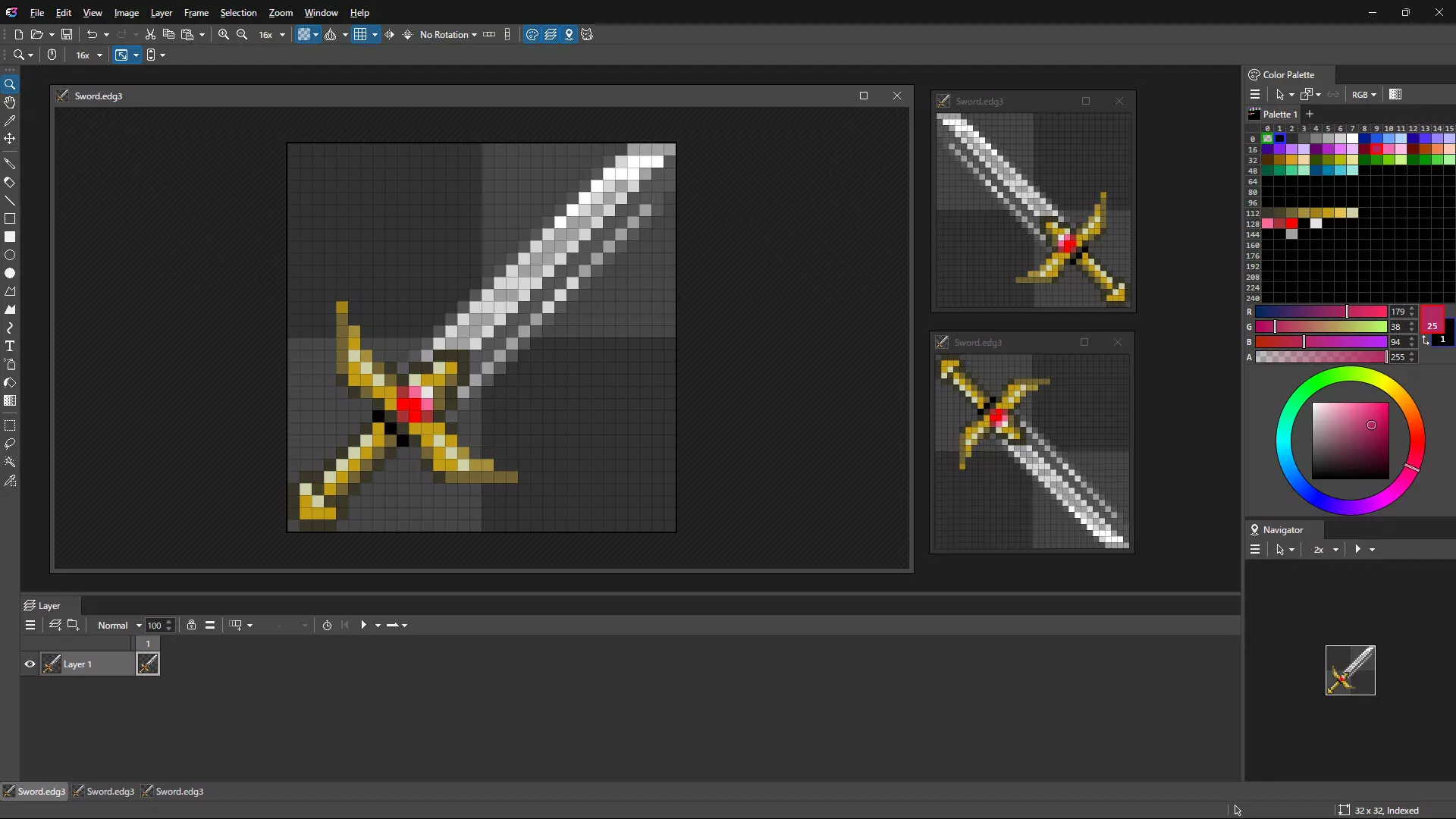
Edge3 is a pixel art editor featuring powerful palette management and animation tools.
It supports both part-based animation and traditional frame-by-frame animation, allowing you to create game-ready sprites and pixel art with flexibility.
Animation
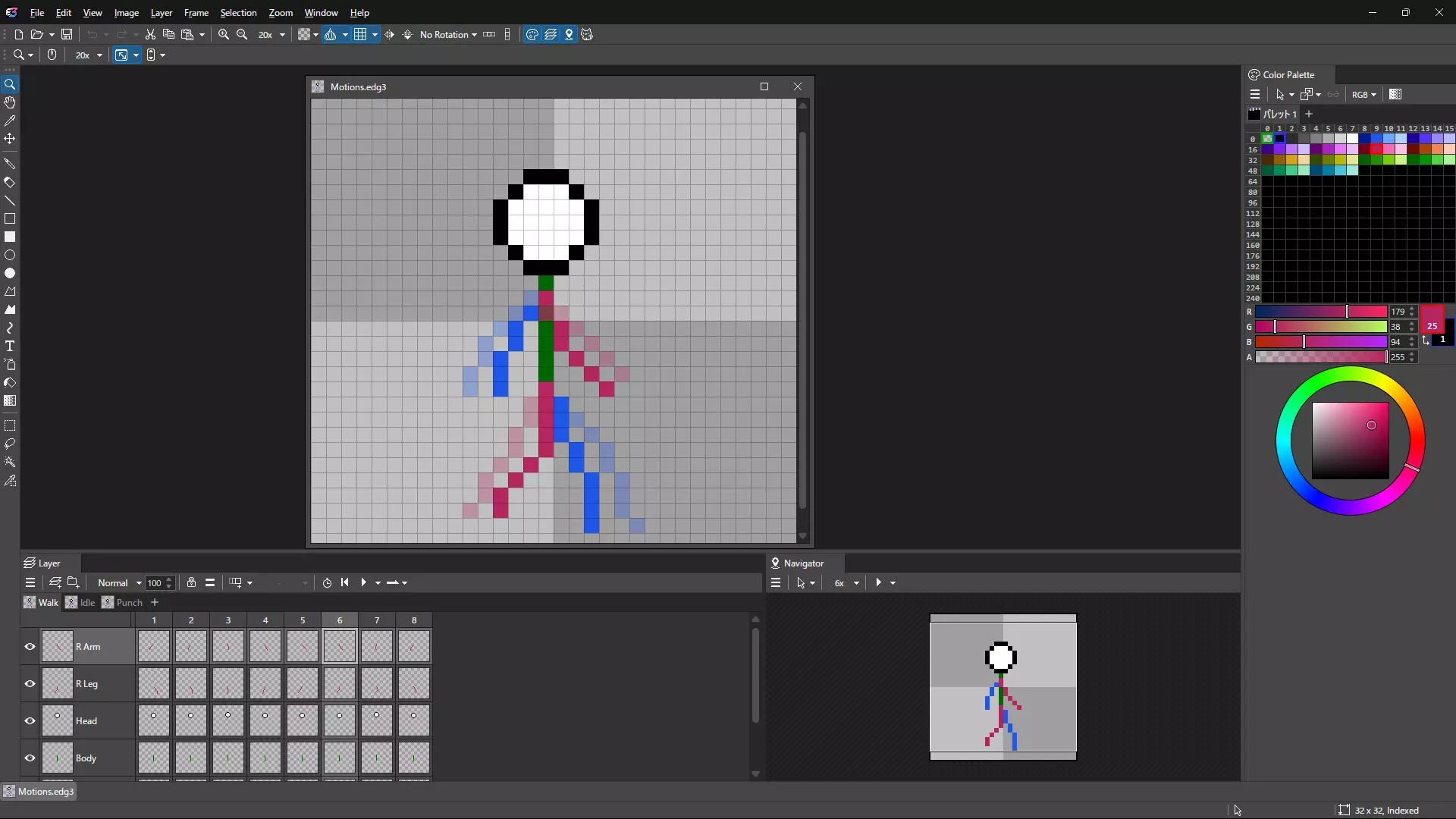
Create part-based animations by assembling individual sprite parts
Create traditional frame-by-frame animations
Switch between part-based and frame-based workflows depending on your needs
Use onion skinning to reference previous and next frames while editing
Organize and switch between multiple motions (e.g. walk, attack)
Drawing & Editing
Pen, eraser, text, Bézier, and various drawing and selection tools
Right-click to quickly pick colors (eyedropper)
Right-drag to stamp and duplicate instantly
Use Ctrl+click to fill and Shift+click to draw straight lines with the pen tool, reducing the need to switch tools while drawing
Real-time transform of selections (move, scale, rotate)
Color & Palette
Supports indexed color (with alpha) and RGBA color modes
Manage and switch between multiple palettes
Change colors per frame for advanced effects
Efficient Workflow
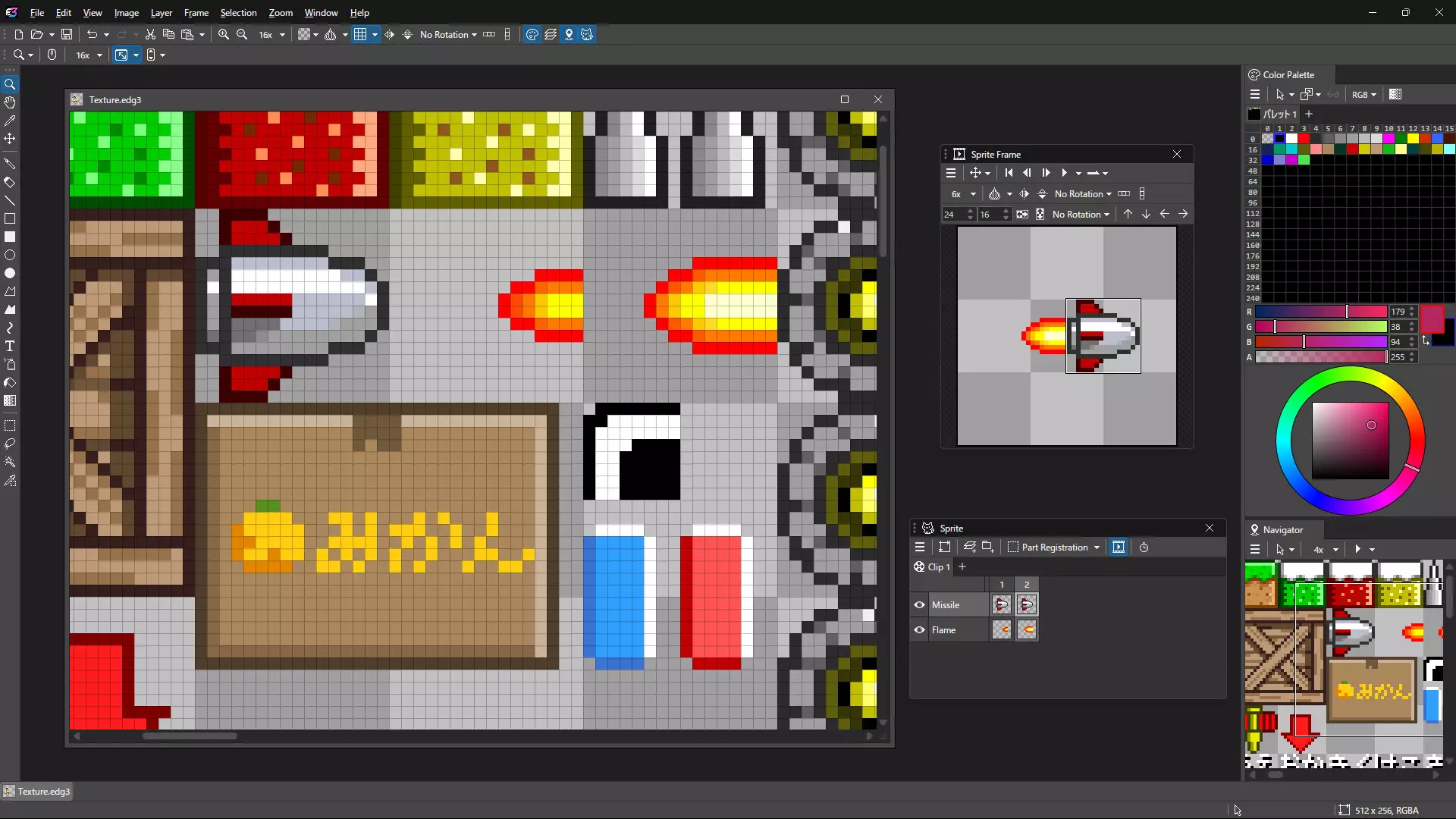
View the same file in multiple views simultaneously
Work with both zoomed-in and full views side by side
Flip and rotate the view to check visual balance
Detach views into separate windows for multi-monitor setups
Flexible Customization
Customize toolbars and keyboard shortcuts
Remap right-click and mouse wheel actions
Switch between tabbed and MDI layouts
Dock or float panels freely
Extensions (Optional)
A separately distributed optional tool is planned to enable thumbnail previews of Edge3 files in Windows Explorer
Note: Edge3 is based on Edge2, but its workflows and feature set have been redesigned.
Some specifications and behaviors differ from Edge2.
- Если не установлен Steam клиент, скачайте его для Windows (клиент также доступен на Mac и Linux) и установите.
- Запустите Steam, зайдите в свой аккаунт или зарегистрируйте новый, если у вас его еще нет.
- При оформлении заказа, предоставьте ссылку на свой профиль в Steam или ваш SteamID состоящий из 18 цифр (765***).
- Ожидайте приглашения от нашего бота (если у вас аккаунт с ограниченными правами) или добавьте бота в друзья (ссылка на бота будет предоставлена после успешной оплаты).
- После того, как вы добавите нашего бота в друзья, игра автоматически (время ожидания обычно составляет не более 5-30 секунд) будет отправлена вам в виде подарка (гифта).
- Примите подарок, добавьте в Библиотеку и нажмите «Играть».











и мы вам напишем, если цена на этот товар снизится